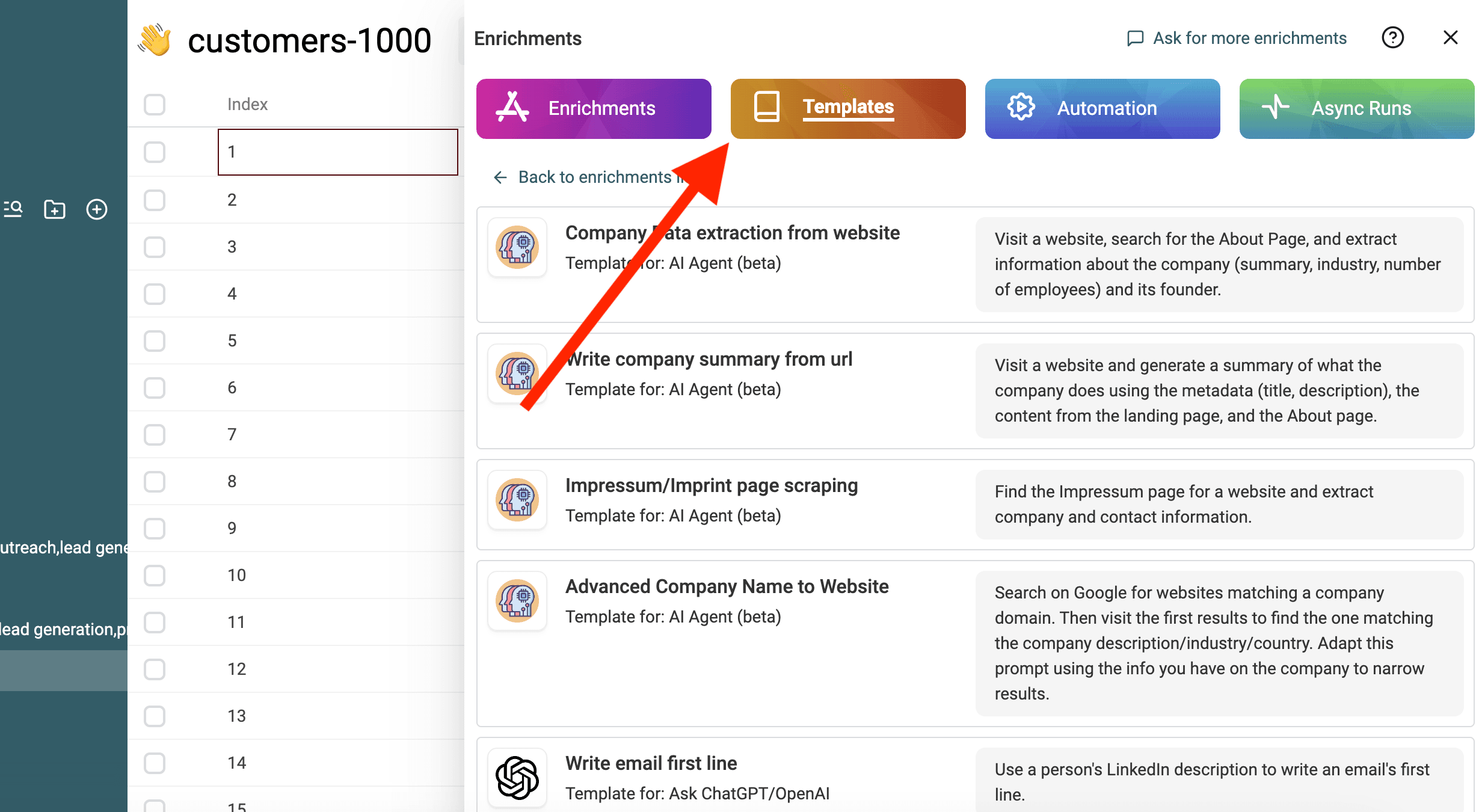
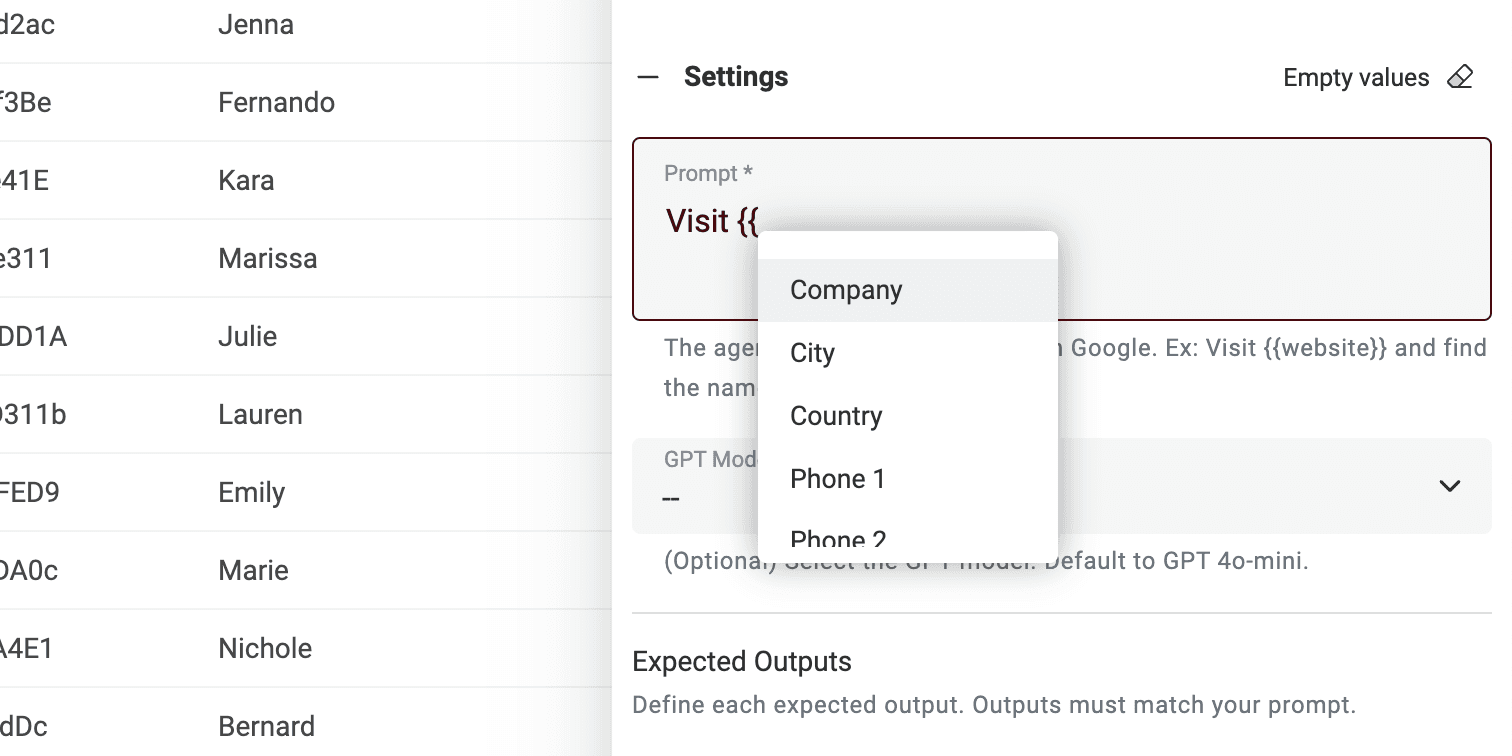
Determine if a company's industry matches your Ideal Customer Profile by checking the company database or website."
This template identifies a company's industry and validates whether it aligns with a predefined list of target industries (ICP)
Determine whether the company matches my target industry.

## Steps
1. Determine the company industry.
2. Check whether this industry matches my Ideal Customer Profile.

## Company Industry Instructions
- If you already know the company, determine the industry directly.
- Otherwise, use the Company Info tool.
- If still unclear, visit the company website.
- Check only the homepage and the About page.
- If the industry is still unclear after this, return "unsure".

## Ideal Customer Profile (ICP)
Target industries are:
- XX
- XX

Examples:
- Software development -> IT -> match
- SaaS company -> IT -> match
- Accounting firm -> Financial -> match
- Retail bank -> Financial -> match
- E-commerce fashion brand -> no match

## Matching Rules
- Return "match" only if the industry clearly fits the ICP.
- Return "no match" if it clearly does not.
- Return "unsure" if the industry cannot be determined.
- Do not guess.
- Do not use marketing terms as industries.

## Output Rules
- Industry must be a short label (example: IT, Financial).
- Source must be exactly one of: match, no match, unsure.
- Result Explanation must be one short sentence.
- Do not add extra text.

## Input
Website: /WebsiteUrl