To count words in a CSV column, import the file into Datablist, open that column’s Perform calculation menu, and choose Words Count. The result is the total number of words across the text values being processed, not a new word-count column for each row.
Use Distinct Words Count for unique values or repeated terms, and Characters Count for text length.
How many words are in my CSV file?
Load your CSV into a Datablist collection, then choose the text column you want to measure. If several columns contain text, calculate each separately and combine the totals when you need a whole-file word count.
In the Datablist Application, create a new collection (using the + in the sidebar) to load your CSV file.
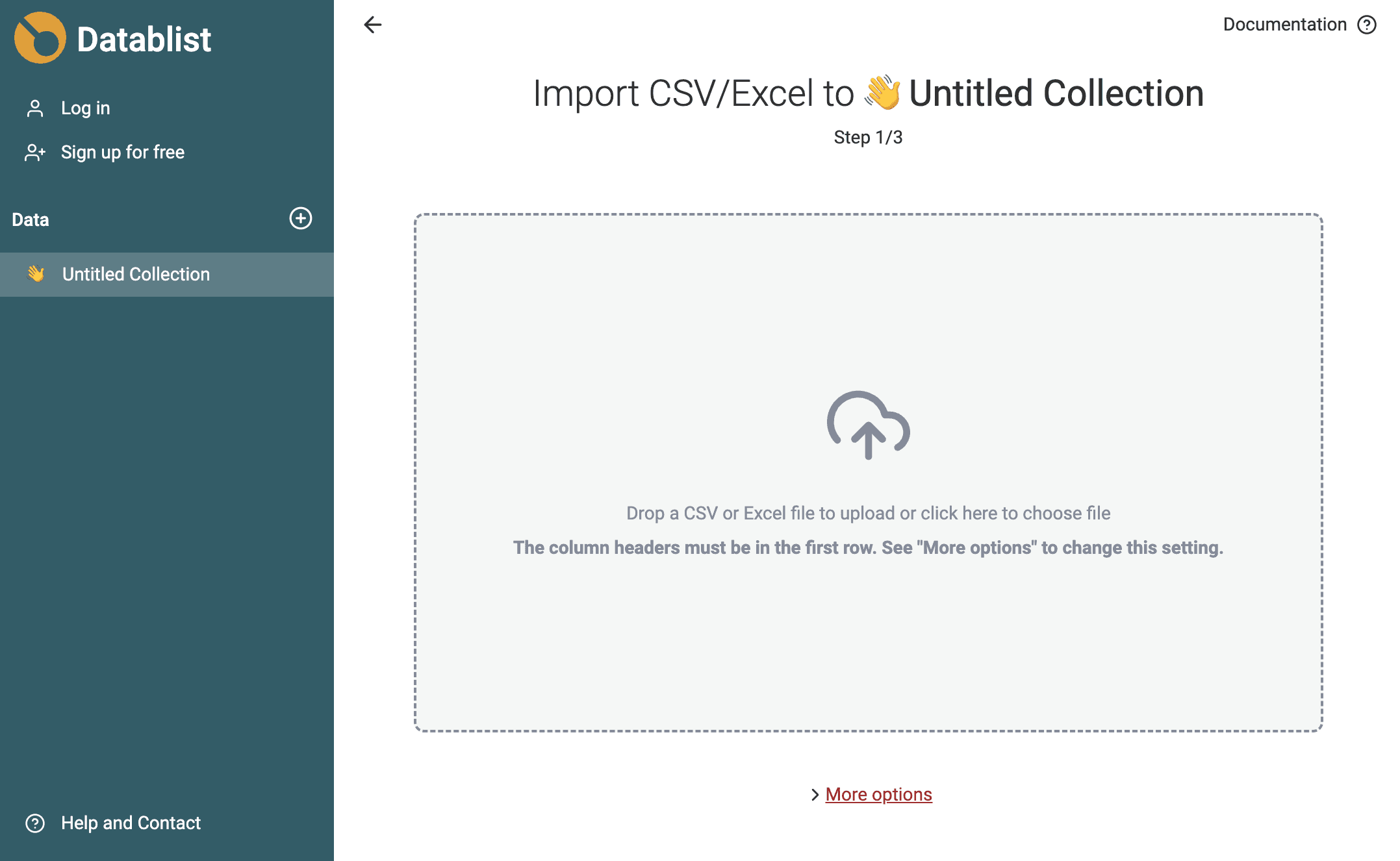
Follow the import wizard to get your CSV data in Datablist. Once the import is done, click on the column you want to count words in. Select Perform calculation, then Words Count.
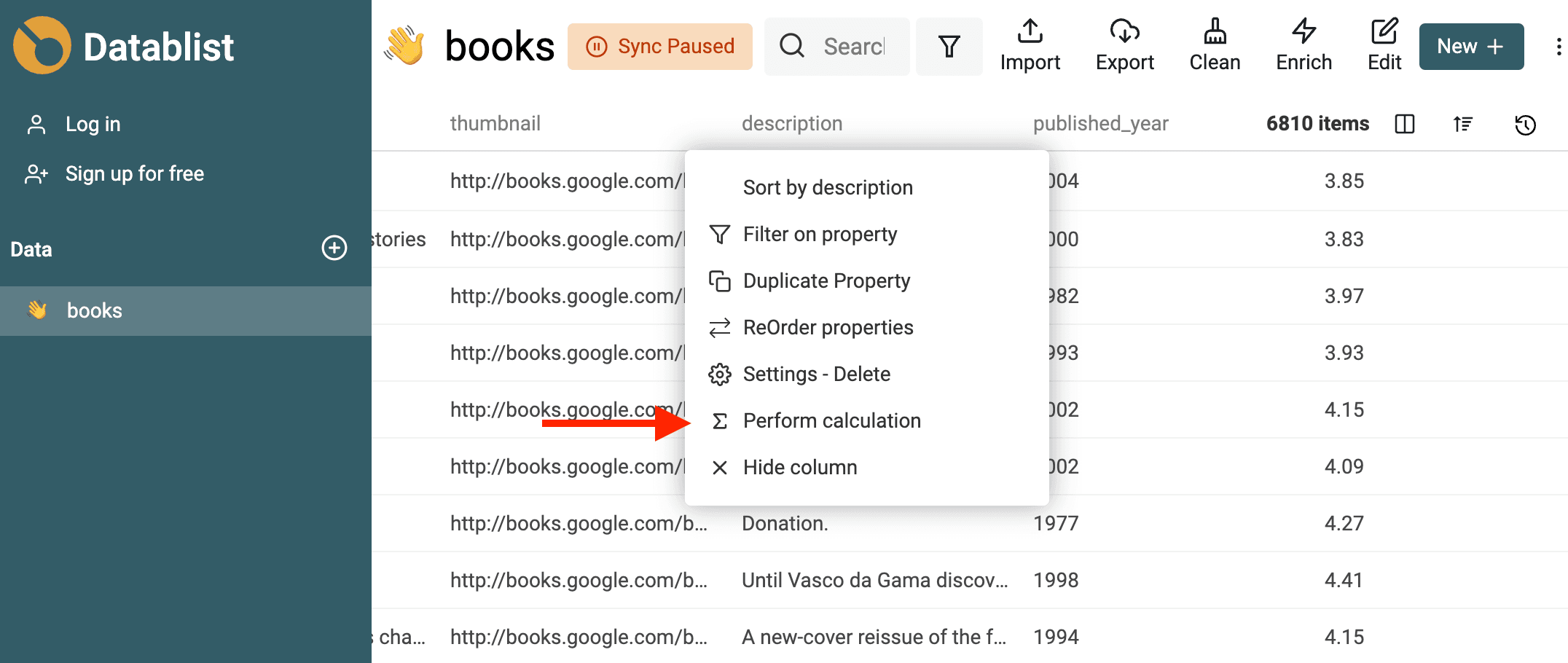
The calculation tool opens on the right with the column name pre-filled. Datablist provides several calculations:
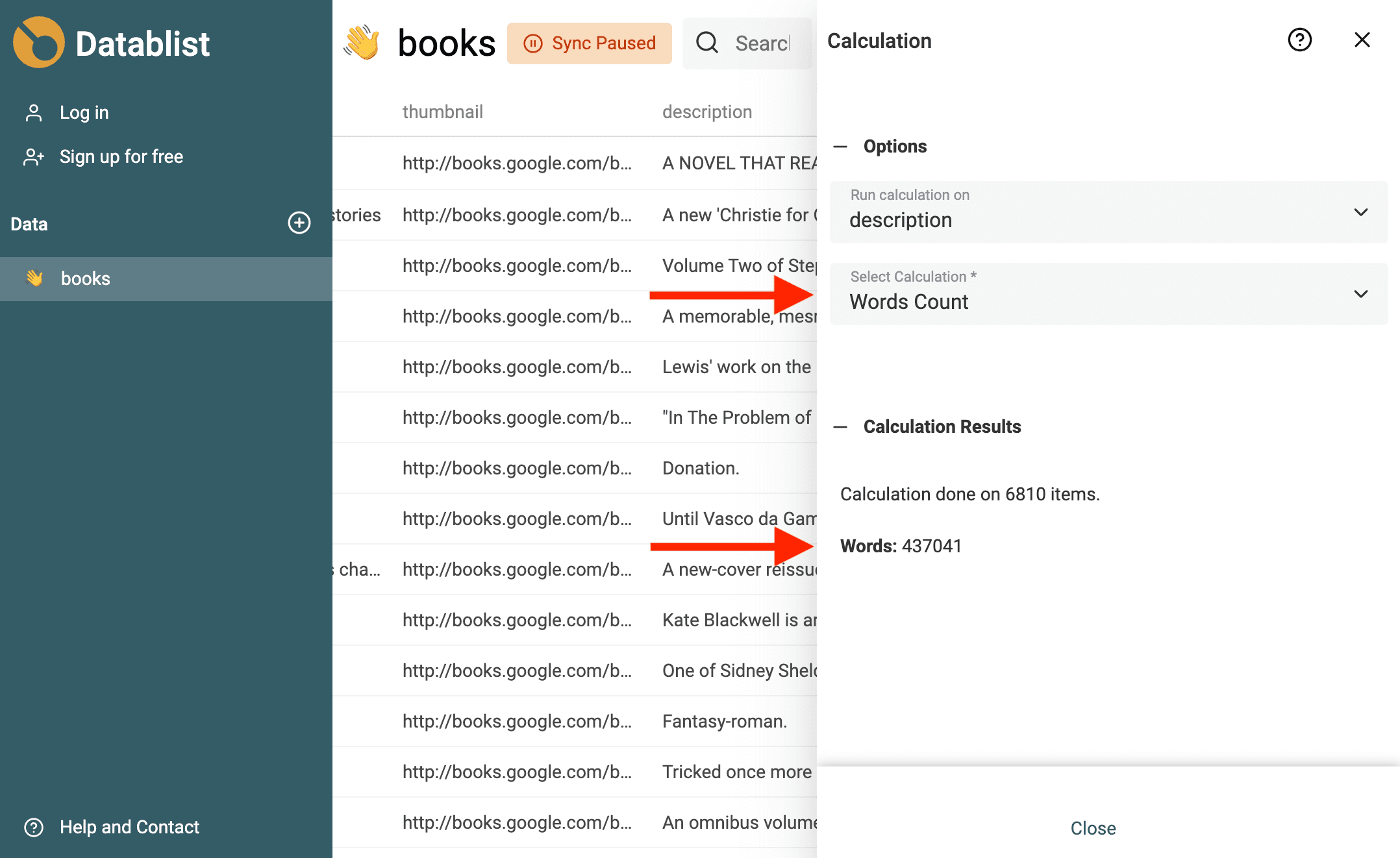
How word count is calculated?
Datablist Word Count analyzes the text of each column's cell. For each, it splits the text on any whitespace character. The word count is the sum of the split parts.
For compound words, such as "rule-breaking", the word count is 1.
Punctuation characters are excluded from the word count. In the French sentence (In French, we have a space before punctuation letters) "Quel est ton nom ?", the word count is 4 ("quel", "est", "ton", "nom").
Numbers are counted as words. In the text "My phone number is 04 38 58 19 38.", the word count is 9.
Spaces before or after a text are ignored, and multi-space characters are ignored. In the text " Datablist is great ", the word count is 3 ("datablist", "is", "great").
Check the result with a small example
For an illustrative Description column:
| Description | Words |
|---|---|
| A rule-breaking code | 3 |
| The price is 1234 euros. | 5 |
| Empty cell | 0 |
The column total is 8. The empty-cell row represents a blank value, not the literal words “Empty cell”. Repeating the same sentence on another row adds its words again; this calculation does not deduplicate text.
The Calculations reference explains the selected-items, filtered-view and full-collection scope. Check the active selection and filters before running Word Count so a subset is not mistaken for the entire collection. The result concerns one property; it does not count CSV header names, delimiters, rows, or columns.
What if I need a word count for each row?
Use AI Editing for a new per-row count column and specify the counting rule in the prompt. Include examples for blanks, punctuation, hyphenated words, and numbers, then review the generated transformation on a sample before applying it.
Whitespace-based counting is not a linguistic word segmenter. For text that does not separate words with spaces, decide on a language-specific rule instead of treating this total as a translation bill or editorial word count.
When to use word count?
Here are some situations where word count is important:
- Content inventory: Measure how much text is in a selected description or article column before editing or exporting it. A longer text is not automatically a better search result.
- Academic Writing and Professional Writing. - Many academic assignments and professional documents come with specific word count requirements.
- Length checks: Use character counts when the destination imposes a character limit; a word count does not enforce that limit.
- Cost Analysis - When using third-party tools, for example, translation services, where the cost is charged based on word or character count.