

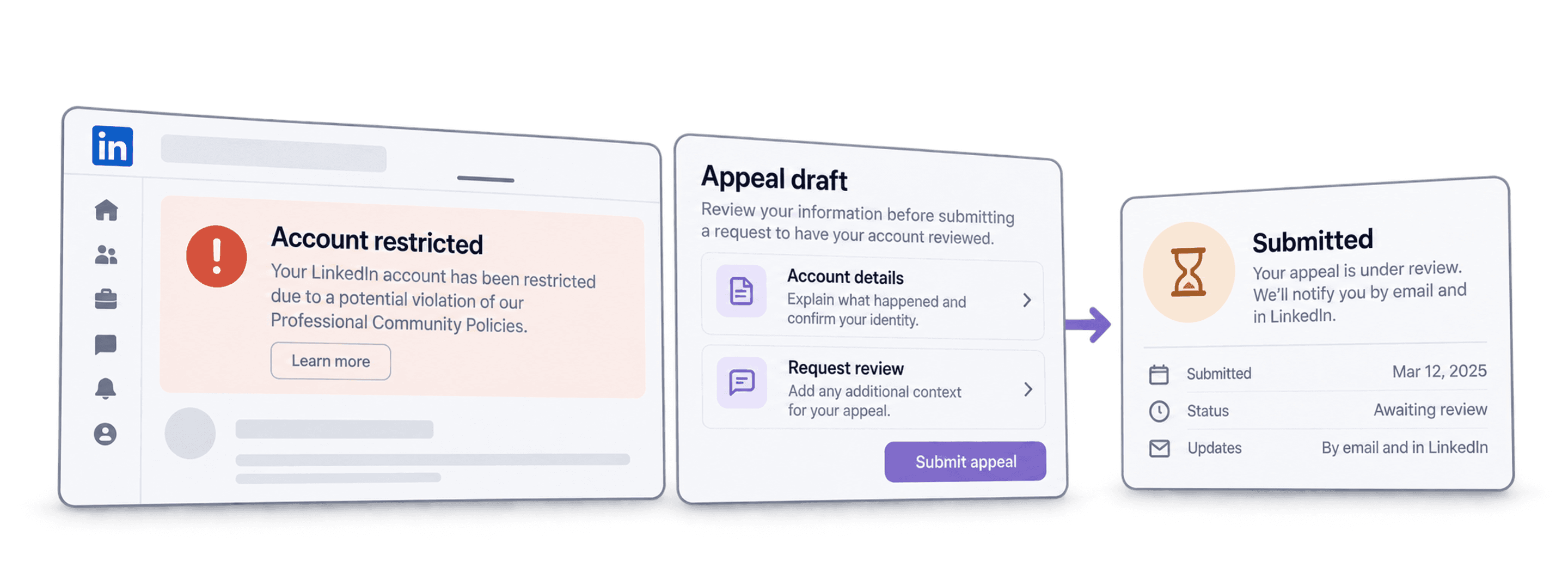
For a LinkedIn account restriction, start with the notice shown when you sign in. Follow the recovery or review route offered for that account, provide accurate information and complete any requested identity check through LinkedIn's official flow. No scraper or appeal template can guarantee that a restriction will be avoided or reversed.
I would preserve the notice before changing anything. Its wording, date and case reference are more useful than guessing why the account was flagged. If you are unsure of the cause, say so; do not admit to an activity you did not perform or hide relevant facts because a template tells you to.
📌 Summary For Those In a Rush
Use the restriction notice to choose the next recovery step. This guide helps you organize an accurate review request and distinguish identity verification from a restriction decision.
- Input: Your account notice, contact details and any existing case reference.
- Output: A factual request through the offered LinkedIn channel, with the evidence and next action kept together. Reinstatement and timing remain LinkedIn's decision.
What This Guide Will Cover
- Understand the restriction notice.
- Check the relevant policy or security issue.
- Prepare an accurate review request.
- Keep data-tool choices separate from account recovery.
Understand the Restriction Notice
What account restriction means
LinkedIn's account restriction guidance describes several policy categories and protective restrictions for suspected account compromise. A notice does not establish that a browser extension caused the issue. Read what it says before choosing a response.
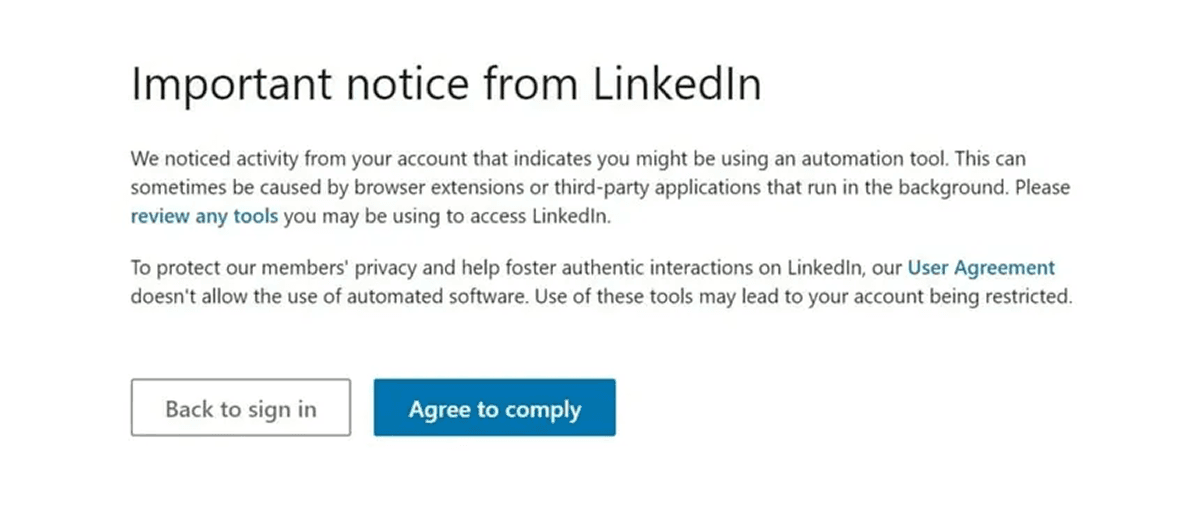
Record the date, affected account and exact reason shown. Keep a case number when one is provided. Store sensitive documents privately and submit them only through the official recovery process; a public forum or shared lead-list file is not an identity-verification channel.
Temporary and permanent notices
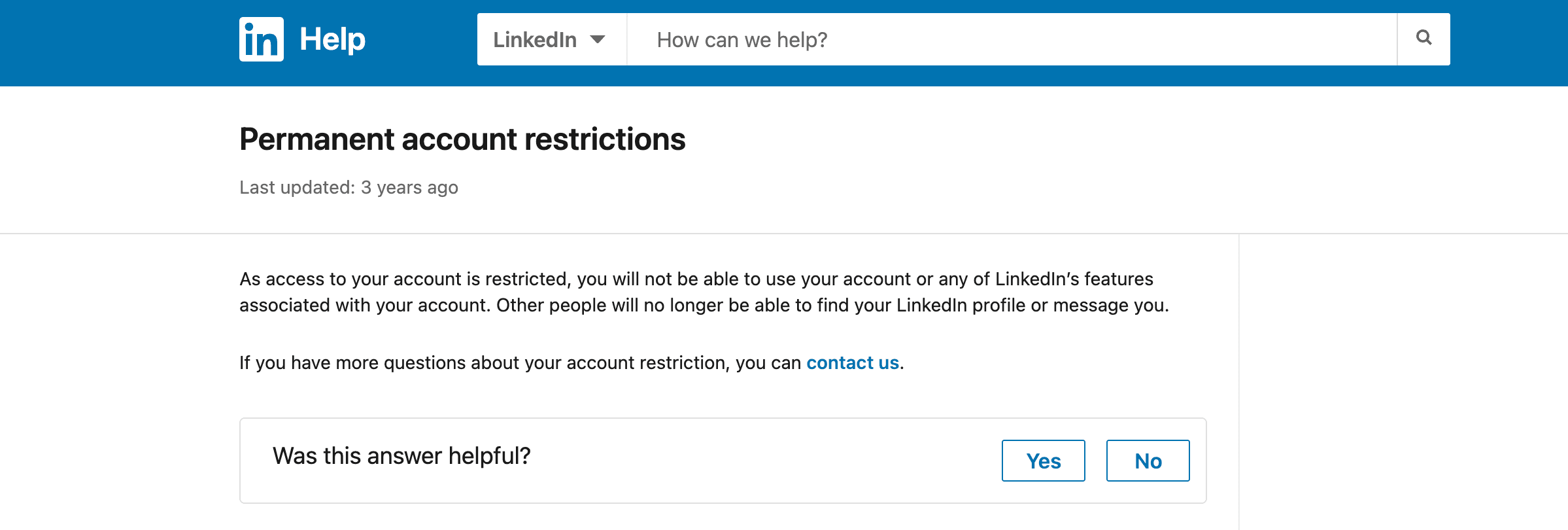
Do not infer the outcome from the word “ban” in another person's post. Follow the route offered for your account and check any decision message carefully. Identity verification can establish who is requesting access; it is not itself a promise that every policy restriction will be reversed.
Check the Relevant Issue
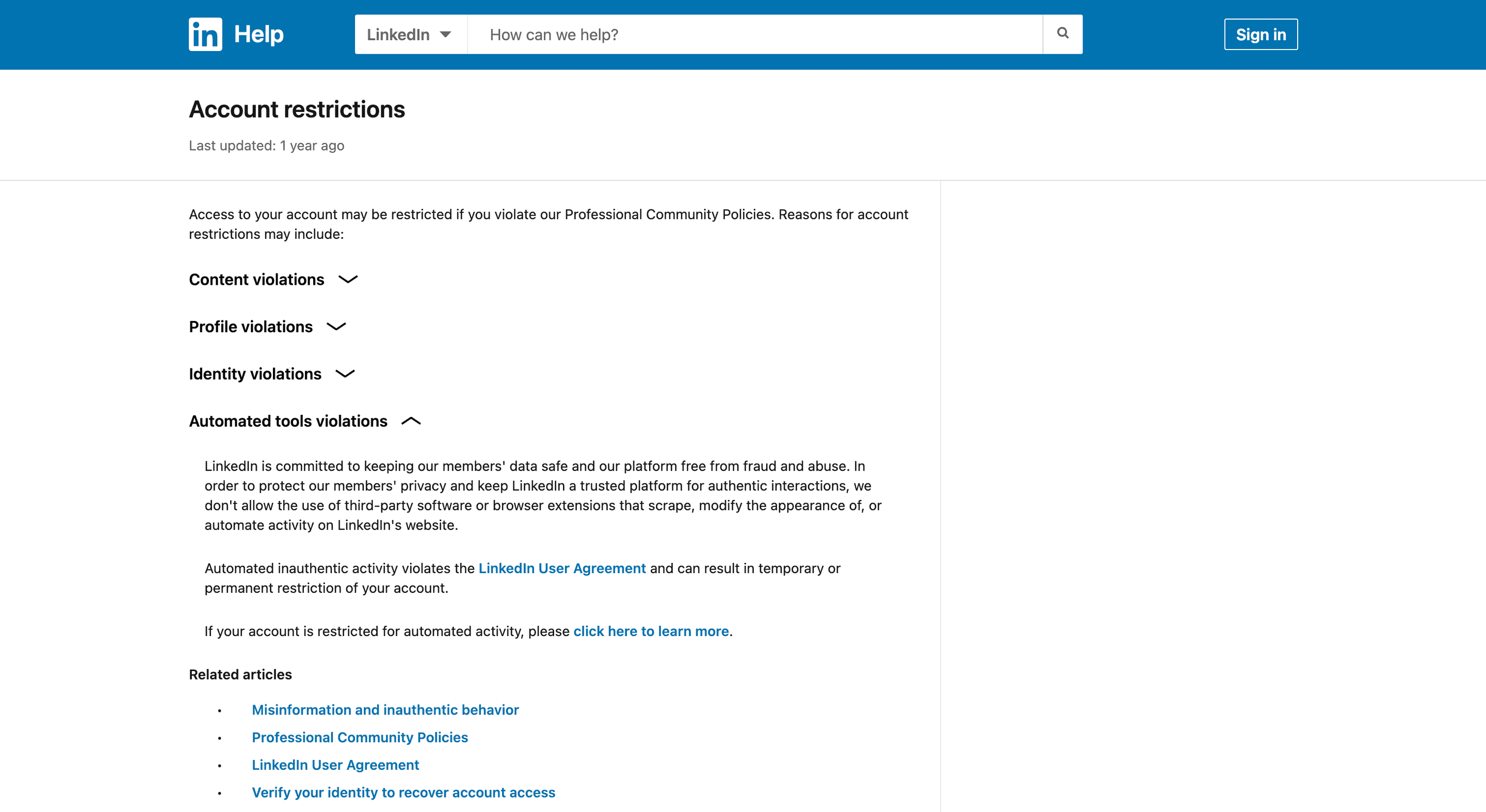
Review the category indicated by the notice: content, profile information, identity or automated activity. A suspected takeover needs a different explanation from an objection to a content decision. State what you know and what you cannot verify rather than selecting the explanation that sounds most persuasive.
Automation Is One Possible Cause
There is no verified distribution in this guide showing which cause is most common. Use the account-specific notice rather than diagnosing every restriction as extension detection.
What the policy covers
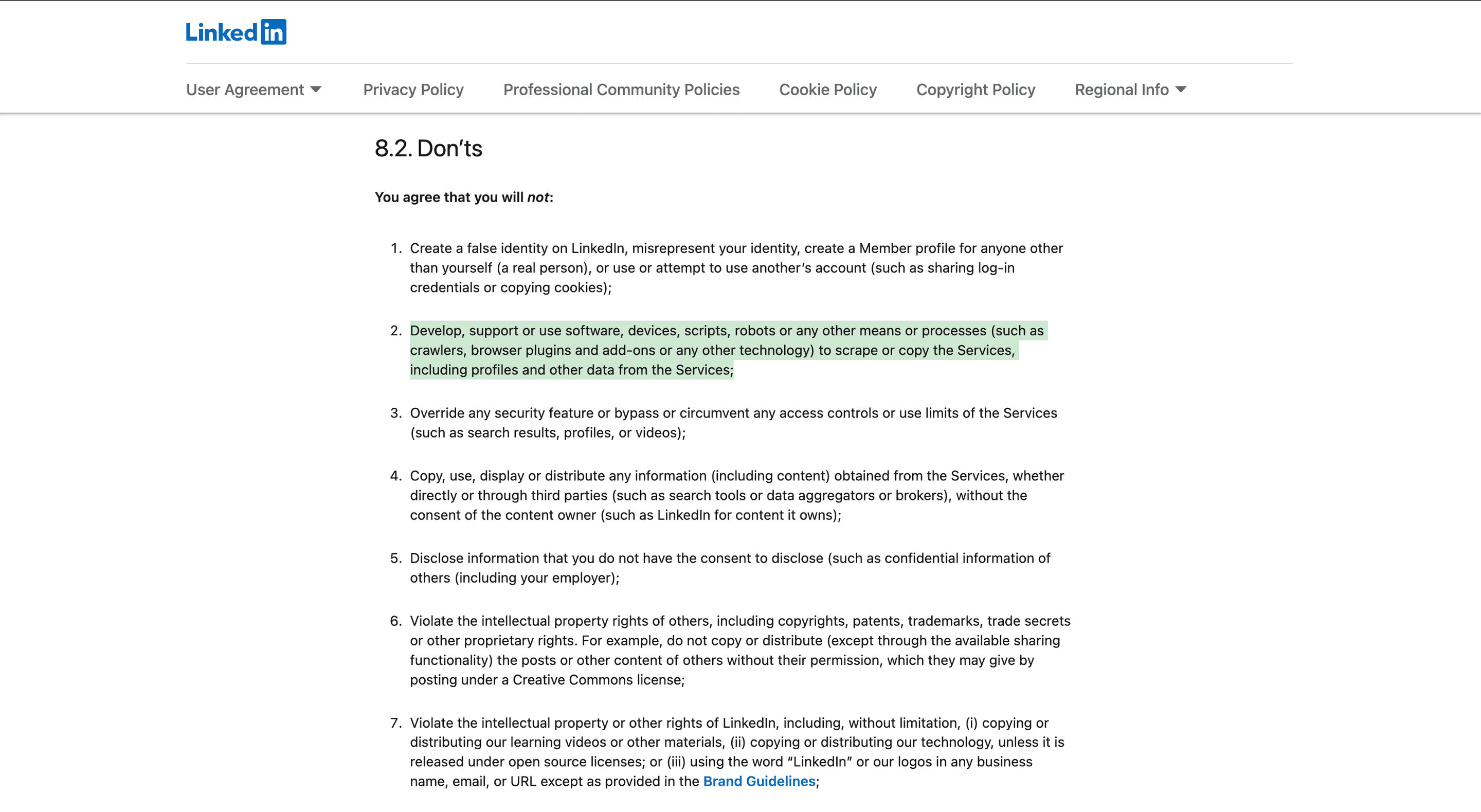
LinkedIn's prohibited software guidance covers scraping and automated activity using several kinds of third-party tools. The policy is broader than browser extensions. A tool running on a server, or not requesting your cookie, does not establish that LinkedIn has approved the activity.
What you can check yourself
If the notice concerns automated activity, review connected tools and extensions and follow LinkedIn's automated activity instructions. Record what you actually disabled or removed. This article does not provide a detection map or a method for bypassing LinkedIn's controls.
Datablist's LinkedIn Search has a default mode without your LinkedIn account cookie and an optional account-cookie mode. Check the selected mode rather than assuming every workflow uses the same connection. The distinction describes credential handling, not permission or a guarantee against restriction. For a planned regular-search export, the LinkedIn lead scraping walkthrough shows the mode, credit estimate and output checks; it is separate from recovering a restricted account.
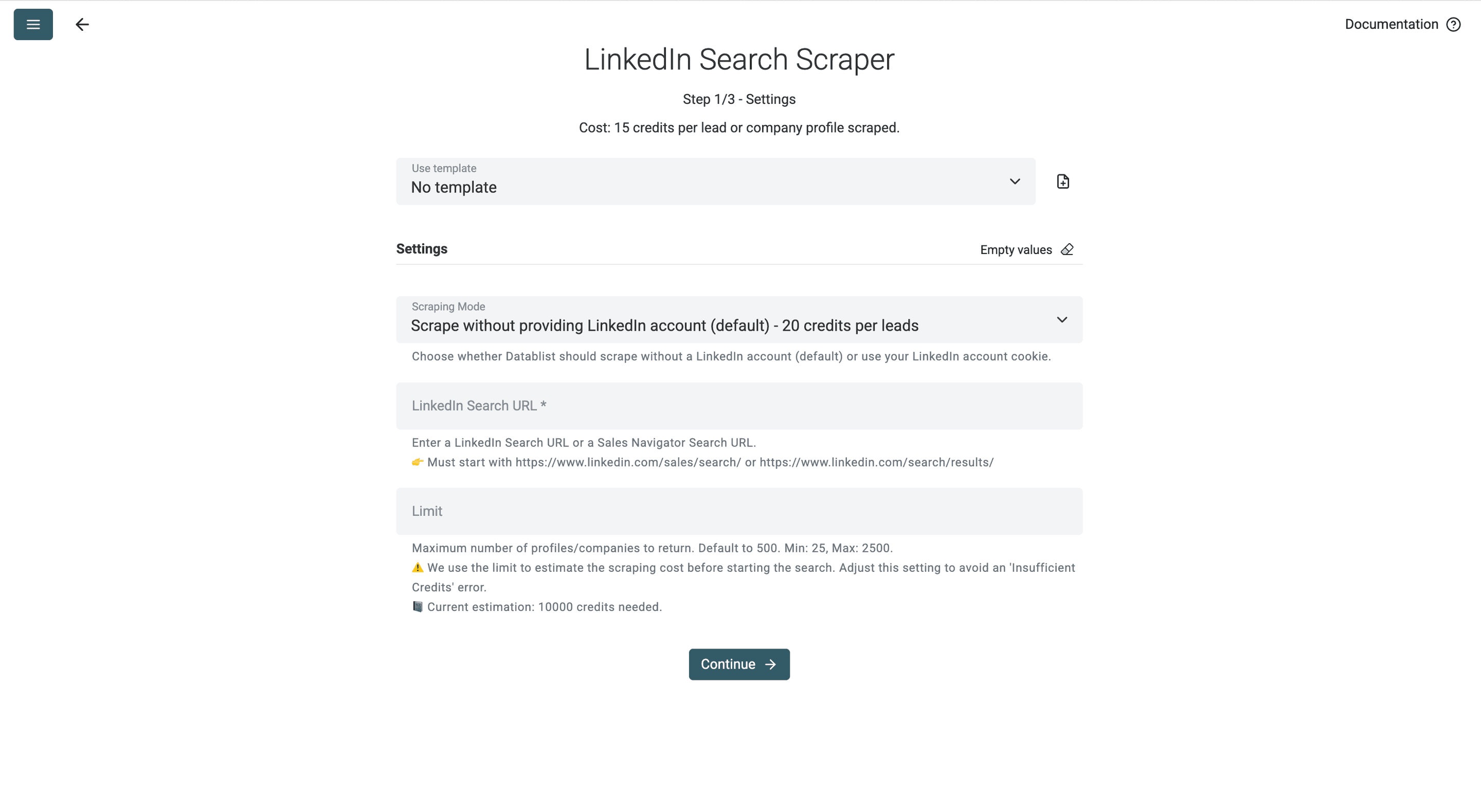
The screenshot illustrates source configuration. It does not prove that a data-collection method is risk-free or relevant to recovering a restricted account.
How to Request Review and Recover Access
Use the route offered for your account
Sign in through LinkedIn's official site or app and follow the notice. The available next step may be a review request, a security step or identity verification. If you already have a support case, retain its reference and use the instructions attached to it.
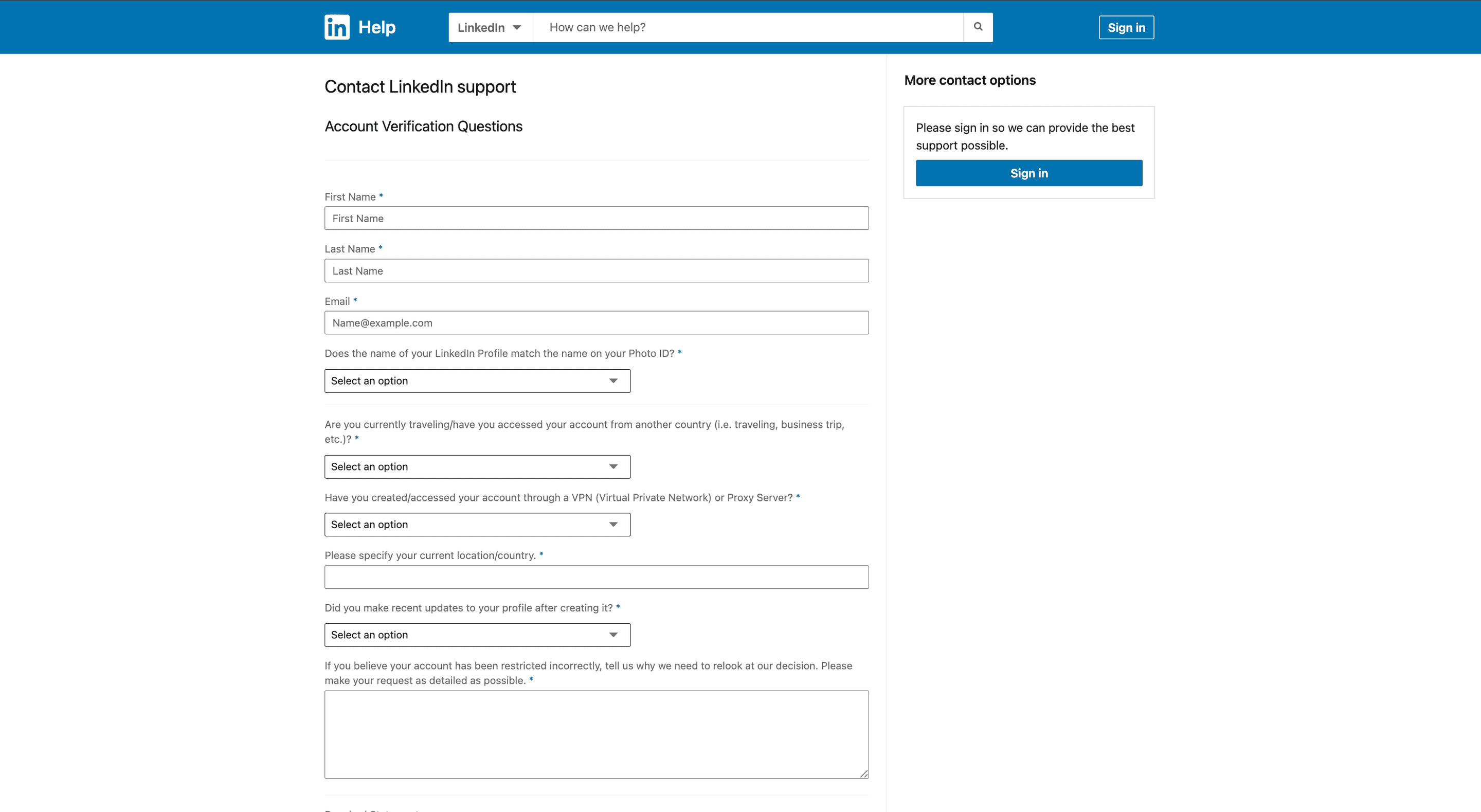
The published account-restriction contact link may require sign-in or display different fields. Do not assume a screenshot of the form describes the current route for every account. If it is unavailable, return to the account notice and linked Help guidance.
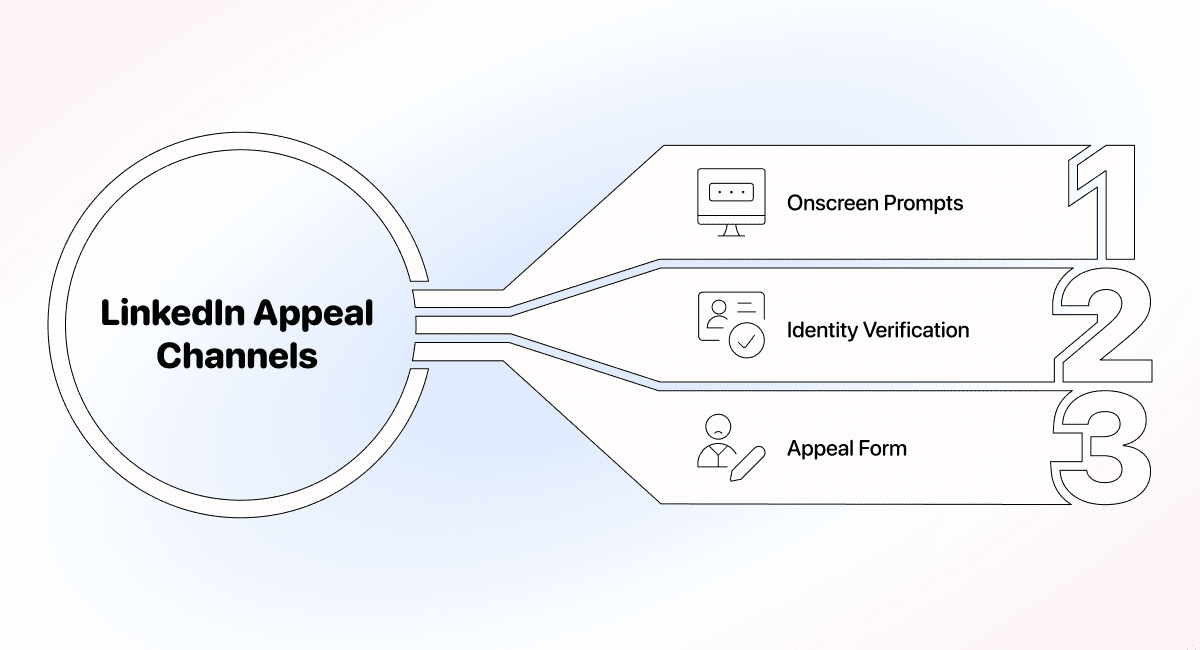
LinkedIn's identity recovery instructions describe Persona verification and accepted alternatives. Follow the current instructions for your situation. Supply an ID or other sensitive evidence only when the official process requests it; never send a password, session cookie or recovery code to someone offering to write an appeal.
Prepare a factual case summary
Keep the information needed to identify and review the case:
- The account email or public profile identifier requested by the official form.
- The restriction notice and its date.
- The reason you believe a review is needed.
- Relevant actions you actually took, such as removing a named extension or securing an account.
- An existing case reference and any requested supporting evidence.
Separate an observation from a conclusion. “The notice appeared after I installed an extension” is a chronology, not proof of what LinkedIn detected. “I do not recognize this activity” is appropriate when true; it should not become a generic denial copied into every case.
A short message you can adapt
Use the following as a structure, not a statement of facts about your account. Replace every placeholder and delete any sentence that does not apply. If you do not know the cause, keep that uncertainty explicit.
Hello LinkedIn Support,
I am requesting a review of the restriction shown on my account on [date]. The notice says [accurate summary of the notice]. My case reference is [reference, if one exists].
I believe a review is needed because [specific facts supporting the request]. I have taken these steps: [actions actually completed, if any]. I am unsure about [any relevant uncertainty] and can provide information requested through the official recovery process.
Please let me know the next step for this account. Thank you for reviewing the request.
Do not invent a tool removal, a security incident or a prior support decision. Answer questions about relevant data collection accurately. Omitting a fact to avoid scrutiny is not a recovery strategy, and no wording can guarantee approval.
Avoid complicating the case
Keep the existing case reference and follow requested next steps. Do not repeatedly submit contradictory explanations. If you correct an earlier statement, explain the correction plainly and retain the date of the update.
Do not create another profile to bypass the restriction. LinkedIn's duplicate-account guidance explains its one-account rule and the processes available for duplicate accounts. It does not make a second account a replacement for resolving the original notice.
Keep Recovery and Data Workflows Separate
Account recovery is a LinkedIn process. Buying a different scraper does not reverse a restriction. Resolve the notice through the offered channel, then review any future data workflow against its source requirements and the applicable rules.
For a later lead-list workflow, document the source, whether a session is required and what happens to unresolved records. Avoid treating “no cookie” as a blanket promise about completeness, access or account safety.