Summarize and classify customer reviews, recommend a grounded next action, and flag reviews that need manual review.
How to use this prompt on a CSV file?
Datablist allows you to take an entire CSV file and run prompts directly on every line.
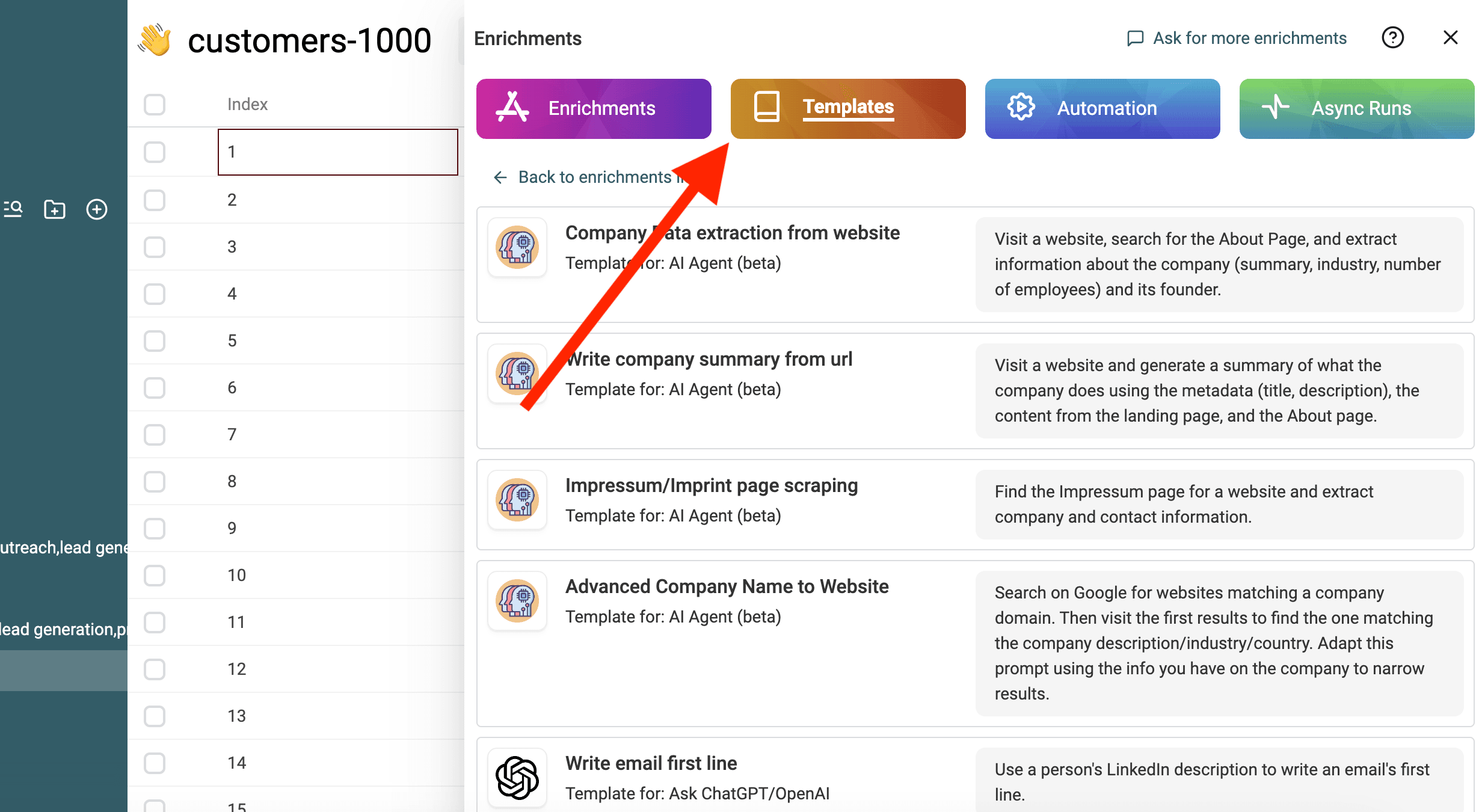
The great news is that the prompt you need is already available in Datablist under the "Templates" section. No need to start from scratch! Simply select the template that fits your task, and it's ready to run on every line of your CSV. This makes it even easier to transform your data with just a few clicks.
Import your CSV file in Datablist. Then select "Enrich" from the header.
Select the template: Analyze customer reviews
Replace the variables from the prompt with your collection's properties using / or '{{'.
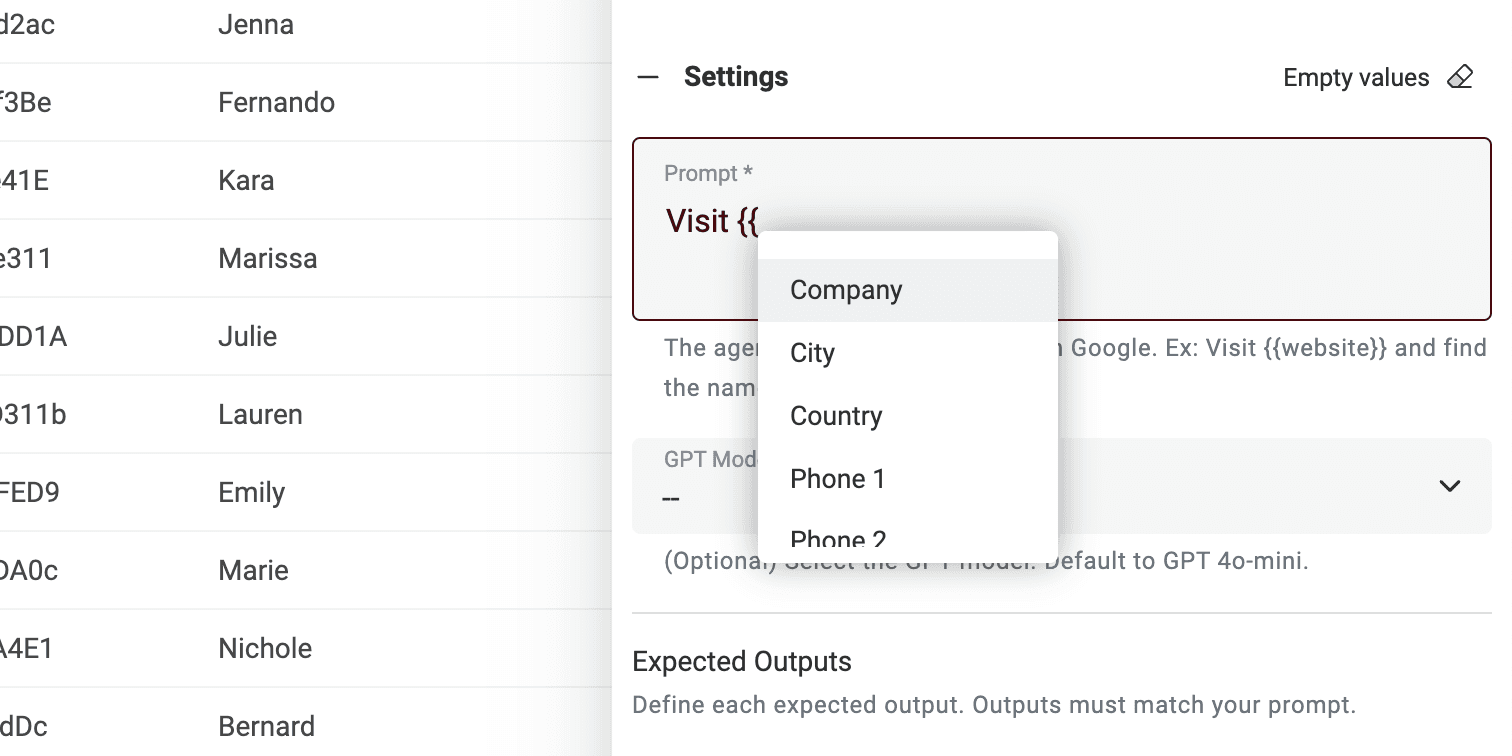
If you don't have all the variables, just edit the prompt.
That's it! You can now run the prompt on every line of your CSV file and get the results in a new column. 🚀
How much does it cost?
You've got two options. Both are super simple.
Option 1 – Use your own OpenAI API key.
Totally free on our side. Just plug in your key, and Datablist will send requests through your account. You pay OpenAI directly, based on their usage rates. No middleman. No extra fees.
With your API key, for on 1,000 items, you might pay OpenAI around $2.
This is perfect if you already have an OpenAI key or want full control over costs. Bonus: no rate limits from us!
Option 2 – Use Datablist Credits.
No API key? No problem. You can use Datablist's built-in ChatGPT account. We handle the API stuff for you. You just pay with Datablist credits.
- API key setup – skipped
- ChatGPT rate limits – avoided
- Account restrictions – not your problem
It just works.
TL;DR
- Use your key = cheaper
- Use Datablist credits = easier
Either way, you're in control.