 75 Credits per Email Found
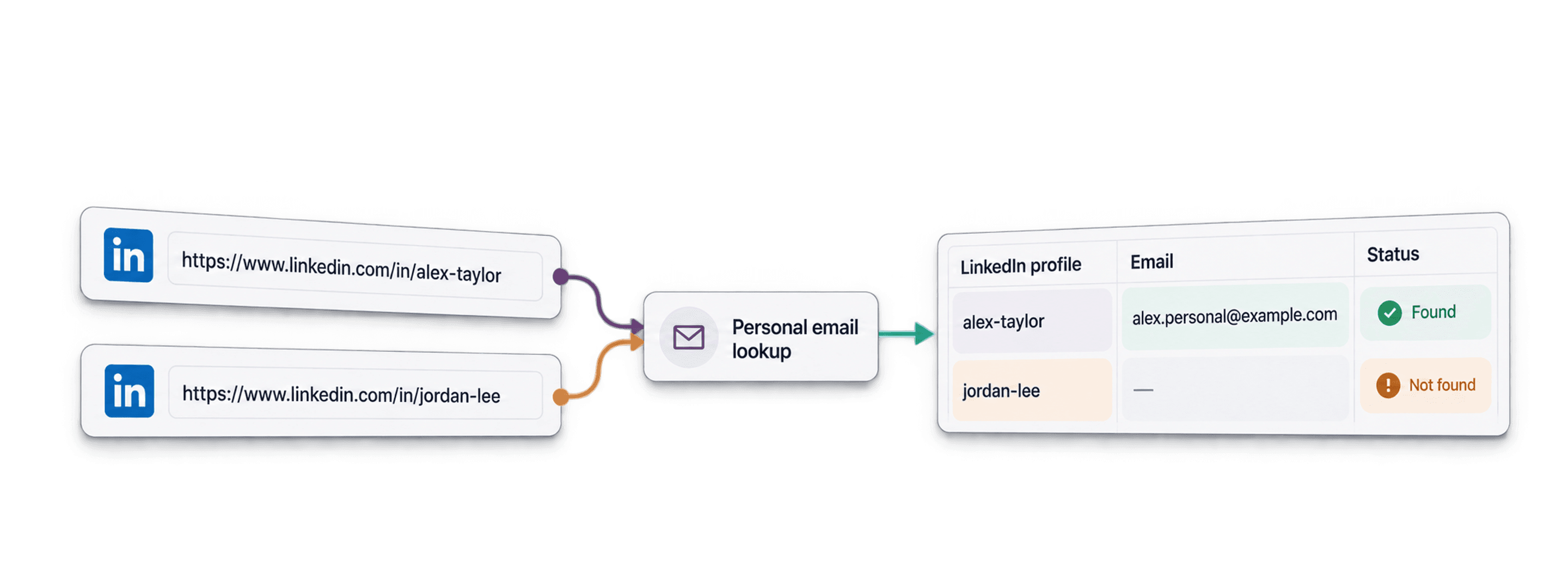
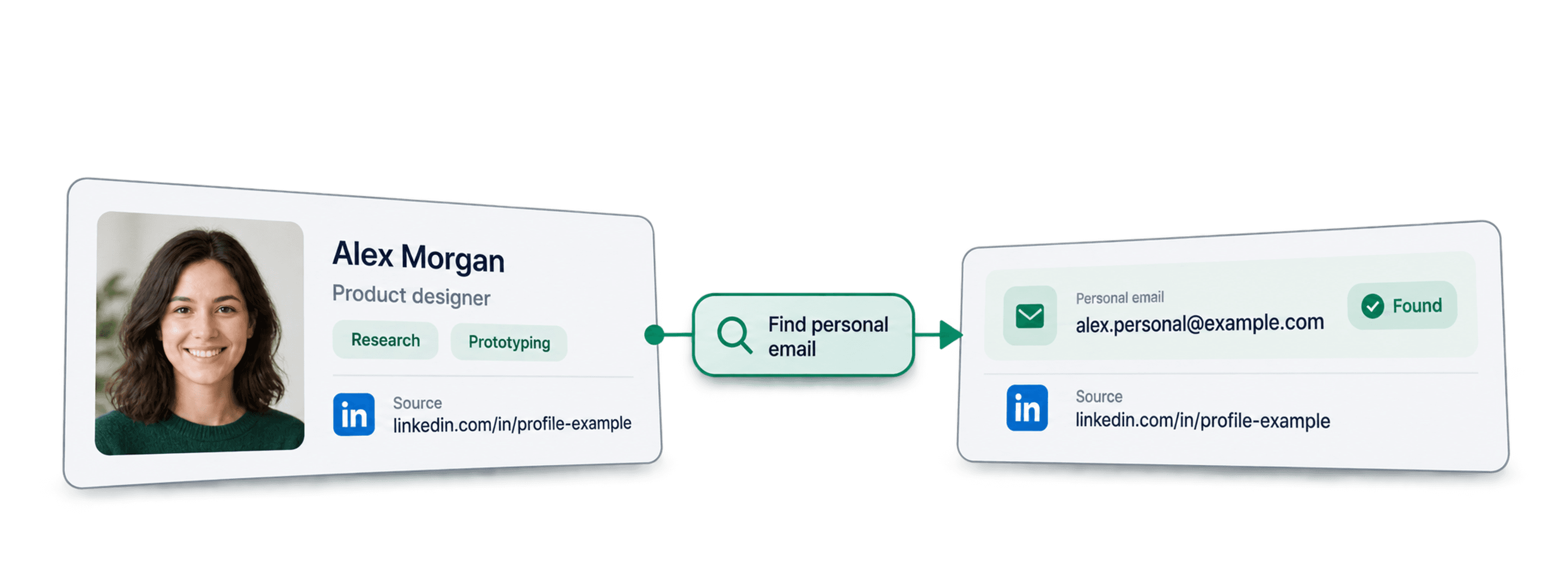
 LinkedIn URL to Personal Email
 500 Free Credits to Try















 Easy to Use
 No Settings to Configure
 Fully No-Code
Step-by-Step Guide
Step 1: Sign Up And Upload Your Data
First, sign up for Datablist.com.
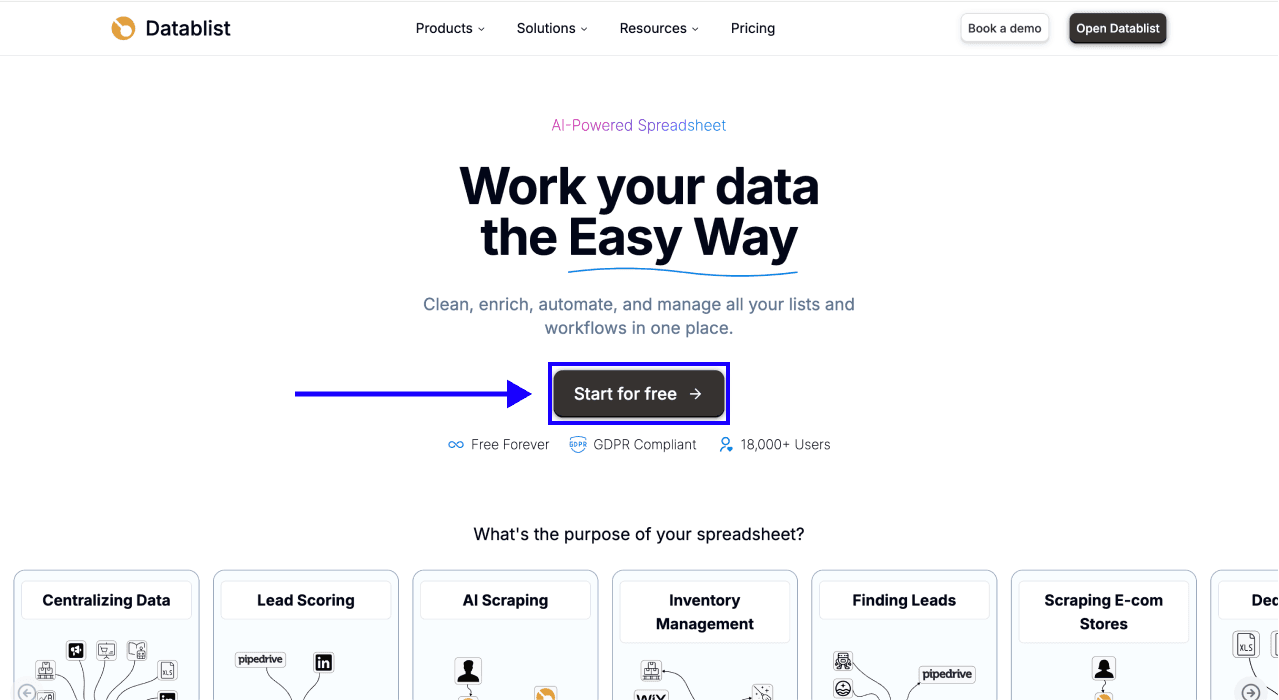
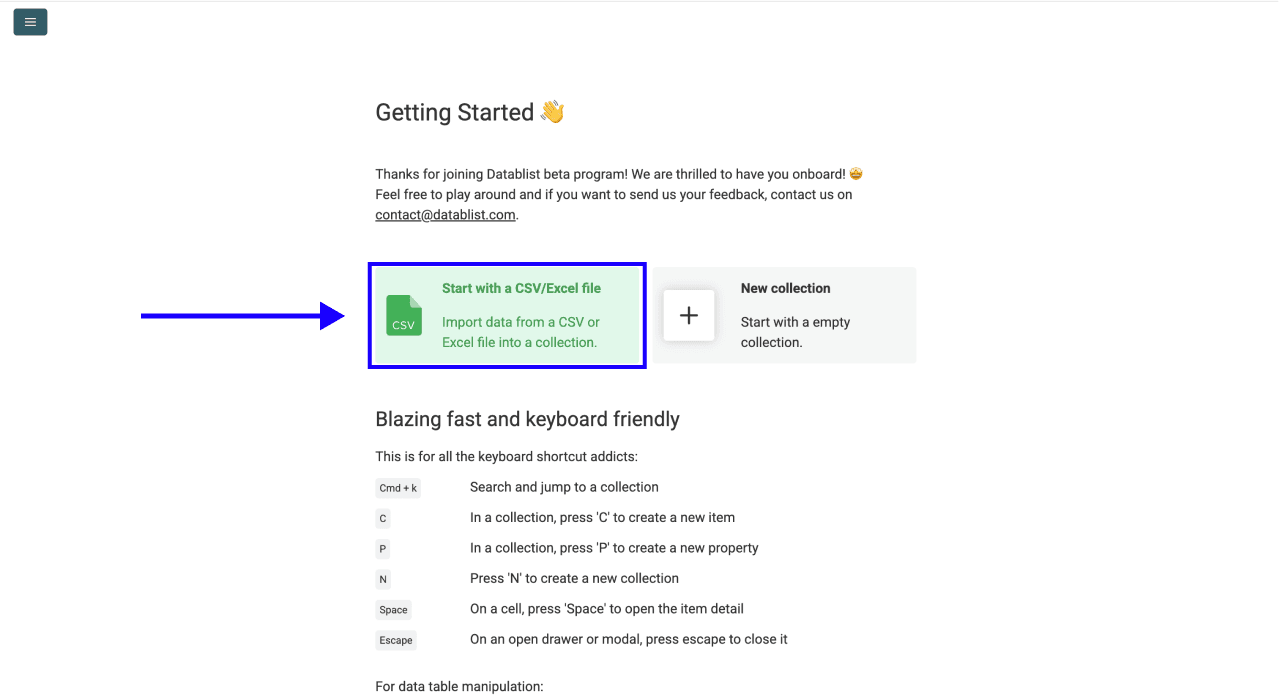
Create a new collection and upload your CSV or Excel file containing LinkedIn profile URLs. Use one public profile URL per row and keep the source URL column alongside your results.
If your list has names instead of profile URLs, first use LinkedIn Profile Finder from Name. That profile lookup has its own credit charge, separate from finding personal emails. See How to Find Personal Email Addresses for the wider workflow.
Step 2: Navigate To The Enrichment
- Click Enrich in the top menu of the app.
- Go to the People tab.
- Select Waterfall Personal Email Finder. You can also search for its name in the enrichment library.
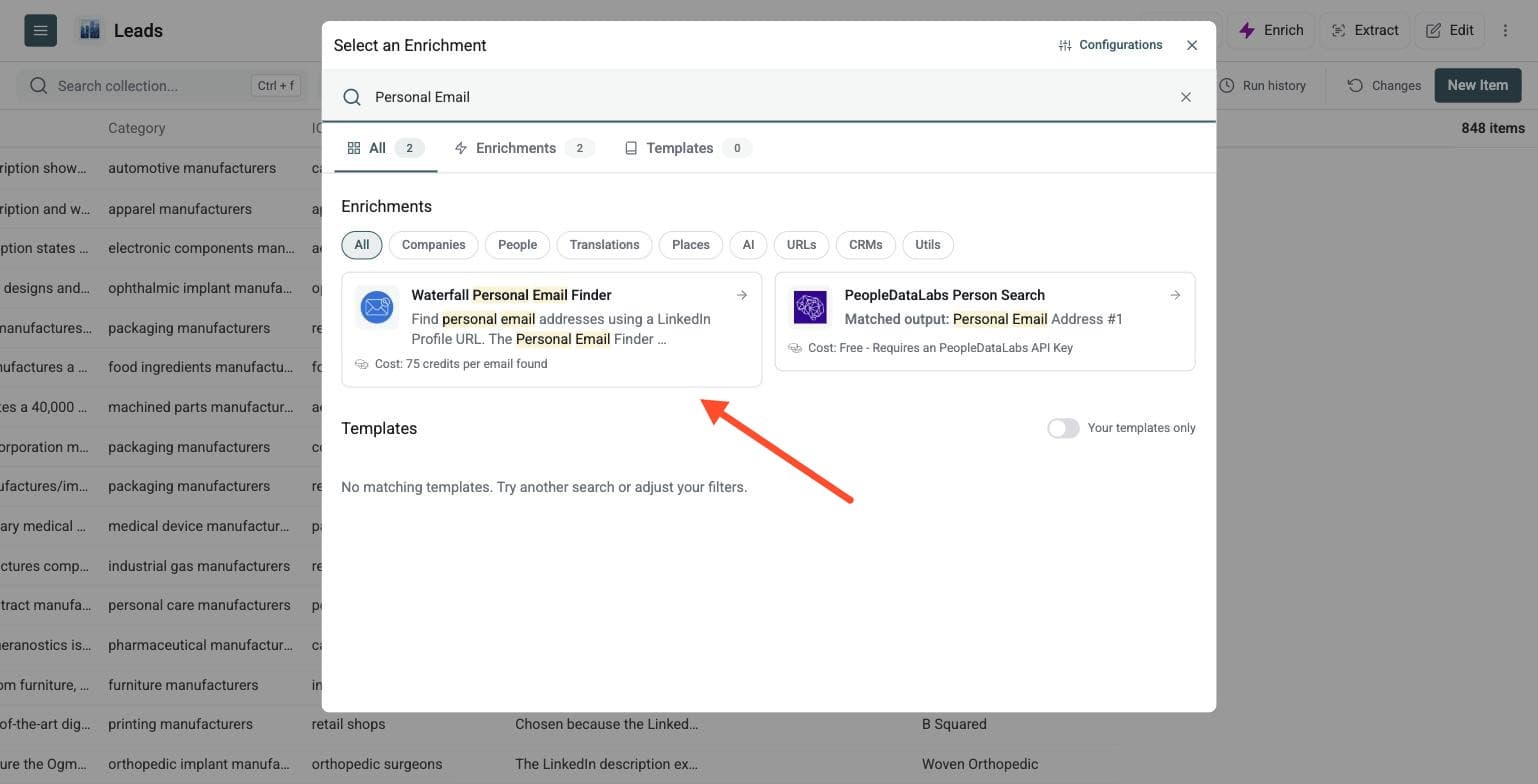
Datablist searches several providers in sequence. When one provider returns no personal email, the next provider tries. The waterfall stops for that row when an email is found, or when the available sources have been checked. You run one enrichment rather than opening several tools.
There are no settings to configure for this enrichment. Continue directly to input and output mapping.
Step 3: Configure Your Inputs
Map the column containing your LinkedIn profile URLs to LinkedIn Profile.
Use standard public profile URLs, such as:
https://www.linkedin.com/in/jane-doe/https://linkedin.com/in/john-smithwww.linkedin.com/in/maria-garcia
Do not use LinkedIn company page URLs, search result URLs, or names without a LinkedIn profile URL.
Sales Navigator profile URLs are not supported. If your list contains them, run LinkedIn Profile Scraper first. Map its LinkedIn Profile URL Normalized output into Personal Email Finder. The scraper is a separate enrichment with its own credit charge.
Click Continue to outputs configuration when ready.
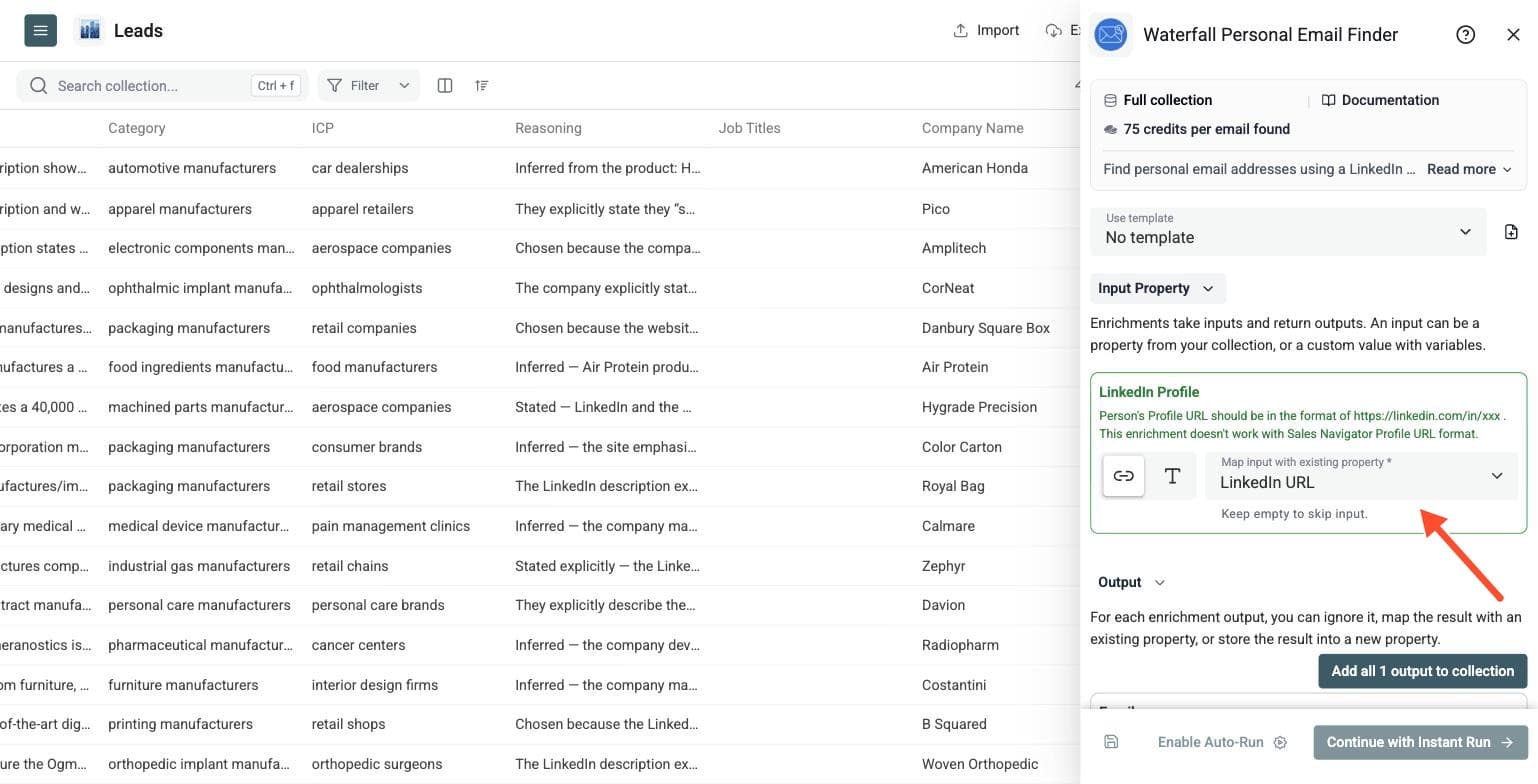
Step 4: Select Outputs
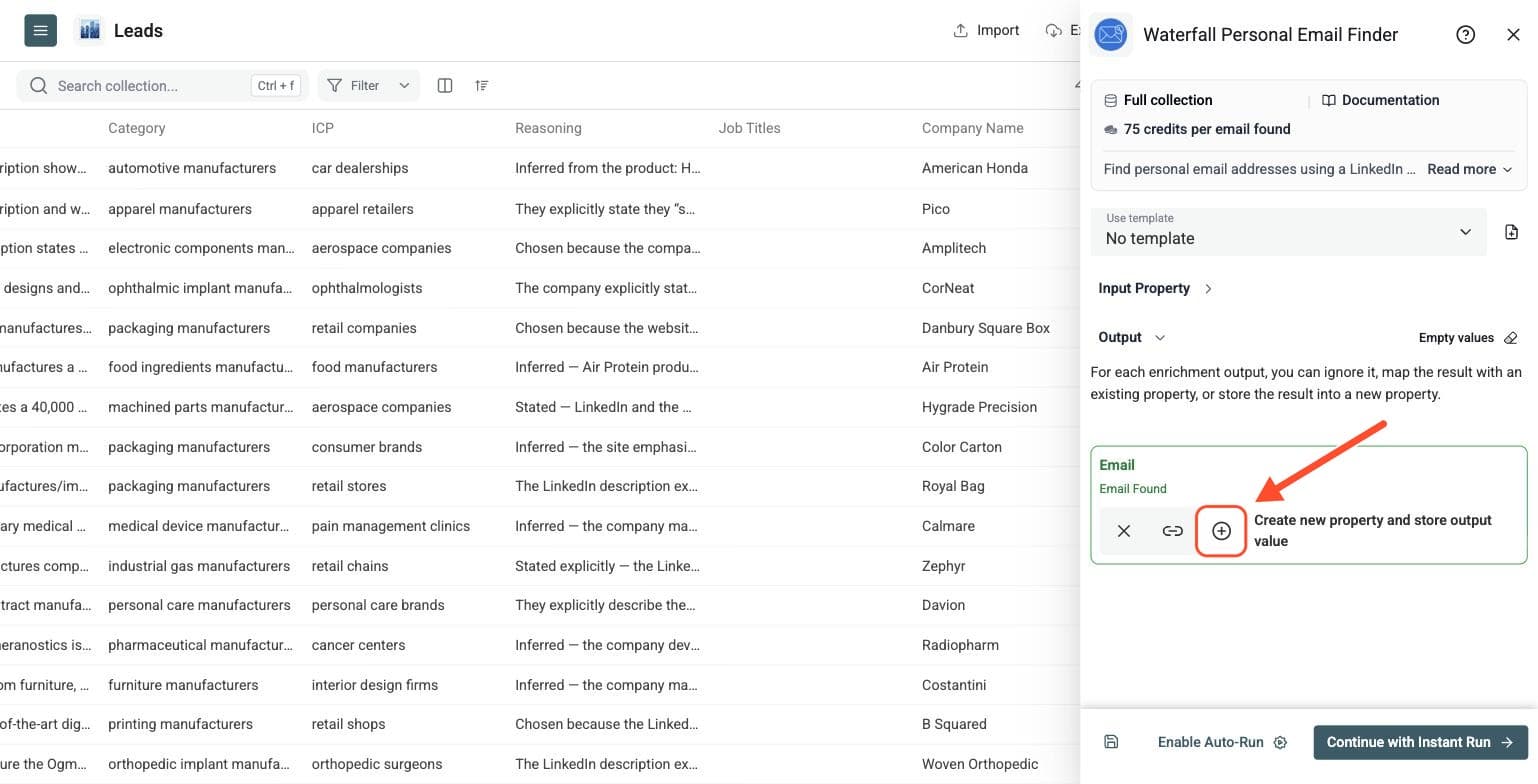
The enrichment returns Email, a personal email address when one is found. Click the ⊕ icon to create an output column, or map the result to an existing Email column in your collection. Then click Instant Run.
Step 5: Preview, Run And Review Your Results
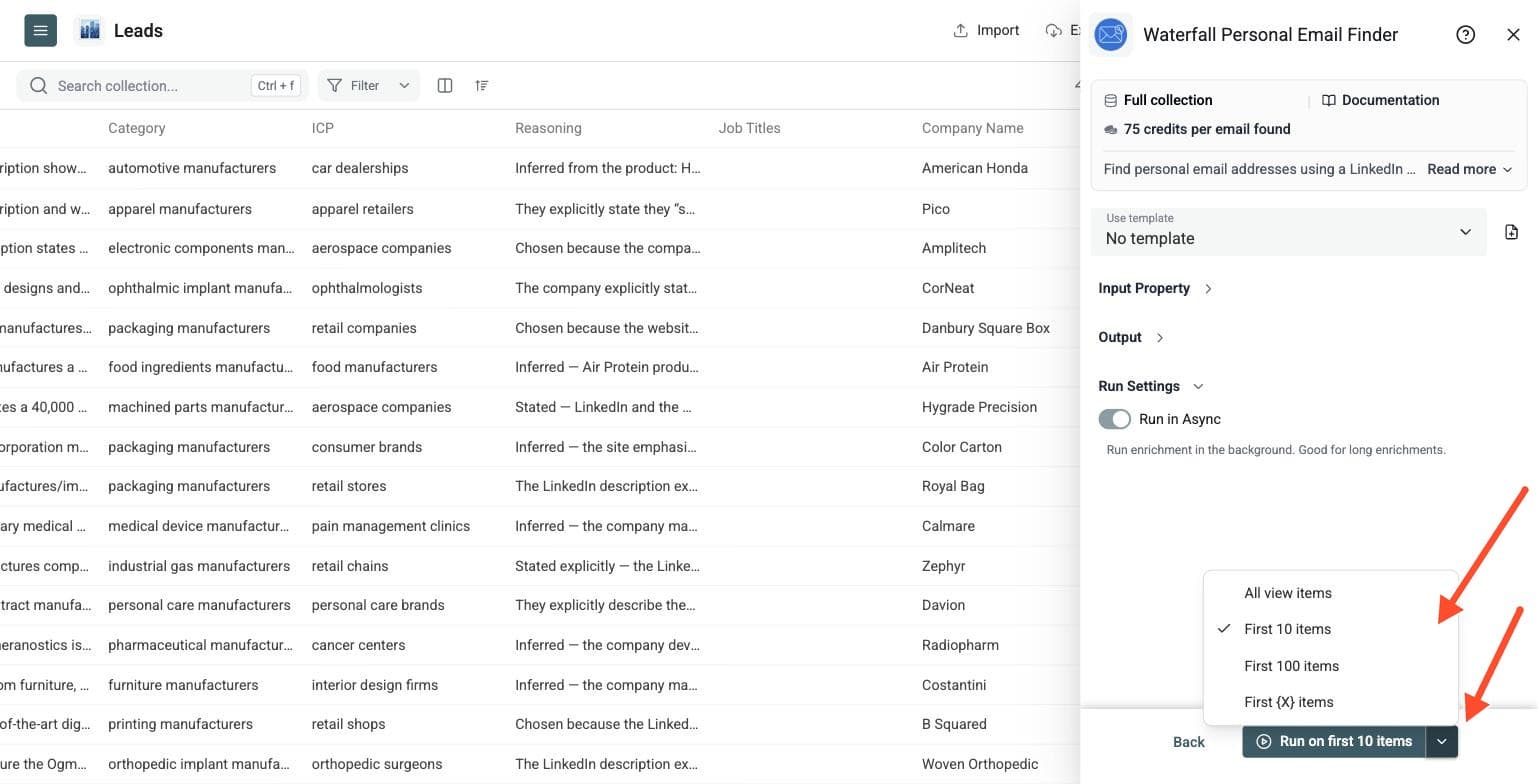
Use the chevron next to the run button to choose a run size:
- Run on first 10 items to check your input mapping and initial results.
- Run on first 100 items to validate a larger sample.
- Run on first {X} items to choose how many rows to process.
- Run on all view items to process your current view, including any filters.
Start with a small batch to review your match rate and credit use. Then click the run button for your selected number of items.
Results are processed in batches, so the first results can take a few minutes. After the run, review the summary showing credits spent and use the run-status column to identify no-result rows, invalid data, or missing data. No-email rows are not charged.
To retry relevant rows, filter your view to an empty Email column, correct missing or invalid inputs, and choose Run on all view items. Keep the original LinkedIn URLs so you can audit the results before contacting anyone.
Personal Email Finder costs 75 credits per email found. For example:
- 10 successful finds cost 750 credits.
- 100 successful finds cost 7,500 credits.
- 1,000 successful finds cost 75,000 credits.
If no personal email is returned, you are not charged for that row. Use the page's calculator and pricing page for current plan and top-up prices.
Why Find Personal Emails?
A work email is not always the right contact channel. For recruiting, it means reaching a candidate through their current employer's inbox. A personal email gives you another way to contact the person.
Personal email search can also help when:
- A founder has no public company email.
- A creator or freelancer has no clear work domain.
- A small-business owner relies on generic contact forms.
- A candidate has changed jobs and their old work email no longer works.
- A high-priority contact has not replied through their work email.
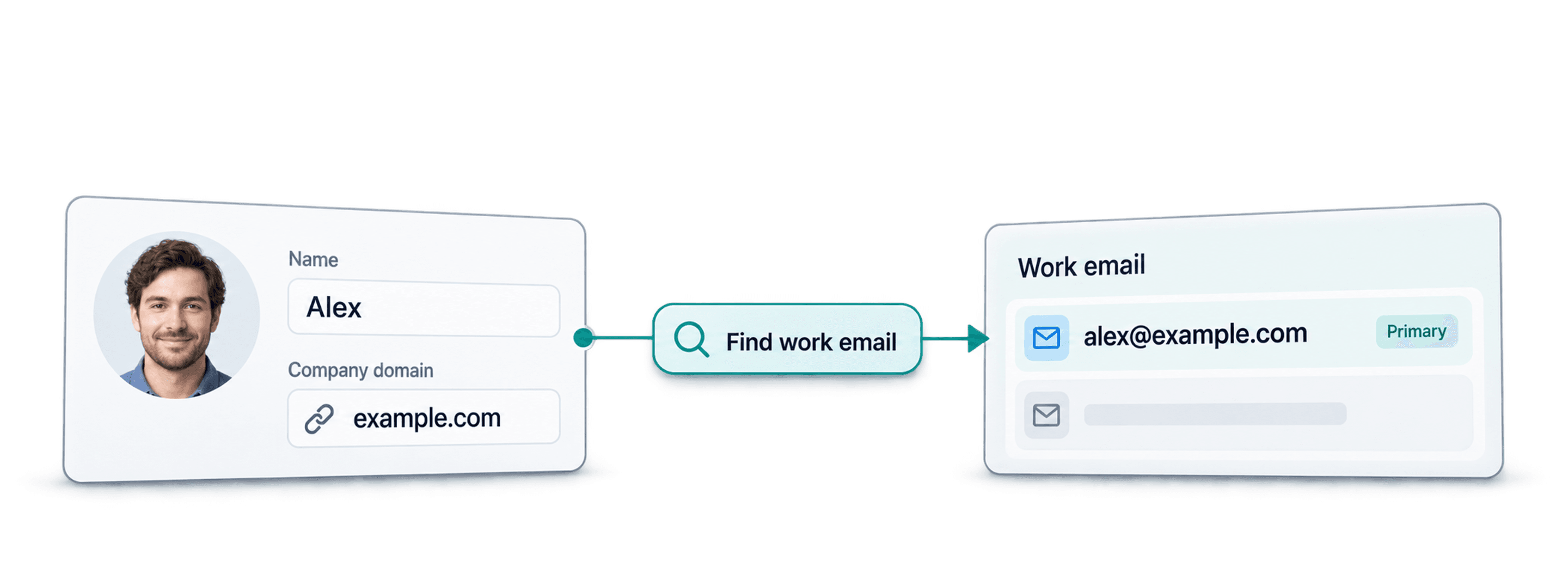
This enrichment searches for personal addresses. If you need a company email such as firstname.lastname@company.com, use Waterfall Email Finder instead.
Tips For Better Results
- Use clean public LinkedIn profile URLs, one per row.
- Remove duplicate profiles before running the enrichment.
- Keep the source LinkedIn URL and review the returned address before outreach.
- Start with a small sample to check the match rate for your own list.
- Prefer targeted recruiting, founder outreach, or high-priority one-to-one messages over large campaigns.
No provider covers every person. Finding an address does not guarantee that it is currently monitored or that a message will be delivered.
Good Use Cases
Recruiting Passive Candidates
Recruiters often source candidates from LinkedIn and then need a contact channel outside the candidate's employer. Personal emails can support executive search, technical recruiting, founder hiring, freelance talent outreach, and alumni or referral lists.
Read How to Find a Candidate's Personal Email for the recruiting workflow.
Founder And Creator Outreach
Founders, creators, and freelancers may not have a stable work email or a clear company domain. Use their LinkedIn profile URLs to look for personal addresses, then review the results for your individual outreach.
High-Intent Prospect Lists
Use personal email search for a short list of people worth individual follow-up. Keep your source profiles and context in the collection so you can tailor each message.
Recover Contact Paths From LinkedIn Lists
If your CSV contains LinkedIn profile URLs but no email addresses, run the enrichment before planning manual messages, invitations, or follow-ups. You can continue enriching the same rows with Waterfall Phone Finder when you also need phone numbers.