 Free With Your Own Key
 CSV and Excel Import
 Bulk AI Without Writing Code













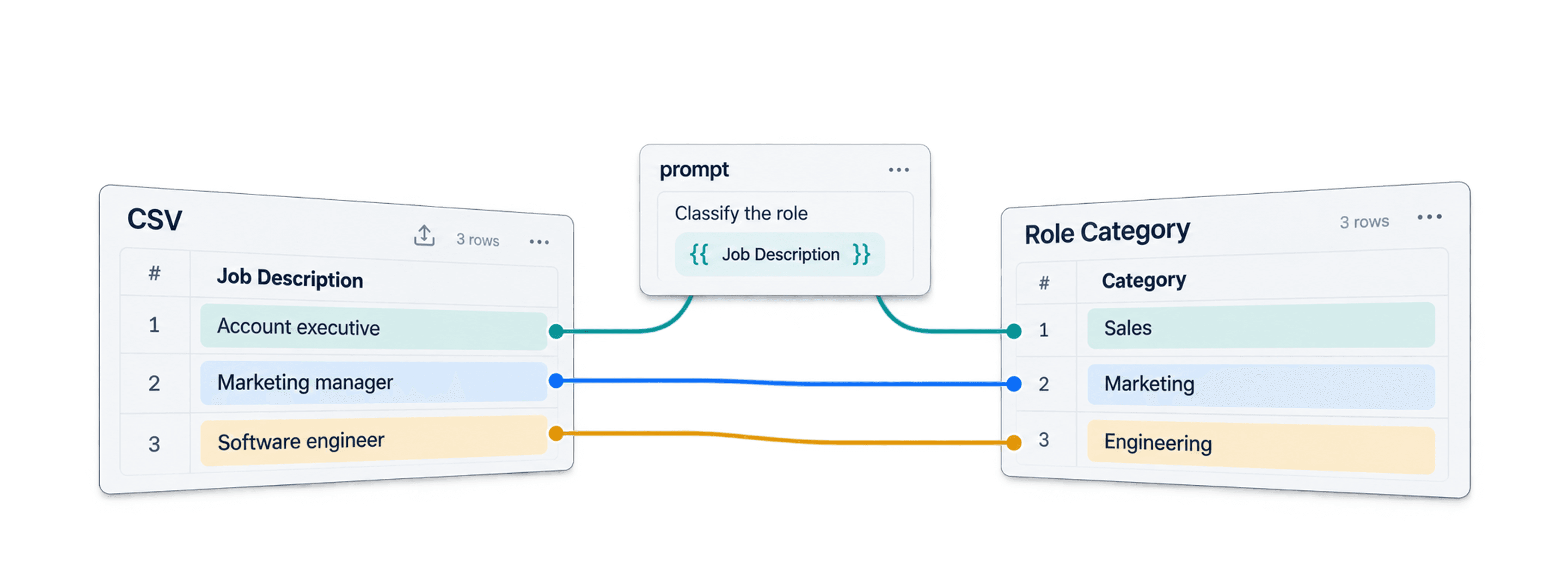

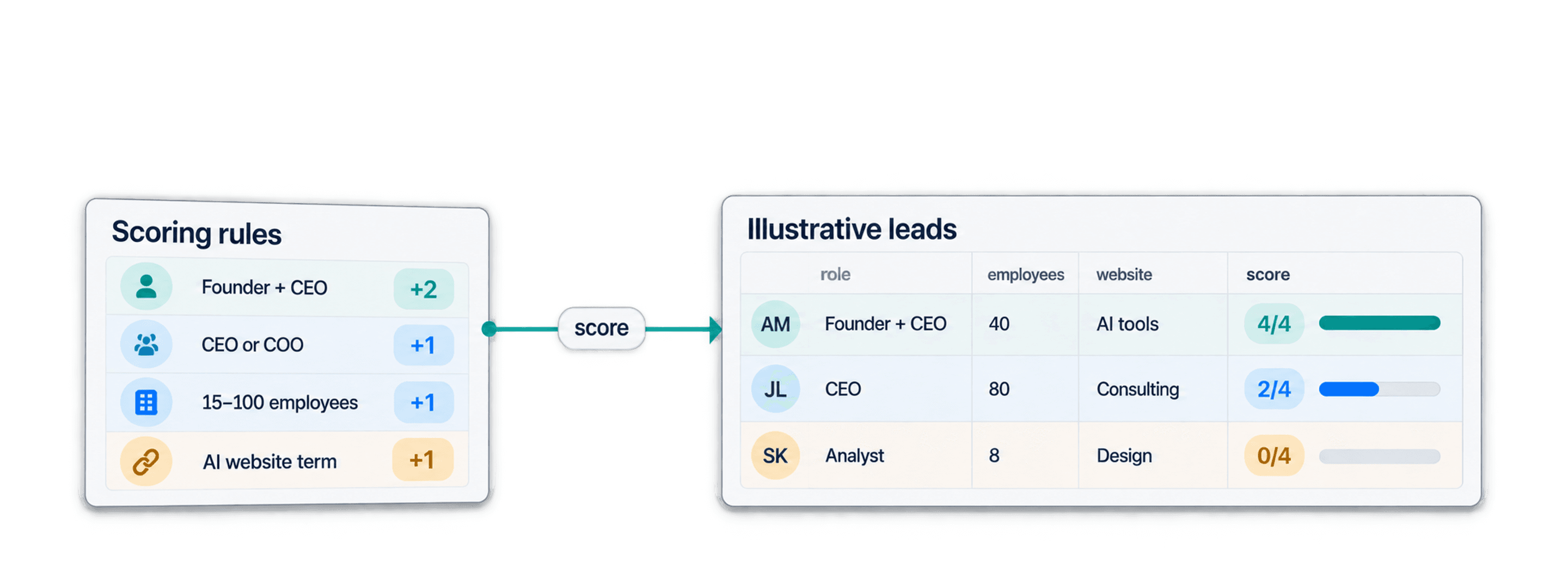


 Easy to Use
 Fully No-Code
 38,000+ Users
Step-by-Step Guide
Part 1: Get your Mistral API key
Follow Mistral's own instructions: Activate Studio and generate an API key.
Step 1: Open the Mistral Studio Console
Sign in or create an account at the Mistral Studio console.
API access is on by default in Free mode, with no credit card required. Usage and rate limits apply.
Step 2: Create and Copy Your Key
Open API Keys in the left sidebar and click Create new key.
Add a name, set an expiration date and create the key. Copy it immediately. Mistral shows the full key only once.
Part 2: Run the enrichment in Datablist
Step 3: Sign Up & Upload Your Data
First, sign up for Datablist.com
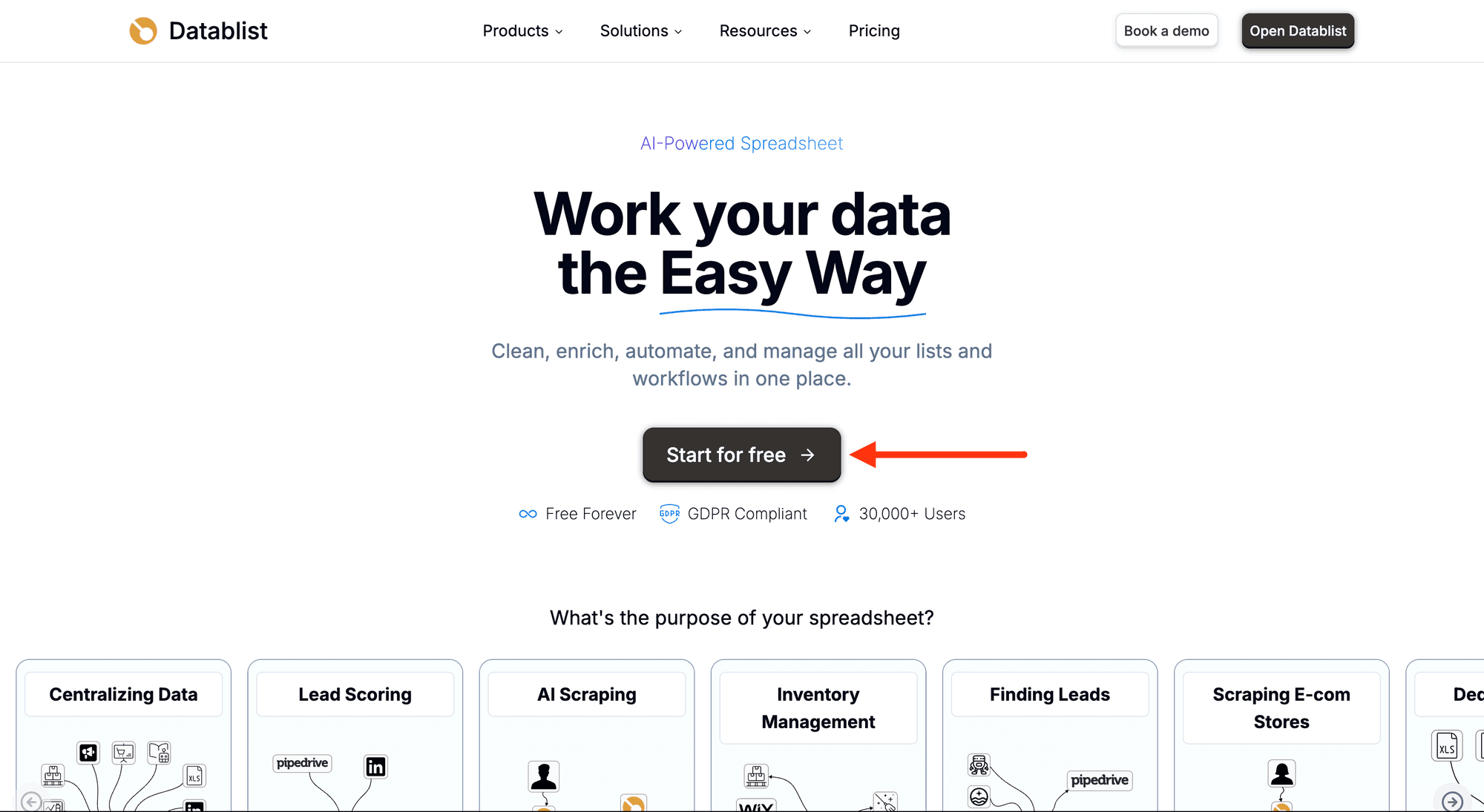
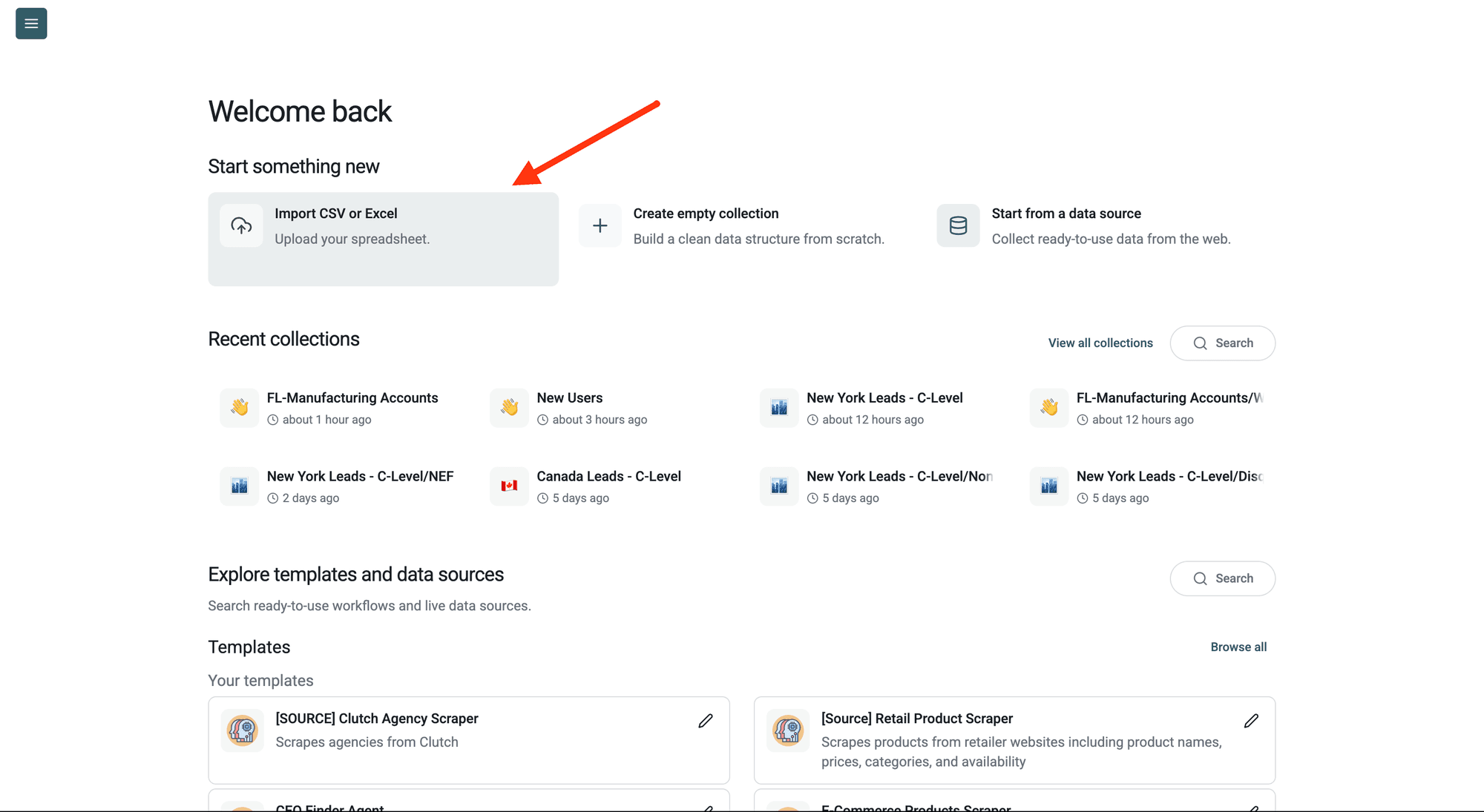
Then, upload your CSV or Excel file with the rows you want to run the prompt on.
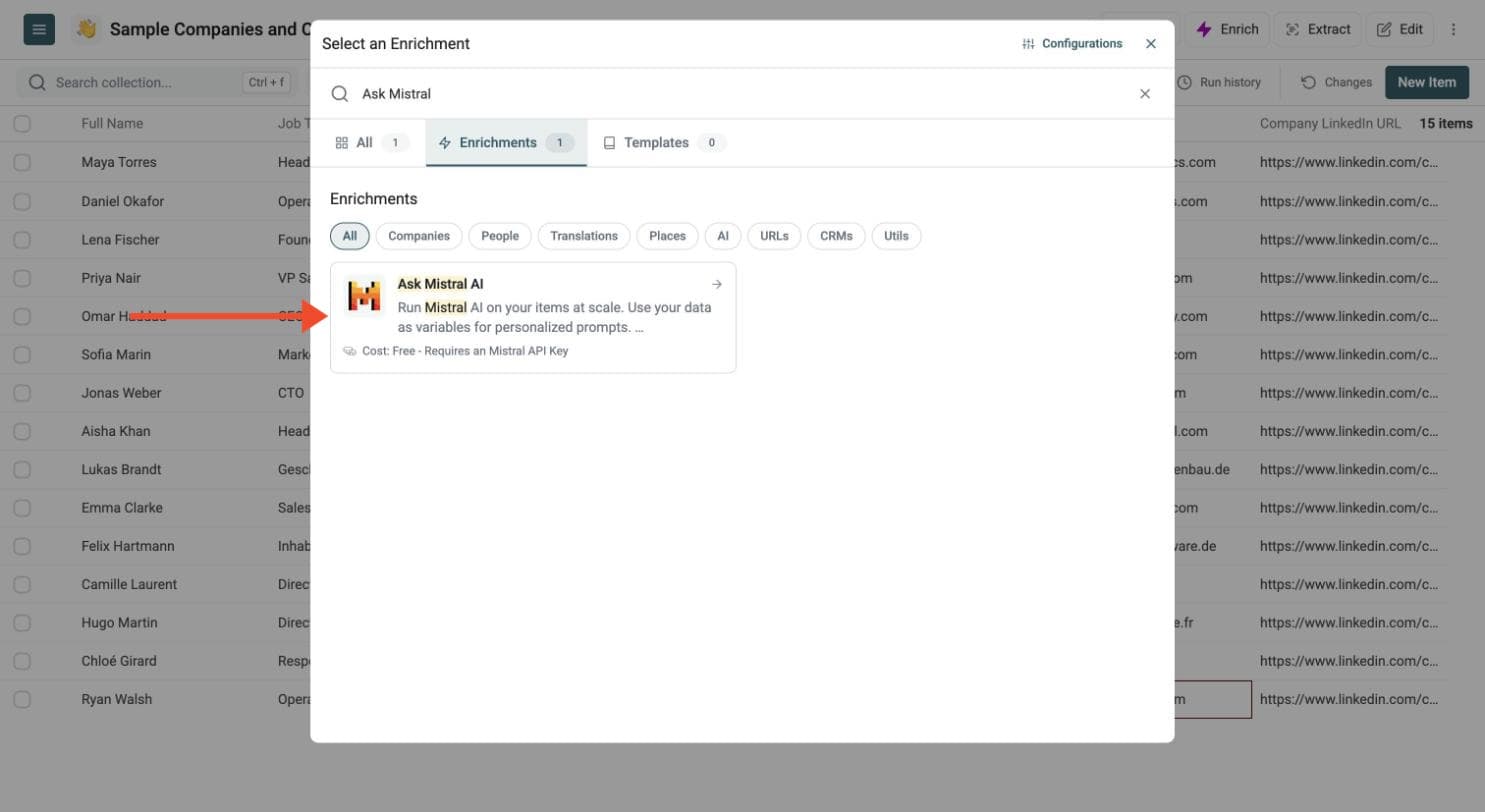
Step 4: Navigate to the Enrichment
Click Enrich in the top menu and search for Ask Mistral AI.
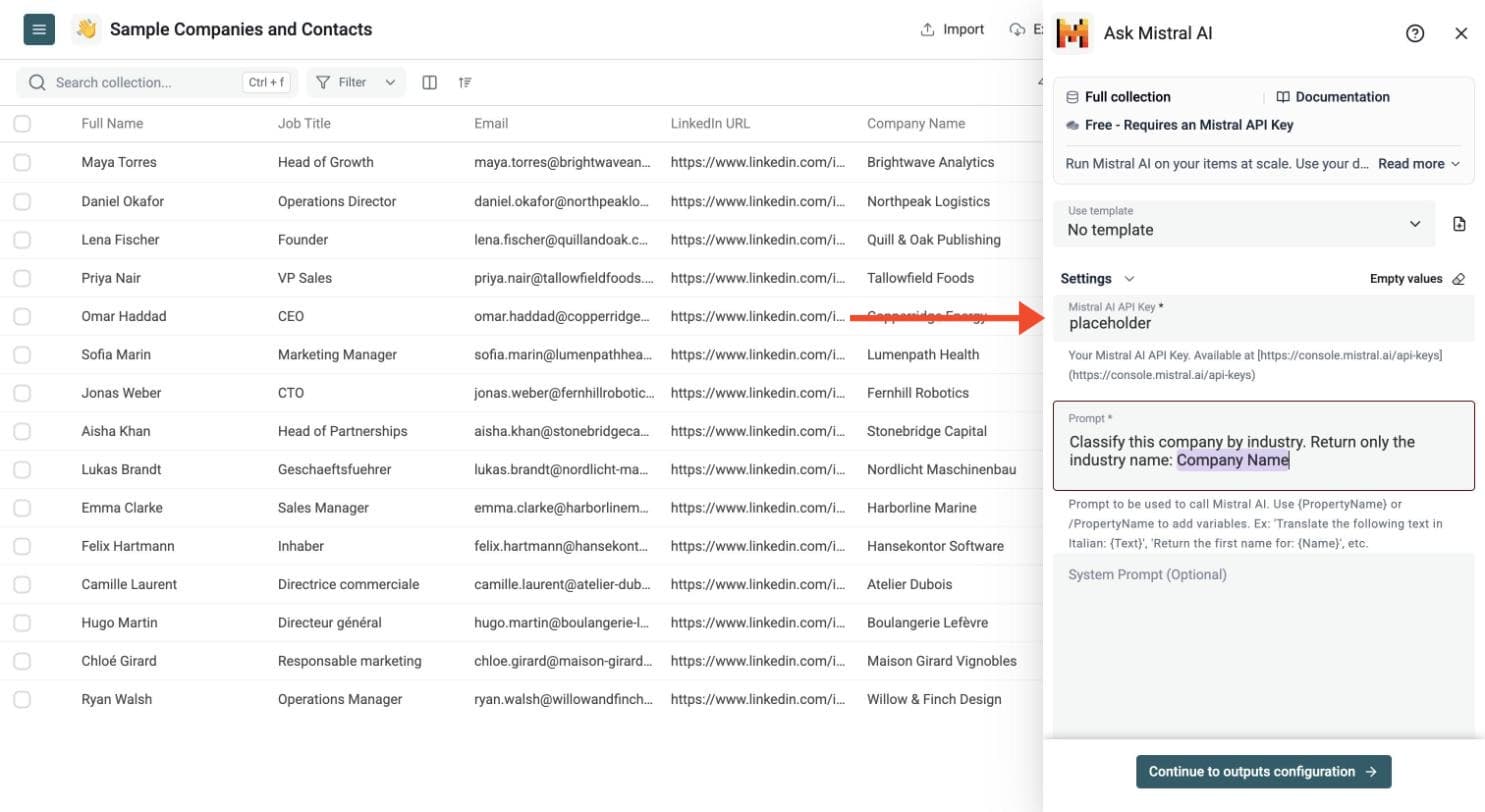
Step 5: Paste Your API Key
In the drawer that opens, paste your Mistral API key in the Mistral AI API Key field.
Datablist sends the key with your run to call Mistral. Do not share it with others.
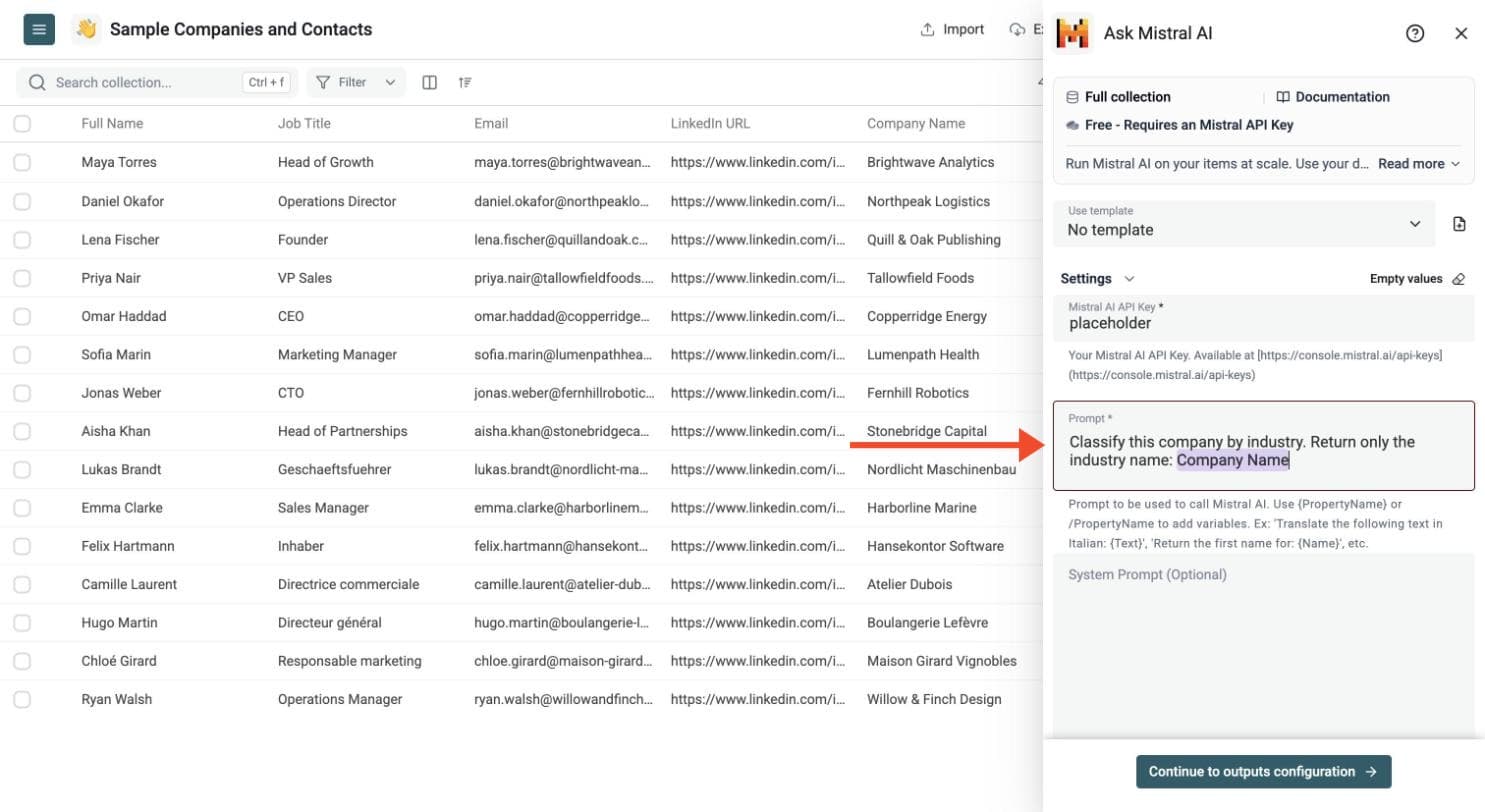
Step 6: Write Your Prompt
Write one prompt for all your rows. Type a slash and choose a property to insert its value, for example the company name.
Show an example prompt
Classify this company by industry. Return only the industry name:
# Company Name
{{Company Name}}
The prompt must include at least one row variable. Type {{ or / and select a property; Datablist inserts its value for each row.
Optionally add a system prompt to guide the answer, for example: Return just the result. No instruction, no comment.
Step 7: Choose the Output Columns
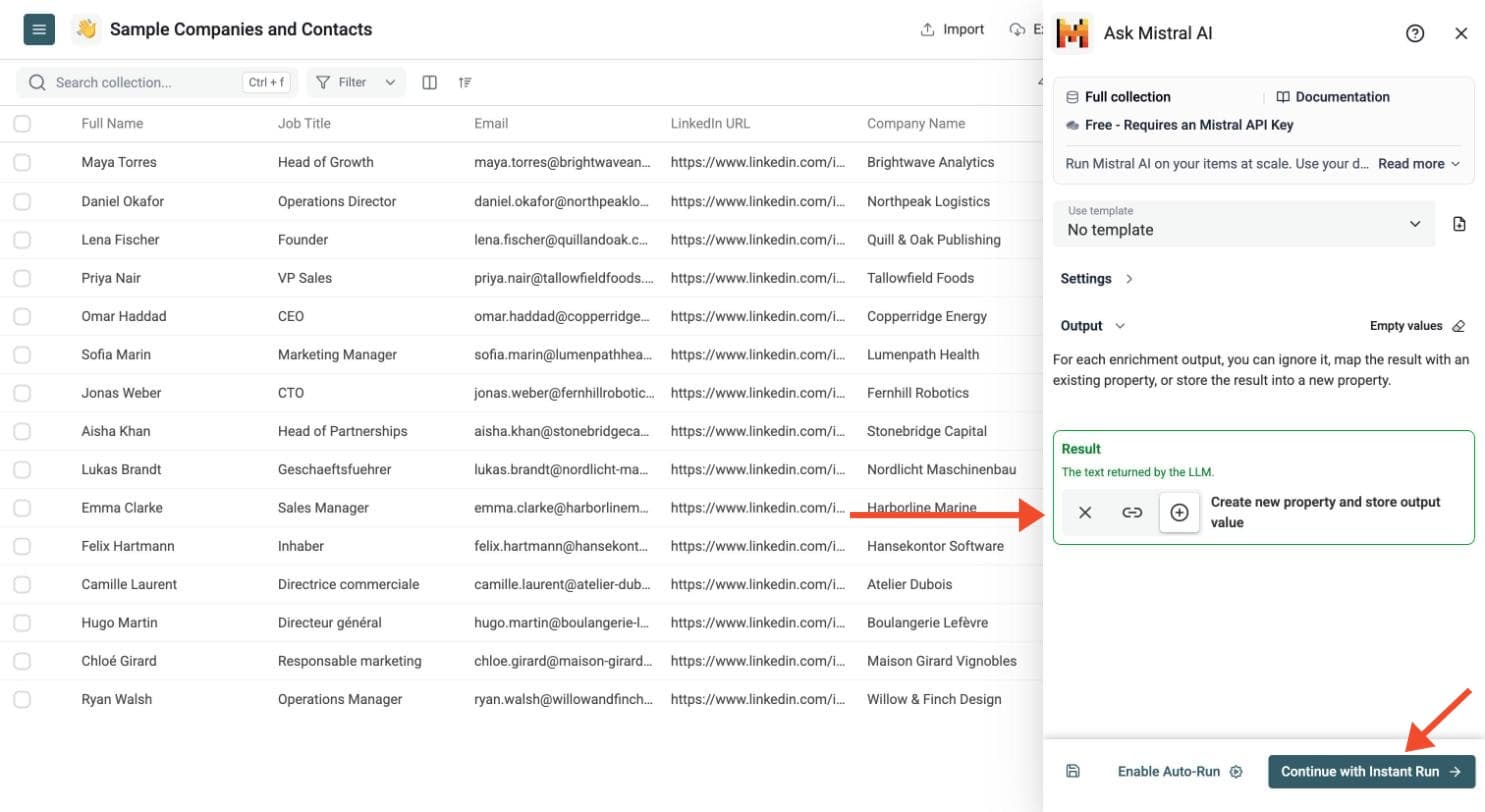
Mistral returns the answer in a Result column. To get several fields from one prompt, switch on Define outputs format and name each output. Then choose where to store each result: create new properties or map existing ones.
Click Continue to outputs configuration, then click the ⊕ icons to add the output properties to your collection.
Each structured output has a name, description and type: Text, Long Text, URL, Number, DateTime or Checkbox. Define an output for each field your prompt requests. This option is available on compatible models.
Step 8: Test on a Few Rows, Then Run
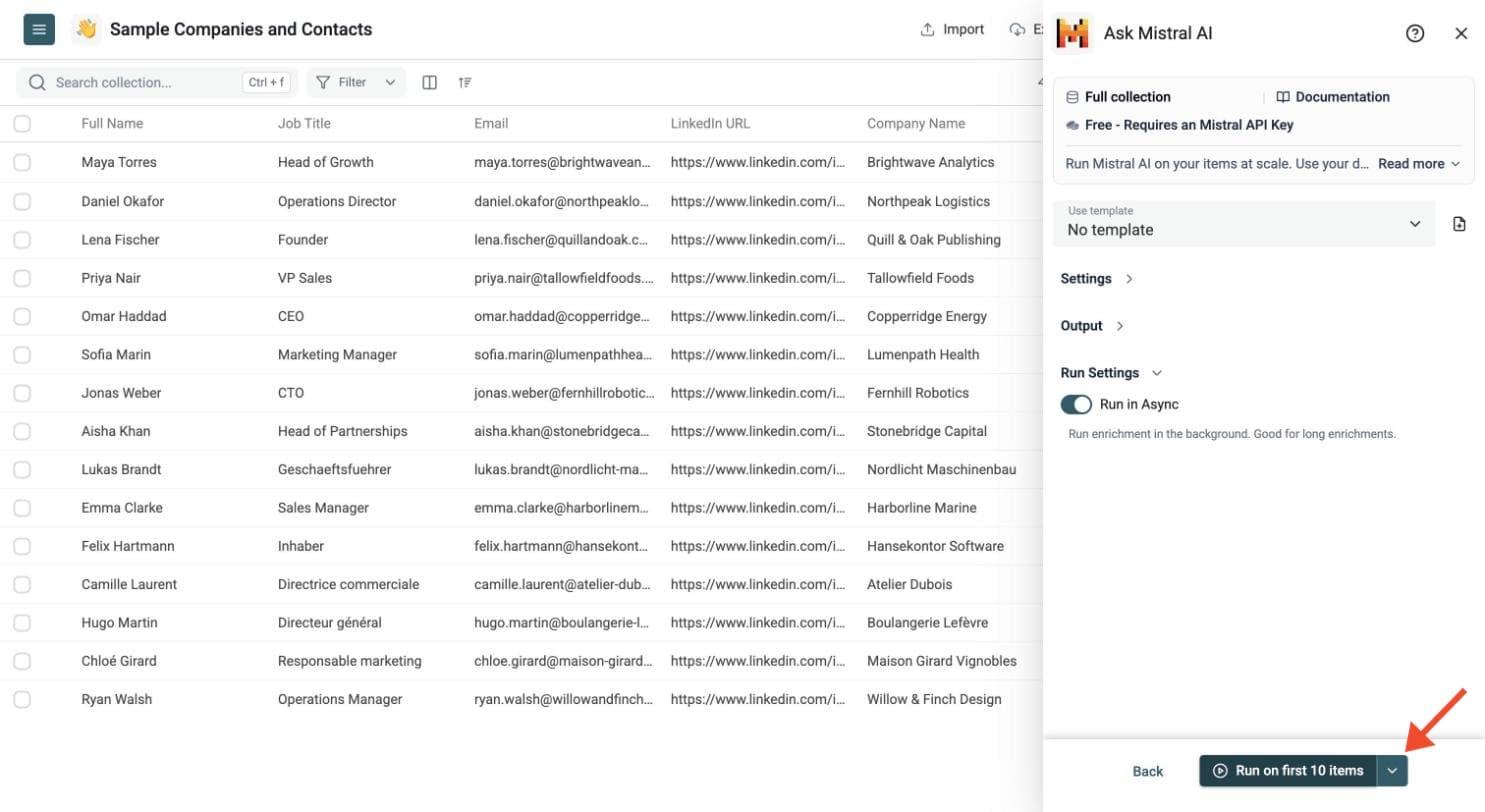
Run a sample first. Click the chevron on the right side of the run button to choose how many items to process:
-
Run on first 10 items: Good for checking results before committing
-
Run on first 100 items: Useful for validating larger samples
-
Run on all view items: Process your entire list (or view if you've enabled filters)
Check the results, adjust your prompt, then run the full list. Switch on Run in Async in the Run Settings to let Datablist handle automatic background retries.
Review the run-status column, filter failed rows, fix the input or settings, and rerun those rows. You can filter and export the resulting collection.
Use cases
- Classify support tickets or survey answers
- Standardize product titles and descriptions
- Extract structured fields from notes or web text
- Write first-pass copy from catalog data
- Generate tags, summaries, or outreach angles at scale
Choosing a Mistral Model
You can choose among supported Mistral models such as:
- Mistral Small
- Mistral Medium
- Mistral Large
Pricing
Datablist does not charge for this enrichment, but it requires a Mistral API key.
You pay Mistral directly for model usage.