
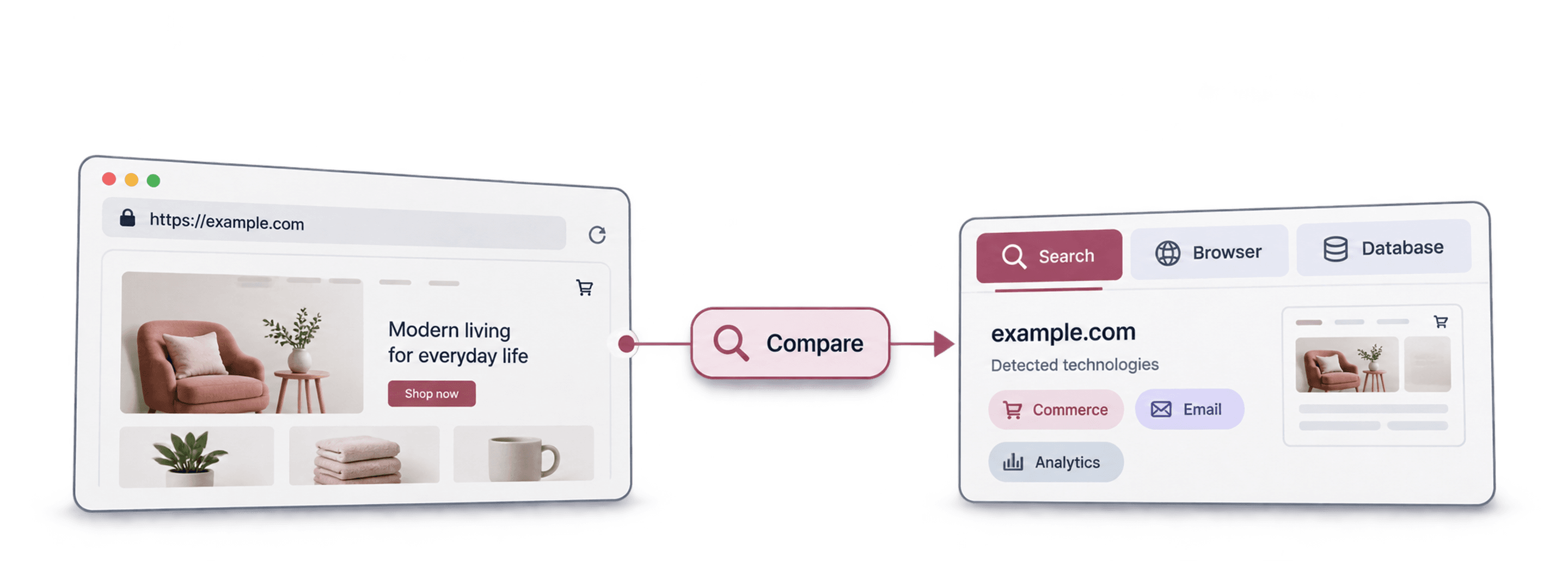
The best BuiltWith alternative depends on whether you want to identify technologies on a website you already know or discover a list of websites using a particular technology. A free browser lookup can solve the first task; it does not automatically replace a prospecting database, bulk export or API.
For paid list-building, Datablist starts at $25/month, Hunter at $49, Ful.io at $99 and Wappalyzer at $250, compared with BuiltWith Basic at $295/month. Stackcrawler's Pro plan starts lower at $19/month. Below, I compare what those starting prices include and show the cash budget for a bulk Datablist list.
For a technology-based prospect list you want to enrich and clean, I recommend evaluating Datablist’s Find Companies by Technologies source. For individual research, start with a free lookup. Compare the required output before buying a broader subscription.
📌 Summary For Those In a Rush
Choose an alternative for the job: inspect one website, enrich known domains, or discover companies using a technology. Datablist can create the prospect rows and keep technology evidence, company details and cleaning decisions together.
Test the same technology and market across shortlisted tools. Compare unique accepted businesses and current evidence, not just the number of returned URLs or the subscription headline price.
What this article covers
What makes a good BuiltWith alternative?
Write down your starting input and desired result. If you have 200 account domains and need their technologies, choose a bulk lookup or enrichment. If you have no domains and want Shopify stores in a target market, choose technology-based discovery. If you only need to inspect one site, a browser extension may be sufficient.
BuiltWith itself offers free individual-site lookups. Paid reports add a different scope, including prospect lists, history, alerts and integrations. Do not compare a single-page extension with all of that as though they produce an equivalent deliverable.
Its monthly plans are Basic $295, Pro $495 and Team $995. Basic targets a fixed research scope; broader reporting and team access can justify a higher tier. For a one-off website check, start with the free lookup before purchasing a report subscription.
For paid tools, check included lookups, list targets, export fields, API access and billing interval. An advertised technology match still needs an identity and freshness check before it becomes a company lead. Hidden backend systems and customized sites can also leave incomplete evidence. If your task is extracting records from pages rather than identifying website technologies, compare the PhantomBuster alternatives for that broader workflow.
Seven alternatives by workflow
| Tool | Primary Use Case | Data Approach | Starting Price | Main Allowance or Constraint |
|---|---|---|---|---|
| Datablist | Discover, enrich and clean company lists | Wappalyzer-backed workflows | $25/month | 5,000 credits |
| Wappalyzer | Technology lookup and lead lists | Technology index | $250/month | Pro: 2 technology targets, 5,000 lookups |
| SimilarTech / Similarweb | Technology and company research | Technographic datasets | Previously $129/month* | Current package needs confirmation |
| Ful.io | Technology reports and bulk lookup | Web-technology dataset | $99/month | 2 reports, 2,500 bulk lookups |
| Hunter | Technology-filtered prospecting | Company/contact search | $49/month | 2,000 credits; paid technology filter |
| Stackcrawler | Website technology research | Technology scans and lists | $19/month | Pro: 3,000 lookups, 500 API requests |
| WhatRuns | Inspect a site while browsing | Browser inspection | Free | Single-site research |
Paid prices use USD and monthly billing, checked October 28, 2026. *The $129 SimilarTech figure is a previously listed starting price, retained as a reference rather than a confirmed current quote. Confirm the current Similarweb product, allowance and billing period before using it in a purchase budget.
Datablist: Choose between discovery and known-URL enrichment
Datablist’s technology workflows use Wappalyzer data, but expose two different jobs. Find Companies by Technologies is a source that creates rows from technology criteria. Identify technologies on websites enriches existing rows from their Website URL input. Choose the one that matches your starting data.
For example, use the source when you need a list of businesses using Shopify. Use the enrichment when you already have a prospect CSV and want technology information beside each website. Neither job guarantees that every underlying company field or technology version is available.
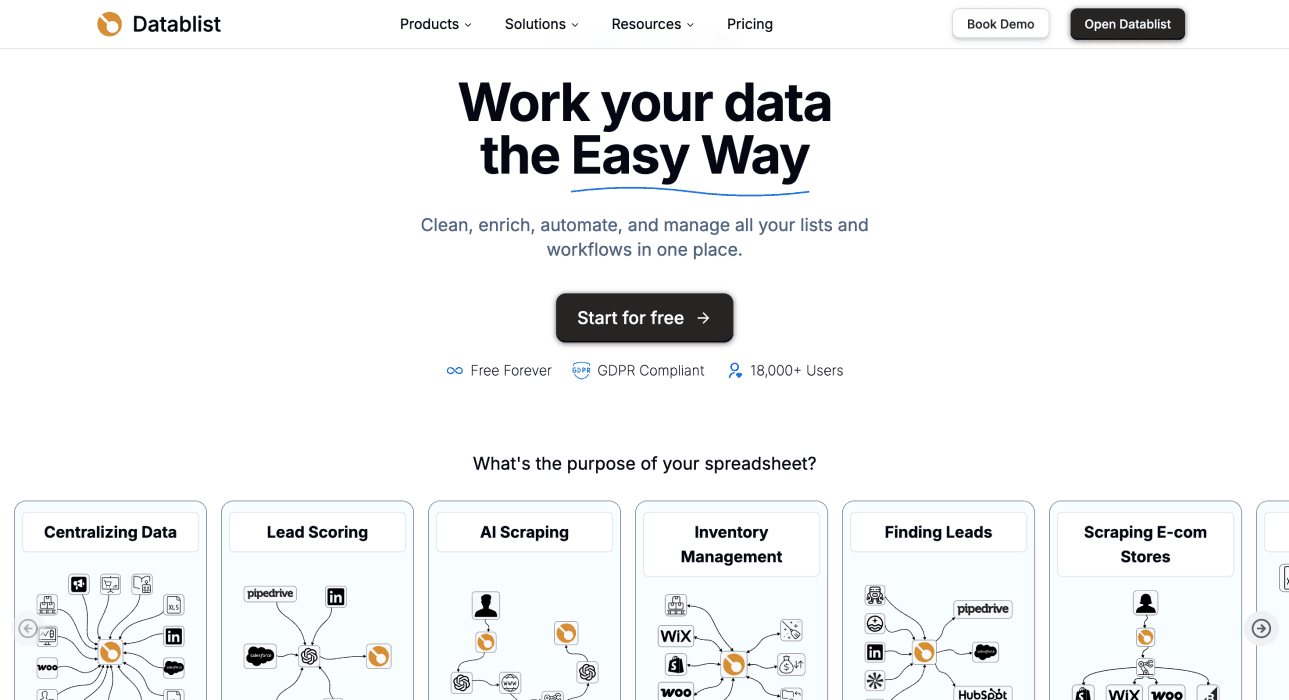
Build a technology-based sample
- Create a collection, open See all sources and choose Find Companies by Technologies.
- Choose Filter by Technologies, for example Shopify, or use Filter by Technology Categories for a category-based query.
- When selecting several technologies, inspect Technologies Operator. The default is Or (match any); choose And (match all) when every selected technology must match.
- Add the relevant Country, Language, Company Industry or Company Size filters. The Filter by country OR language option changes how the location and language criteria combine.
- Set Limit per technology, inspect the estimate, configure outputs and run the source. A multi-technology search can create several result rows for the same website; the limit is not a promise of that many unique companies.
- Inspect the website, Technology, available Technology Versions and Last Verified fields. Check the business behind the domain and any missing company details before enrichment or export.
For an existing domain list, open Enrich and choose Identify technologies on websites instead. Map Website URL and choose the technology-category output properties you need. Run a small sample and compare it with the original account list.
Budget and review the result
The current technology source costs 5 credits per returned result row. For an illustrative 100-row result, the source cost is 500 credits. That does not establish 100 distinct businesses: repeated websites, irrelevant businesses or outdated matches can reduce the accepted list. Separate enrichment operations can add their own costs.
Starter costs $25/month with 5,000 credits, enough for 1,000 returned technology-source rows if those credits are used only on that source. That is $0.025 per row at full allowance use, with a $25 minimum subscription payment. Growth is $50/month with 20,000 credits and includes API/automation access.
| Technology-Source Job | Credits Needed | Plan and Top-up | Cash Payment |
|---|---|---|---|
| 1,000 returned rows, manual run | 5,000 | Starter | $25 |
| 10,000 returned rows, manual run | 50,000 | Starter + 60,000-credit top-up | $80 |
| 10,000 returned rows, API/automation | 50,000 | Growth + 40,000-credit top-up | $88 |
The manual 10,000-row budget is $25 + $55 = $80, supplying 65,000 credits and leaving 15,000. The Growth budget is $50 + $38 = $88, supplying 60,000 and leaving 10,000. These examples assume the source returns the stated rows; they are not measured lead coverage. Extra company or contact enrichment uses additional credits, and the unused top-up balance can fund later work while your subscription is active.
Keep a stable website key, original technology criteria, returned evidence date and a review decision. A row with a technology but no current company match should remain a website candidate. Do not silently label it a verified business contact.
For a worked prospecting example, use the Shopify company-list guide, Wix workflow or Klaviyo example. Check current plan access and credit allowances; a low entry subscription is not unlimited technographic data or automatic API access.
Wappalyzer: Dedicated lookup and lead-list workflows
Wappalyzer offers website technology research, lead lists, CRM enrichment and API-related allowances. Its current plans distinguish technology targets and lookup capacity, so the product is broader than an individual-site detector.
Choose it when direct technographic data access fits the job. If comparing it with Datablist’s Wappalyzer-backed workflow, use the same technology, filters and acceptance criteria. Similar underlying data does not establish identical outputs, plan entitlements or total costs.
Pricing: Pro is $250/month; Business $450; Enterprise from $850. Pro lists two lead-list technology targets and 5,000 technology lookups. Business adds unlimited technology targets and 20,000 lookups. Free accounts have 50 monthly lookups for initial research. Check the API allowance separately from the number of website lookups when planning an automated job.
SimilarTech and Similarweb: Check the current product route
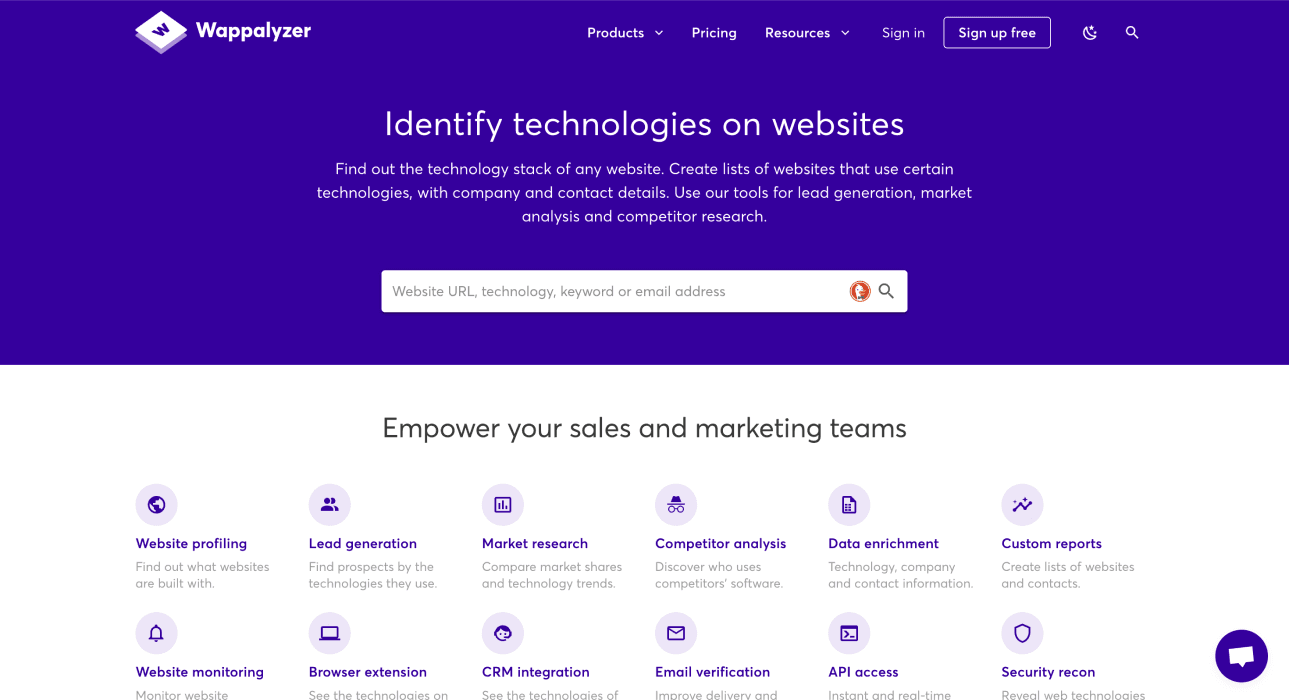
SimilarTech is associated with Similarweb. The current Similarweb technology research pages cover technology lookup and related company/contact research, while its developer documentation exposes technographic data endpoints.
Check the current package and output you need before buying. Request a quote for the required dataset and access route. Confirm which company, contact and technology fields the package includes.
Pricing reference: The previous SimilarTech starting figure was $129/month. I could not confirm a current like-for-like self-service plan on its pricing route. Keep that figure as an earlier reference; ask for the current technographic or Sales Intelligence package instead of assuming that a Similarweb traffic-analysis subscription includes the same dataset.
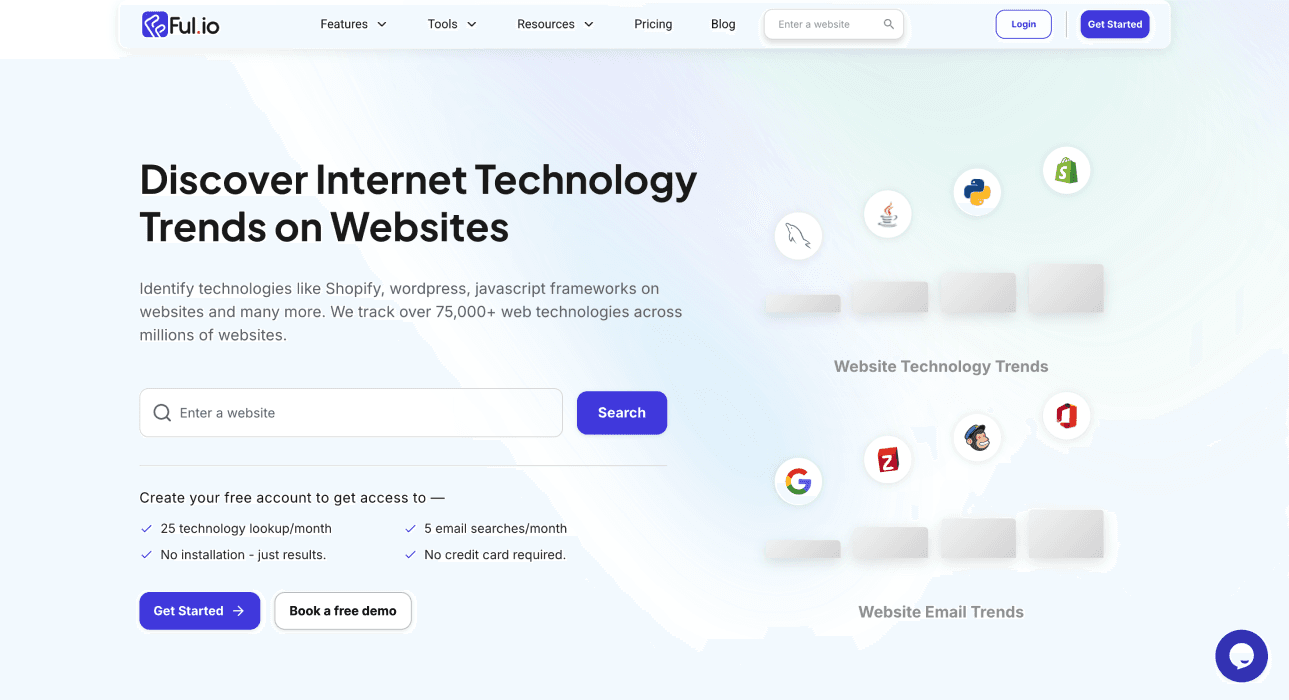
Ful.io: Technology detection and data access
Ful.io offers website technology detection and technographic data. Shortlist it when the required technology and input/output route match your task.
Check whether the proposed plan covers website lookups, discovering a list, data exports or API access. Those are separate requirements. A screenshot of a dashboard is not a current pricing quote or evidence that a particular company field is populated for every result.
Pricing: Individual is $99/month with two technology reports and 2,500 bulk-lookup credits. Professional is $199/month with five reports, 10,000 bulk lookups and 2,000 API credits. Business is $399/month with unlimited reports and larger lookup/API allowances. Individual-site lookups are free. Choose the $199 tier rather than $99 when REST API or CRM integration is part of the required workflow.
Hunter: Technology filters within a prospecting workflow
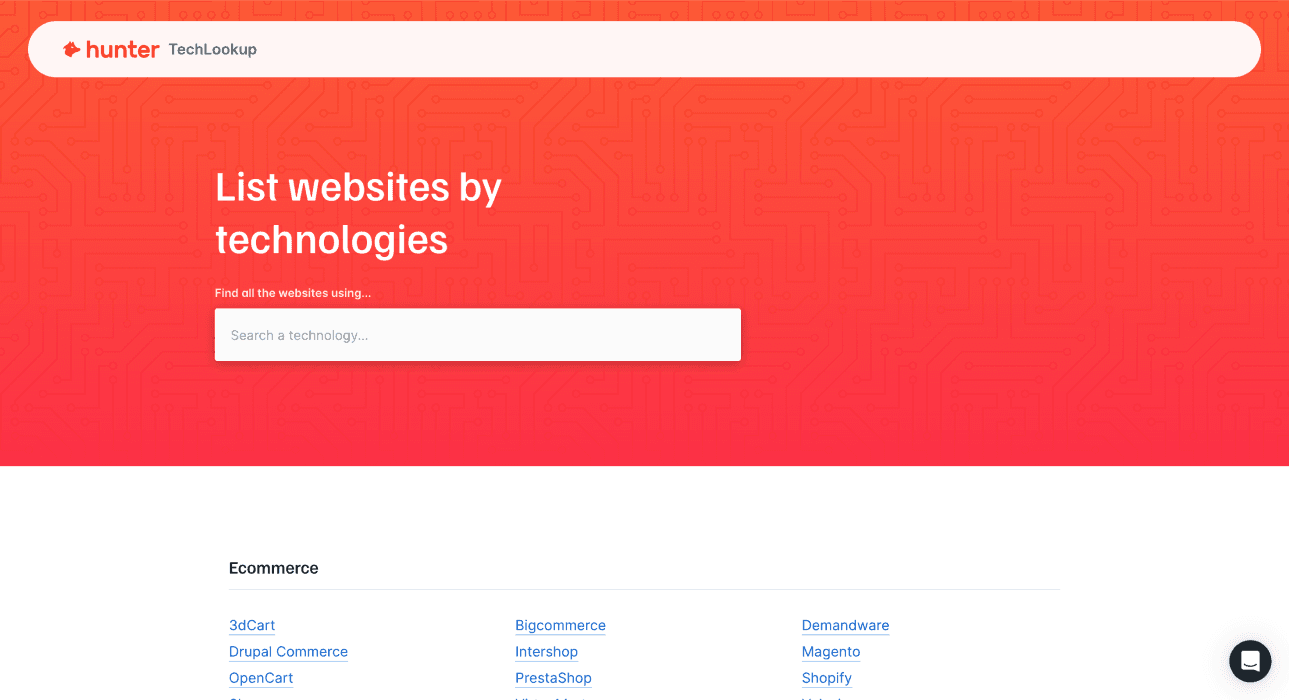
Hunter’s company-by-technology instructions connect TechLookup and the Technology filter in Discover. Its current help distinguishes free access from paid technology-filter entitlements.
Consider it when technology criteria are one step in company and contact discovery. Verify the feature available in your account rather than treating the email-finding subscription, technology lookup and all company filters as a single interchangeable allowance.
Pricing: Starter costs $49/month with 2,000 credits; Growth costs $149 and Scale $299. The Technology filter requires a paid All-in-One plan, while browsing the tracked-technology list is free. Those credits fund Hunter's email operations at their stated rates; they should not be presented as 2,000 included technology reports.
Stackcrawler: Technology-based website discovery
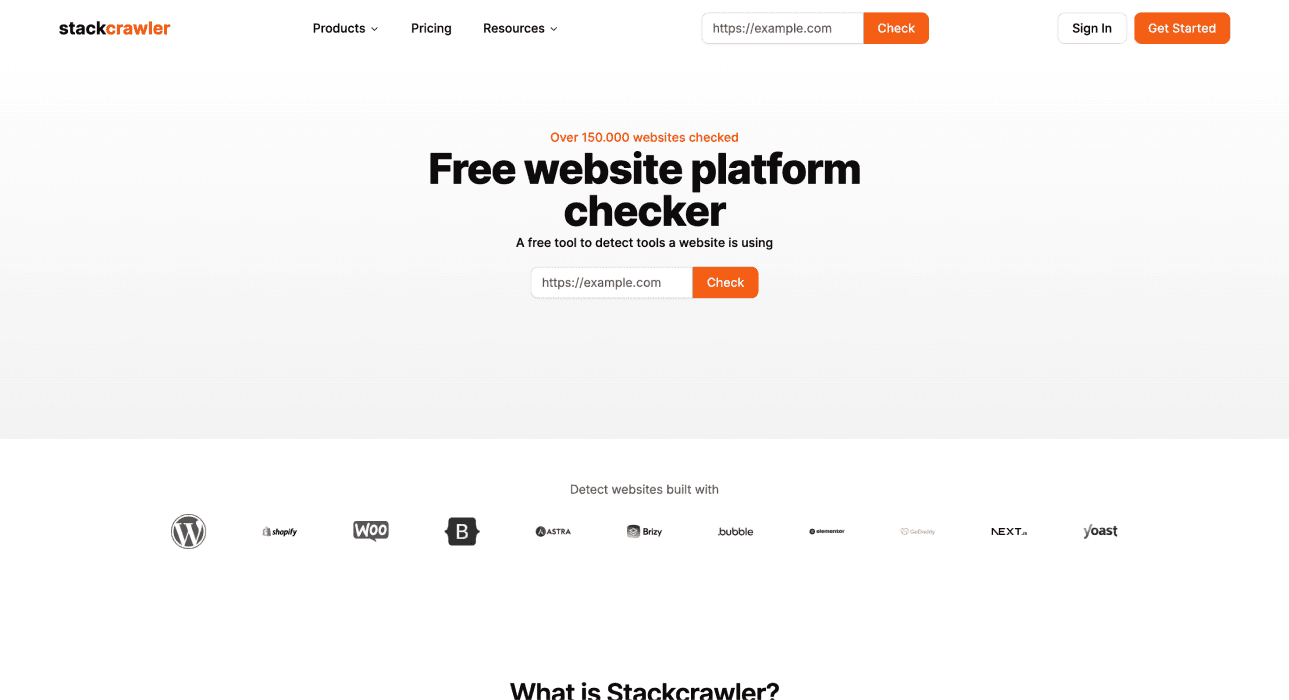
Stackcrawler focuses on finding websites by the technologies they use. Check whether the technology and level of filtering you need are available, then inspect a sample export.
Confirm current pricing and whether a requested output represents a website, a business entity or a contact before comparing cost per lead.
Pricing: Pro is $19/month and Advanced $49/month. Pro includes 3,000 website lookups, bulk scans of up to 50 URLs and 500 monthly API requests. Advanced adds larger exports and lead/contact data. The lower $15.83/$40.83 figures shown on the annual selector require yearly billing and are excluded from the monthly comparison.
WhatRuns: Inspect a site while browsing
WhatRuns is a browser extension for identifying technologies on a visited website. It can be a useful starting point for an individual research question.
Pricing: The browser extension is free. For occasional single-site checks, that can remove the need for a paid research subscription. It does not supply a priced bulk-list or API replacement in this comparison.
That is different from asking a service for every website using a technology in a region. Check the scope before choosing a free inspection tool to replace a list-building or API workflow. BuiltWith’s own free lookup is also relevant for this smaller task.
Compare a small sample before buying
Use the same technology and market for each candidate. Keep the returned website, evidence date, business identity and review result. Then count unique accepted businesses and note which required fields are missing.
For example, a hypothetical export with 100 technology rows might contain 80 distinct websites but only 60 businesses that match your target market. Those are three different counts. They illustrate a review process, not measured results from the providers above.
Check suspicious matches on the original website and record uncertainty. A missing detection does not prove a technology is absent, and a historical match does not prove it is still active. Include the subscription, required usage and further enrichment in the cost of the finished list.
Frequently asked questions
Which alternative is free?
For individual inspection, check BuiltWith’s free site lookup or WhatRuns. Free single-site access is not equivalent to unlimited bulk discovery, exports or API use.
Can I find technologies on domains I already have?
Yes, choose a lookup or enrichment workflow. In Datablist, use Identify technologies on websites with a Website URL column. The technology-discovery source solves a different starting point.
Can technographic data give me a contact list?
It can supply website and business candidates, sometimes with contact fields. Inspect what was actually returned. A technology match alone does not establish a correctly matched person, a verified email or permission to contact them.
What should I check in a comparison?
Check current technology evidence, unique business identities, relevant fields, export/API access and total cost. Keep the subscription payment separate from a full-allowance cost per row, and compare the same lookup or discovery task.
Citations
Monthly pricing checked October 28, 2026, except the explicitly unconfirmed previous SimilarTech figure.
- [1] BuiltWith. Basic, Pro and Team monthly plans and free individual-site lookup.
- [2] Datablist. Starter/Growth prices and included credits.
- [3] Datablist. Credit usage and top-up packages.
- [4] Wappalyzer. Monthly plans, technology targets and lookup allowances.
- [5] Similarweb. Current technology-research product route.
- [6] Ful.io. Monthly report, bulk-lookup and API allowances.
- [7] Hunter. Monthly subscriptions and credit allowances.
- [8] Hunter. Technology filtering requires a paid All-in-One plan.
- [9] Stackcrawler. Pro/Advanced pricing and lookup/API allowances.
- [10] WhatRuns. Free browser extension for identifying website technologies.