
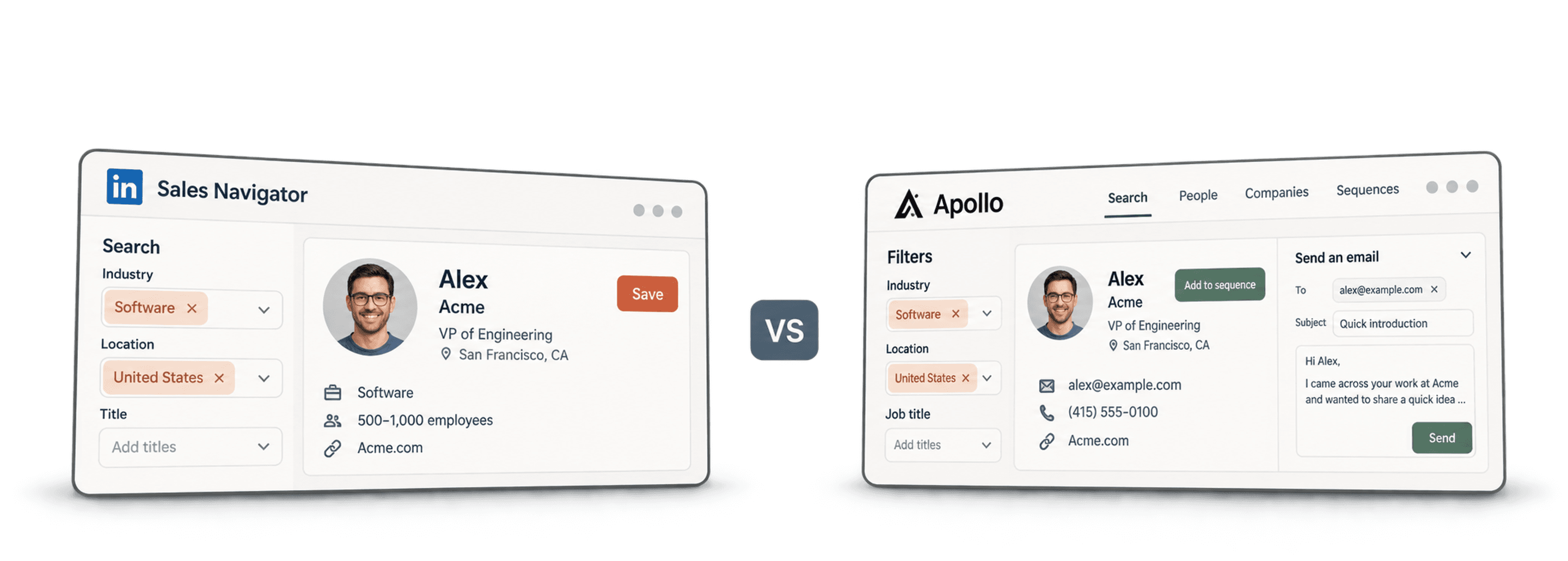
For Apollo vs. LinkedIn Sales Navigator, I would choose Apollo when the immediate task is finding contact details and building email sequences. I would choose Sales Navigator when the task is researching LinkedIn accounts, identifying decision makers, and following changes at target companies.
You can also use both. The important question is which part of your lead generation workflow needs help: finding the right people, obtaining usable contact details, or sending the outreach.
On monthly billing, Apollo Basic starts at $65 per seat and Sales Navigator Core at $119.99 per license. Apollo combines contact data with email-sequence features; Sales Navigator's research subscription does not include a complete work-email export and sending workflow. The pricing section below compares the plans and actual tool combinations on the same monthly basis.
This comparison gives you six ways to make that decision. It does not rank the tools by an invented response rate or assume that a large database guarantees accurate contacts.
📘 About the illustrations
The illustrations below come from the original 2025 comparison. Their winner labels are editorial opinions, not measured benchmarks. Use the current feature descriptions and plan links in this guide when making your decision.
Quick Summary for Those in a Rush
| Comparison | Apollo | Sales Navigator |
|---|---|---|
| Primary use case | Contact discovery and email outreach | LinkedIn account and decision-maker research |
| Monthly starting price | $65/seat, Basic | $119.99/license, Core |
| Data approach | Contact database and enrichment | LinkedIn profiles, accounts and signals |
| Work-email workflow | Lookup credits and sequence features | Separate export/enrichment/sending tools as needed |
| CRM workflow | Check selected plan and integration | Full CRM integration in Advanced Plus |
Sales Navigator vs. Apollo Round 1: Data Quality
I would separate profile accuracy from contact availability. You need both for cold email, but they are different checks.
Apollo offers contact data and enrichment as part of its prospecting product. Sales Navigator helps you research people and companies through LinkedIn. Neither source means every title, employer, or address is current. A person may have changed jobs without updating a profile, and an email can stop working after it was collected.
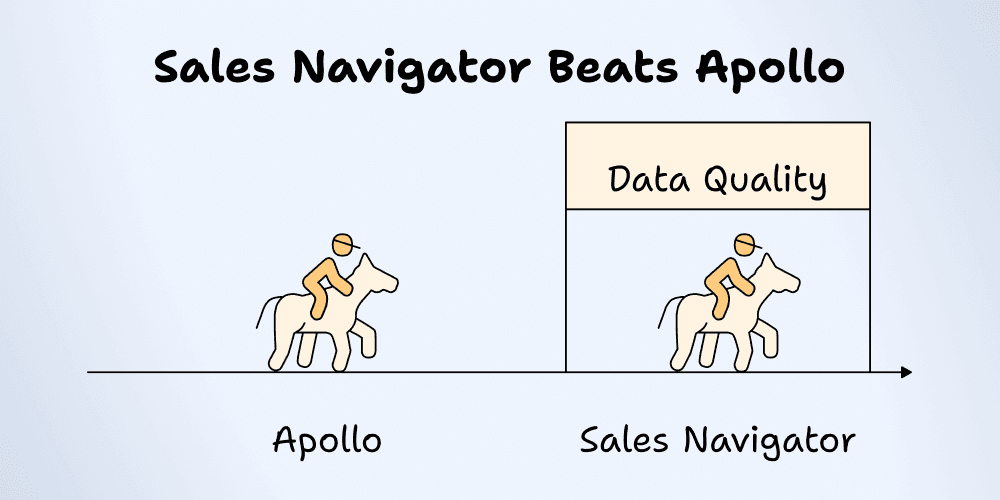
Before choosing a provider, take a representative sample from your actual market. For example, use 50 contacts across the company sizes, countries, and roles you target. This is a proposed check you can run, not a result from a test conducted for this article.
For each contact, record:
- Whether the person still works at the intended company
- Whether the role matches your buying criteria
- Whether a work email is available
- The email status and when you last checked it
- The source URL supporting the company and role
A tool that finds many contacts can still be a poor fit if those contacts belong to the wrong companies. I would judge the sample by usable, correctly matched prospects rather than database size.
If LinkedIn is your starting source, the Sales Navigator list workflow explains how to prepare that data for the next steps. Review the resulting records before treating them as outreach-ready contacts.
Sales Navigator vs. Apollo Round 2: Prospecting Capabilities
For prospecting, start with the audience you want to find. “Marketing leaders at software companies in France” is a useful search brief. “More leads” is too broad to compare two tools.
Sales Navigator provides advanced search filters, saved leads and accounts, and alerts. LinkedIn distinguishes its individual Core plan from team features in Advanced and deeper CRM integration in Advanced Plus. Check the current Sales Navigator feature comparison for the features included in your plan.
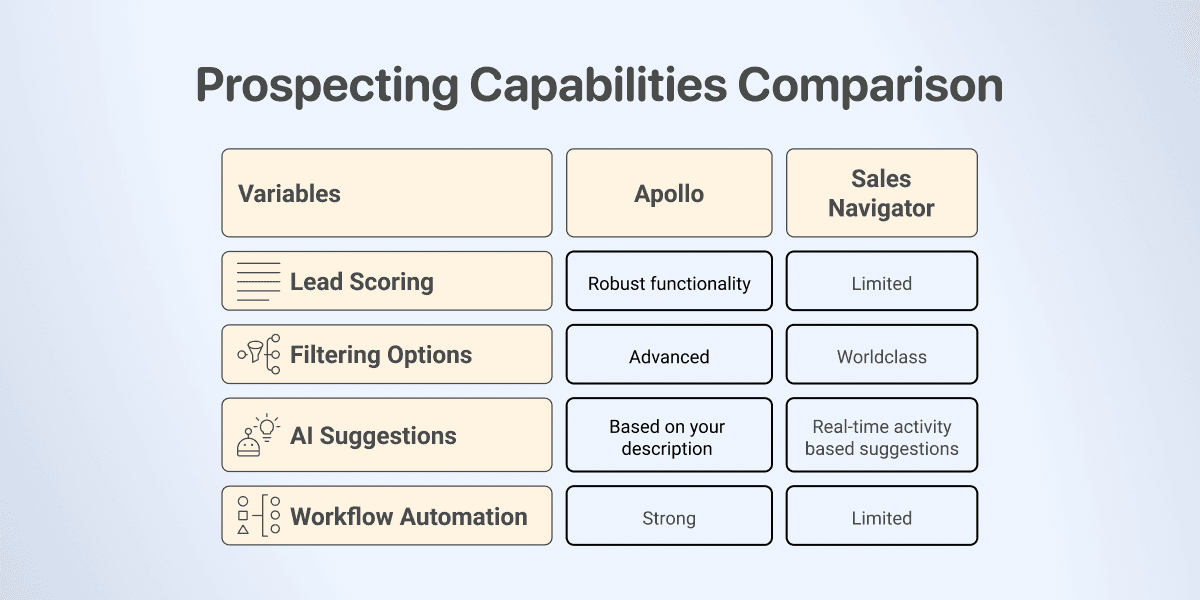
Apollo combines prospecting with contact lookup and sales engagement. That makes it a useful starting point when the next step is an email campaign; compare the available capabilities on Apollo's current plan page.
I would run the same audience definition in both tools, then inspect the results rather than comparing filter counts. Check whether a title filter includes assistants, consultants, or former employees you did not intend to target. At the account level, check subsidiaries and regional offices so one parent company does not become several accidental prospects.
For a narrow list of strategic accounts, LinkedIn research may provide the context you need for a relevant conversation. For a broader email prospecting workflow, Apollo's combination of contacts and engagement may reduce the number of tools you need. Your sample will show which fits your market.
Sales Navigator vs. Apollo Round 3: Integration & Ecosystem
An integration is useful when it moves the right data to the right place. Its presence in a feature list does not tell you whether it fits your process.
Sales Navigator's CRM capabilities vary by plan, with full CRM integration positioned in Advanced Plus. Use LinkedIn's plan comparison to check eligibility before budgeting for a CRM workflow.
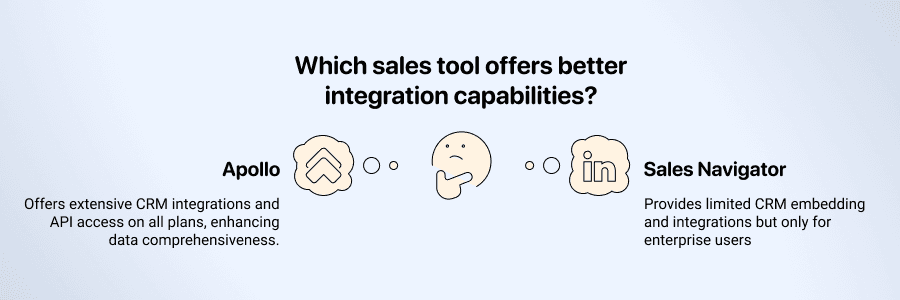
Apollo's API also needs a more specific check than “API access included.” Endpoint credit usage and rate limits depend on the operation and plan. Review the API pricing and credits documentation for the calls your workflow requires.
For either tool, I would check these questions before connecting production data:
- Does the integration create contacts, update existing contacts, or both?
- Which identifier matches an existing record: email, profile URL, or another key?
- Will empty provider fields overwrite information you already have?
- How are duplicate accounts and contacts handled?
- Can you inspect a small sync before sending the entire list?
If you combine exports from different sources, clean and enrich the CRM list before import. Keep a source column so you can trace a questionable record back to its origin.
Sales Navigator vs. Apollo Round 4: User Experience & Interface
I would compare usability by completing a real task: find ten relevant contacts, save them, and prepare the next action. This gives you a better decision than a general claim that one interface is intuitive and the other has poor support.
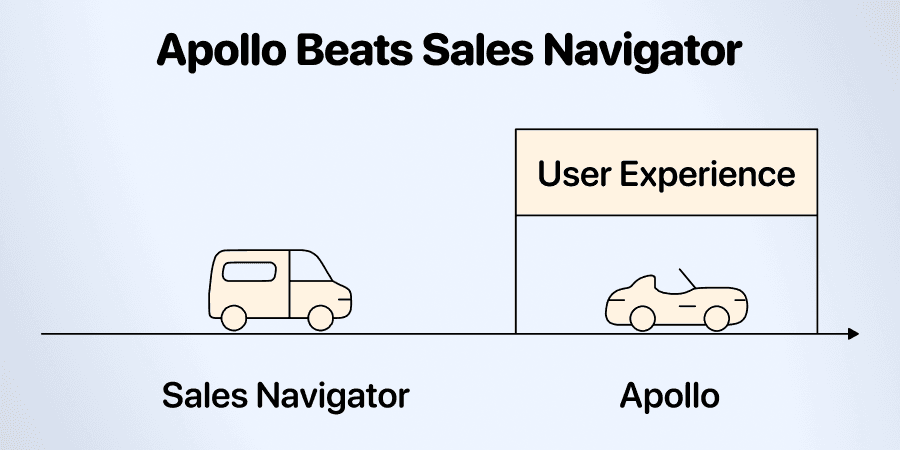
During that task, note where you need to leave the tool. Do you need another source to confirm the company? Can you tell which contacts already exist in your CRM? Can a teammate understand the saved list and why those people were selected?
A small team doing email outreach may prefer having contact research and sequencing together. An account manager researching a few important companies may prefer starting from LinkedIn relationships and profile context.
Support quality also depends on the issue and service available with your plan. If a particular integration is essential, ask the provider how that integration is supported before purchase. I would not choose a prospecting tool based on an unsupported blanket claim about response times.
Sales Navigator vs. Apollo Round 5: Cold Email Features
Apollo is my starting choice for an email sequence workflow. Its sequence documentation covers creating email steps and adding contacts, with a connected mailbox required for scheduled sending. See Apollo's sequence setup and contact enrollment requirements.
Sales Navigator supports LinkedIn outreach, including InMail. InMail is a LinkedIn message, so compare it with the outreach channel you intend to use. Buying Sales Navigator does not by itself give you a complete work-email list and email sending workflow.
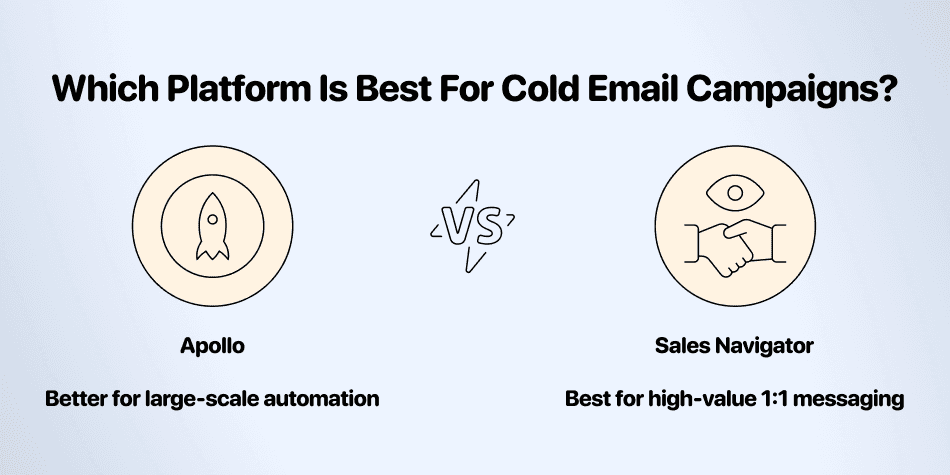
For cold email, I would prepare the list before enrolling contacts:
- Confirm company and role fit.
- Remove duplicate people and accounts where appropriate.
- Review email status and your suppression list.
- Write a message grounded in a relevant, checked company fact.
- Check mailbox settings and the sending schedule in the outreach tool.
For example, a verified hiring page can support a specific opening line about the team's expansion. An AI-generated guess about a company's budget cannot. See cold email personalization tactics for ways to turn researched facts into relevant copy.
I would measure replies and qualified conversations from your own campaign. This guide does not promise a fixed InMail or email response rate; audience, offer, timing, and list quality all affect the result.
Sales Navigator vs. Apollo Round 6: Pricing & Value
The current USD monthly prices are Apollo Basic $65 per seat, Apollo Professional $99 per seat, Sales Navigator Core $119.99 per license and Advanced $159.99. Advanced Plus requires a quote for deeper CRM integration. Prices were checked October 28, 2026; market and taxes can affect the offer.
| Product / Plan | One User, Monthly Billing | What the Entry Budget Covers |
|---|---|---|
| Apollo Basic | $65 | 2,500 credits and core prospecting/sequence features |
| Apollo Professional | $99 | Higher-tier credits and engagement features |
| Sales Navigator Core | $119.99 | Individual LinkedIn sales research |
| Sales Navigator Advanced | $159.99 | Team research and collaboration features |
| Sales Navigator Advanced Plus | Custom quote | Deeper CRM integration package |
The advertised $49 Apollo Basic price requires annual billing. It is not the price used against monthly Sales Navigator here. If you compare annual contracts instead, use both tools' annual terms and upfront commitments. Apollo's credits also fund different activities; 2,500 credits are not a guarantee of 2,500 complete, correctly matched prospects.
For a cold email workflow, include the prospecting subscription, contact lookup, any extra enrichment, the sending tool, and mailbox costs. For a LinkedIn workflow, check whether the research and team features you need are in the selected tier.
What a complete tool combination costs
| Workflow | Monthly Tool Payment | Still Account For |
|---|---|---|
| Apollo Basic for contact discovery and sequences | $65 | Mailbox, data usage and required features |
| Sales Navigator Core for LinkedIn research | $119.99 | Work-email preparation and sending if needed |
| Core research + Apollo Basic outreach | $184.99 | Data transfer, credit use and mailbox |
| Core + Evaboot's 1,000-export-credit plan | $168.99 | A separate email-sending workflow |
The combined Apollo example is $119.99 + $65 = $184.99 for one user. The export example is $119.99 + $49 = $168.99: Evaboot's 1,000-credit monthly tier charges one credit per exported lead, including a verified email when found. A no-email export still consumes its credit. Those 1,000 export credits do not promise 1,000 available emails or include a sending tool. Existing Sales Navigator subscribers should compare the extra $65 or $49 payment, rather than charge the same seat twice.
Seat counts matter too: three Apollo Basic seats cost $195/month, while three Core licenses cost $359.97/month. These are product-license totals for their stated plans, not a claim that the plans provide identical team or CRM features.
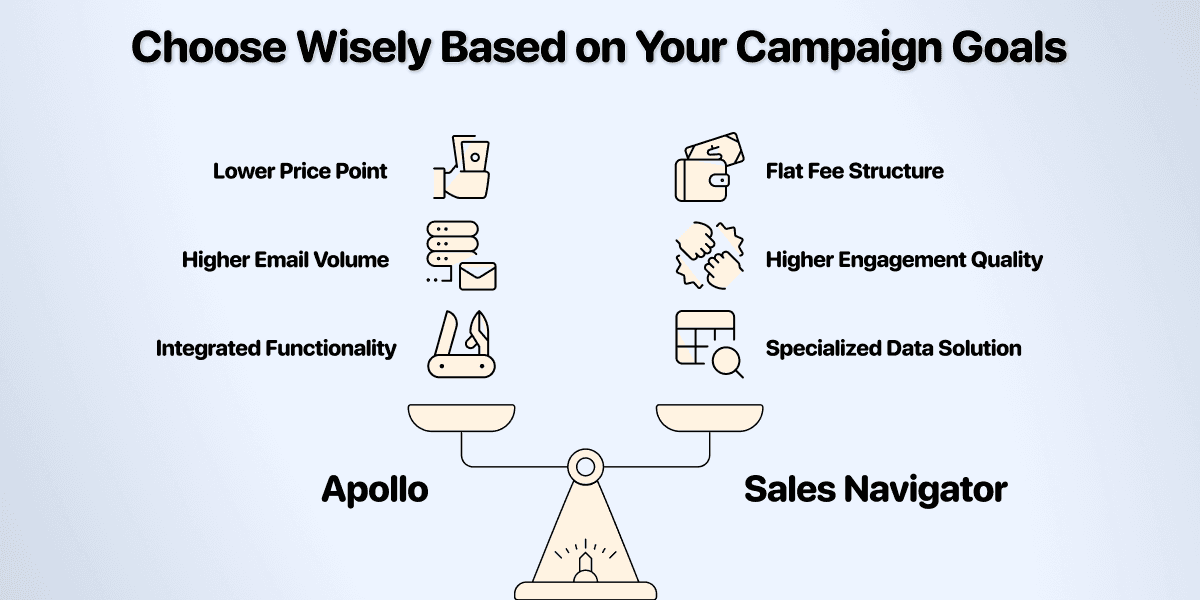
Use cost per usable prospect as a planning metric. Divide the cost of your sample workflow by the number of records that pass your company, role, and contact checks. Count failed matches and manual review time as part of the decision. A low price per returned record can look less attractive after you discard irrelevant contacts.
Which Tool Would I Choose?
Choose Apollo first when you want to look up contacts and move into email sequences. Choose Sales Navigator first when your selling process depends on LinkedIn account research and identifying the right people within those accounts.
Use both when each solves a distinct part of the process and the combined cost makes sense. You can prepare exported lists in Datablist, review company matches, and find missing email addresses before handing the reviewed contacts to your outreach tool.
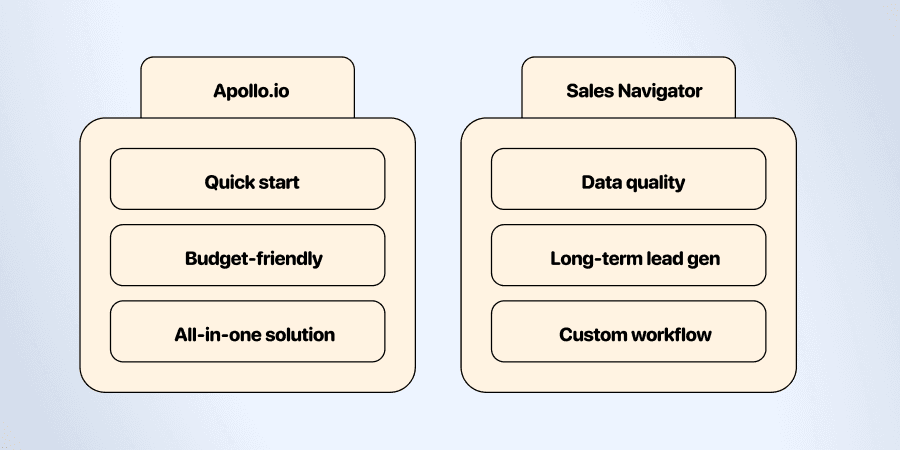
My recommendation is to start with a small audience you know well. Make the tool earn its place by producing usable prospects for that audience, then expand the workflow.
Citations
USD monthly prices checked October 28, 2026. Worked budgets are subscription arithmetic, not measured campaign returns.
- [1] Apollo. Basic/Professional plan pricing, credit allowances and included capabilities.
- [2] LinkedIn. Sales Navigator Core/Advanced prices and Advanced Plus scope.
- [3] Evaboot. Monthly export-credit tiers and included-email rules.
- [4] Apollo. Endpoint-specific API credit usage and plan requirements.