Waterfall Personal Email Finder API
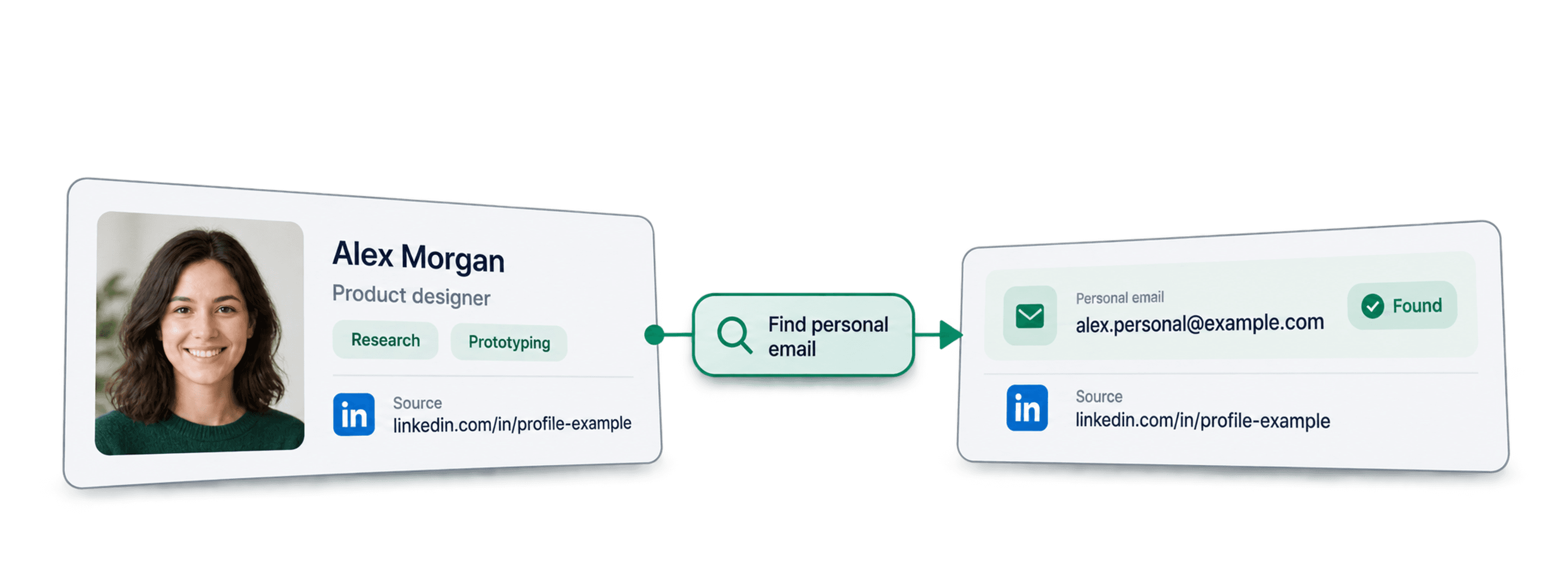
Find personal email addresses from LinkedIn profile URLs, from your AI assistant, no-code workflow or own code.
- From $0.05 per Email Found
- LinkedIn URL to Personal Email
- 10,000 Emails per Task
| LinkedIn profile URL |
|---|
| linkedin.com/in/maya-lindqvist |
| linkedin.com/in/tom-okafor |
| linkedin.com/in/lea-moreau |
Trusted by 38,000+ users at startups and Fortune 500 teams





Works with any tool that can send HTTP requests
 Claude
 Cursor
 Codex
Codex Make
Make n8n
n8n Zapier
- Your own code
Pick Your Way In
Let an AI assistant or your automation tool do the setup, or call the REST API from your own code.
Paste the setup prompt
Copy the prompt for Claude Code, Codex or Cursor, or for Make, n8n or Zapier, and paste it in. The AI creates a Datablist folder on your computer and sets everything up.
Paste your API key
When the AI asks, copy your API key from the Datablist app and paste it into the .env file it opened. Never paste it into the chat.
Get your results
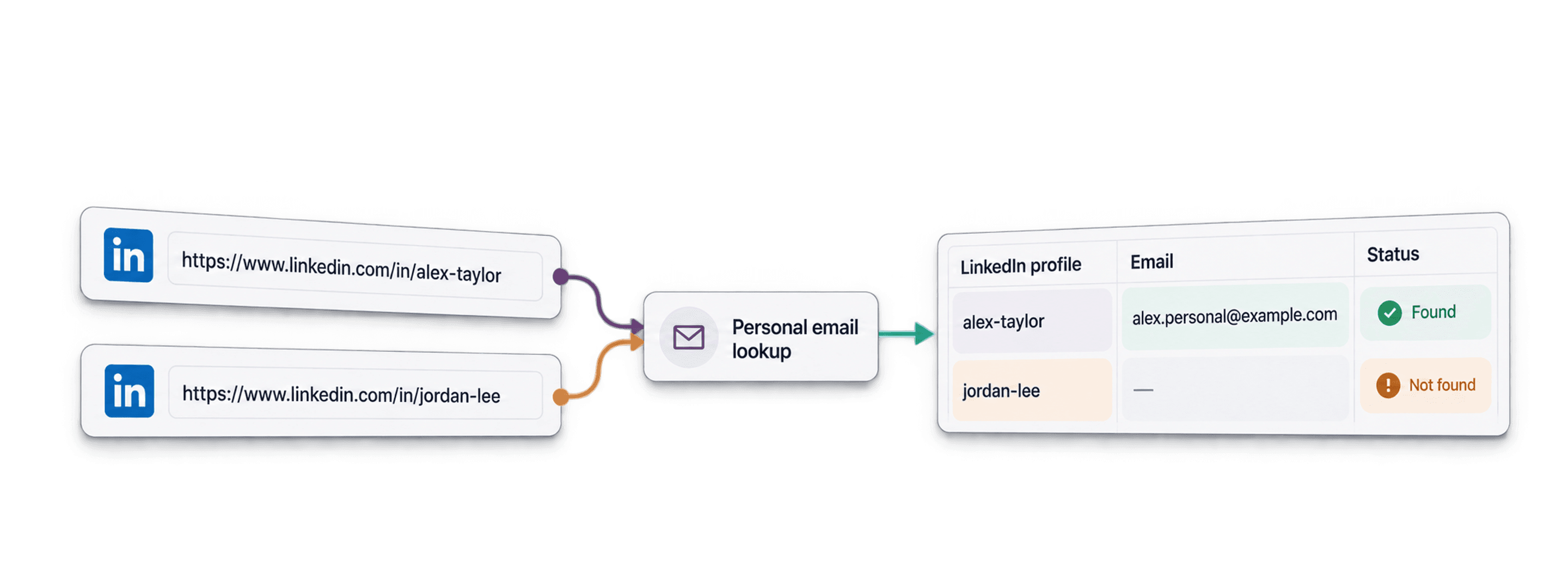
Send your list of LinkedIn profile URLs and get one row back per profile with the personal email found, ready for your ATS, sheet or CRM.
See a sample resultUsing Make, n8n or Zapier? Here is every field for the HTTP request
Use the HTTP request module or node your tool offers. You need three steps: send the list, wait, then read the results.
1. Send your list (HTTP request)
- Method
POST- URL
https://api.datablist.com/v1/enrichments/tasks- Headers
X-API-Key= your API keyContent-Type=application/json- Body (JSON)
- json{"enrichmentId": "waterfall-personal-email-finder","uniqueId": "waterfall-personal-email-finder-import-1","settings": {},"inputs": [{"inputId": "row-1", "data": {"profileUrl": "https://www.linkedin.com/in/maya-lindqvist/"}},{"inputId": "row-2", "data": {"profileUrl": "https://www.linkedin.com/in/tom-okafor/"}},{"inputId": "row-3", "data": {"profileUrl": "https://www.linkedin.com/in/lea-moreau/"}}]}
- Keep
- The
@idfrom the response. That is your task ID.
2. Wait until it is done
Add a short wait or delay, then a GET request to https://api.datablist.com/v1/enrichments/tasks/TASK_ID with the same X-API-Key header. Repeat until status is completed.
3. Read the results
GET https://api.datablist.com/v1/enrichments/tasks/TASK_ID/results?limit=50. Map outputs to your columns. If nextCursor is not empty, call again with &cursor= plus that value.
At a Glance
Reach people who are between jobs, freelance or simply prefer their own inbox. You only pay for the emails found. No Datablist workspace, collection or import needed.
What you give it
- LinkedIn profile URLs: Standard public profile links. Sales Navigator links are not supported
- No settings: Nothing to configure
What you get back
- The personal email: For example a Gmail or Outlook address the person uses privately
What it costs
- 75 credits per email found: Nothing when no email comes back
- 1,000 credits = $1: Shared with the Datablist app
What Teams Build With It
Put Waterfall Personal Email Finder wherever your data already flows.
Reach passive candidates
- Candidate LinkedIn URL
- Outreach from your ATS
Contact candidates on the address they read outside work, without going through their current employer.
Contact creators and freelancers
- Creator or freelancer profile
- Added to your campaign
Freelancers, consultants and creators often have no work email. Their personal email is the way in.
Keep in touch after job changes
- Alumni or customer list
- Contact that stays valid
Work emails bounce when people move on. A personal email keeps your community list reachable.
What Will It Cost You?
Pay per lookup with credits. API access starts on the Growth plan.
How much will it cost you?
Tell us how many LinkedIn profiles you need personal emails for and we'll show you the cheapest way to get them.
= 75,000 credits at 75 credits per email found (the maximum, if every row returns a result)
How credits work
1,000 credits = $1, so each credit costs a tenth of a cent. A personal email found costs 75 credits. Profiles without a result are not charged, so the estimate above is the maximum. Every result returns creditsUsed, so you can track the real cost per row. Plan credits renew monthly and reset if unused. Top-up credits never expire.
Build It Into Your Code
Everything you need to call the REST API directly: code, responses, endpoints, fields, authentication and limits.
Copy, Paste, Run
A complete script that creates a task, waits for it and prints every result. Replace YOUR_PERSONAL_API_KEY with your key.
# 1. Create the task (returns 202 Accepted and the task "@id")
curl --request POST 'https://api.datablist.com/v1/enrichments/tasks' \
  --header 'X-API-Key: YOUR_PERSONAL_API_KEY' \
  --header 'Content-Type: application/json' \
  --data '{
    "enrichmentId": "waterfall-personal-email-finder",
    "uniqueId": "waterfall-personal-email-finder-import-1",
    "settings": {},
    "inputs": [
      {"inputId": "row-1", "data": {"profileUrl": "https://www.linkedin.com/in/maya-lindqvist/"}},
      {"inputId": "row-2", "data": {"profileUrl": "https://www.linkedin.com/in/tom-okafor/"}},
      {"inputId": "row-3", "data": {"profileUrl": "https://www.linkedin.com/in/lea-moreau/"}}
    ]
  }'
# 2. Poll every few seconds until status is completed, failed or stopped
curl 'https://api.datablist.com/v1/enrichments/tasks/TASK_ID' \
--header 'X-API-Key: YOUR_PERSONAL_API_KEY'
# 3. Read the results, then follow nextCursor until it is null
curl 'https://api.datablist.com/v1/enrichments/tasks/TASK_ID/results?limit=50' \
--header 'X-API-Key: YOUR_PERSONAL_API_KEY'What the API Returns
One result per input, with your inputId, a status, the outputs and the credits used. Sample data.
{
  "taskId": "00000000000040008000000000000001",
  "results": [
    {
      "inputId": "row-1",
      "status": "success",
      "outputs": {
        "emailFound": "maya.lindqvist@example.net"
      },
      "creditsUsed": "75",
      "error": null
    }
  ],
  "nextCursor": null
}
Endpoints and Fields
All paths are relative to https://api.datablist.com. Field definitions come from GET /v1/enrichments/waterfall-personal-email-finder (docs updated Oct 15, 2026). Schema version: 2026-09-12.
View API schema (JSON) (opens in a new tab)
- /v1/enrichments/waterfall-personal-email-finder
- Read the schema, no key needed
- POST
- /v1/enrichments/tasks
- Create a task
- /v1/enrichments/tasks/{taskId}
- Poll status and progress
- /v1/enrichments/tasks/{taskId}/results
- Read results, 1 to 100 per page
- POST
- /v1/enrichments/tasks/{taskId}/stop
- Cancel a running task
- /v1/enrichments/tasks
- Task history, newest first
Schema Reference
Send settings once per task and one data object per input. Results can include extra fields as the enrichment evolves, so keep unknown keys when you parse outputs.
Show all settings, inputs and outputs
Settings
No fields.
Inputs (data)
profileUrlrequiredLinkedIn Profile | Text | Person's Profile URL should be in the format of https://linkedin.com/in/xxx . This enrichment doesn't work with Sales Navigator Profile URL format. |
|---|
Outputs
emailFoundEmail | Text | Email FoundFormat: |
|---|
One Header, Clear Limits
Create a Personal API Key in your Datablist account and send it on every authenticated request.
Authentication
Send your key in the X-API-Key header. Datablist exchanges and renews access tokens for you.
- Header:
X-API-Key: YOUR_PERSONAL_API_KEY - Optional: manage tokens yourself with
Authorization: BearerfromPOST /v1/account/token - One or the other: sending both headers returns
400 AmbiguousCredentials - Server side only: keep keys out of URLs, browser code and logs
Limits
- Inputs per task: 1 to 10,000
- Size: 16 KiB per input, 10 MiB per request
- Run time: up to 24 hours per task
- Task creation: 10 requests per 60 seconds per account
- Polling and results: 120 requests per 60 seconds per operation
- Active tasks: about 20 at once per account
- Retention: tasks and results are kept for 90 days
Related Tutorials
Learn the newest workflows with detailed step-by-step guides.
Frequently Asked Questions
Everything you or your AI coding agent need to integrate the Waterfall Personal Email Finder API: auth, request, polling, results, limits and retries.
Related APIs, Enrichments and Free Tools
Chain Waterfall Personal Email Finder with other enrichments, in your code, in the Datablist app or for free.
Enrichment APIs
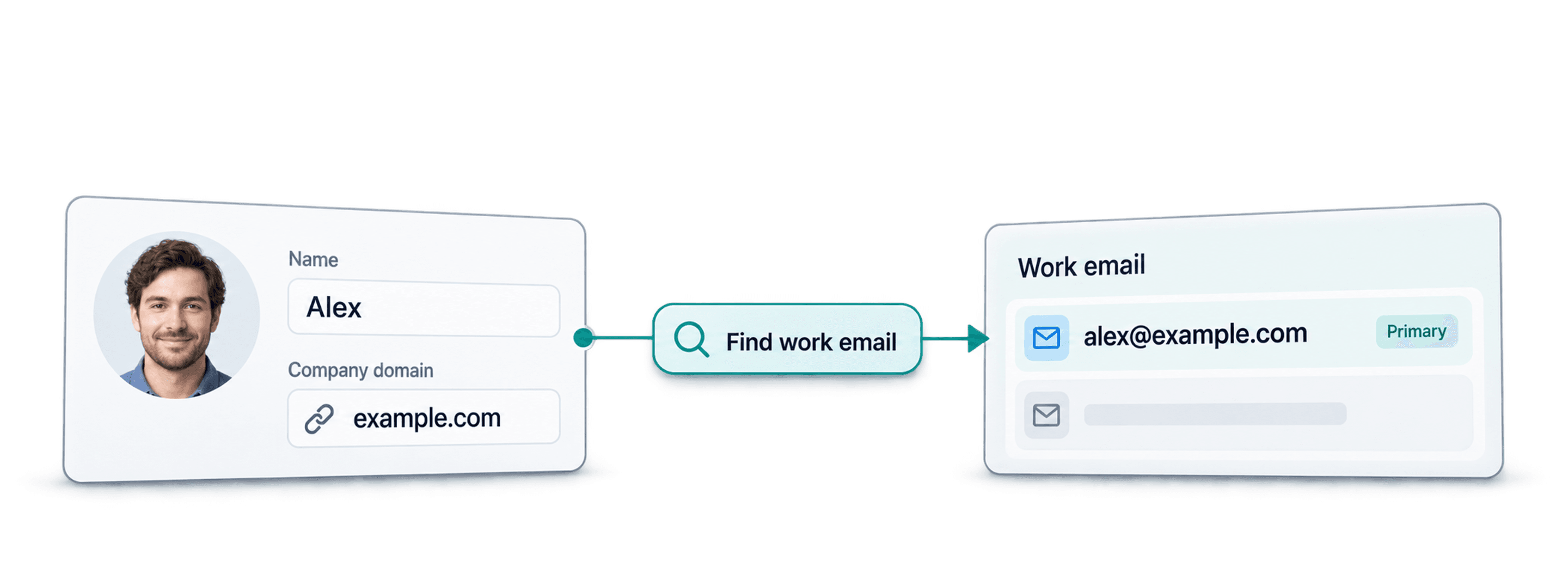
- Waterfall Email Finder APIFind a verified work email from a name and the company domain.
- Waterfall Phone Finder APIFind a phone number from a LinkedIn profile URL. Pay only when found.
- LinkedIn Profile Scraper APIGet job, company and education details from a LinkedIn profile URL.