 10 Credits per Website
 Extracts Managing Director Details
 Scrape 50 Impressum Pages Free
















 Easy to Use
 No Settings to Configure
 Fully No-Code
Step-by-Step Guide
Step 1: Sign Up & Upload Your Data
First, sign up for Datablist.com
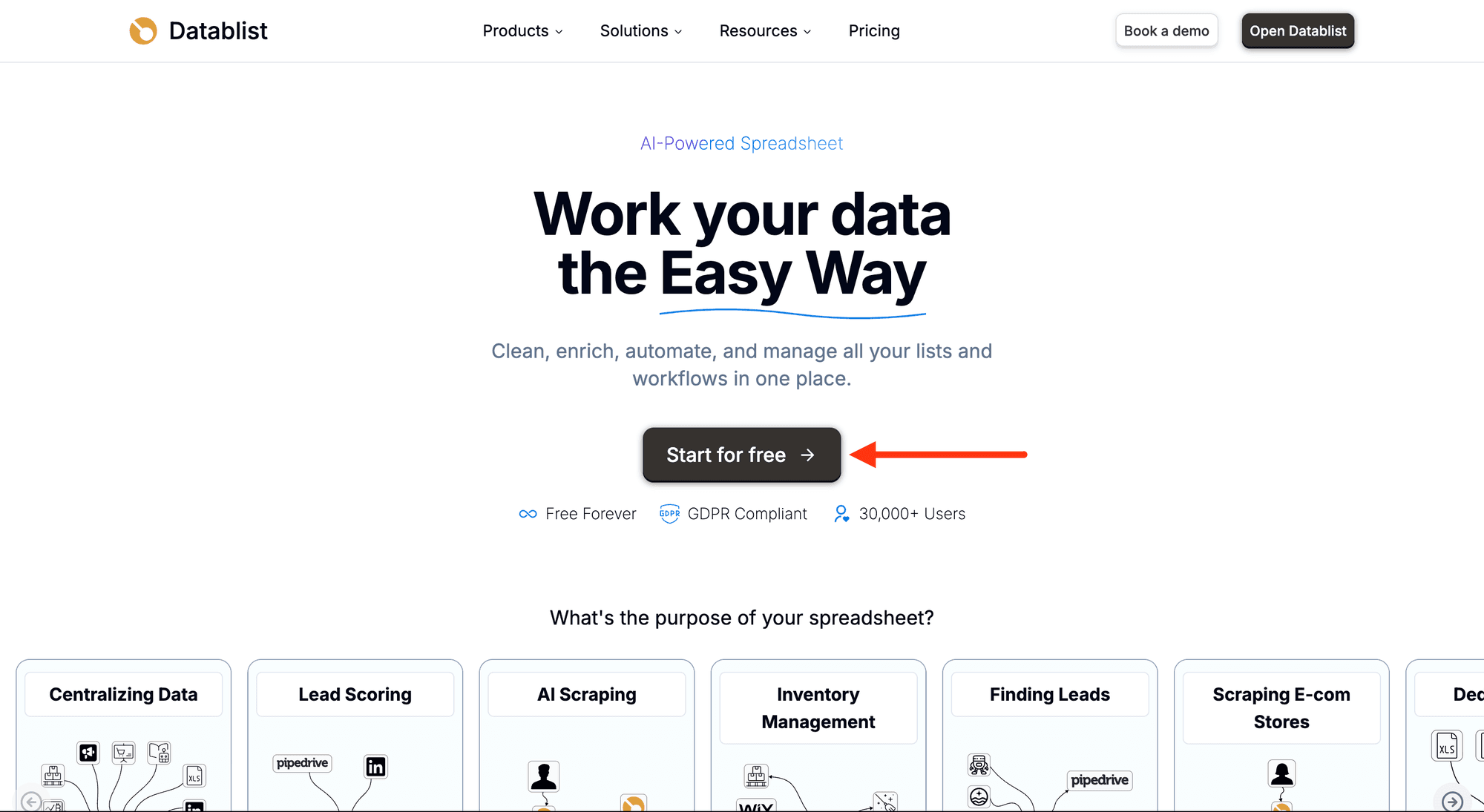
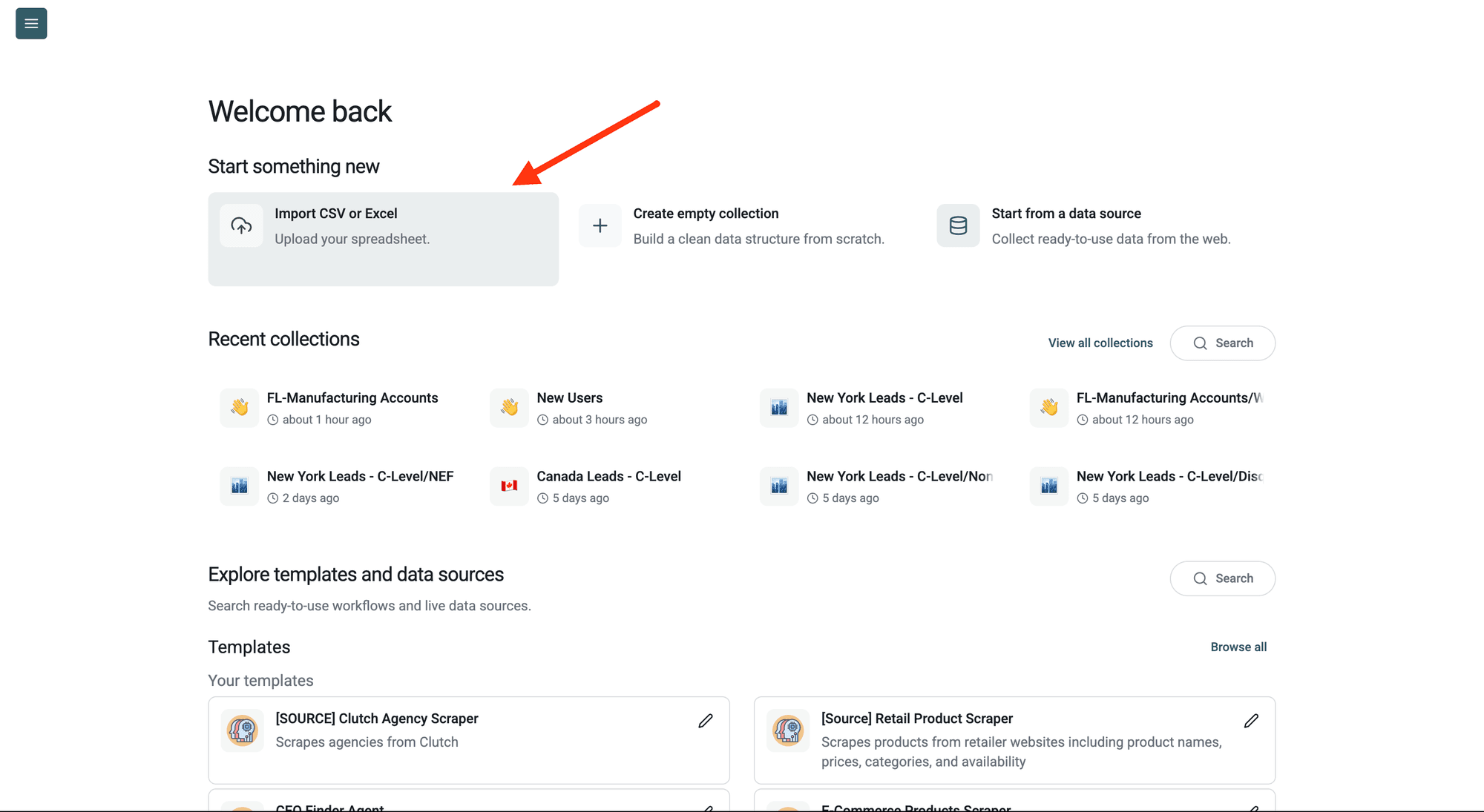
Then, upload your CSV or Excel file with the websites you want to analyze.
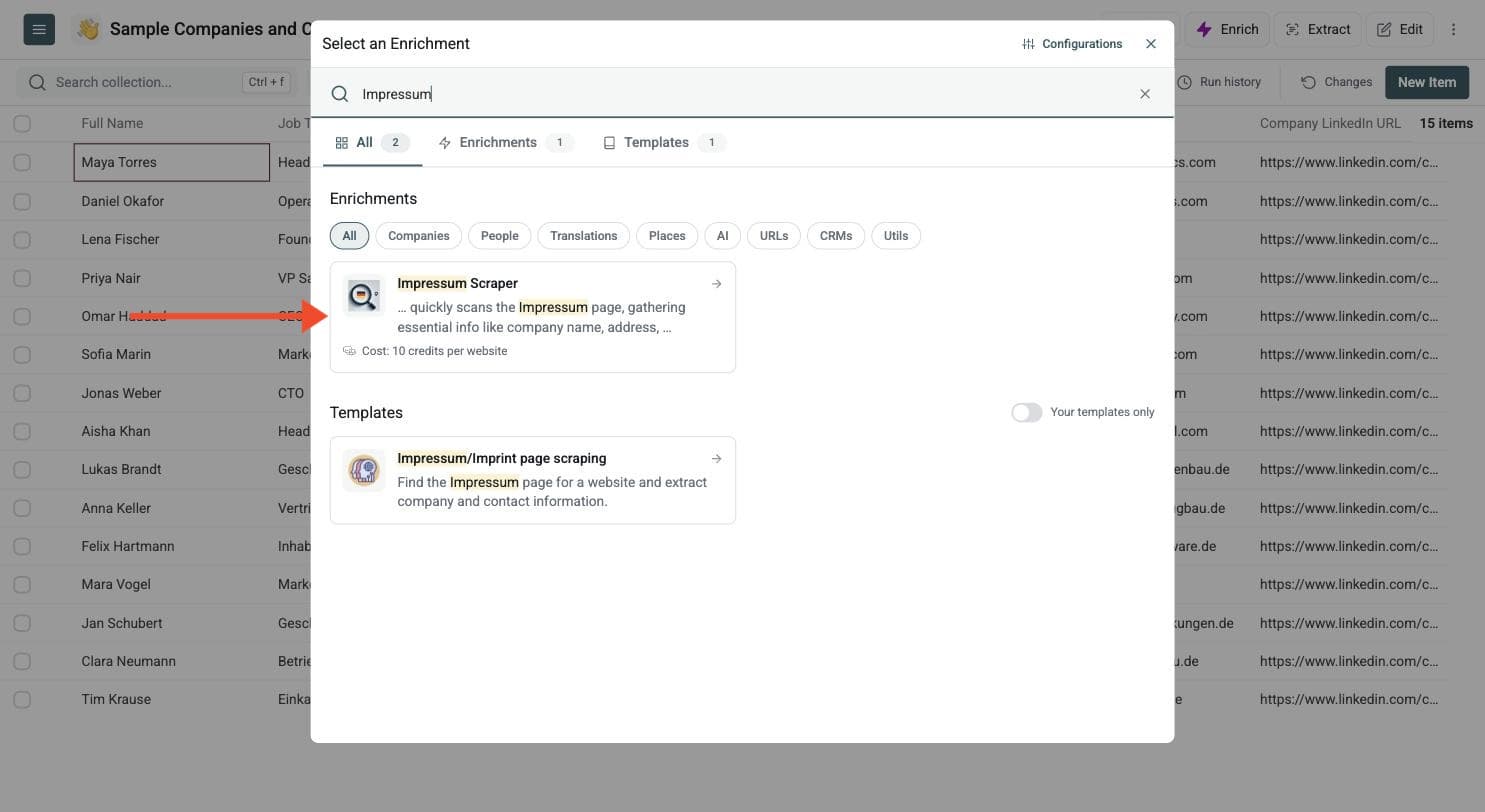
Step 2: Navigate to the Enrichment
Open Enrich and choose the Impressum Scraper.
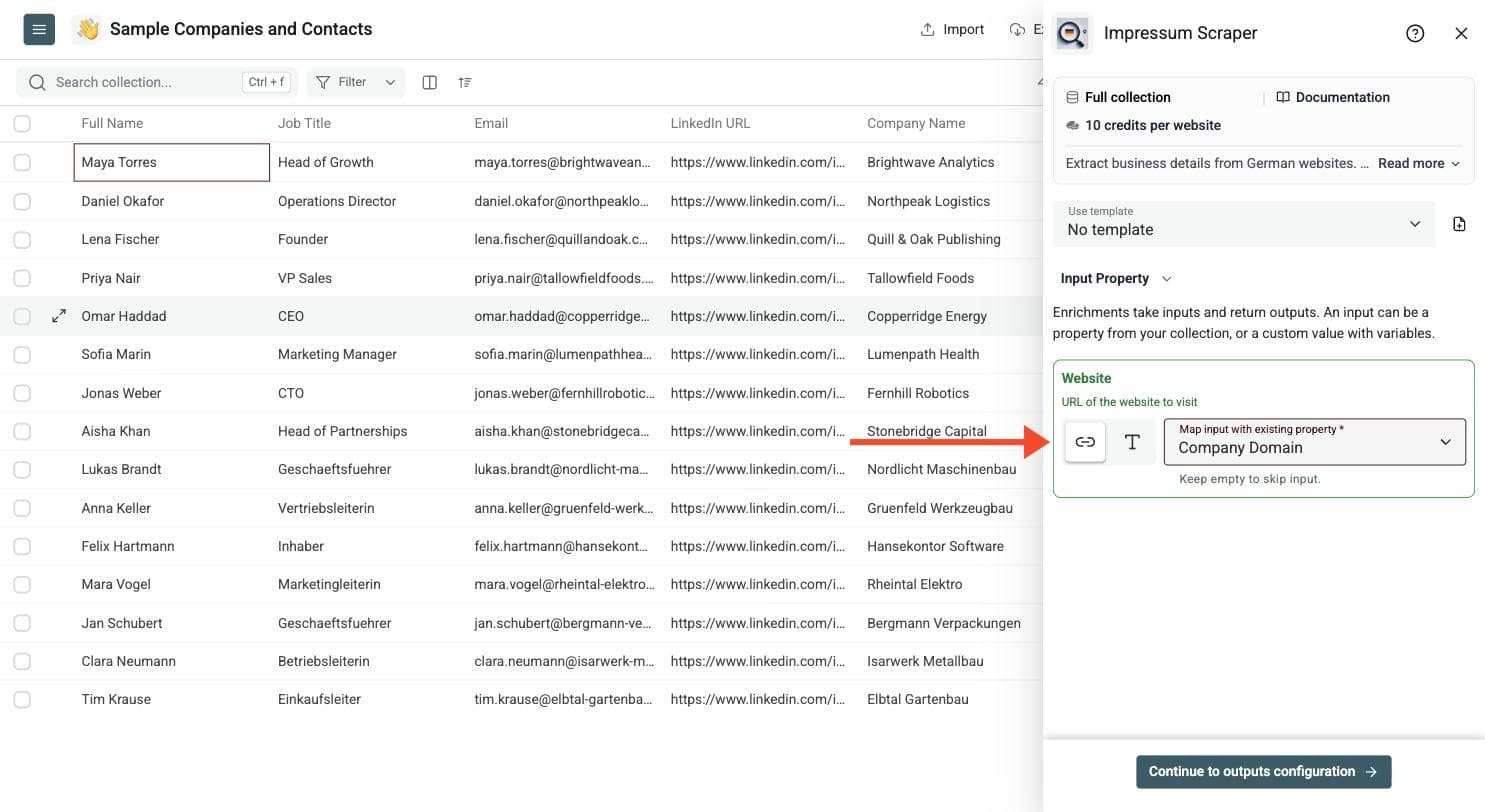
Step 3: Configure Your Inputs
- Map the website column as the Input Property. Use the URL of the website to visit.
Then click Continue to outputs configuration.
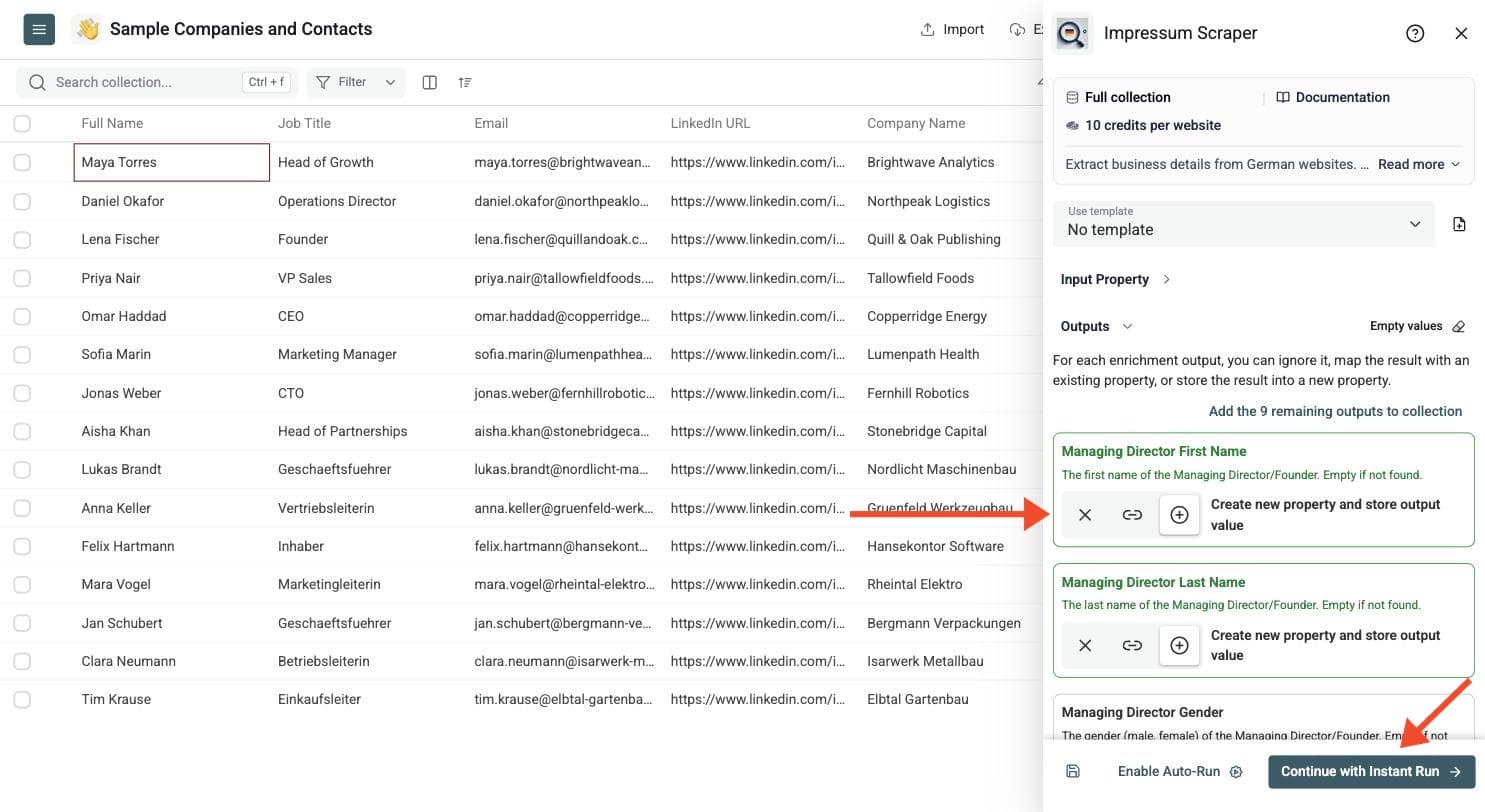
Step 4: Select Outputs
Define the outputs you want to save, such as the managing director's name, company name, postal address, email addresses, phone number, VAT number, registration number, Impressum URL, confidence score and error message.
Click the ⊕ icons to add them to your collection, then click Instant Run.
Step 5: Run the Enrichment
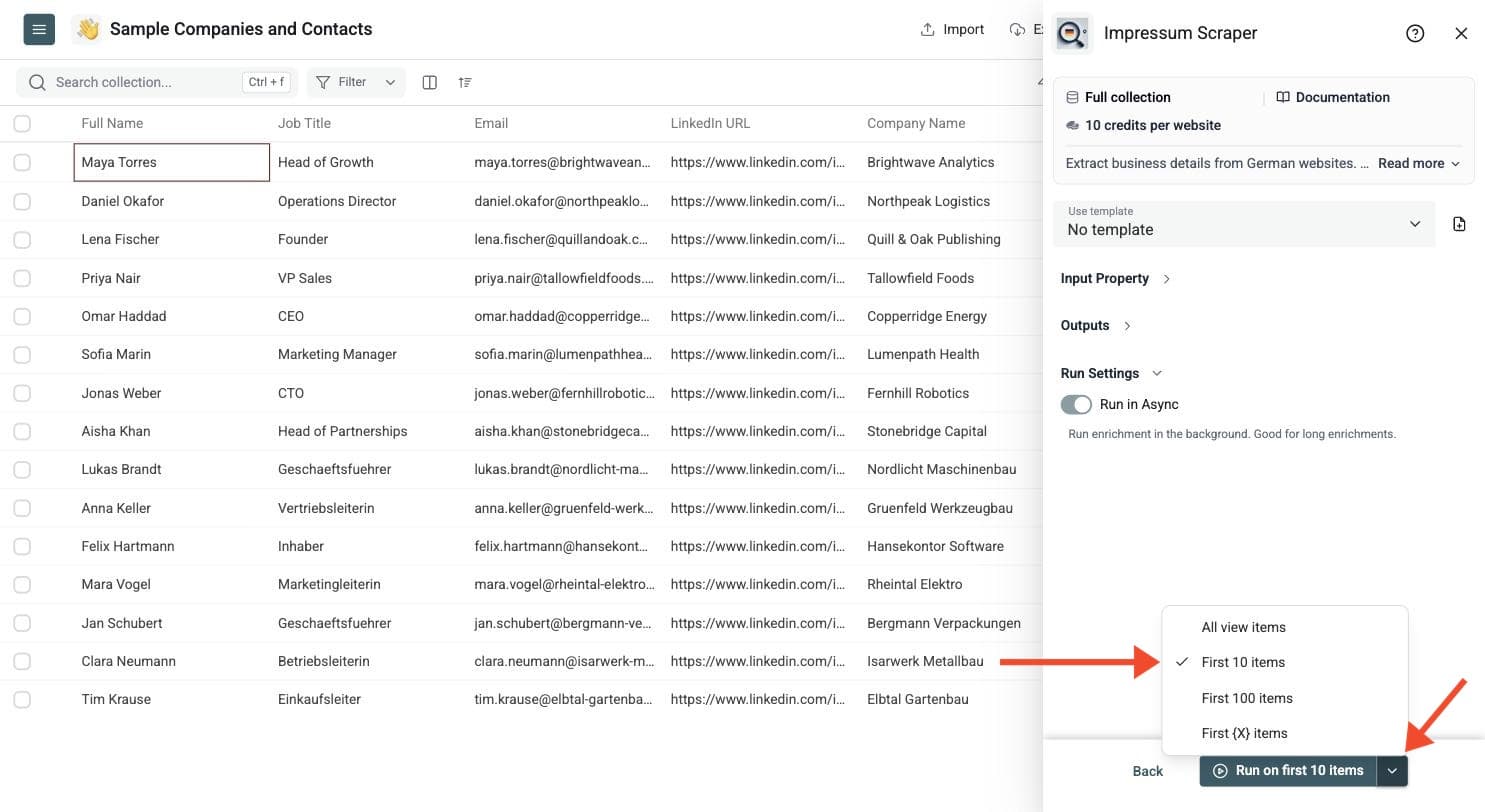
Run a sample first. Click the chevron on the right side of the run button to choose how many items to process:
-
Run on first 10 items: Good for checking results before committing
-
Run on first 100 items: Useful for validating larger samples
-
Run on all view items: Process your entire list (or view if you've enabled filters)
Best Inputs for Impressum Scraping
Use company homepages or root domains when possible. Good starting points include German company websites, ecommerce stores selling in Germany, agencies, SaaS companies, local businesses and supplier lists with missing legal details. Avoid social profiles and directory pages that do not belong to the company website.
The enrichment is instructed to look on the supplied host for legal-notice pages, including common paths such as /impressum and /imprint, and legal or contact links in the navigation. It focuses on the company's own legal notice rather than research across unrelated websites.
Review the Legal Details
An Impressum often contains the legal company name, address, management details, registry information, VAT number and contact data. The structure varies by website, and some fields may be absent. The enrichment is designed for German-style legal notices; similar pages elsewhere may provide less complete results.
Keep the Impressum URL to check important fields against their source. Review managing-director or founder names, addresses, registration numbers and VAT numbers before using them in supplier or compliance workflows. A confidence score is a review signal, not independent confirmation that legal details are current or correct. Inspect errors before treating an empty field as evidence that the website lacks that information.
Use Cases
- Supplier onboarding: Collect public legal details from German vendor websites, then review them against your requirements.
- Lead qualification: Add company and contact information when the main website has little structured data.
- Partner research: Build a source-backed dataset of legal names, addresses and registry details.
- Management research: Identify listed founders or managing directors for review before outreach.
At 10 credits per website, 500 checks use 5,000 credits and 2,000 checks use 20,000 credits. Run a sample first to confirm that your list contains usable legal notices.