
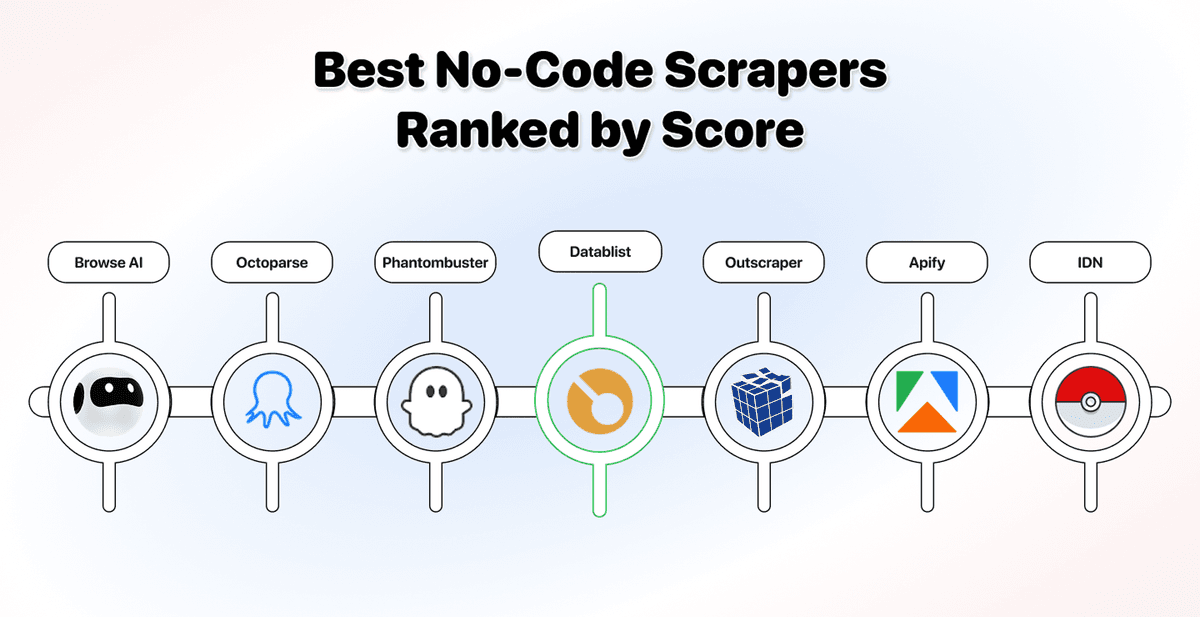
A no-code scraper should not be evaluated by how clean the click-to-select interface looks. Unfortunately, though, that’s what many do when they rank the “best no-code scraper”
This ranking takes a different approach. A fixed 10-point benchmark applied to 8 no-code web scraping tools: Datablist, Browse AI, Octoparse, Apify, Phantombuster, Outscraper, Instant Data Scraper, and ParseHub.
The questions our benchmark is built on: Can it scrape any site? Does its AI take plain-language field descriptions, or just auto-detect tables? Does it help you enrich the output, or stop at raw data? And more…
📌 Summary For Those In a Rush
The pick: Datablist is the best no-code scraper for anyone who wants the most scraping power without code.
If you want any-site reach, plain-language AI extraction, and built-in enrichment in one spreadsheet, Datablist is the clearest fit because it tops the power-first benchmark at 9.5/10.
Two AI agents to scrape any website. Pre-built scrapers pull LinkedIn data, Sales Navigator leads, job posts, Instagram, and Google Maps. And 60+ enrichments get you emails, phones, and firmographics without leaving the tab.
Also evaluated: Browse AI, Octoparse, Phantombuster, Outscraper, Apify, Instant Data Scraper, and ParseHub, each with trade-offs covered below.
Bottom line: Pick Datablist for the most power with the least friction; pick a specialist only when your need is narrow.
What This Guide Will Cover
- What no-code scraping really means and what to look for
- The 10-point power-first benchmark we score against
- The 8 best no-code scrapers of 2026, ranked and scored
- Why pure API and developer-only tools aren't ranked
- How to choose the right scraper for your situation
- Frequently asked questions
What Counts as a No-Code Scraper
"No-code" means different things depending on who's using the term. For developers, it means no custom scripts. For someone non-technical, it means no API setup, no authentication tokens, and no configuration files either.
The Definition Most People Get Wrong
Most people define no-code scraping as "no scripts." That's too narrow.
For someone non-technical, setting up an API is still code. You're writing requests, passing keys, and handling responses. The friction is the same; it just looks different.
A real no-code scraper means none of that. No selectors, no scripts, no API configuration. You point it at a site, describe what you want, and it returns structured data.
What to Look For in a No-Code Scraper
Five things separate a tool you'll still use next month from one you'll drop after a week:
- Any-site reach: can you point it at any URL, or only at supported templates?
- AI extraction depth: Can you describe fields in plain language, or just auto-detect tables?
- Enrichment built in: does it clean and enrich, or dump raw data you fix elsewhere?
- Setup friction: web-based and instant, or a desktop install and a technical console?
- Pricing predictability: pay per result, or per execution minute, where stalls cost the same as wins?
Each one is a trade-off you feel fast. Limited any-site reach blocks niche pages; shallow enrichment leaves you stitching three tools together.
📘 What This Ranking Leaves Out
Pure API and developer-only services (ScraperAPI, Bright Data, Zyte) are covered in a closing section, not ranked; they fail the zero-code test.
Dedicated AI-only scrapers get their own article, and Clay is excluded as a licensed-data enricher rather than a live scraper.
How We Score: The 10-Point Power-First Benchmark
As I earlier mentioned, we defined a fixed benchmark of everything that makes maximum scraping power with zero code, then scored eight no-code scrapers against it.
Every tool starts at zero. It earns up to 6 points for raw power, then up to 4 bonus points for how little friction it adds and how predictable its cost is. The highest total wins.
The Scraping Power Benchmark (6 Points)
Power is weighted highest because it's what actually changes between tools. AI extraction carries the most weight of all.
- AI / Natural-Language Extraction (2): describe fields in plain language and let the tool find and structure them. Full agentic extraction scores 2; AI assist or auto-detect scores 1.
- Any-Site Flexibility (1): point it at any URL, not just supported templates.
- Pre-Built Coverage (1): breadth of ready-made scrapers you can run without building anything.
- JS / Dynamic / Pagination (1): handles modern, script-heavy, paginated sites.
- Enrichment + Automation (1): built-in cleaning or enrichment, plus scheduling and recurring runs.
The Friction and Cost Bonuses (4 Points)
These four reward the tools that deliver power without making you work for it, or guess at the bill.
- Setup Friction (1): web-based and instant beats a desktop install or a technical console.
- Output & Learning Curve (1): clean output with a shallow curve beats heavy cleanup.
- Entry Price (1): a free tier or low entry (around $30/mo or less) that unlocks core scraping.
- Pricing Predictability (1): transparent, flat, or per-result pricing beats usage billing that charges for stalls and retries.
The 8 Best No-Code Scrapers at a Glance
This is the full ranking before the details. Notice how the power-first scoring reshuffles the usual "easiest tool wins" order:
| Tool | AI Extract | Any Site | Pre-Built | JS / Dynamic | Enrich + Auto | Ease | Entry | Score |
|---|---|---|---|---|---|---|---|---|
| Datablist | ✅ ✅ | ✅ | ✅ | ✅ | ✅ | ✅ | $25/mo | 9.5 |
| Browse AI | ✅ | ✅ | ✅ | ✅ | ⚠️ | ✅ | $19/mo | 7.5 |
| Octoparse | ⚠️ | ✅ | ✅ | ✅ | ⚠️ | ⚠️ | $83/mo | 7.0 |
| Phantombuster | ⚠️ | ❌ | ✅ | ✅ | ✅ | ✅ | $69/mo | 6.0 |
| Outscraper | ⚠️ | ❌ | ✅ | ⚠️ | ✅ | ✅ | PAYG | 6.0 |
| Apify | ⚠️ | ✅ | ✅ | ✅ | ✅ | ❌ | $29/mo | 5.5 |
| Instant Data Scraper | ⚠️ | ✅ | ❌ | ⚠️ | ❌ | ✅ | Free | 5.5 |
| ParseHub | ❌ | ✅ | ❌ | ✅ | ⚠️ | ❌ | Free / $189 | 4.5 |
The 8 Best No-Code Scrapers of 2026, Ranked and Scored
The ranking runs from the most complete no-code scraper to the most specialized. Every score, price, and feature claim below comes straight from tool-by-tool testing.
Datablist: The Most Scraping Power Without Code (9.5/10)
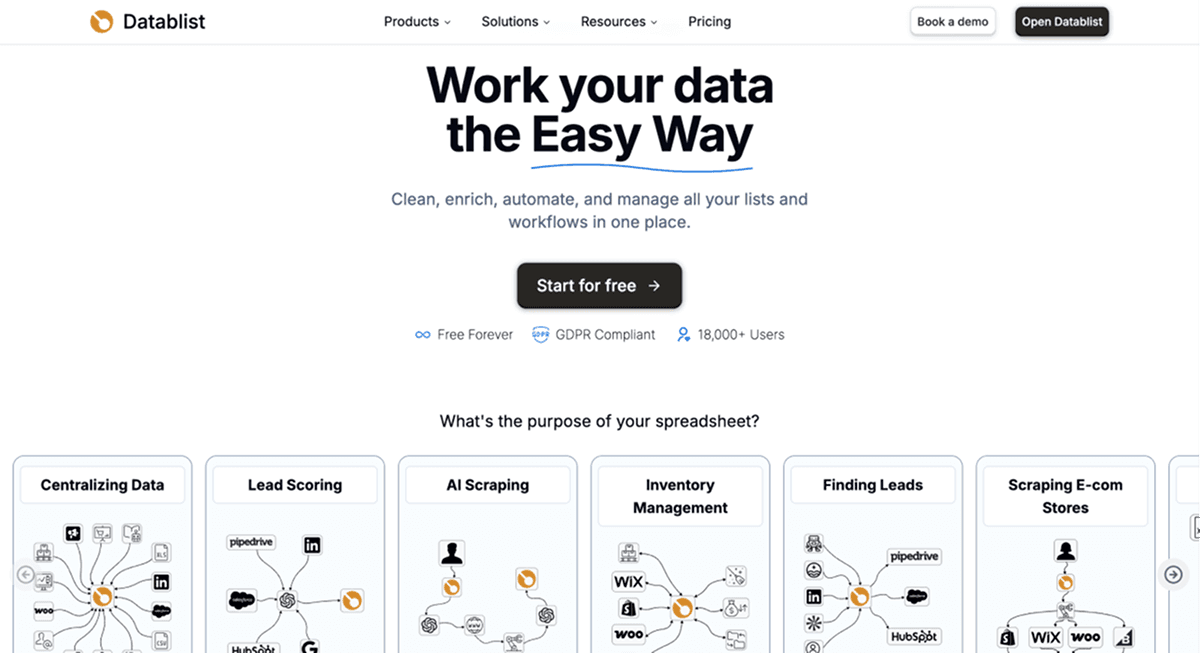
Datablist.com isn't just a scraper. It's an AI-powered spreadsheet where you scrape leads, pull website data, enrich, clean, and dedupe without leaving the tab.
What Makes Datablist Stand Out As a No-Code Scraper
If we go back to the definition of no-code scrapers: No code, no API, no authentication. By that standard, you'll understand quickly why Datablist wins here.
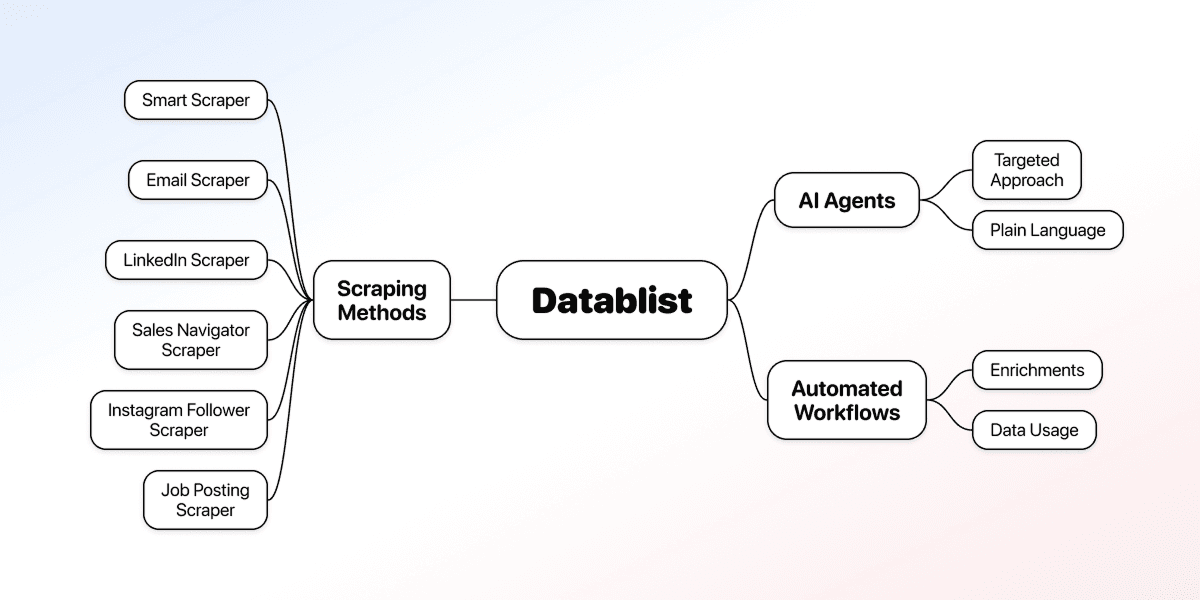
The platform offers scraping methods to reach effectively any public website:
- The Smart Scraper scrapes website data fast
- Two AI agents do the heavy lifting in plain language for tasks that need a more targeted approach
- Over 10 other scrapers that extract emails, LinkedIn data, Sales Navigator leads, Instagram followers, job postings, and more.
On top of that, Datablist lets you set up automated workflows and chain them together with enrichments so you can use your data easily.
Datablist’s No-Code Web Scraping Tools
- Smart Scraper: Extracts emails, links, and website texts from any page. Perfect to feed into AI for account qualification
- AI Scraping Agent: pulls a full list from a page (products from a retailer, entries from a directory, case studies from a website, etc.) in plain English.
- AI Research Agent: extracts specific fields from a list of websites and helps you scale AI search across thousands of rows.
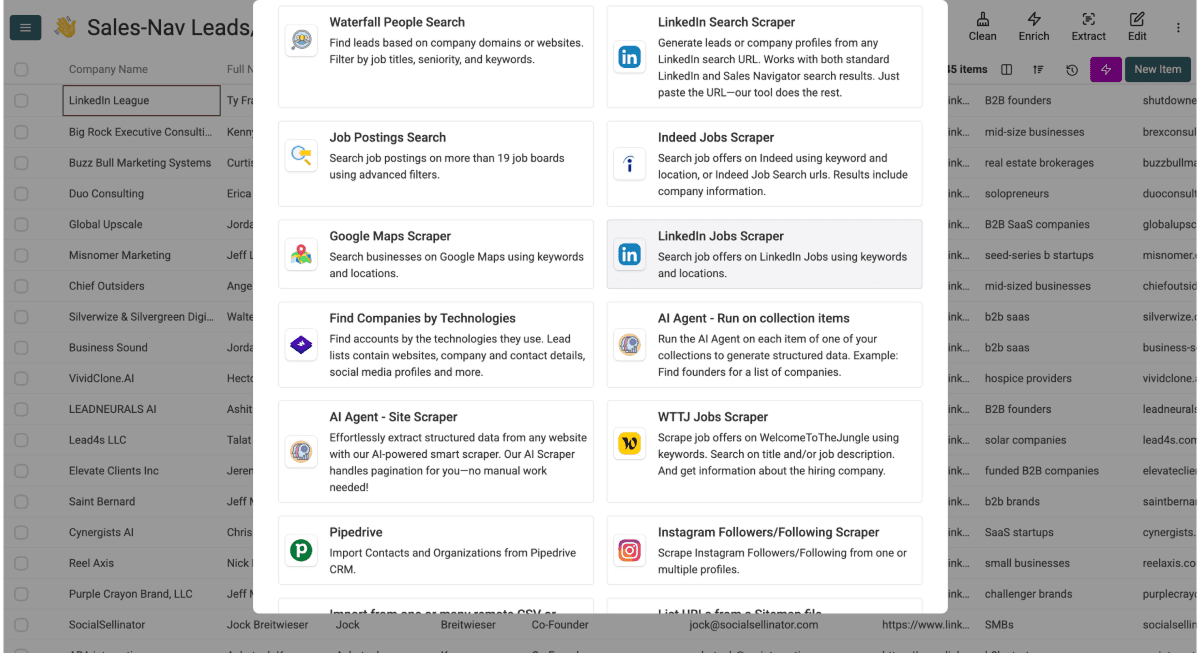
On top of the AI agents, Datablist.com offers a library of ready-made scrapers and enrichments to handle the most common lead-gen jobs with zero setup.
Datablist’s Pre-Built Scrapers
The pre-built scrapers pull from the platforms growth and recruiting teams hit most:
- Sales Navigator Scraper: export leads from Sales Navigator without the usual account risk.
- LinkedIn Jobs Scraper: pull live job postings, titles, and hiring companies straight from LinkedIn Jobs.
- Job Board Scraper: collect openings across multiple job boards in a single run.
- Instagram and Google Maps: grab social profiles and local business listings for prospecting.
Datablist’s Enrichments
Datablist’s enrichments turn scraped data into a complete lead list:
- Domain Finder: match company names to their websites at scale.
- Email and Personal Email Finder: surface professional or personal addresses.
- Waterfall Phone Finder: chain providers to lift phone-number hit rates.
- LinkedIn Profile Finder: locate the right profile from just a name.
- Company and Technology Enrichment: append firmographics and detect a site's tech stack.
Then comes the part most scrapers skip: 60+ enrichments, deduplication, and cleaning, plus recurring runs on higher tiers. You finish the job in one place instead of exporting to three tools.
The advantage of using Datablist: you get the most scraping power without code, any site, plain-language AI extraction, and enrichment, with a free tier and predictable per-task pricing on the pre-built scrapers.[1]
🆚 Datablist's No-Code Scraper Score
- Score: 9.5/10
- Pricing: Starter at $25/mo for 5,000 credits a month; Growth at $50/mo for 20,000 (top-up credits never expire)
- Access model: browser-based spreadsheet, plus API for those who need it.
- Best for: anyone who wants any-site reach, plain-language AI extraction, and enrichment in one place
- Skip it if: Hard to skip if you’re looking for a good no-code scraper
Browse AI: Best for Scheduled Monitoring (7.5/10)
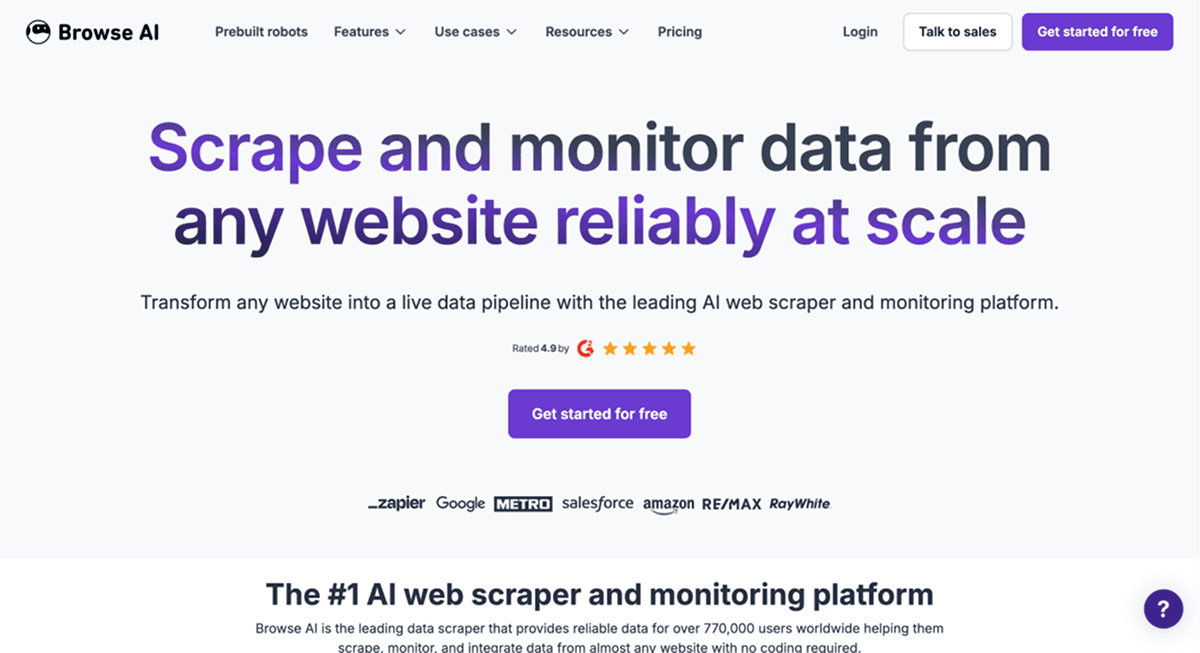
Browse AI runs cloud point-and-click "robots" that record an extraction on almost any site, then watch it for changes on a schedule.
You record a robot once, and it reruns on its own. AI-assisted extraction and prebuilt robots read page structure well, and you can prompt for fields, though it sits closer to assisted recording than full agentic extraction.
It handles dynamic pages, scrolling, and pagination, and ships a library of prebuilt robots plus thousands of integrations.[2] Change monitoring is its real standout.
The gap is enrichment and cleaning: There's no built-in email, phone, or firmographic layer that people need to make use of the data, and the output needs a cleanup before it's usable.
🆚 Browse AI's No-Code Scraper Score
- Score: 7.5/10
- Pricing: free 50 credits/mo; Personal from about $19/mo annual ($48 monthly); Professional from about $69/mo
- Access model: web app, API, and integrations
- Best for: scheduled monitoring and recurring extraction from specific pages.
- Skip it if: you need built-in enrichment or zero-cleanup output
Octoparse: Best No-Code Desktop Scraper (7.0/10)
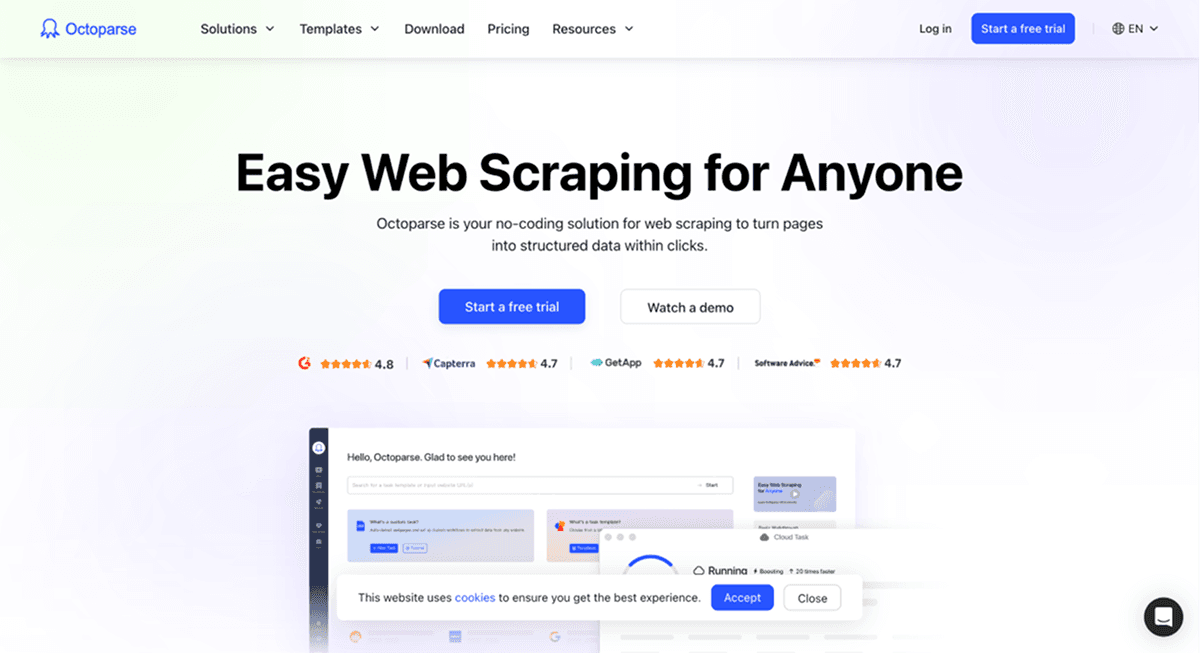
Octoparse is a no-code visual scraper for desktop and cloud, with AI auto-detect, a big template library, scheduling, IP rotation, and CAPTCHA solving.[3]
The point-and-click builder covers virtually any public site, and AI auto-detect scans a page to build an extraction template in one click. That's AI assist, not plain-language extraction; you can't describe arbitrary fields in prose.
It's strong on JavaScript, infinite scroll, pagination, dropdowns, and forms, with a large template library for popular sites. Cloud scheduling and concurrency are solid too.
Octoparse has the same issues as many other no-code web scraping tools: There's no enrichment, so output is raw, you need to clean up the data, and cloud extraction needs a desktop install plus a mid-priced plan to unlock.
🆚 Octoparse's No-Code Scraper Score
- Score: 7.0/10
- Pricing: free local-only tier; Standard around $83/mo
- Access model: desktop app, cloud, and API
- Best for: templated, scheduled extraction across directories, maps, and general web
- Skip it if: you want a browser-only tool or built-in enrichment
Phantombuster: Hard to Recommend (6.0/10)
Phantombuster is a library of pre-built "Phantoms", fixed workflows that run on a supported list of platforms: LinkedIn, Instagram, Twitter, Google Maps, and a few others.
They have a catalog for specific resources. Scheduling, chaining through Flows, and AI-assisted data cleaning all work well, as long as your target is on the supported list.
The tool works well within its catalog. Step outside it, and three trade-offs hit immediately:
- No any-site reach: Phantombuster runs pre-built Phantoms only, so you can't point it at an arbitrary URL. There's no plain-language extraction either, just a few fixed workflows.
- Account risk: Connecting session cookies to Phantoms is how it accesses social platforms, which adds detection risk (users got banned in the past)
- Unpredictable billing: Execution-time pricing means stalls cost the same as clean runs, making real spend hard to forecast.
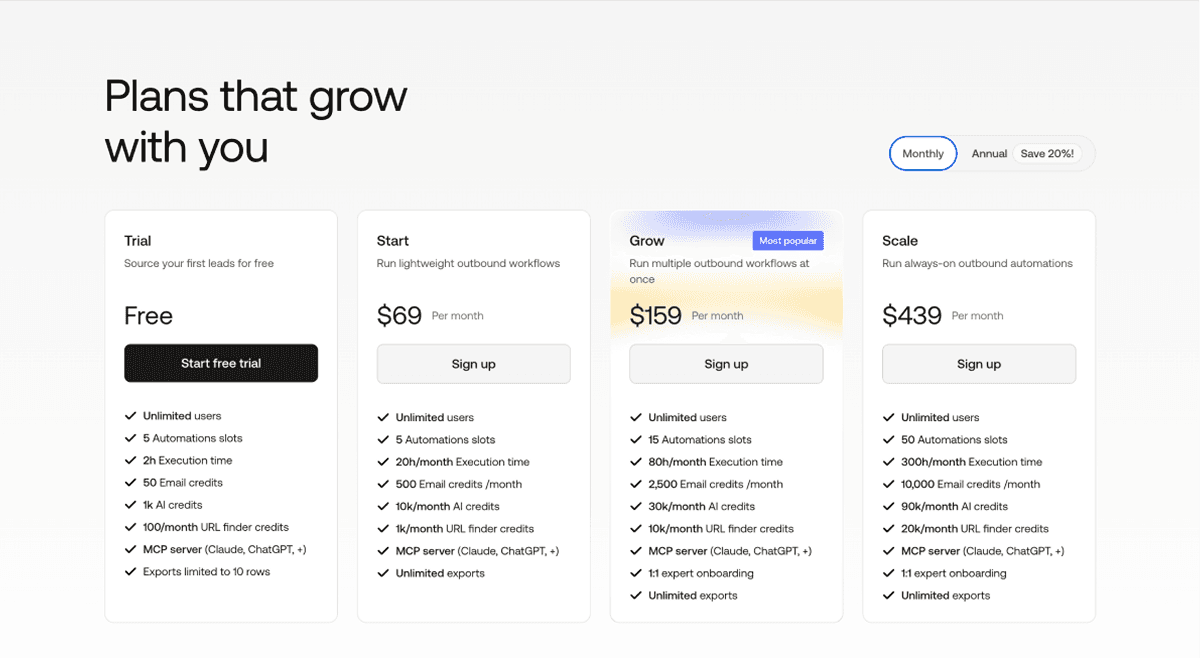
Phantombuster does have a free trial, but it is built for a quick look only: exports are capped at 10 rows, and it includes a one-time 2 hours of execution time that does not recharge each month.[4]
🆚 Phantombuster's No-Code Scraper Score
- Score: 6.0/10
- Pricing: free trial only (exports capped at 10 rows, 2h execution time that does not recharge); paid Start plan from about $69/mo ($56/mo billed annually)
- Access model: web app, API, and integrations (Make, Zapier, n8n)
- Best for: Hard to recommend. Everything it does is covered by Datablist and others at a better price and without
- Skip it if: you need to scrape arbitrary general websites
Outscraper: Best for Cheap Google Maps Data 6.0/10)
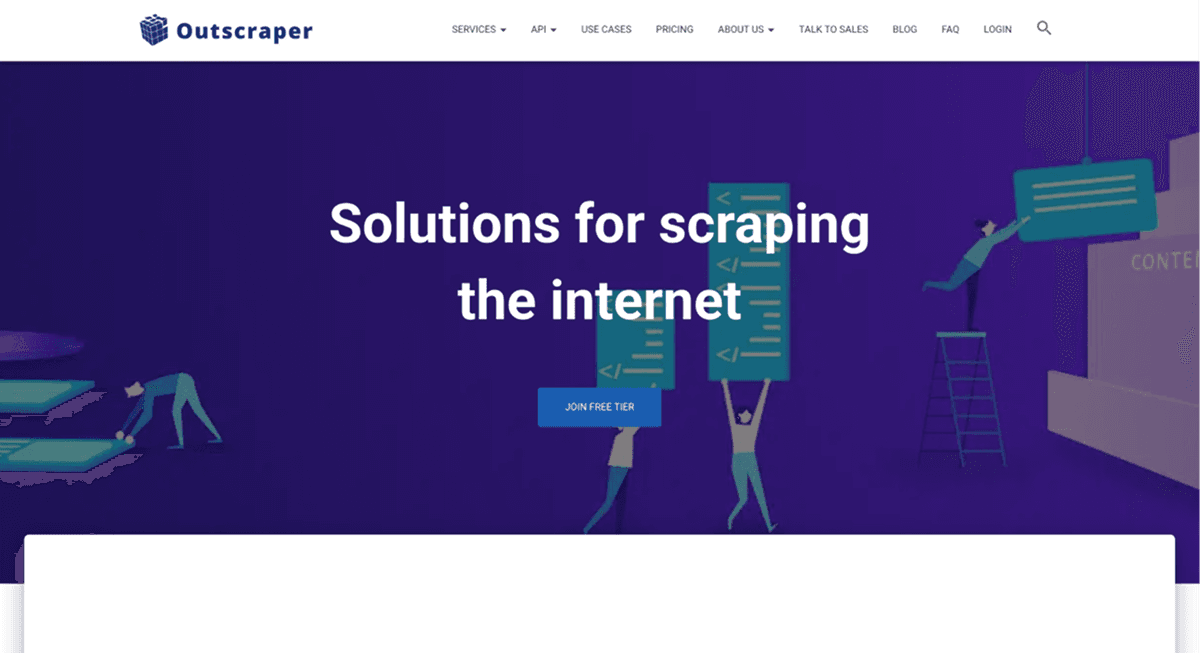
Outscraper is a catalog of scrapers (Google Maps, business data, reviews, etc) with enrichment add-ons, pay-as-you-go pricing, and an API.[5]
You pick a service and run it, no install. A Universal AI Scraper service adds AI-driven extraction, but most of the platform is fixed, pre-built services rather than free-form extraction.
Coverage is broad enough, and output is clean and structured, with some contact enrichment plus scheduling and API automation. It's centered on Google Maps, though.
🆚 Outscraper's No-Code Scraper Score
- Score: 6.0/10
- Pricing: free tier; pay-as-you-go from about $3/1,000 base records (roughly $9 to $14 with full contact data)
- Access model: UI, API, and MCP server
- Best for: Teams on a very low budget that need only basic data
- Skip it if: you need to scrape a specific, arbitrary website
Apify: Best for Variety and Scale (5.5/10)
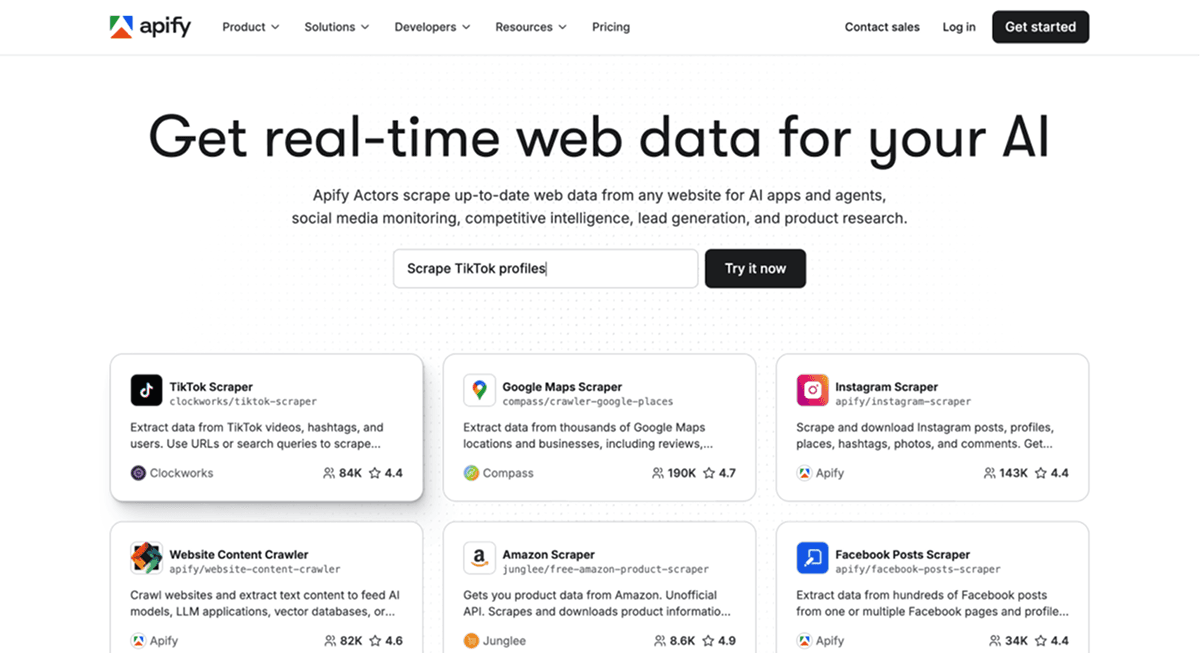
Apify is a marketplace of 43,000+ pre-built actors[6] plus a full headless-browser engine, built to scrape virtually anything at scale.
For raw flexibility, nothing here beats it. The SDK and custom actors reach any site, the pre-built catalog is the largest on this list, and JS rendering, infinite scroll, and proxy rotation are all first-class.
The problem is the zero-code gate. The console is technical, custom work needs code, and community-maintained actors vary in quality and uptime. There's no first-party plain-language extraction layer.
Billing is the other issue: Compute-unit pricing means a stalled or blocked run costs the same as a clean one, so cost per lead is hard to estimate without test runs.[7]
🆚 Apify's No-Code Scraper Score
- Score: 5.5/10
- Pricing: free $5 credits/mo; Starter $29/mo, then compute-unit based
- Access model: task runner UI, API, and SDK (JS/Python)
- Best for: technical users who want maximum flexibility and the widest pre-built coverage
- Skip it if: you want truly no-code, beginner-friendly scraping with predictable cost
Instant Data Scraper: Best Free One-Off Tool (5.5/10)
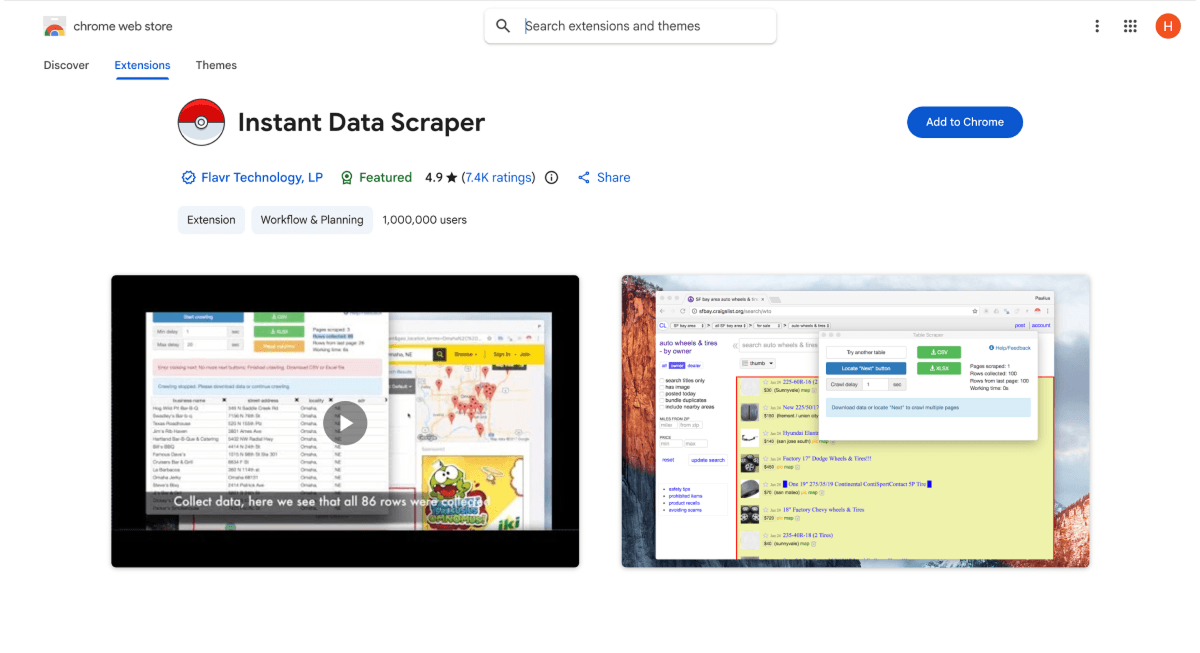
Instant Data Scraper is a free Chrome extension that heuristically detects tables on a page and exports them, with no account required.[8]
For a quick grab, it's hard to beat: one click, instant, completely free. It works broadly across list and table pages and handles infinite scroll plus basic pagination.
Past the basics, it runs out of road. There's no template library, no scheduling, and no enrichment, and it struggles on complex dynamic sites. Output usually needs a cleanup pass.
🆚 Instant Data Scraper's No-Code Scraper Score
- Score: 5.5/10
- Pricing: 100% free, no accounts or tiers
- Access model: Chrome extension only
- Best for: quick, free, one-off table grabs
- Skip it if: you need recurring jobs, enrichment, or clean structured output.
ParseHub: Hard to Recommend (4.5/10)
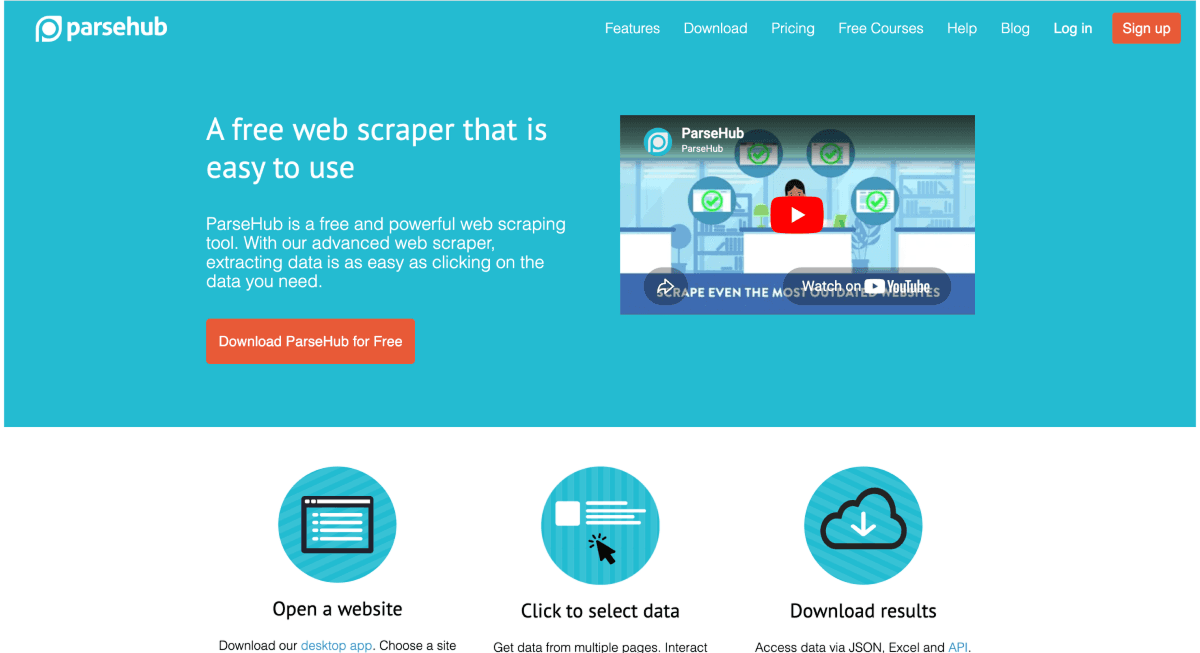
ParseHub is a desktop visual scraper that handles JavaScript, AJAX, and pagination, with scheduling on paid plans.
Visual selection works on most public sites, and it manages dropdowns, AJAX, and pagination well. The free tier (200 pages per run)[9] makes it easy to test on a budget.
The drawbacks stack up, though: There's no AI or natural-language extraction, no real template library, no enrichment, the UI feels like 2012, and it has a steep learning curve.
Paid tiers start at $189/mo[9], which is very high relative to the rest of the tools.
🆚 ParseHub's No-Code Scraper Score
- Score: 4.5/10
- Pricing: free tier (200 pages/run); Standard around $189/mo
- Access model: desktop app and API
- Best for: Hard to recommend.
- Skip it if: you want AI extraction or a modern, low-friction tool
How to Choose the Right No-Code Scraper for Your Situation
The best no-code scraper really depends on your situation. Here’s how to choose:
- One site or many? Any-site jobs favor Datablist, Apify, or Octoparse; fixed sources favor Outscraper.
- General web or social platforms? Social and lead-gen scraping favor Datablist.
- One-off or recurring? A quick grab fits Instant Data Scraper; scheduled monitoring fits Browse AI; repeated jobs can be done with Datablist.
- Raw data or enriched? If you need emails, phones, and firmographics in the same place, Datablist is the only full-stack pick.
- What budget? Free testing fits Instant Data Scraper or free tiers; for predictable spend that you can scale upon, prioritize platforms with per-result pricing over compute-unit or execution time-based billing.
Bottom Line: Datablist Delivers the Most Power Without Code
If you want the most scraping power without writing code, Datablist.com wins outright. It's the only no-code scraper that tops the power-first benchmark at 9.5/10, pairing any-site reach and plain-language AI extraction with enrichment that the other tools simply don't have.
For social media and lead scraping, the gap is even wider. You can export Sales Navigator leads without risking your account, scrape LinkedIn job posts, Instagram profiles, and Google Maps listings, and let the AI Research Agent fill any custom field across thousands of rows.
Datablist's email, phone, and company enrichments then turn that scraped data into a contact-ready lead list, all from the same spreadsheet. For the broadest job with the least friction, nothing else comes close.
Frequently Asked Questions About No-Code Scrapers
What Is the Best No-Code Web Scraper in 2026?
Datablist ranks first on this benchmark at 9.5/10. It combines any-site scraping, plain-language AI extraction through two AI agents, and built-in enrichment and cleaning, so it covers most of what a no-code scraper needs to do.
What Is the Best No-Code Scraper for Non-Technical Users?
Datablist is the strongest pick for non-technical users because it works from a familiar spreadsheet and lets you describe fields in plain language. Browse AI and Octoparse are friendly too, but both lean on point-and-click recording rather than AI extraction.
Can a No-Code Scraper Scrape Any Website?
Some can. Datablist, Apify, Octoparse, and ParseHub reach effectively any public URL. Others, like Outscraper and Phantombuster, only run pre-built scrapers for a fixed set of sources, so they can't be pointed at an arbitrary site.
Which No-Code Scraping Tool Has the Most Predictable Pricing?
Per-result and flat pricing win here. Datablist's pre-built scrapers bill a fixed price per task, and Octoparse uses flat plans. Apify and Phantombuster lean on usage or time-based billing, where stalls and retries still cost you.
Can a No-Code Web Scraper Extract Data Using Plain Language?
Yes, the best ones can. Datablist's AI Scraping Agent lets you describe the fields you want in plain English. Most other tools offer AI assist or auto-detect, which reads page structure but can't take free-form instructions.
What Is the Cheapest No-Code Web Scraper?
Instant Data Scraper is free, and Datablist, ParseHub, and Browse AI have free tiers for light use. For paid, ongoing work, Datablist starts at $25/mo with credits that roll into enrichment[1], which beats paying separately for scraping, cleaning, and enrichment tools.
What Is a No-Code Scraper?
A no-code scraper pulls data from websites without scripts or an API. You use a visual builder, a pre-built scraper, or an AI agent instead of writing selectors, so anyone can extract web data without coding skills.
How Do No-Code Web Scraping Tools Work?
Point-and-click tools record the elements you select, pre-built scrapers target known sources, and AI scrapers read a page like a person and return the fields you describe, all without code.
Can You Scrape a Website Without Code?
Yes. No-code scrapers handle the whole job, from reaching the page to structuring the data. With an AI scraper like Datablist, you paste a URL, describe what you want in plain language, and the tool extracts and structures it for you.
Do No-Code Scrapers Handle JavaScript-Heavy Websites?
Most modern ones do. Datablist, Apify, Octoparse, Browse AI, and ParseHub all render JavaScript and handle dynamic, paginated pages. Lightweight extensions like Instant Data Scraper can stumble on complex dynamic sites.
What's the Difference Between a No-Code Scraper and an API Scraper?
A no-code scraper runs from a UI with no programming. An API scraper, like ScraperAPI or Zyte, returns data through code you write. API tools are powerful but fail the zero-code test, which is why they're not ranked here.
Are No-Code Scrapers Safe for Account-Based Platforms?
Tools like Datablist that scrape on their own infrastructure keep your accounts out of the loop. Tools that feed a login cookie into shared-IP cloud automation like Phantombuster carry more detection risk.
What Is The Best No Code Scraper for Social Media Scraping?
Datablist can scrape LinkedIn data, Sales Navigator leads, Instagram followers, and Instagram profiles without connecting to your social media accounts. It also scrapes Google Maps, LinkedIn Jobs, Indeed, and many more.