 100 Credits per Successful Enrichment
 Up to 58 Fields per Contact
 500 Free Credits to Try













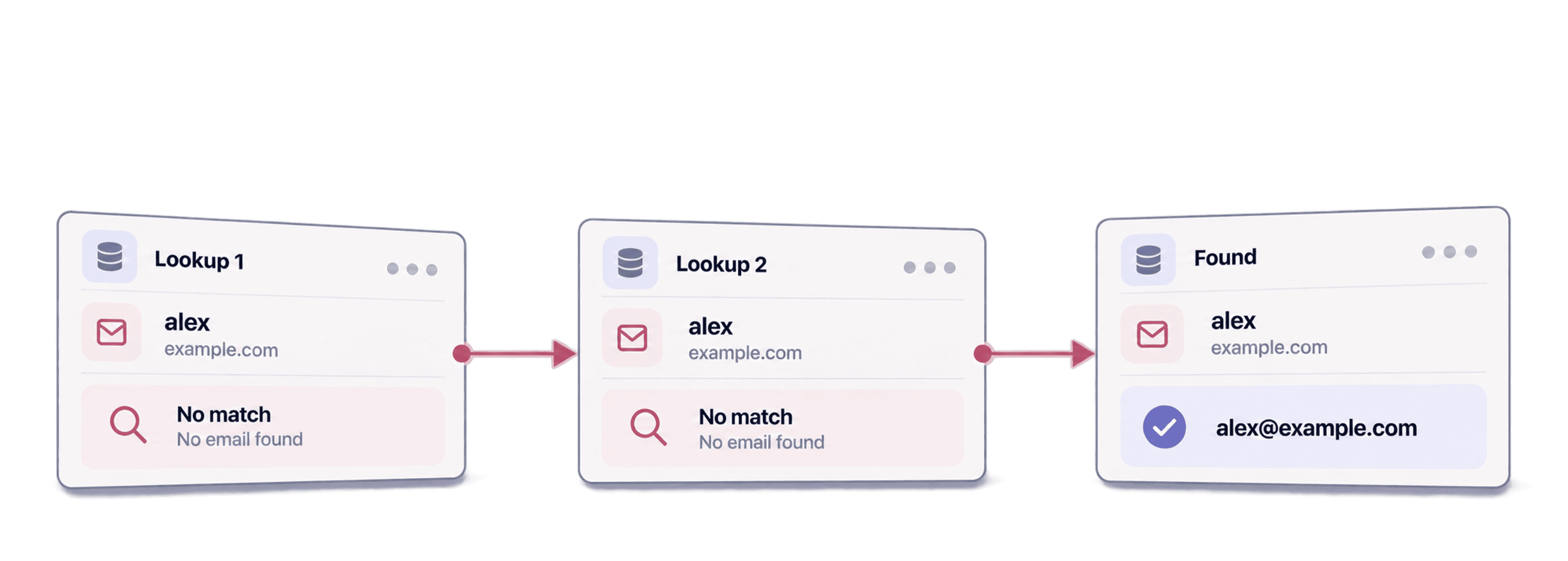
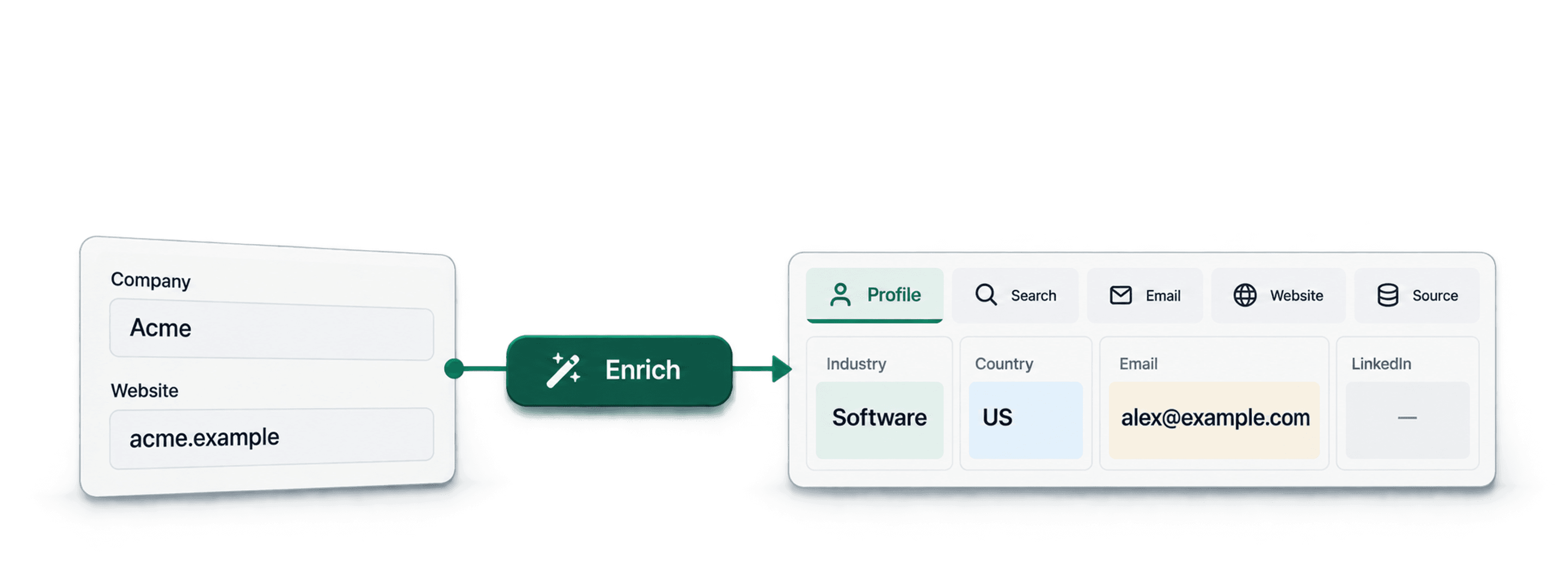
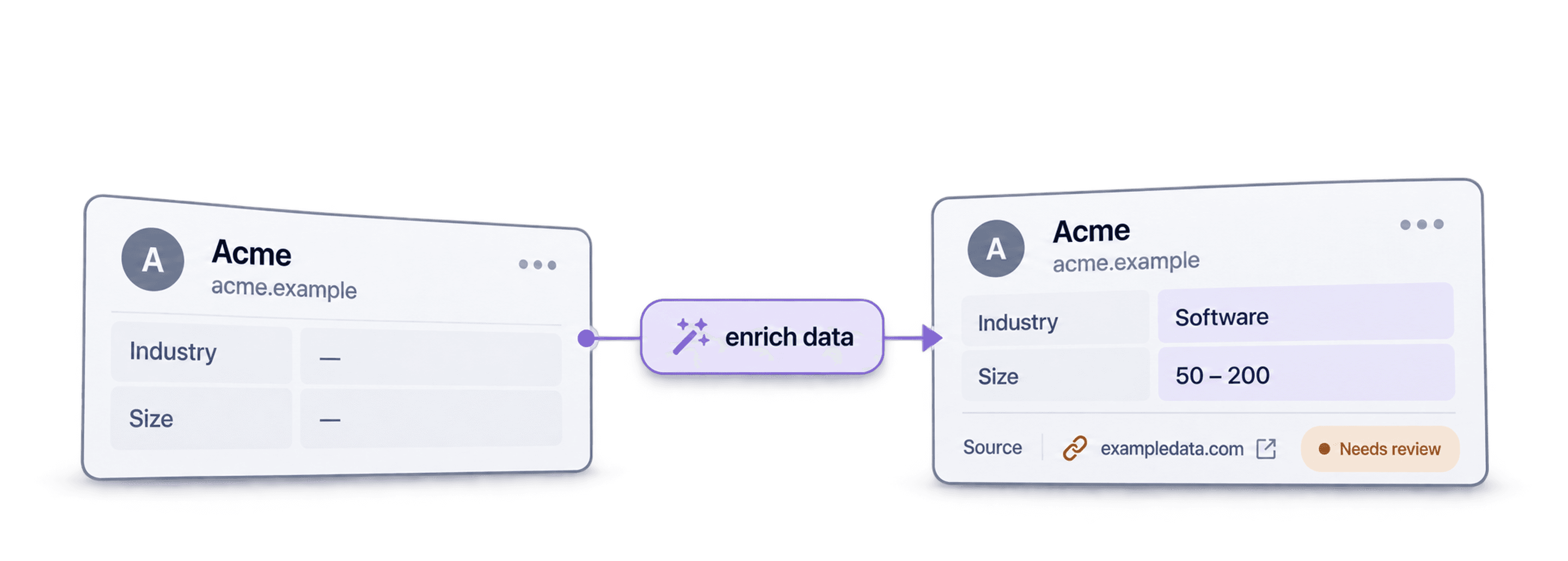



 Easy to Use
 No Technical Configuration
 Fully No-Code
Step-by-Step Guide
Step 1: Sign Up & Upload Your Data
First, sign up for Datablist.com
Then, upload your CSV or Excel file with your contact list.
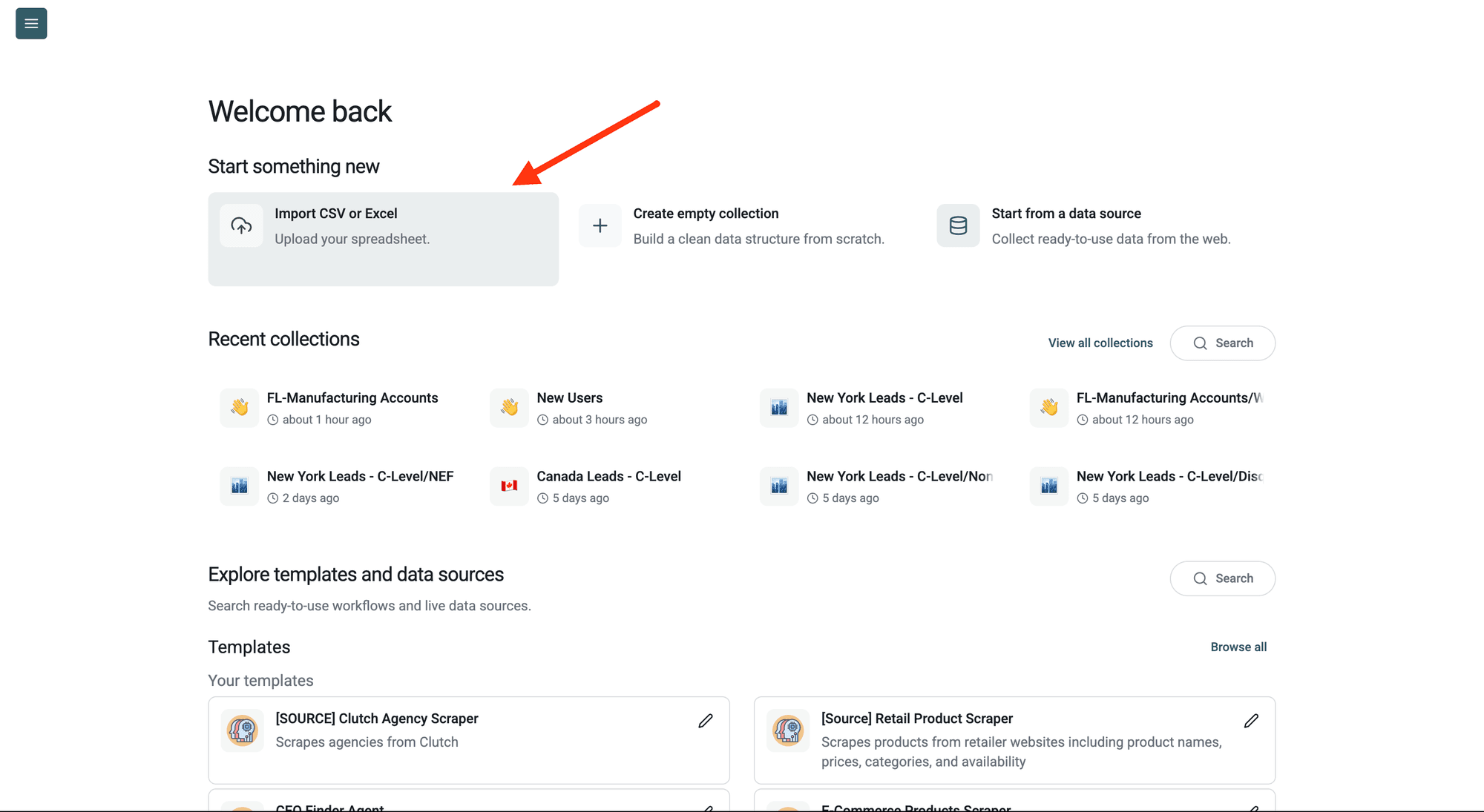
Step 2: Navigate to the Enrichment
Select the contacts you want to enrich, open Enrich and choose the Waterfall People Enrichment.
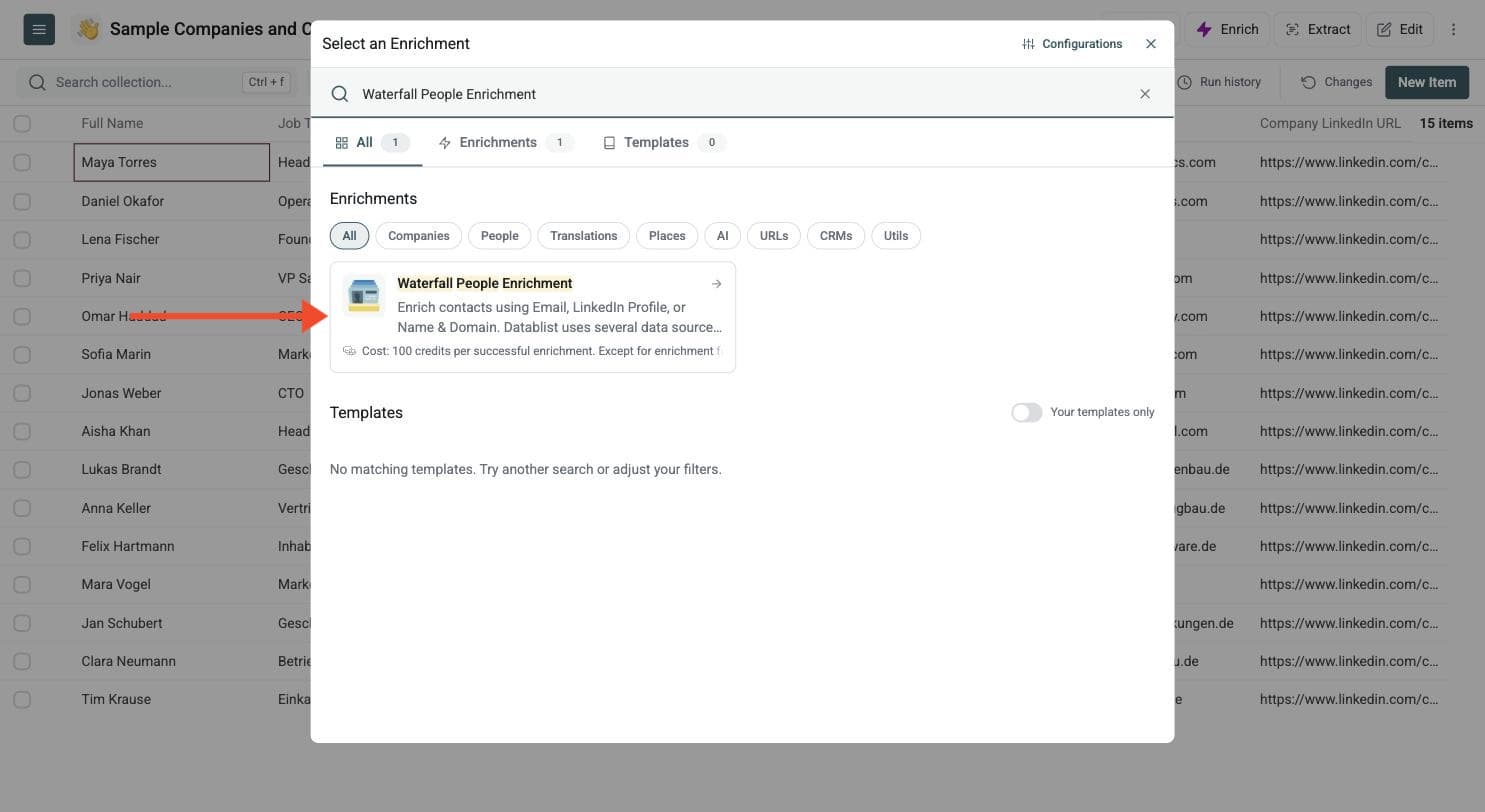
Step 3: Set Up the Enrichment
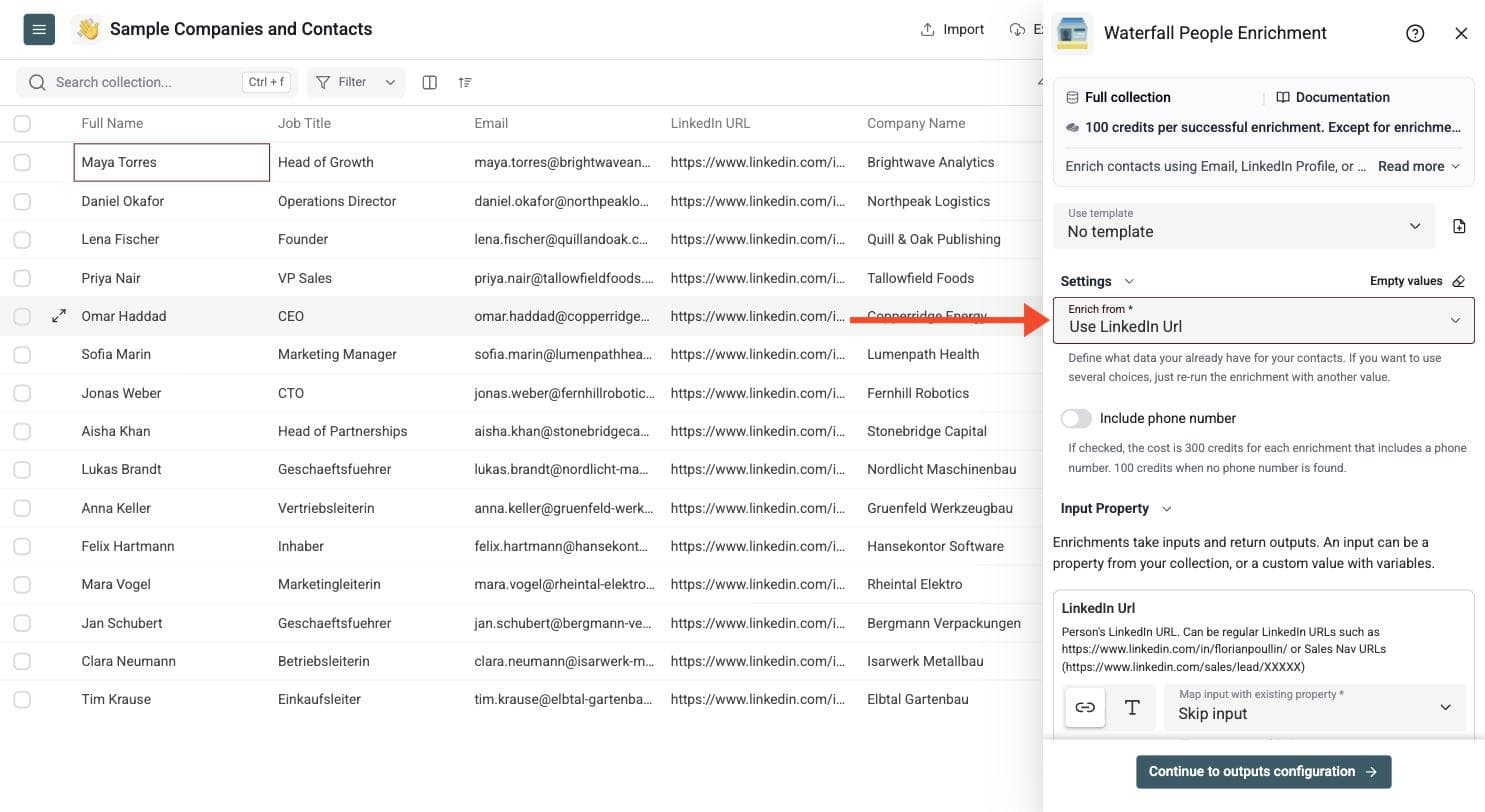
You'll see the following settings:
-
Enrich from: Define what data you already have for your contacts. If you want to use several choices, re-run the enrichment with another value.
-
Include phone number: If checked, the cost is 300 credits for each enrichment that includes a phone number. 100 credits when no phone number is found.
Once you're done with the settings, scroll down to configure your inputs.
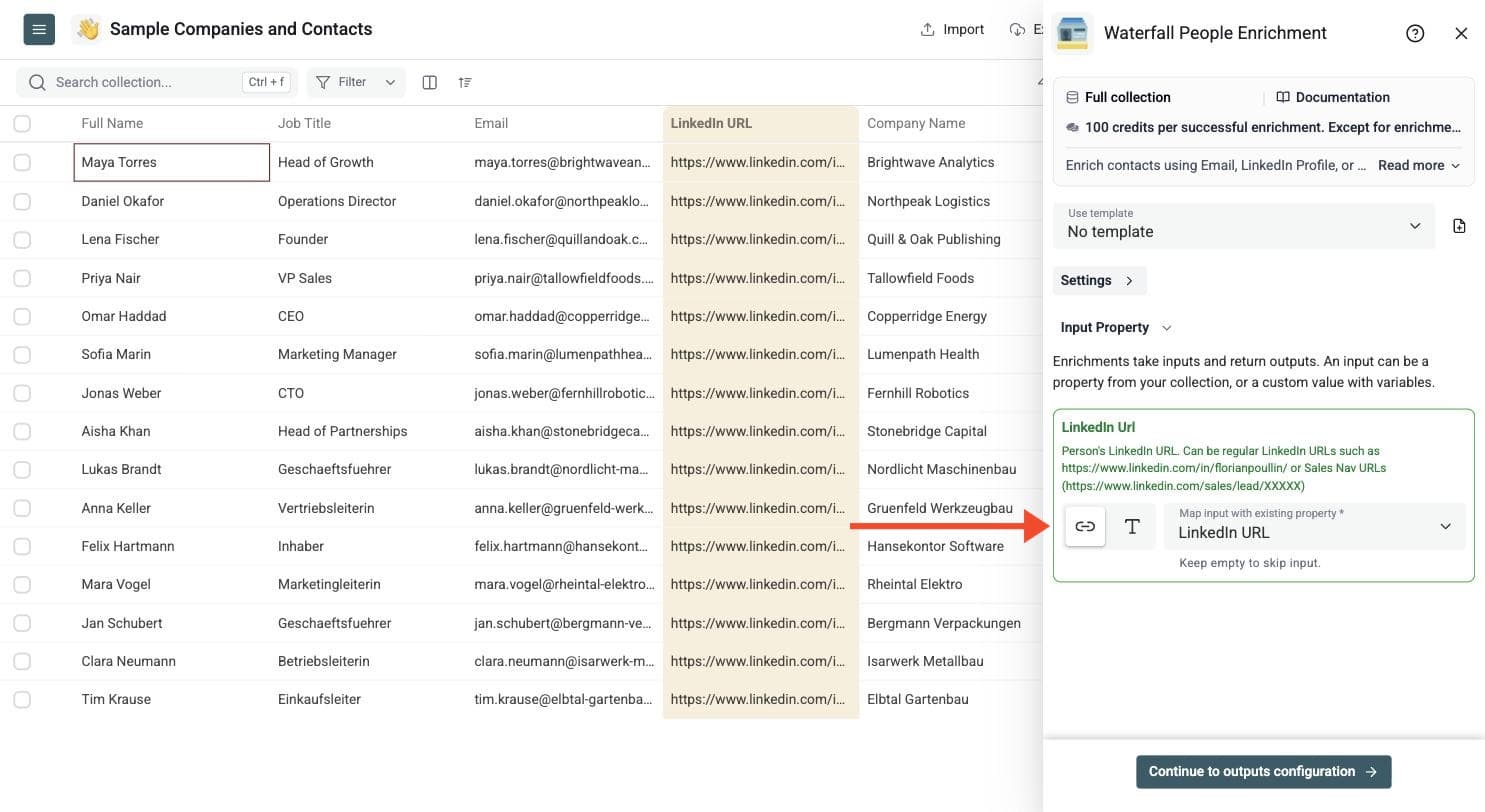
Step 4: Configure Your Inputs
Which inputs you map in this step depends on the Enrich from setting you chose in the previous step:
-
Use LinkedIn Url: map the LinkedIn Url input to the column with your LinkedIn profile URLs. Regular profile URLs and Sales Navigator URLs both work. The screenshot shows this option.
-
Use Email Address: map the Email input to the column with your email addresses.
-
Use First Name, Last Name, Domain: map First Name and Last Name, or Full Name. First Name and Last Name give better results. Add Company Domain, which is optional but recommended over just the company name, and Company Name, which is optional.
Then click Continue to outputs configuration.
Step 5: Select Outputs
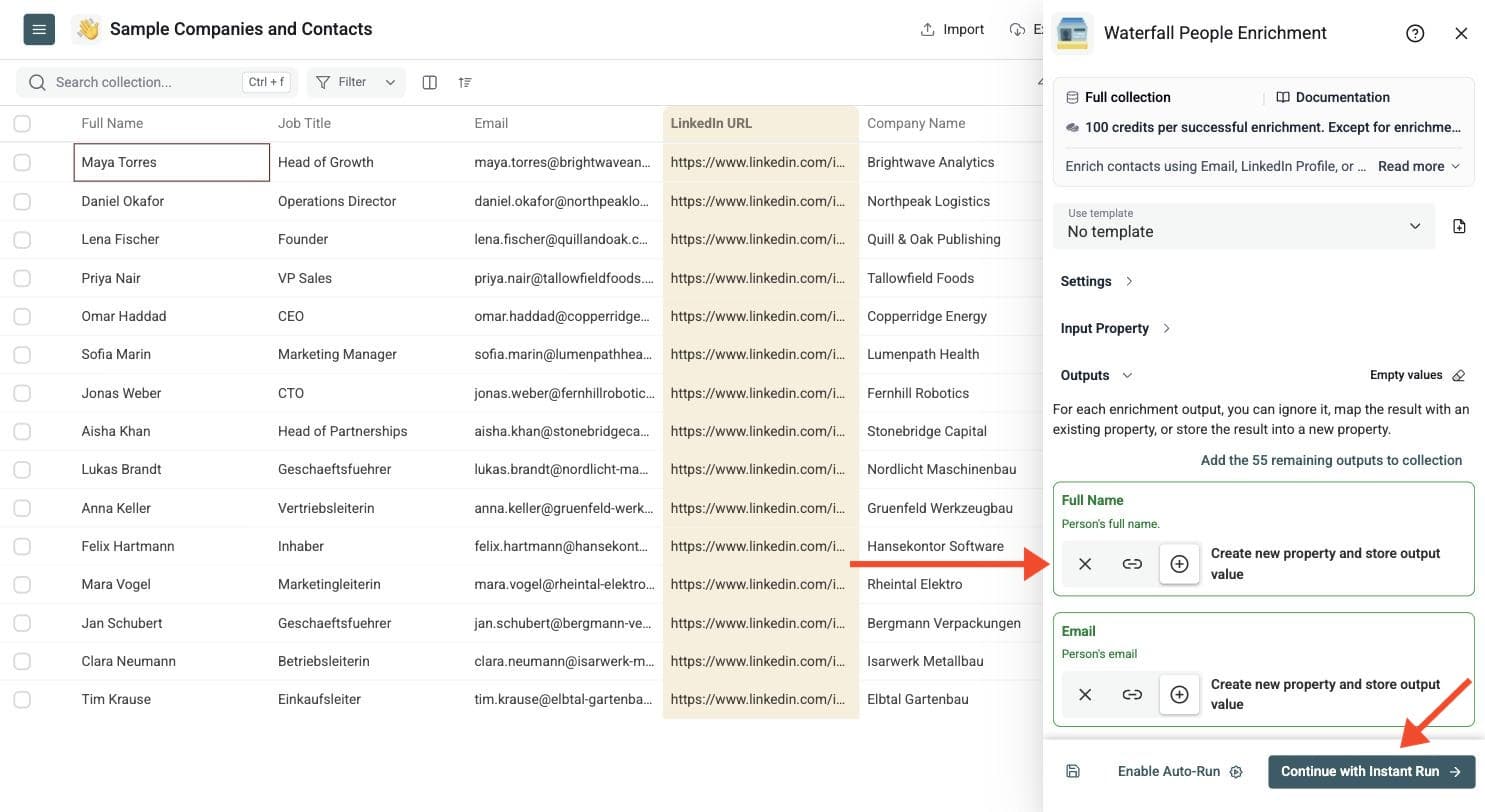
Choose where the returned data is stored. You can map an output to an existing property or create a new one.
-
Person: Name, email, headline, job title, location and LinkedIn URL
-
Career and education: Past positions, schools, skills and certifications
-
Company: Name, website, domain, industry, size and founded year
Click the ⊕ icons to add them to your collection, then click Instant Run.
Step 6: Run the Enrichment
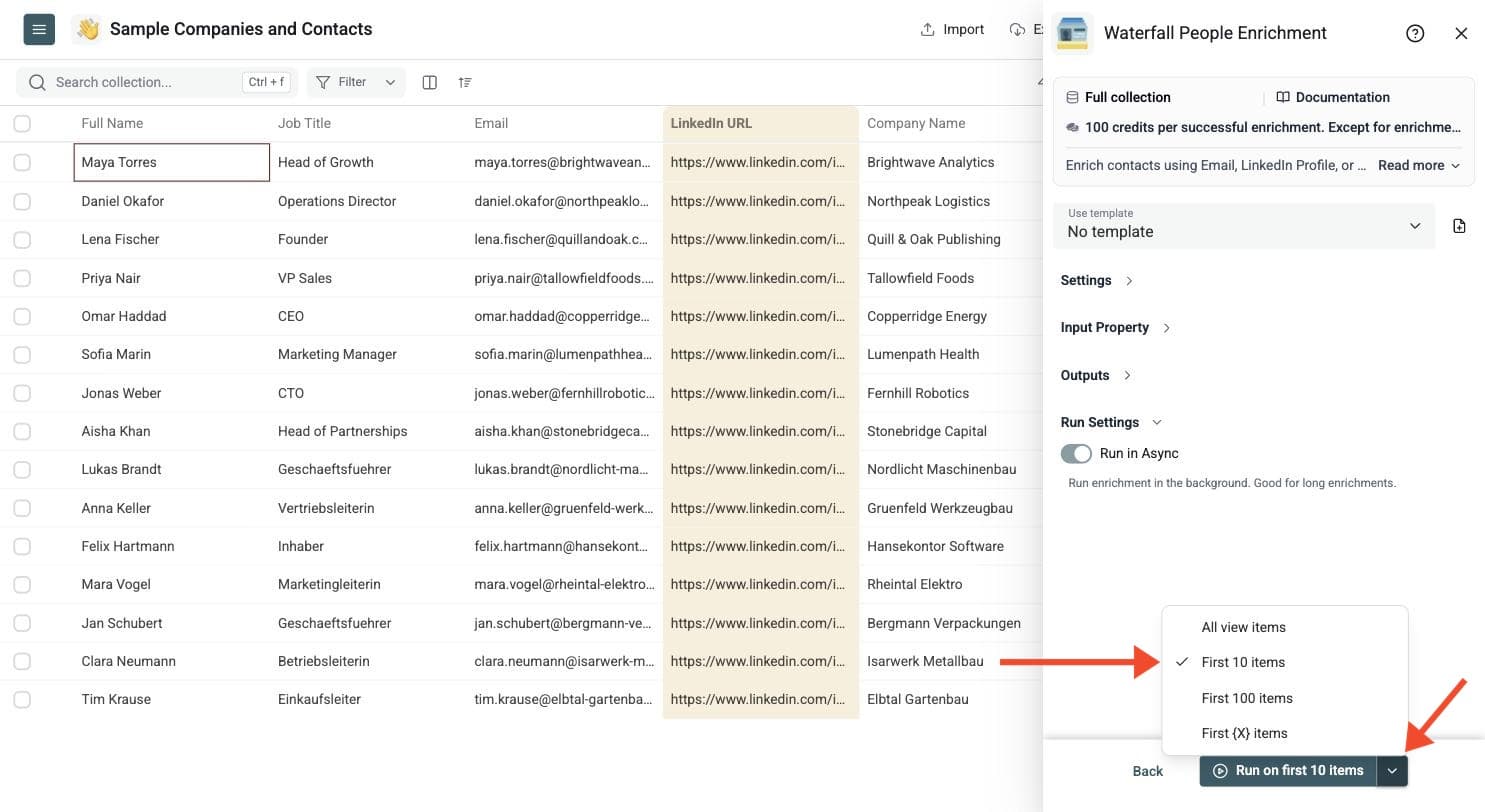
Preview the result on a few rows, then run it on the full batch. Click the chevron on the right side of the run button to choose how many items to process:
-
Run on first 10 items: Good for checking results before committing
-
Run on first 100 items: Useful for validating larger samples
-
Run on first {X} items: Choose exactly how many to process
-
Run on all view items: Process your entire list (or view if you've enabled filters)
Inputs That Work Best
Choose the starting identifier that matches your contact list:
- Email address: Use this when you already have a contact email and need additional person or company context.
- LinkedIn profile URL: Use this for reviewed LinkedIn or Sales Navigator profile URLs. The phone-number option is available with this input mode.
- Name and company: Map first and last name, or full name. Add a company domain when available; it gives clearer company context than a name alone.
Keep the source columns. If your file contains mixed identifier types, process matching groups with the appropriate Enrich from setting instead of assuming one mapping handles every row. Review a small sample before changing CRM records.
Review the Person and Company Together
Compare the returned name, role, company domain and LinkedIn URL with the contact you intended to enrich. A populated row does not by itself prove the match is the right person. Experience, education, location and company fields can help you inspect the result, but individual fields may be absent.
Keep the run status, fix missing or invalid identifiers, and rerun only the rows that need another attempt. Write new data into separate columns first so you can compare it with your original CRM export.
When To Use It
Use People Enrichment to complete existing contacts before outbound campaigns, fill gaps in CRM exports, or prepare contact and account context for routing, segmentation and personalization. It starts with a person you already know; Waterfall People Search finds contacts at a company when you do not yet have their identities.
After reviewing the enriched records, deduplicate the list before export. Review contact channels separately: an available email or phone field is useful for outreach preparation, while job and company fields help you decide whether the person fits your campaign.