 From 30 Credits per Lead
 Up to 3 Leads per Company
 Preview 16 Leads Free













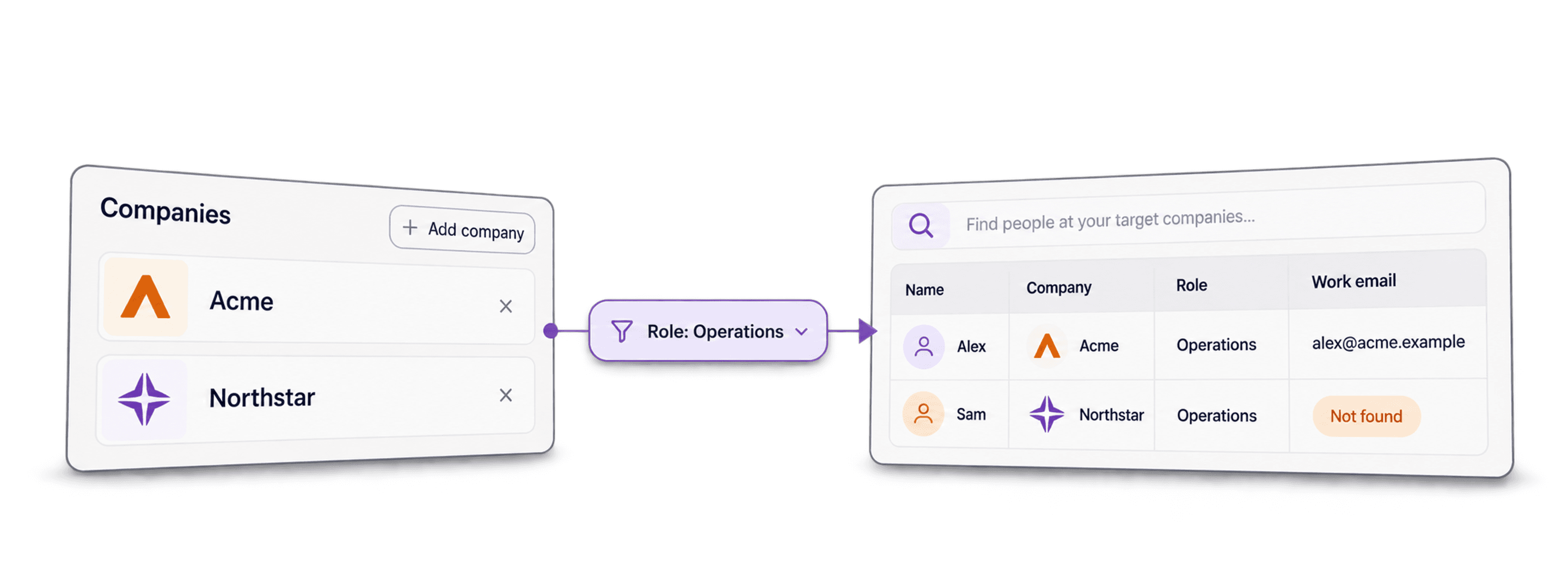
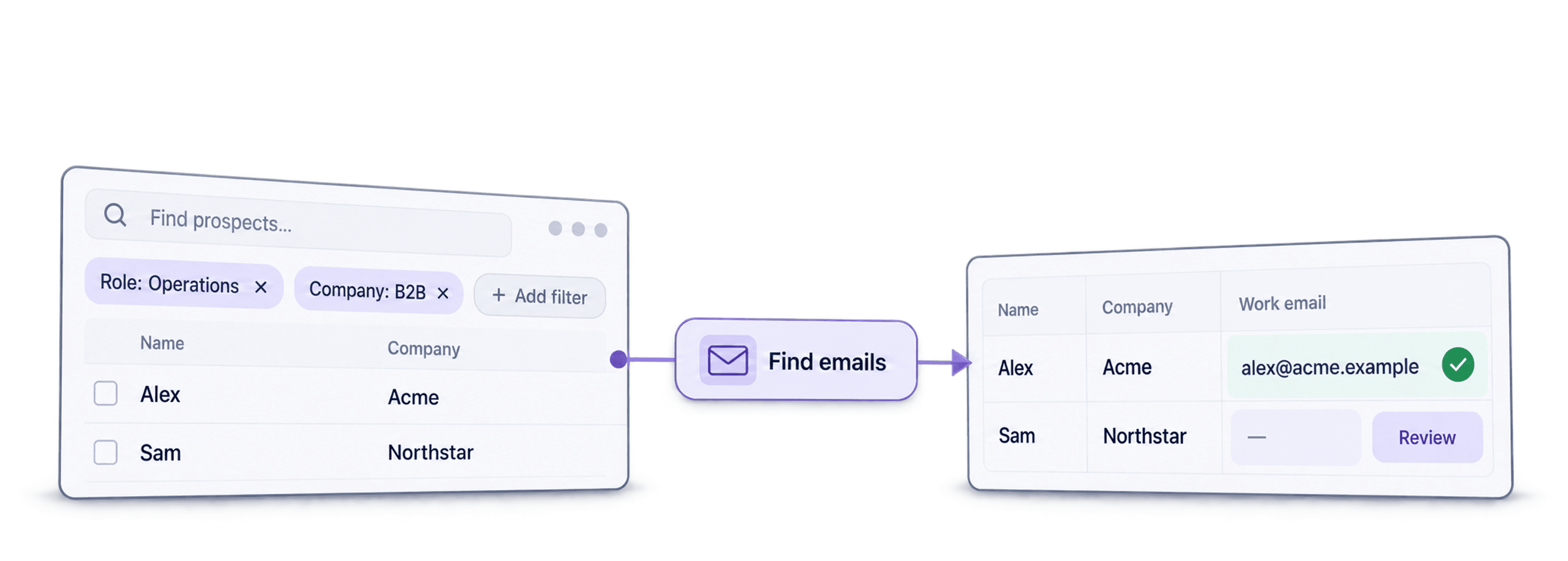
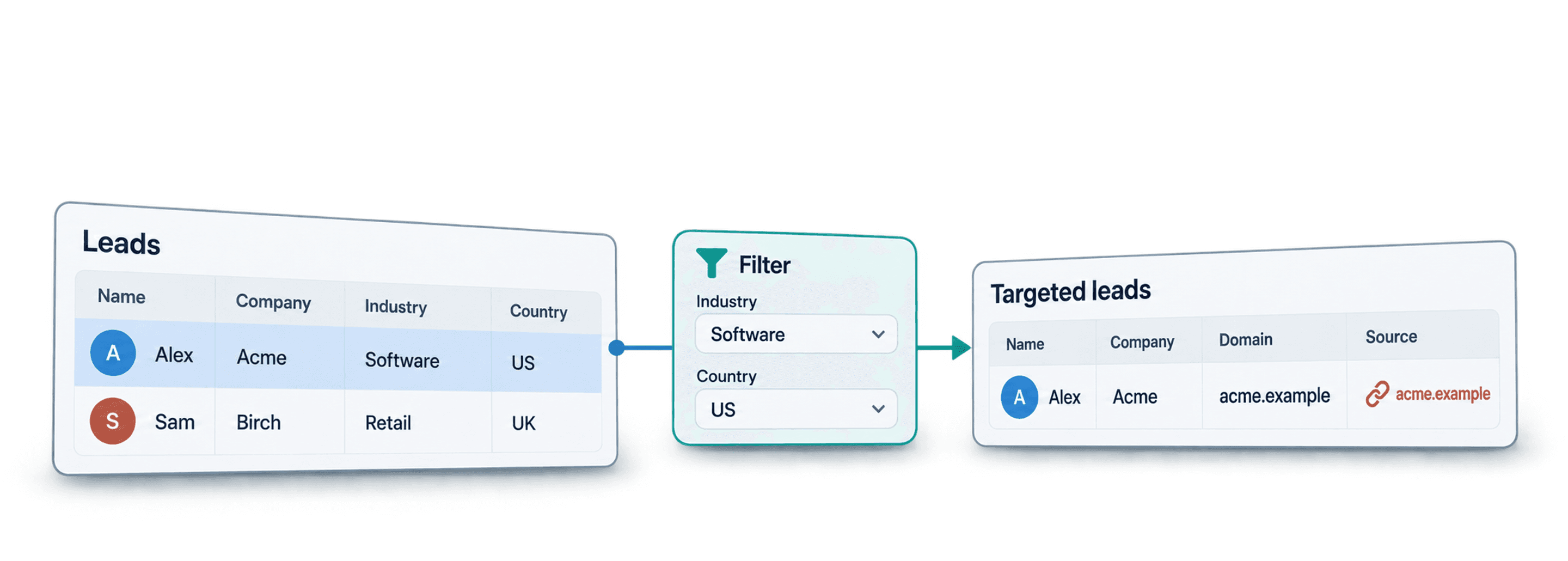



 Easy to Use
 No Technical Configuration
 Fully No-Code
Step-by-Step Guide
Step 1: Sign Up & Upload Your Data
First, sign up for Datablist.com
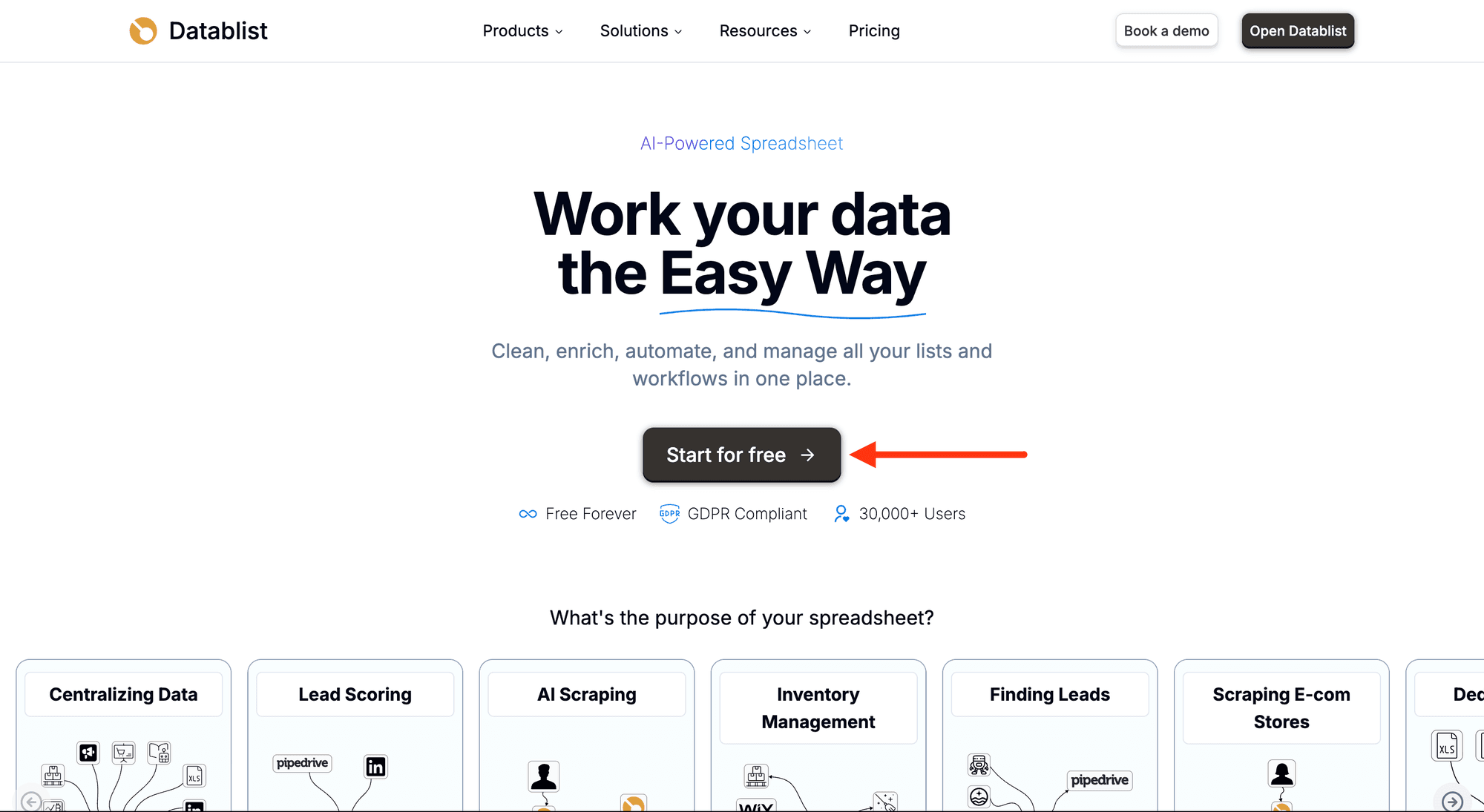
Then, upload your CSV or Excel file with your account list.
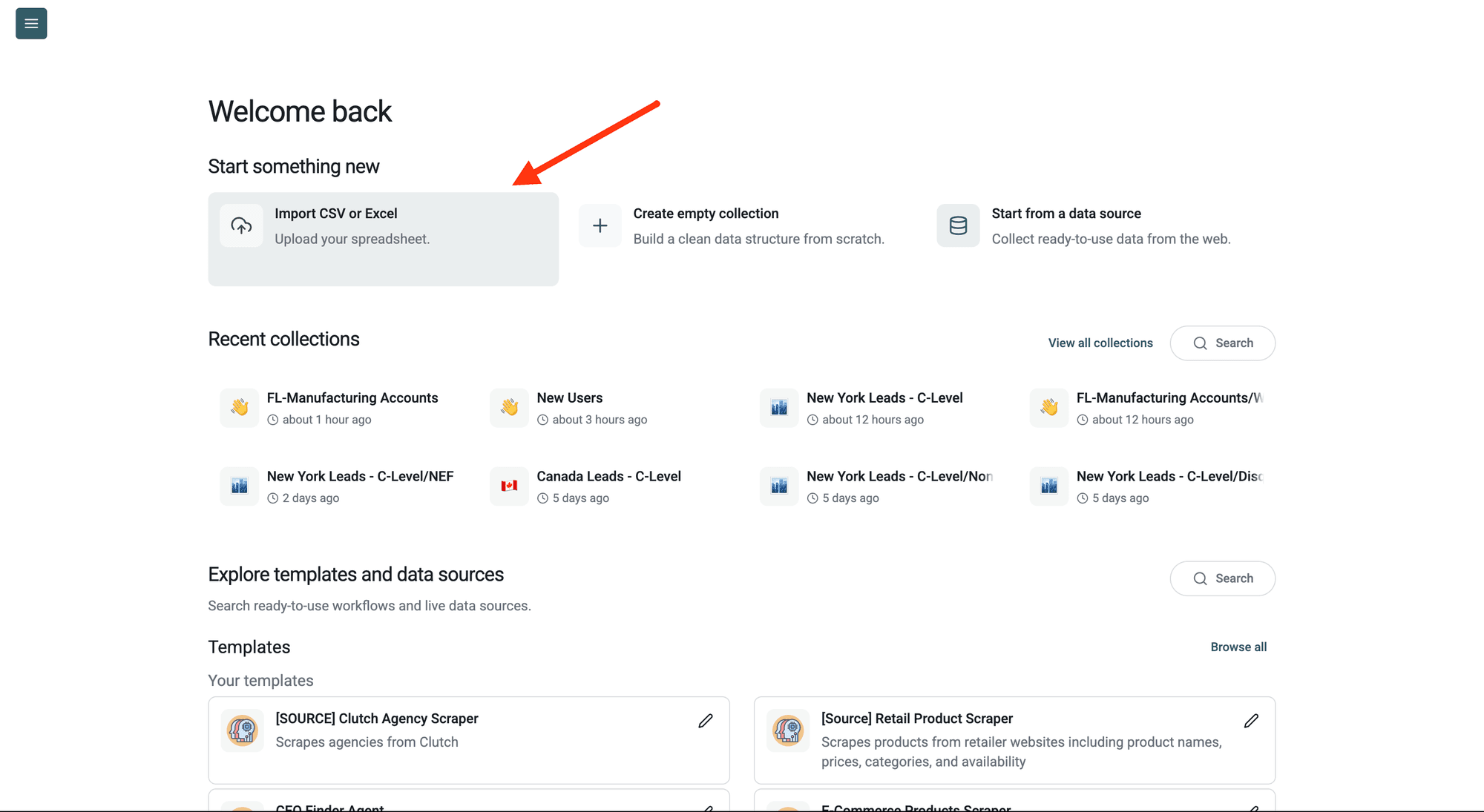
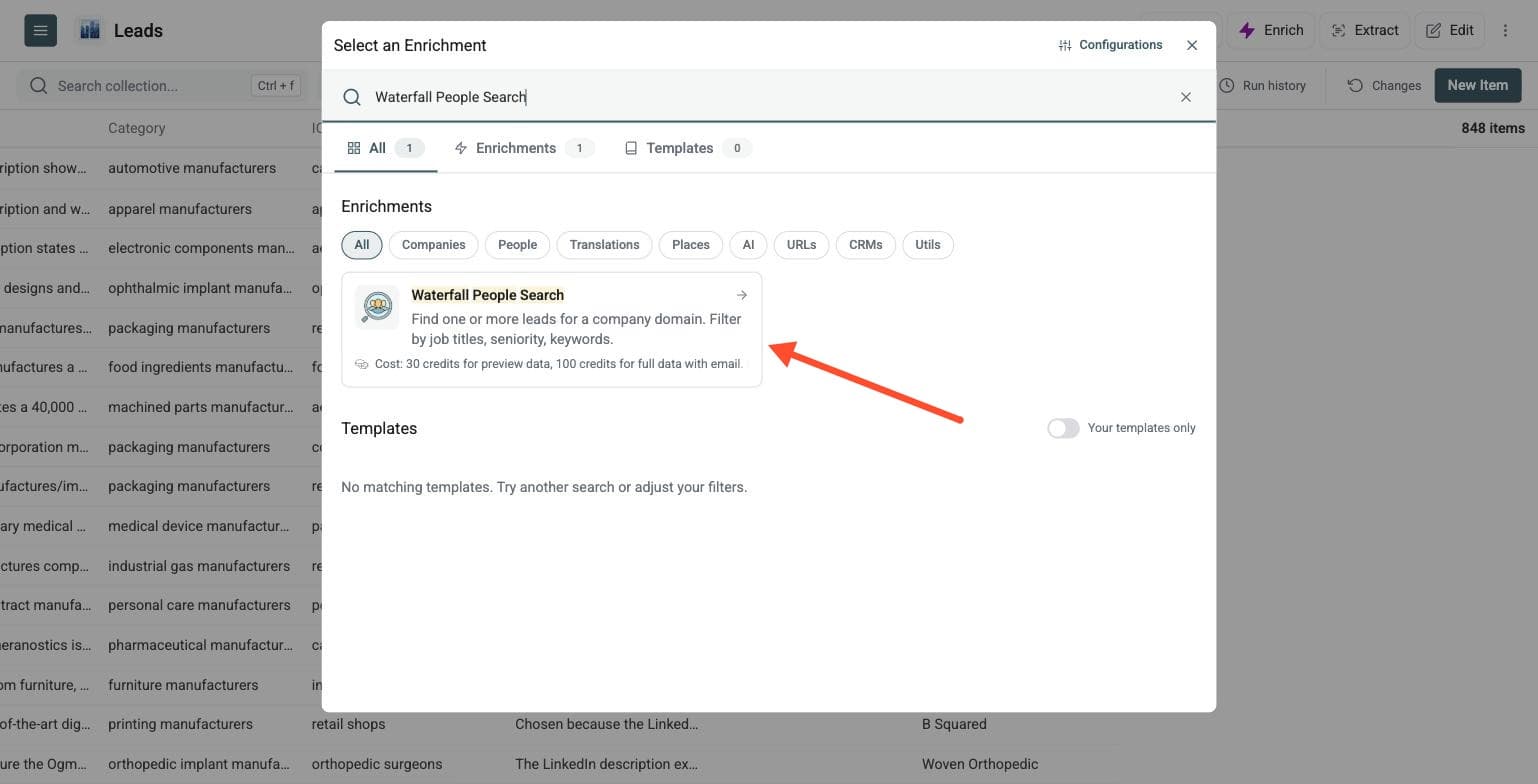
Step 2: Navigate to the Enrichment
Open Enrich and choose Waterfall People Search.
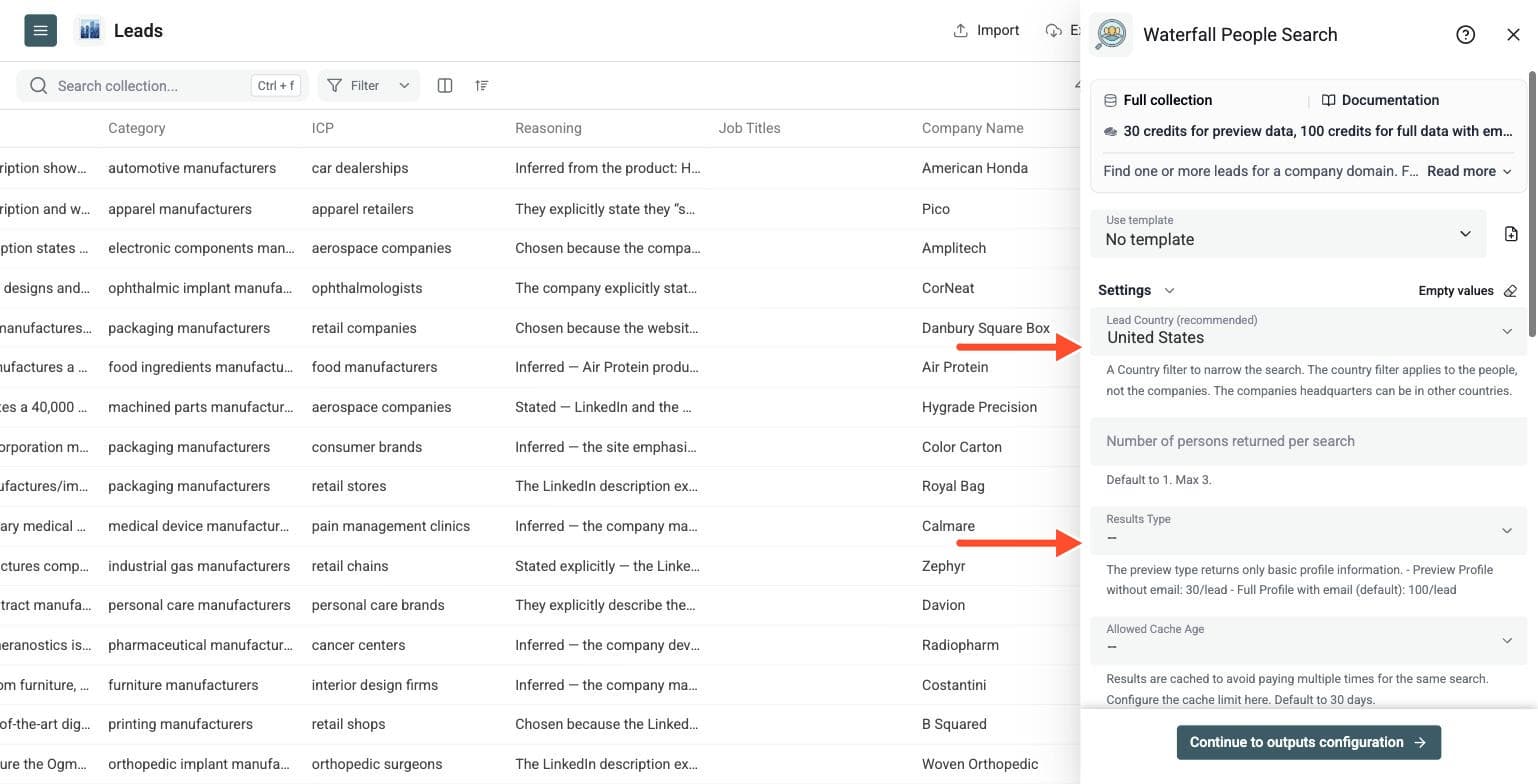
Step 3: Set Up the Enrichment
You'll see the following settings:
-
Lead Country (recommended): A country filter to narrow the search. It applies to the people, not the companies.
-
Number of persons returned per search: Default 1, max 3.
-
Results Type: Preview Profile without email costs 30 credits per lead. Full Profile with email (the default) costs 100 credits per lead.
-
Allowed Cache Age: Results are cached to avoid paying multiple times for the same search. Default 30 days.
-
Waterfall Searches: Datablist searches with Search #1 criteria. If there is no result, it uses Search #2 criteria, and so on. You can define up to 3 fallbacks.
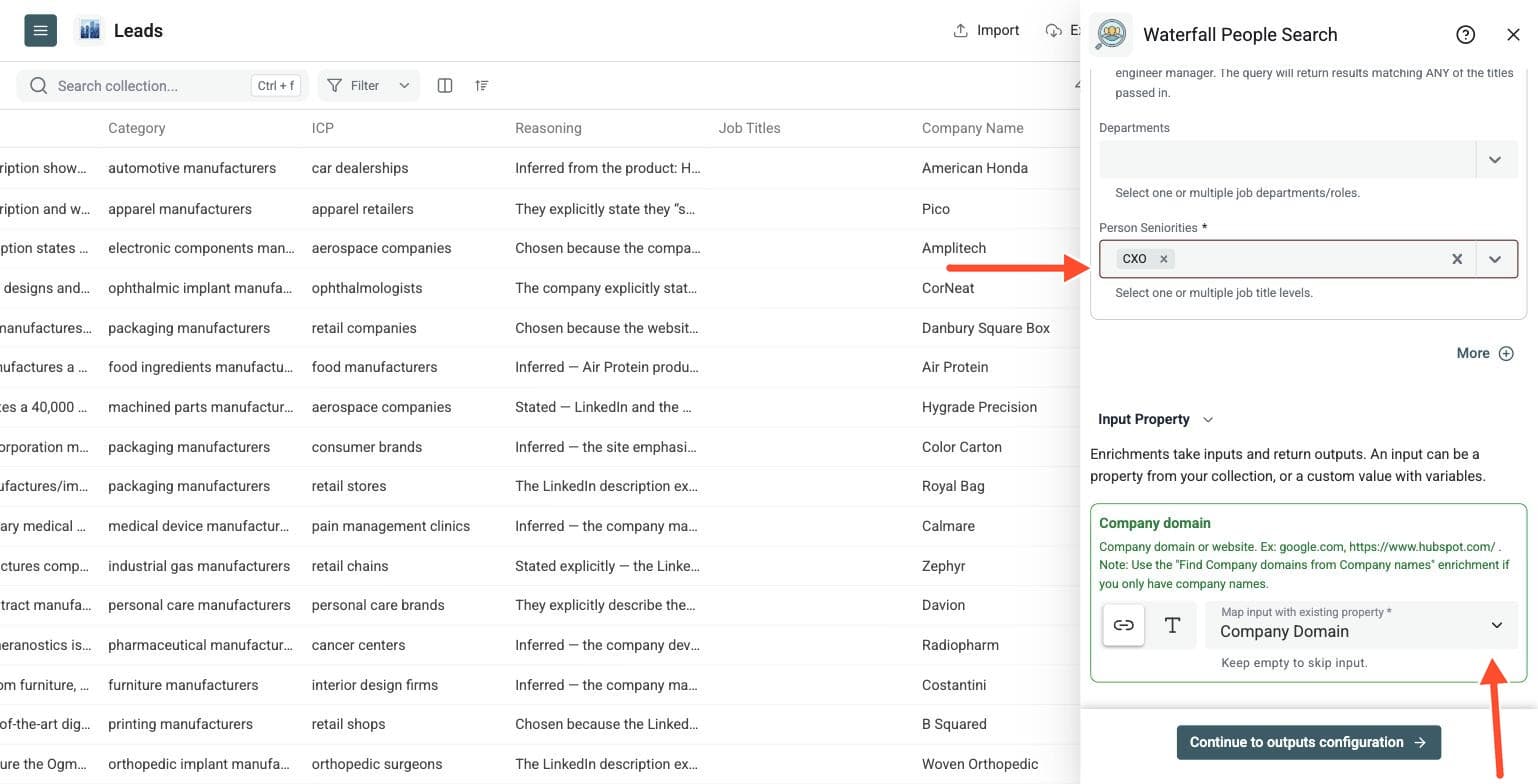
Step 4: Configure Your Inputs
-
Map the column with your company domains or websites as the Company domain input, for example google.com or https://www.hubspot.com/
-
If you only have company names, run the Company Name to Domain enrichment first
Then click Continue to outputs configuration.
Step 5: Select Outputs
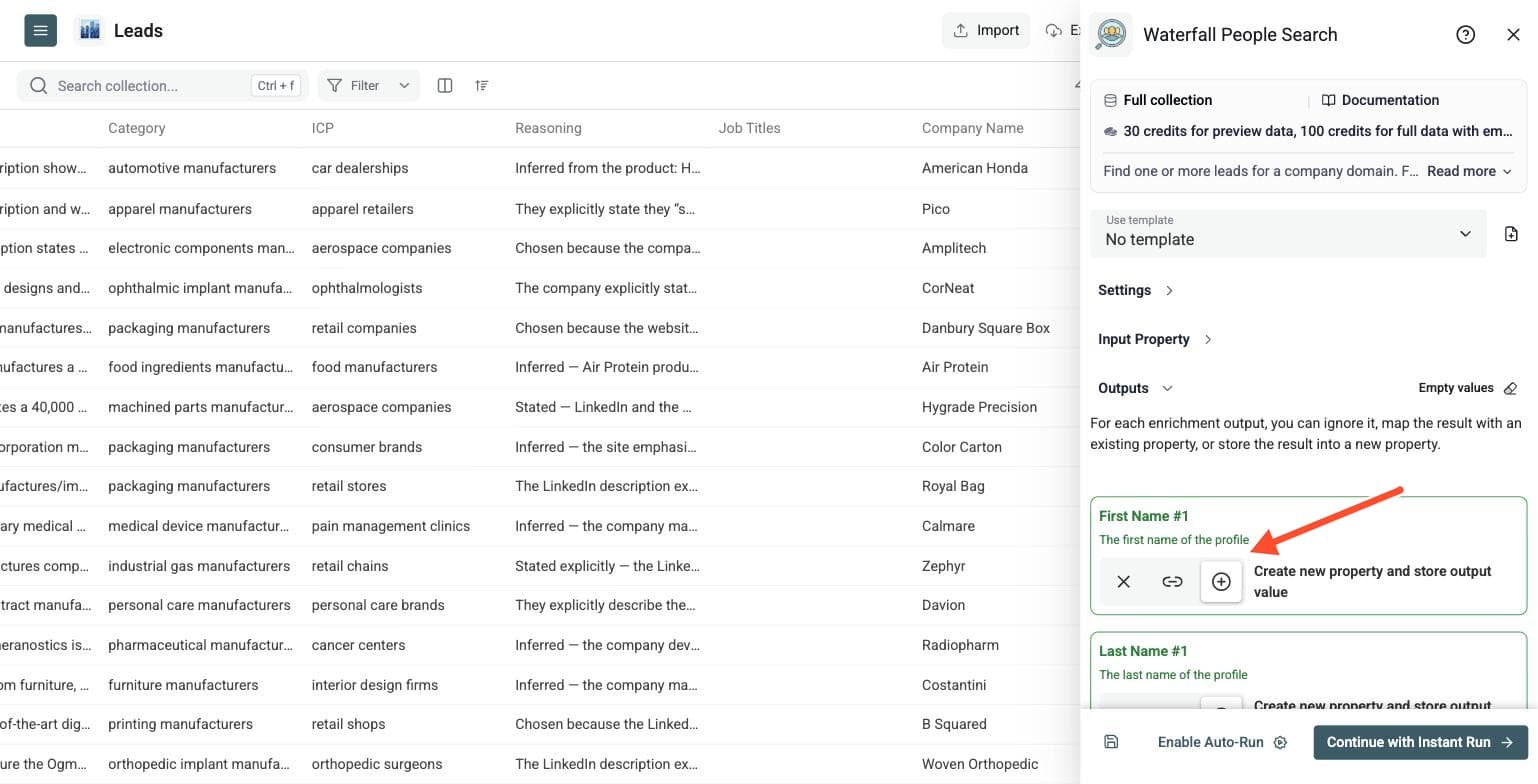
Depending on the results type, Datablist can return the first name, last name, full name, LinkedIn URL, profile summary, job title, job start date, seniority, city, region, country, company LinkedIn page and, in full mode, a work email. Keep Search Status to filter the rows.
Click the ⊕ icons to add them to your collection, then click Instant Run.
Step 6: Run the Enrichment
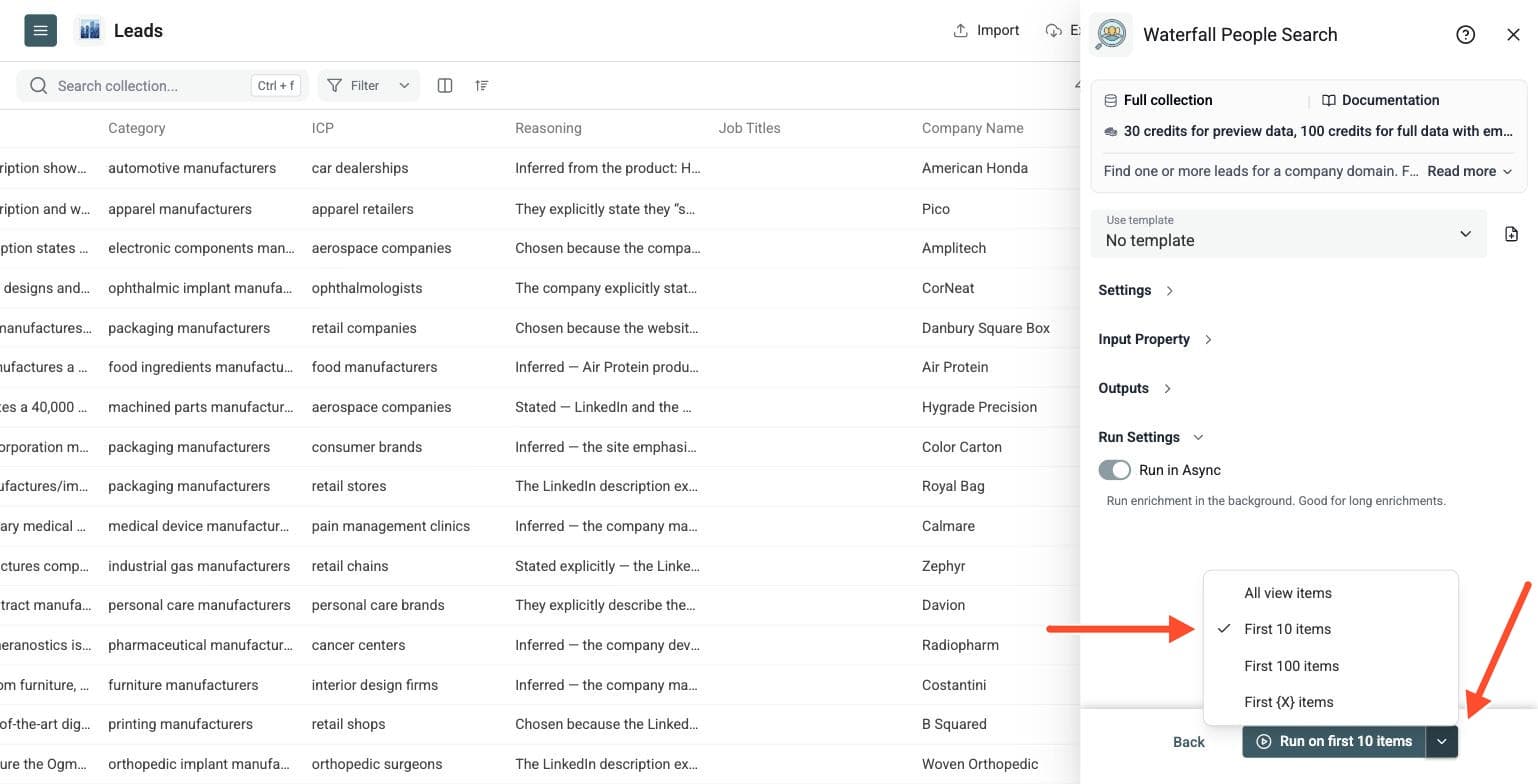
Run a preview first to check whether your filters are too broad or too narrow. Click the chevron on the right side of the run button to choose how many items to process:
-
Run on first 10 items: Good for checking results before committing
-
Run on first 100 items: Useful for validating larger samples
-
Run on all view items: Process your entire list (or view if you've enabled filters)
Then run the full list and review the returned profiles before you reach out.
Build Narrow Searches Before Broad Fallbacks
Start with a company domain and the buyer or candidate profile you need. Define a precise first search using job-title keywords and seniority. Broader Search #2 and Search #3 criteria can provide alternatives when the earlier search finds no result. These are fallback searches, not three separate batches of contacts to combine.
For example, start with a Director of Marketing search, then broaden the job-title keywords to Marketing Manager if that fits your campaign. Use the country filter when the location of the people matters. Run a preview to check whether your filters are too broad or narrow before processing the full account list.
Keep company domains separate from any notes about target roles. If you have company names only, run Company Name to Domain first and review those domains before searching for people.
Preview Profiles vs Full Profiles
Preview profiles help you assess contact fit without paying for the full email result. Compare the name, job title, company, LinkedIn URL and location with your target criteria. Full-profile mode adds work-email information when available.
The rates are per returned person, not simply per company row. One thousand preview results use 30,000 credits; one thousand full results use 100,000 credits. If you request several people per company, account for all returned contacts when sizing the run. No-result searches are not charged, and cached results can change the actual total.
What To Do After Finding Contacts
Review the returned profiles before outreach. Keep the account domain alongside each contact, check role and location, and deduplicate people who appear more than once across your account lists.
Use Waterfall People Enrichment to complete a known person's record, or Waterfall Phone Finder if your next step needs phone numbers from reviewed LinkedIn URLs. Export the contacts that fit your campaign to your CRM or outreach workflow.
This workflow suits account-based prospecting, turning website datasets into contact lists, testing job-title variants and reviewing contact fit before buying richer data.