
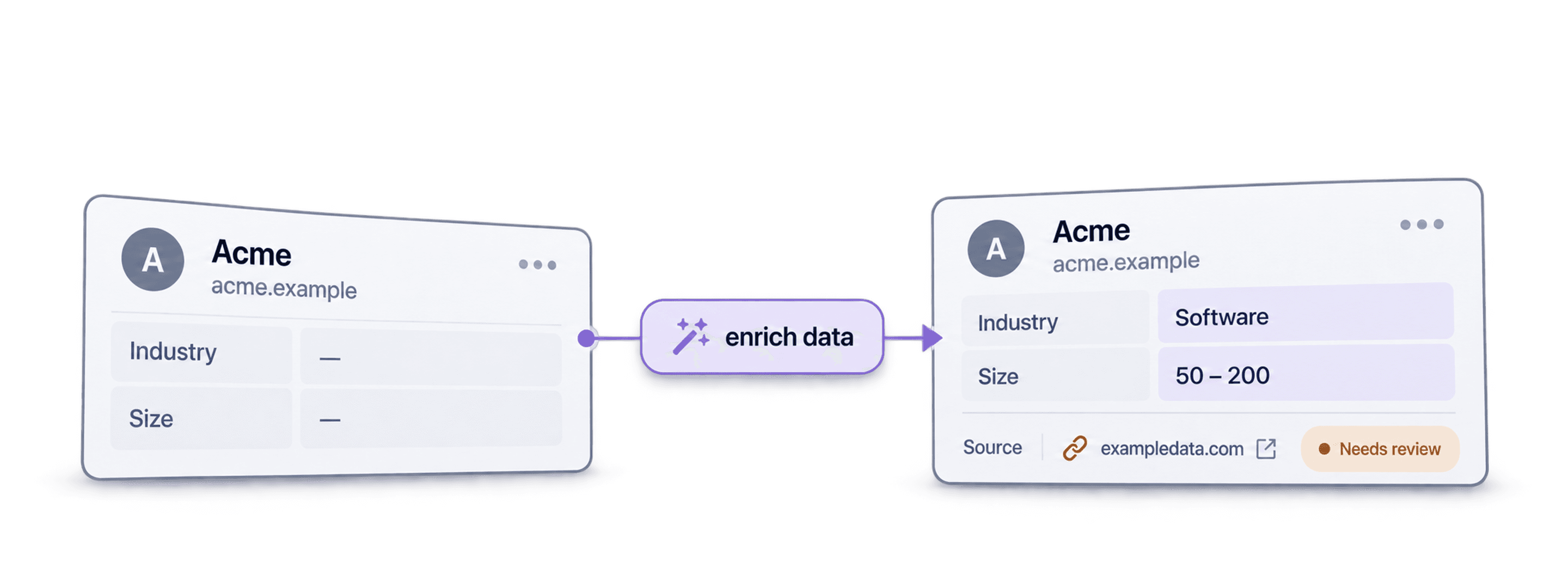
B2B data enrichment adds missing, useful fields to records you already have. For example, start with a CSV containing Company Name and Website, then add Industry, Company Size, or a verified contact field. Review the returned values before using the list for outreach or importing it into your CRM.
The useful question is which missing field changes your next decision. If you need to route accounts by industry, enrich that field first. If you need to contact a specific person, confirm their role and contact details before sending. This guide covers the data types, sources, and tools involved.
Table of Contents
- Understanding the Fundamentals of Data Enrichment
- Why Self-Enriched Data Is a Competitive Advantage
- The Different Types of B2B Data You Can Enrich
- Common Use Cases for B2B Data Enrichment
- The Best Sources for High-Quality B2B Data
- A Quick Look at Popular Data Enrichment Tools
The Basics of Data Enrichment
Enrichment starts with an existing record and adds information from another source. The source could be a provider, a company website, or data your team already holds. The result is only useful if you can match it to the right record and check whether it is current.
B2C Data Enrichment
Consumer data enrichment may add demographic, transaction, or behavioral information to a customer record. What a company can collect and use depends on the data, its source, the person's location, and the applicable rules. Business contact data also needs an appropriate basis for collection and use.
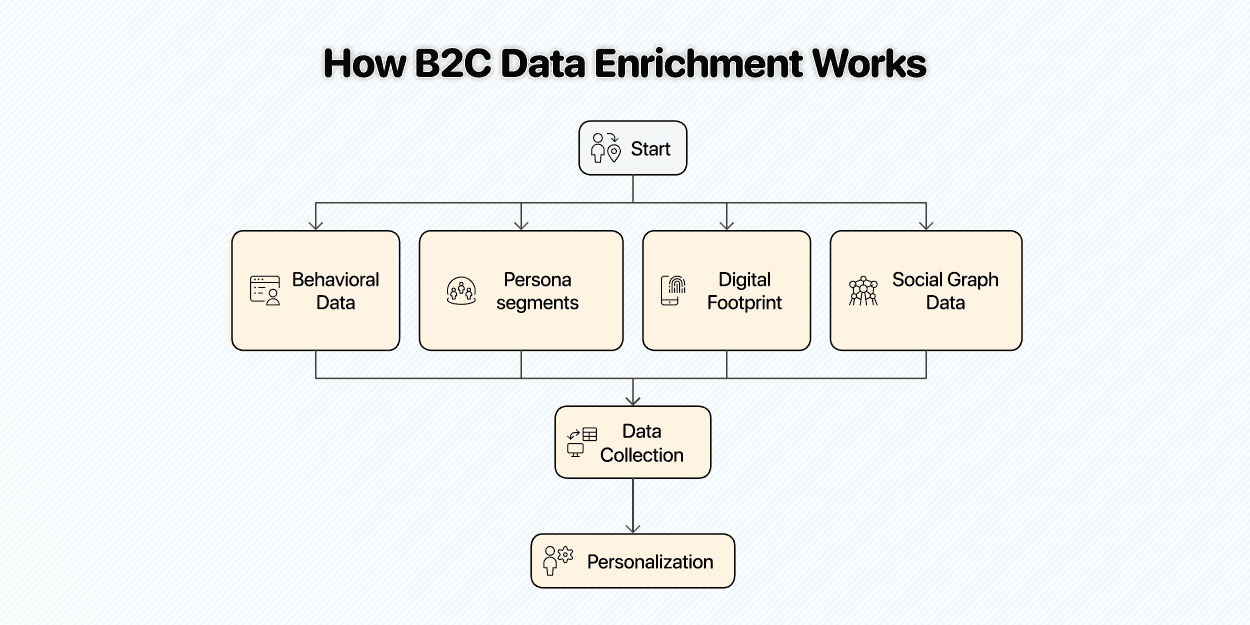
Usually, B2C enrichment typically relies on:
- First-Party Behavioral Data: Website interactions, purchase history, and app usage patterns.
- Demographic and Psychographic Clusters: Age ranges, general interests, and lifestyle segments.
- Device and Technical Identifiers: Cookies, device IDs, and IP addresses for ad targeting.
- Social Graph Data: Connections and shared interests to understand influence patterns.
The source and permitted use matter as much as the field itself. Do not assume that a data point is accurate or available for outreach simply because a provider returns it.
B2B Data Enrichment
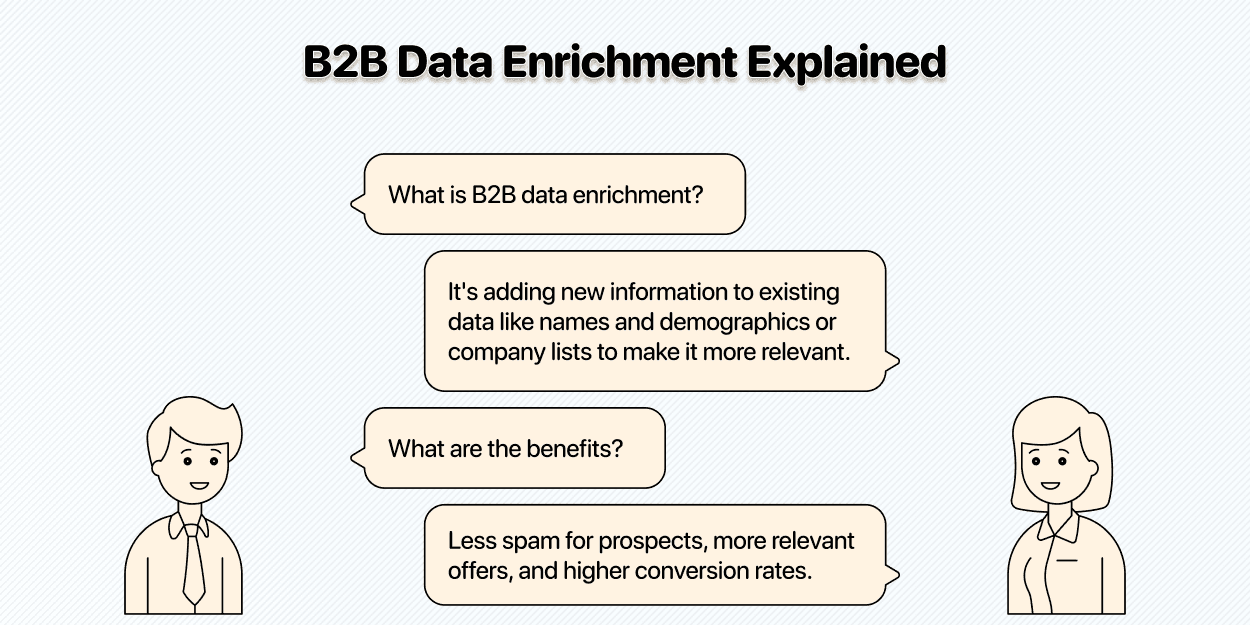
B2B enrichment adds fields to company or professional contact records. A company domain can help match an account to firmographic data; a person's name and company can help match a contact to a current role. Keep the input, new field, and source visible so your team can review uncertain matches before using them.
For example, enrich a list with Company Name and Website to add Industry. The resulting rows can help you filter accounts for a campaign. An unmatched domain or conflicting industry value needs review rather than an invented replacement.
A B2B Enrichment Example: Match, Add, and Review
Suppose your CSV contains Company Name, Website, and Contact Name, and you need to route accounts by industry. Keep those inputs and write the returned industry to a separate field. Match by the company website where possible; a company name alone can refer to several businesses.
Before you accept the result, check three things:
- The match: does the source describe the same company and domain?
- The field: does it actually state the industry or role you requested? Leave an unsupported answer unknown.
- The evidence: retain the source URL or provider, the check date, and any available status. If the enrichment does not return a source URL, do not invent one.
A company enrichment provider, an email finder, and website research answer different questions. Adding an industry does not verify an email address, and finding a person with the right title does not establish that the person still holds that role. Start with one field and review a sample before extending the workflow.
Why Data Enrichment Is So Important in B2B
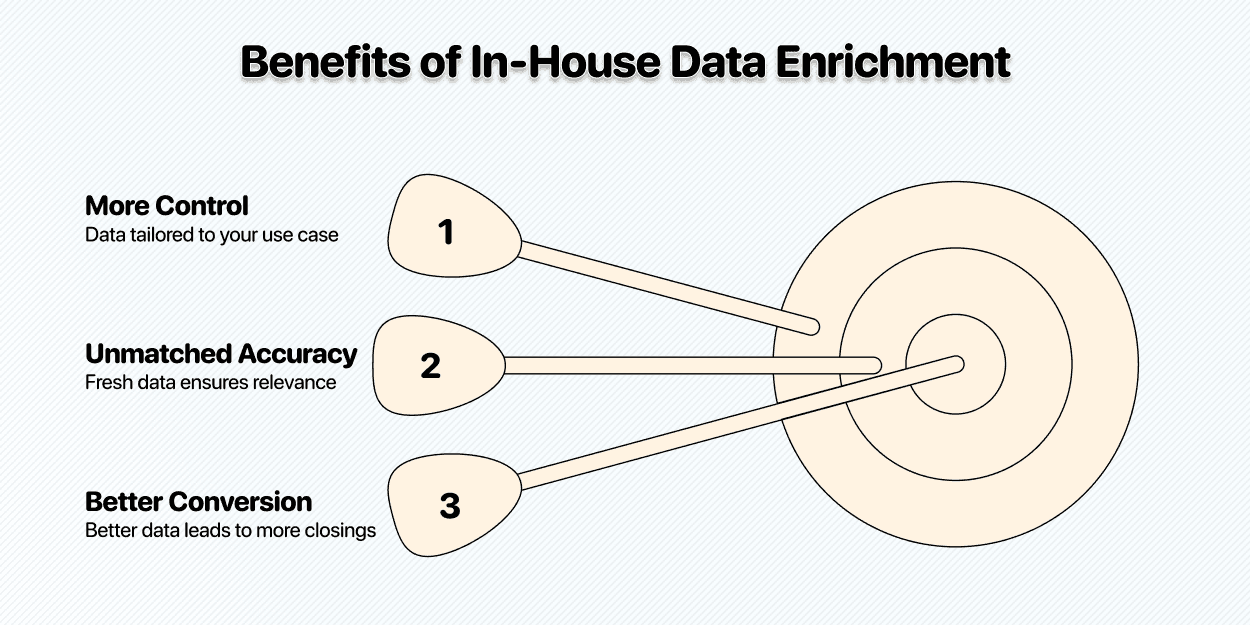
Building an enrichment workflow gives you control over the fields, sources, and checks used for your list. That control matters when a purchased list lacks the context you need:
More Control Over Your Data
An enrichment workflow lets you choose fields that support your specific task. For example, add an industry field when routing accounts, or a current job title when checking whether a contact still owns the problem you solve. Keep the source alongside the new value so you can inspect it.
Check Accuracy and Recency
People change jobs and companies change their websites, so a returned field can become stale. Check when a source was last updated, especially for contact roles and email addresses. Running an enrichment again can help, but a new run alone does not verify the answer.
Better Conversion Through Context
Useful context can help you write a more relevant message. For example, an industry field can support a specific example in an email. Review the evidence before using it; a wrong field can make the message less relevant.
💡 Data Without Context Is Just Text
B2B data is only powerful when you apply the right context. If you have a dataset that isn't tailored to your ICP or your sales process, you'll struggle to make it work. Building your own enrichment process ensures every data point serves your goals.
Various Types of Data Enrichment
In B2B, data enrichment happens on two levels
- The contact level (the prospect)
- The company they work for (the account)
Here’s what you need to know about each of these levels:
Prospect-Level Data
This is all about understanding the person you're reaching out to. It's about finding the details that help you tailor your message.
| Demographics | Contact Information | Intent Data | Deeper Insights |
|---|---|---|---|
| Job Title | Verified Business Email | Website visits (e.g., pricing page, specific blog posts) | Past work experience and previous roles |
| Location (City, State, Country) | Direct or Mobile Phone Numbers | Content downloads (e.g., ebooks, whitepapers) | Professional interests and skills listed on their profile |
| Seniority Level (e.g., C-Level, VP, Manager) | LinkedIn Profile URL | Third-party topic research (shows interest in a specific solution) | Areas of expertise mentioned in articles or posts |
Account-Level Information
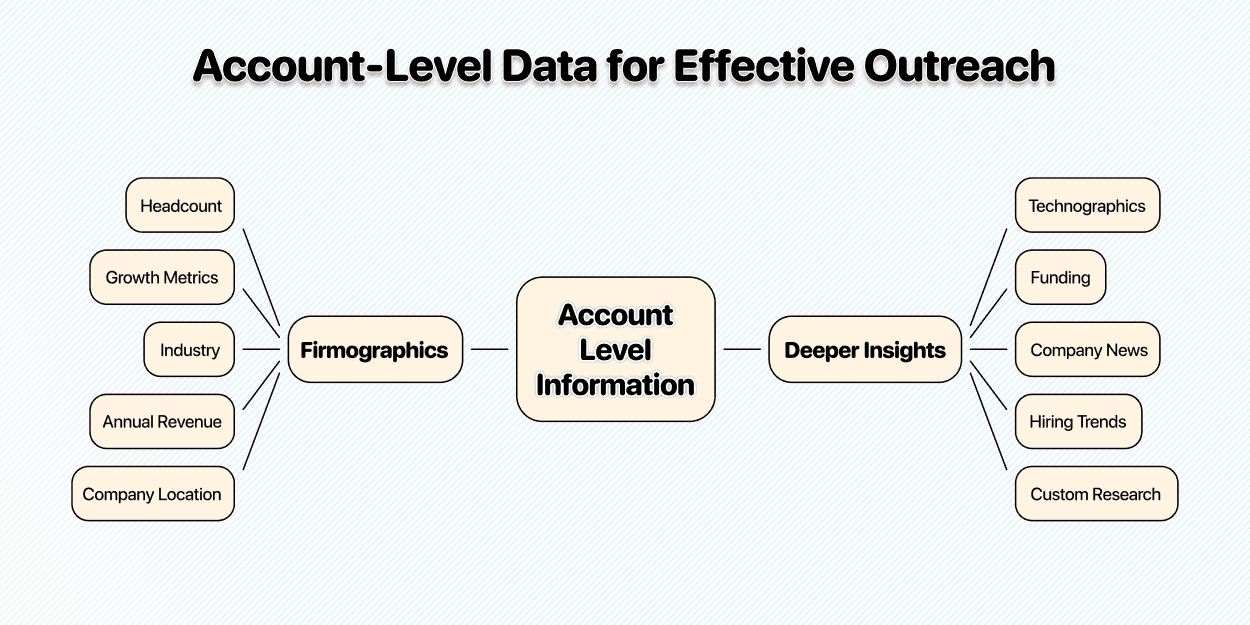
Understanding the company provides the broader context for your outreach. It helps you qualify accounts and tailor your value proposition to their specific situation. The following data points help with this:
Firmographics
- Headcount
- Growth metrics: Revenue, headcount, or department growth
- Industry (e.g., SaaS, Manufacturing, Healthcare)
- Annual Revenue
- Company Location (Headquarters and office locations)
Deeper Insights
- Technographics: The technologies a company uses (e.g., CRM, marketing automation, cloud provider).
- Funding: Information about recent funding rounds, investors, and amounts raised.
- Company News: Recent press releases, product launches, or leadership changes.
- Hiring Trends: Actively hiring for specific roles can indicate growth or pain points.
B2B Data Enrichment Use Cases
We don't enrich data for fun; we do it because it serves a purpose. Here are a few use cases where B2B data enrichment plays a huge role:
Outbound Sales
This is the most common use case. Enriched data allows sales teams to build highly targeted lead lists and personalize their outreach at scale.
- Targeting: Go beyond simple industry and company size filters. You can target companies that use a competitor's technology, have recently received funding, or are hiring for a specific role.
- Filtering: Quickly disqualify poor-fit leads from your sequences, saving your sales reps countless hours and focusing their efforts where it matters most.
- Message relevance: Use checked company or role information to explain why your message applies to that contact. Measure the response to your own campaign rather than assuming a conversion lift.
Account-Based Marketing (ABM)
Account-based marketing uses company and contact information to plan campaigns for specific accounts. Enrichment can fill gaps in that research, provided the returned data matches the account.
- Account Selection: Use firmographic and technographic data to identify your highest-value target accounts.
- Stakeholder Mapping: Identify all key decision-makers within an account and understand their roles and responsibilities to engage the entire buying committee.
- Personalized Campaigns: Create content and ad campaigns tailored to the specific challenges and initiatives of a target account.
CRM Enrichment and Updates
Your source of truth shouldn’t be outdated; that’s why CRM cleaning & enrichment should be a routine task; this way, your data stays clean, accurate, and relevant.
- Data Cleansing: Correct outdated information like job titles, company names, and contact details.
- Updates: Review new and changed leads before importing enrichment results into your CRM. Confirm the transfer method and destination fields for your setup.
- Lead Scoring: Use enriched data points (like company size or technology usage) to score leads more accurately and prioritize follow-ups.
Data Sources for B2B Enrichment
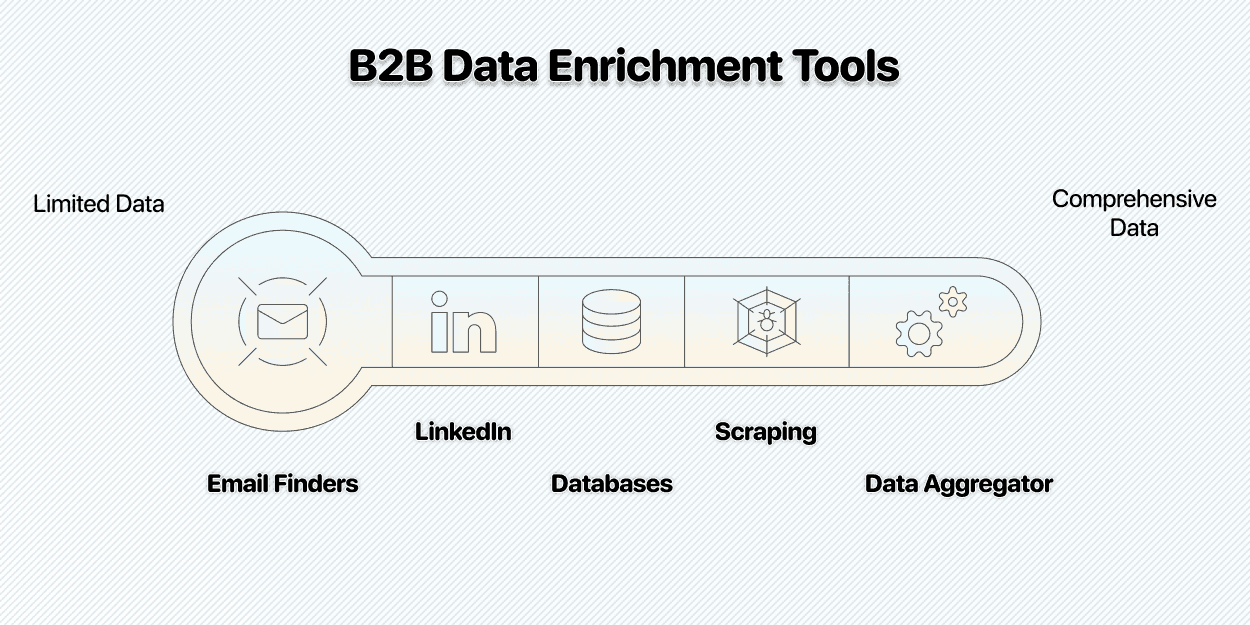
There are countless sources you can get data from, but no single source has everything, so a combination of multiple B2B data enrichment tools is often the best approach.
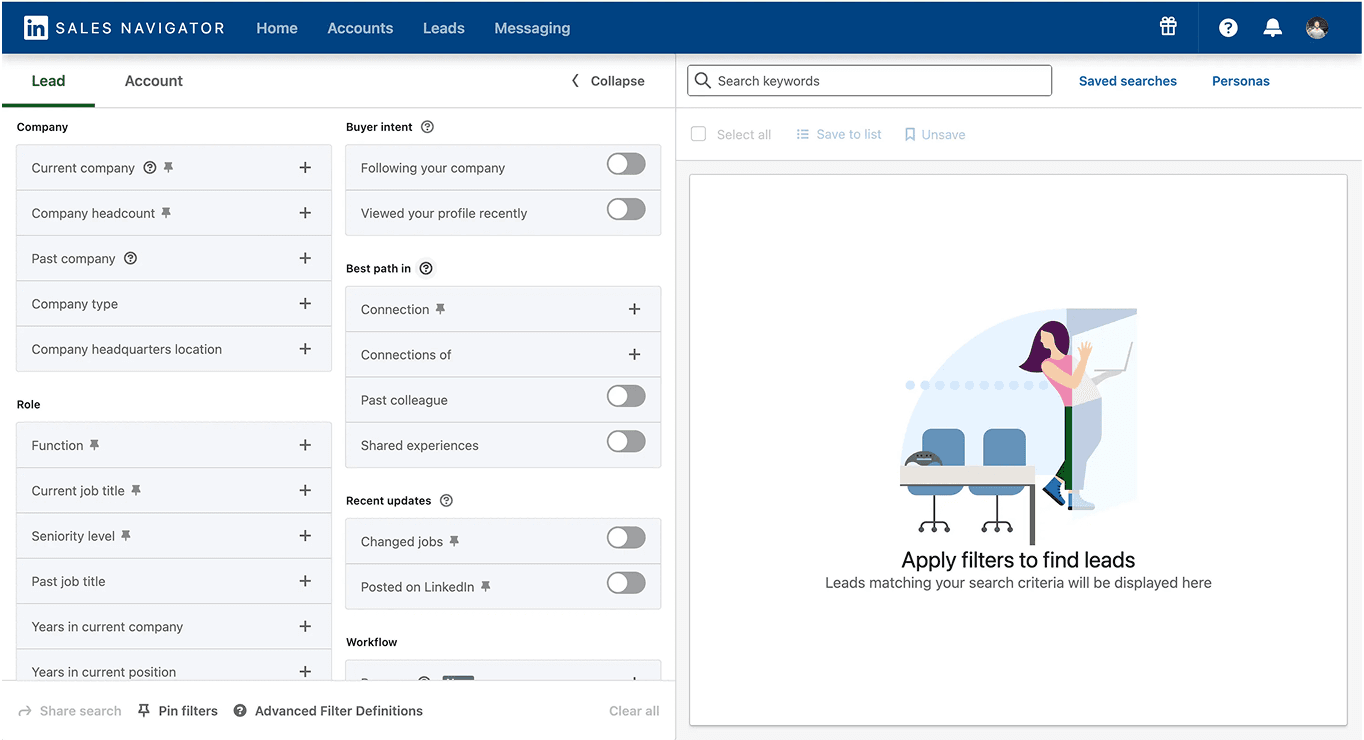
LinkedIn Sales Navigator
LinkedIn Sales Navigator helps research professional roles and companies through lead/account searches and alerts. Use it to identify relevant records; check the available export or CRM route for your plan before building a workflow around it.
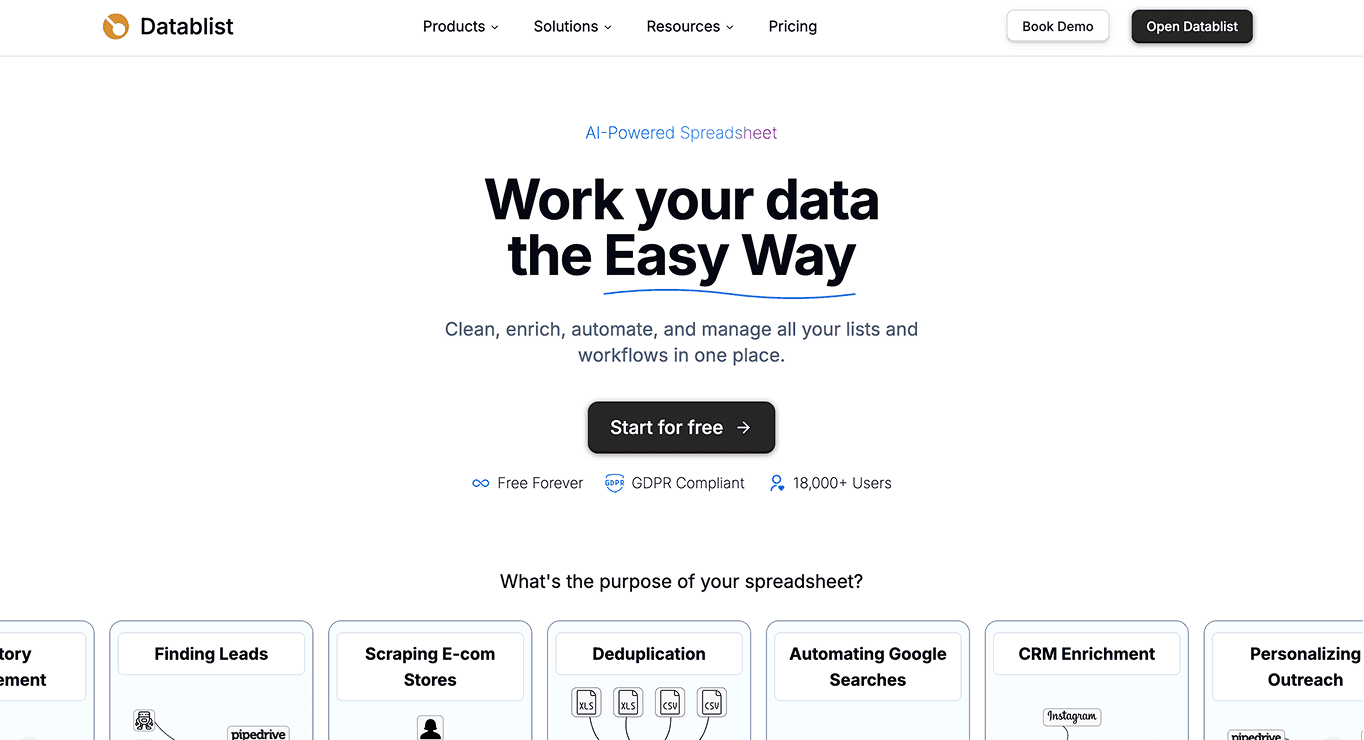
A workflow tool such as Datablist can then combine enrichments, AI website research, and LLM processing on imported rows. These tools serve different stages of the process. Plan access, credits, and any provider-specific requirements still apply.
Email Finders
Email finders look for a work address associated with a person and company. Finding and verifying a business email are related checks, but neither guarantees delivery or permission to contact the recipient. Inspect the returned status before using it.
B2B Databases
These are massive, pre-built databases of company and contact information, e.g., ZoomInfo. They can be a good source for phone numbers, but often suffer from accuracy and recency issues, as mentioned earlier + their data is often enterprise-focused
Scraping Websites
This is probably the most underrated B2B data enrichment source/strategy. Here’s how it works:
↳ Scrape multiple sources
↳ ↳ ↳ Get a deeper understanding of any organization
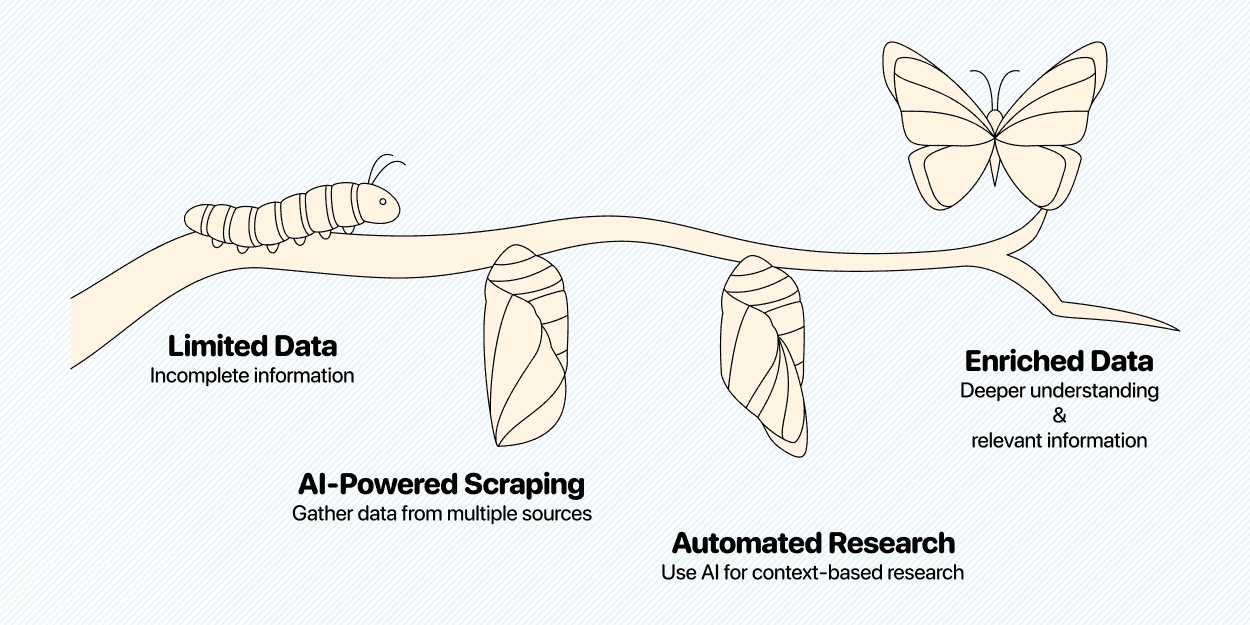
You can do all this using AI scraper that allow you to scrape based on context instead of CSS selectors that old school scrapers use.
Tools for Data Enrichment
Here are some of the best B2B data enrichment tools that can help you execute your strategies
Datablist.com: The Platform to Bring B2Data into Action
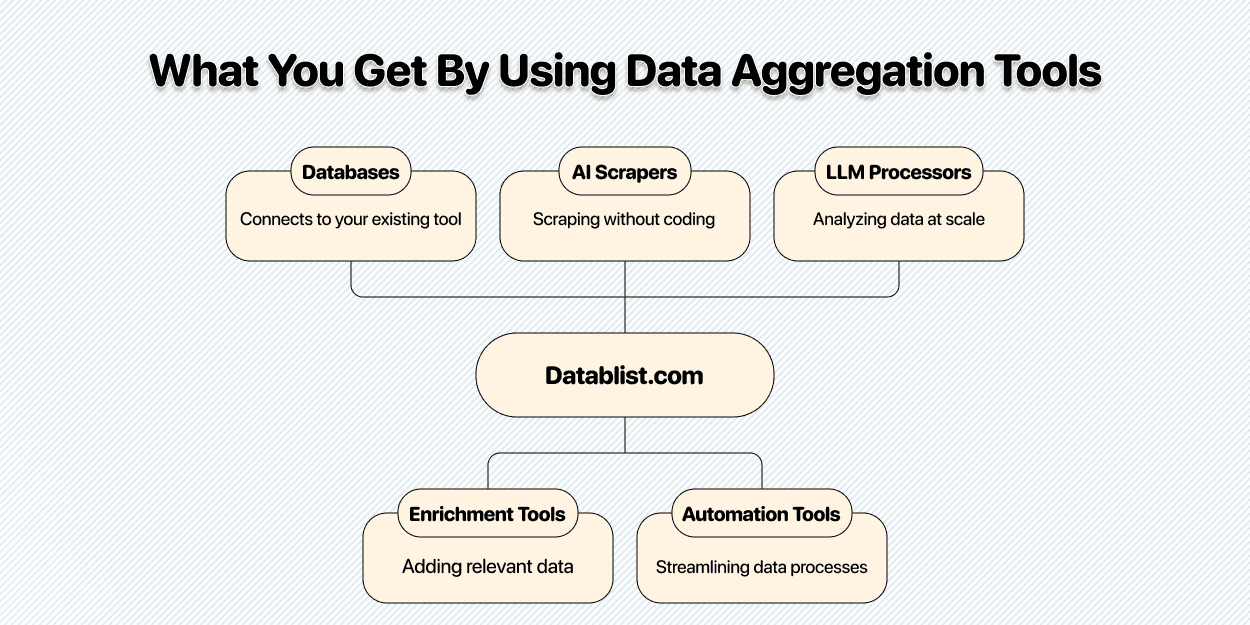
Datablist is a data aggregation platform & flexible workflow builder for sales & marketing folks
- It’s designed for teams that want to build and clean lead lists on their terms
- Its catalog includes email and phone finding, AI agents, web research, and text processing. Choose the enrichment that accepts your available inputs and returns the fields you need.
- It allows you to test every workflow and idea without committing to a yearly contract
Sales Navigator: The Backbone of B2B Data Enrichment
Use Sales Navigator for professional profile and account research.
- Search for relevant people and companies, then review their current roles.
- Check its official CRM options and your plan before deciding how records will move into another system.
- Third-party extraction is a separate workflow with platform terms and account risks; no scraper guarantees account safety.
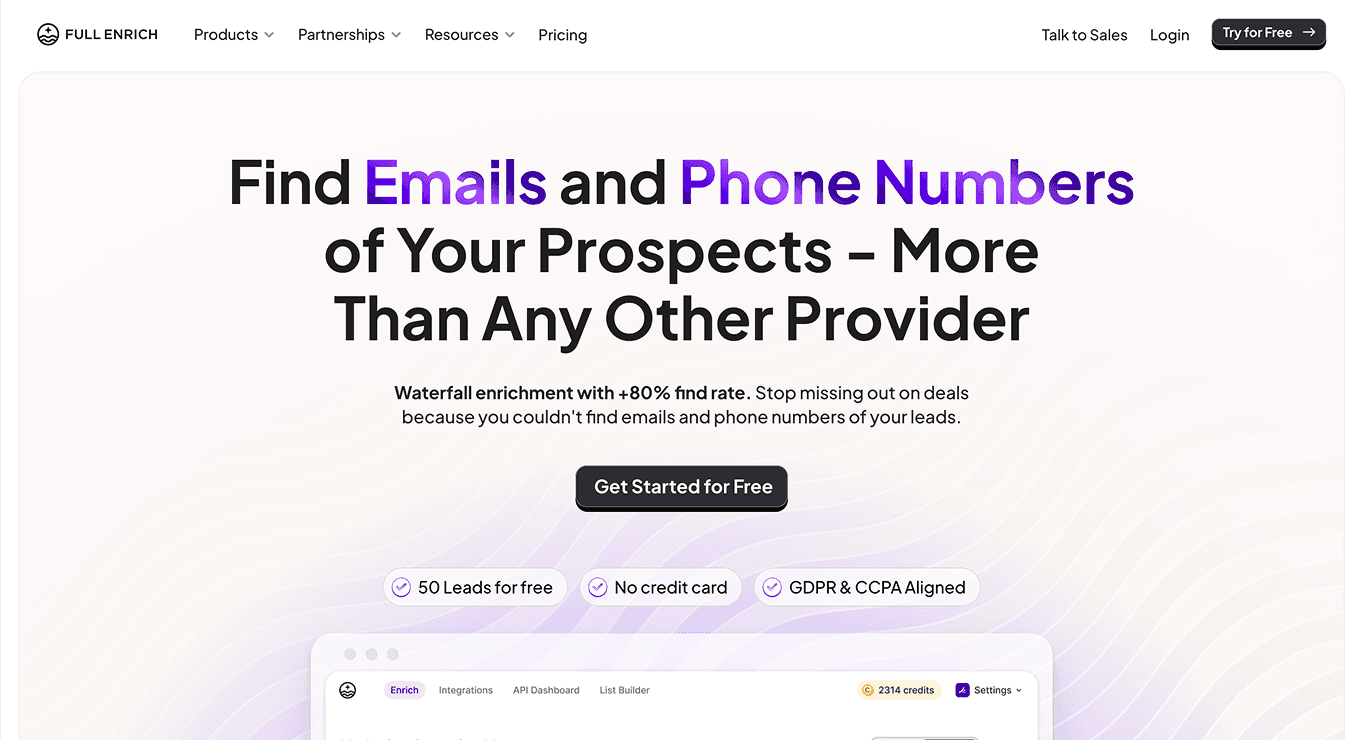
FullEnrich: Waterfall Enrichment for Contact Data
FullEnrich specializes in contact details through waterfall enrichment: it tries data providers in sequence rather than relying on one source.
- Its current product guidance describes work-email and mobile-phone enrichment with additional verification.
- Coverage varies with the audience. Test your own contacts rather than treating a published find rate or bounce rate as a guarantee for your list.
- Datablist's email and phone finders can use FullEnrich as a provider. Check the selected enrichment's inputs, output statuses, and displayed credit rules before running it.
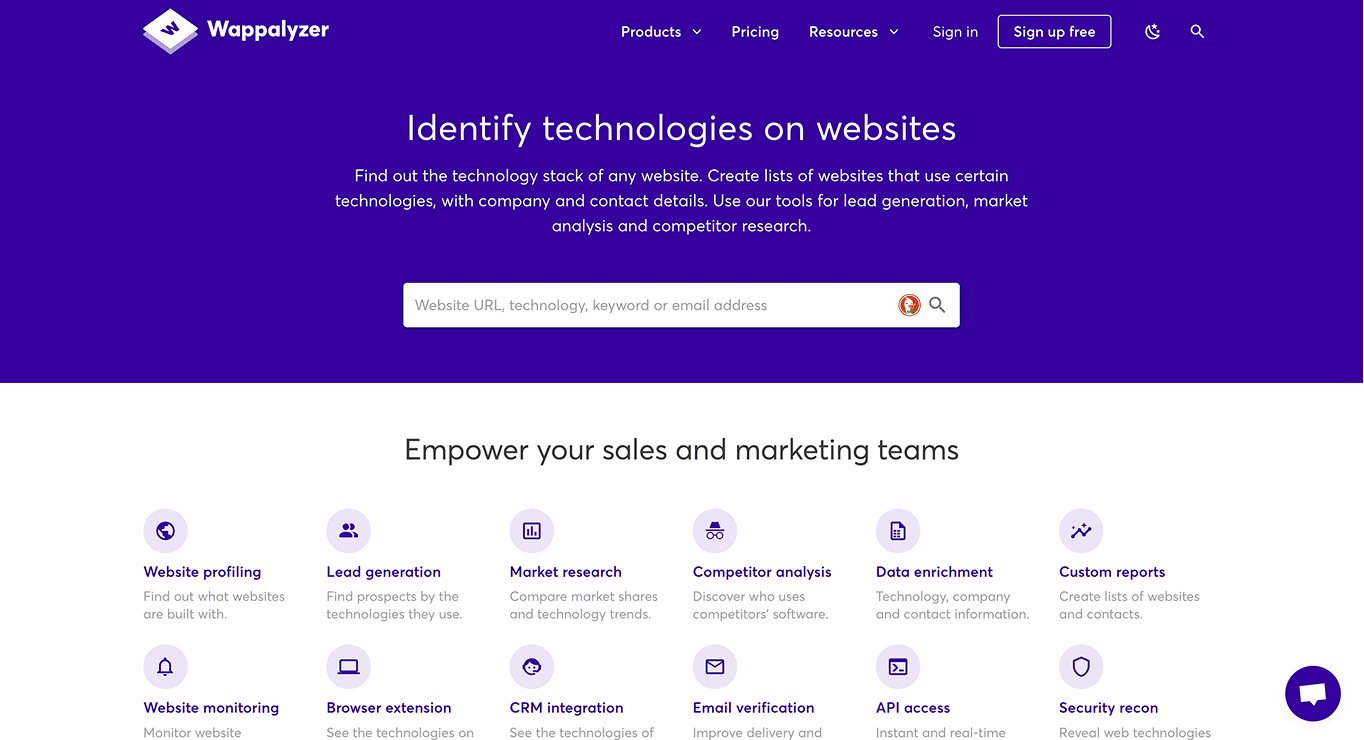
Wappalyzer: Techographic Data Platform
A seasoned tool in B2B data enrichment & one of the best technology finder
- Allows users to find accounts based on the technologies they use
- Can help to reveal what tools a certain website uses
- Wappalyzer technology lookups are available in Datablist. Review the enrichment's displayed credit cost; a Datablist lookup and a direct Wappalyzer subscription have different billing.
Firecrawl: Scraping API for AI-Applications
An API-first platform for crawling and scraping websites
- Designed for teams with a developer who need to integrate web data into their application and workflows
- For teams that don’t have a developer to integrate Firecrawl, they can use Datablist’s AI Agent to get started fast
The Bottom Line
Data enrichment is no longer a "nice-to-have." It's a critical component of any successful B2B go-to-market strategy. People are tired of receiving templated messages and being put into irrelevant automated sequences.
With the data enrichment tools available today, including powerful AI and automation platforms, you can get high-quality, relevant data faster and cheaper than ever before. By putting that data to work, you can build a more efficient, effective, and human-centric sales process.
FAQ About B2B Data Enrichment
What Is Data Enrichment?
Data enrichment is the process of enhancing raw, first-party data by adding missing information from external sources. The goal is to create a more complete and accurate profile of a prospect or account to enable more effective sales and marketing activities.
What Are the Best Tools for Data Enrichment?
The best tools often depend on your specific needs.
- Sales Navigator supports lead and account research on LinkedIn.
- Email and phone finders address missing contact fields; check their required identifiers and returned statuses.
- Datablist combines imported lists with enrichment and AI research. Website access, source coverage, and available evidence determine which results a workflow can return.
Test a small sample from your audience and compare correct matches, usable fields, unknown results, and credit use before choosing a tool for the full list.
Can ChatGPT Enrich Data?
ChatGPT can work with uploaded CSV and spreadsheet files; OpenAI documents a spreadsheet cleaning workflow. Cleaning or classifying supplied values is different from finding new, current facts about a company or contact. For enrichment, require a traceable source for each new fact and review the match. An answer without supporting evidence should remain unverified.
Is B2B Data Enrichment Legal?
There is no blanket permission based on data being public or professional. Applicable rules depend on the people, source, purpose, and jurisdictions involved. For example, the UK's ICO explains that B2B use of publicly available personal data still requires compliance with the UK GDPR, including an appropriate lawful basis and transparency. Legitimate interests is an assessment, not an automatic exemption. Check collection and retention practices, people’s rights, and the separate rules for the marketing channel before using enriched contact data.
What Is the Difference Between Data Enrichment and Data Appending?
The terms are often used interchangeably, but there's a subtle difference. Data appending usually refers to adding specific missing fields (like an email or phone number). Data enrichment is a broader term that includes appending data as well as cleaning, verifying, and adding deeper contextual information.
How Do I Get Started With Data Enrichment?
Start small.
- Define your Ideal Customer Profile (ICP) to know what data is important to you.
- Start with a clean, high-quality source like LinkedIn Sales Navigator to build a raw list.
- Use a tool like Datablist to add a few key data points, such as verified emails or technographics.
- Measure the impact on your outreach and expand your process from there.