
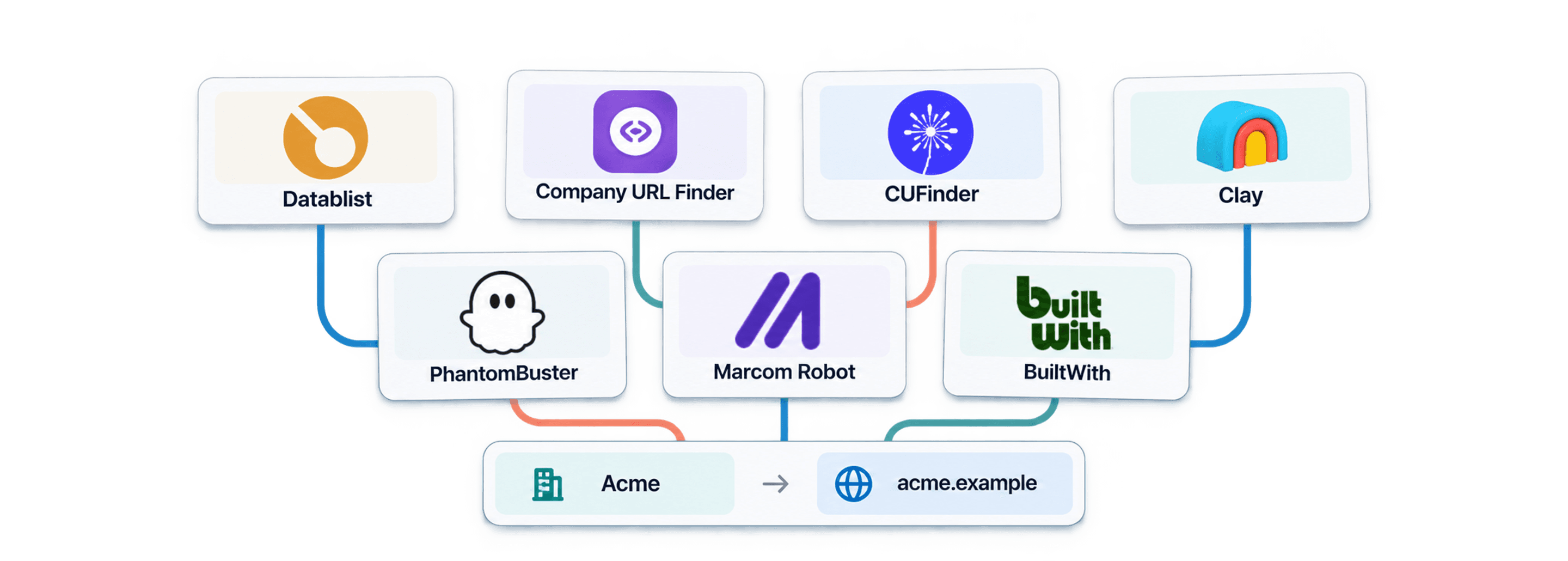
Company name to domain finder tools turn business names into candidate websites. Datablist starts at $25/month with 5,000 credits, while Company URL Finder and CUFinder start at $49/month with 1,000 credits. This guide compares seven tools by starting price, lookup cost and the work they fit, from enriching a CSV to building a wider research workflow.
I recommend testing ambiguous names before comparing headline prices. A low-cost lookup attached to the wrong company can damage every later enrichment. Vendor accuracy and pricing figures can use different definitions. Compare your own accepted results before treating them as equivalent.
📌 Summary For Those In a Rush
For an existing company list, I would start with Datablist's $25 Starter plan: its 5,000 credits fund up to 5,000 successful dataset lookups. Company URL Finder and CUFinder offer $49 entry plans with 1,000 credits.
Use company names, an Account ID and known country context to review the returned websites. Google-based lookups and downstream research have different costs; the tables below show the monthly plans and cash budgets before you scale.
For a small initial list, try the free Domain Finder. For bulk configuration, follow the company website lookup walkthrough.
The Best Company Name to Domain Finder At A Glance
Paid prices use USD and monthly billing, checked October 28, 2026. Lookup rates assume full use of the stated allowance.
| Tool | Primary Use Case | Starting Price | Included Allowance | Cost per 1,000 Lookups |
|---|---|---|---|---|
| Datablist | Find and clean company websites | $25/month | 5,000 credits | $5, dataset route |
| Company URL Finder | Name-to-domain lookup in Sheets/API | $49/month | 1,000 credits | $49 |
| CUFinder | Domain and company enrichment | $49/month | 1,000 credits | $49 |
| Clay | Multi-provider enrichment workflows | $185/month | 2,500 Data Credits + 15,000 Actions | Provider-dependent |
| PhantomBuster | Prospecting automations | $69/month | 20h + 1,000 URL-finder credits | Workflow-dependent |
| Marcom Robot | Bulk name-to-domain matching | $69/month | 1,000 credits | $69 |
| BuiltWith | Technology-based website discovery | $295/month | Basic reporting plan | Different lookup task |
The $5 Datablist figure is $25 ÷ 5,000 × 1,000, not a $5 subscription. Its Google route uses 2.5 credits per lookup, equivalent to $12.50 per 1,000 if you use the whole Starter allowance on that route. The minimum monthly payment remains $25. BuiltWith's reports and Clay's provider workflows should not be treated as identical one-credit name lookups.
Choose the category before choosing a vendor:
- Name-to-website matching: Datablist, Company URL Finder, CUFinder and Marcom Robot offer relevant lookup workflows.
- A wider enrichment workflow: Clay combines provider lookups and research steps; compare the complete sequence rather than one nominal credit.
- Automation around an existing list: PhantomBuster offers prospecting automations. Verify the current automation's exact input and result schema before assuming it accepts company names.
- Technology-based prospecting: BuiltWith is relevant when the starting point is a technology or an existing website. That is a different direction from resolving an arbitrary company name.
A registrar that checks whether a new domain name is available is also a different tool. This comparison concerns the website of an existing company, not registering a domain for a new business.
How To Choose and Compare Tools For Finding Domains
Use the same representative sample for each candidate. Include distinctive names, common names in different countries, subsidiaries, renamed businesses and companies hosted below a shared platform domain. Keep the intended identity in a reference column reviewed by a person.
Define acceptance before looking at the outputs: the site identifies the intended organization, the country/context fits, and the full URL leads to the relevant company page. A directory listing, a namesake and a parent company can each need a different review decision. A confidence label can prioritize that work; it is not independent proof.
| Check | Record | Why it matters |
|---|---|---|
| Identity | Accepted, wrong company or unresolved | A filled domain is not necessarily the right organization |
| Coverage | Found and no-result counts | Keep missing answers separate from incorrect answers |
| Cost | Actual usage, access plan and review time | Credits and requests are not interchangeable across vendors |
| Handoff | Account ID, full URL, status and destination | A later CRM import needs more than a bare domain |
For an illustrative evaluation, suppose a 100-row sample returns 80 candidate websites, of which a person accepts 68. Report 80 returned, 68 accepted, 12 rejected or unresolved returned candidates, and 20 no-result rows. Do not call the 80% return rate an 80% accuracy rate. If actual usage costs $10, the usage-only cost per accepted match is $10 / 68 = about $0.147, excluding subscriptions and review labor. These are invented teaching figures, not measured vendor results.
Domain Finder Tools by Workflow
The sections below describe capabilities and review questions, not a numerical performance ranking. Check current access, billing units and the exact output schema before moving a full file. Vendor marketing percentages are not a controlled comparison of your list.
Datablist
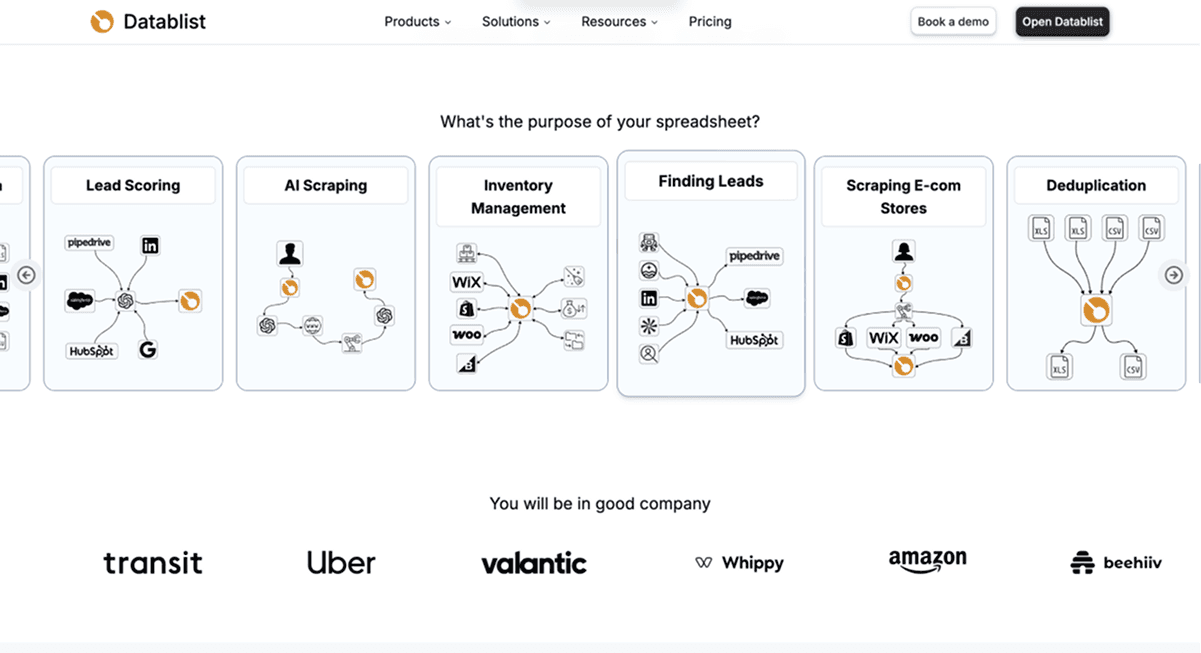
Datablist's Company Name to Domain enrichment works on existing company rows. Import the names, preserve Account ID, choose a lookup workflow and map results to new properties. That makes it easier to inspect a candidate without overwriting a trusted website.
Key Features
Open Enrich and choose the company-domain enrichment. Map Company Name to the name column. Under Workflow, choose dataset lookup, Google lookup or the default dataset-with-Google-fallback workflow. Inspect the estimate and start with a representative sample.
Country context
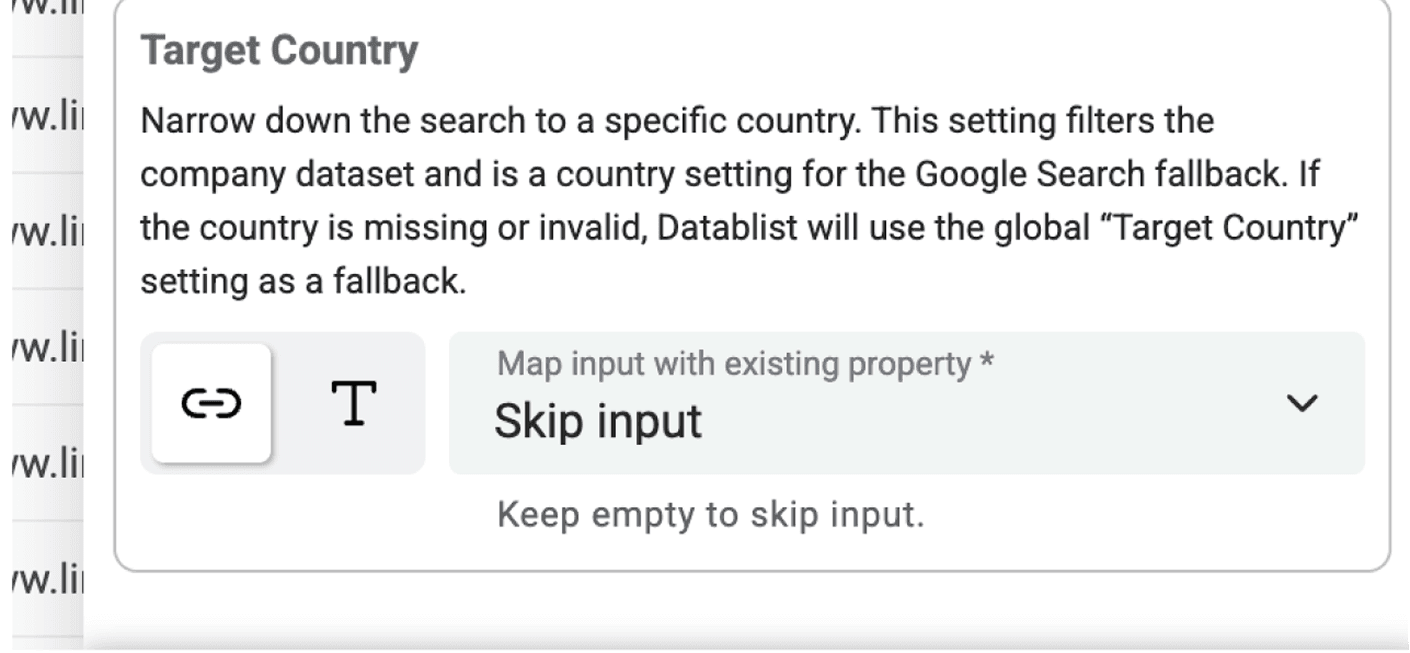
Set Target Country only when you know it. Define target country per item. adds a country input for rows from different markets. A missing or invalid per-row country falls back to the global setting. The setting narrows dataset matching and supplies country context for Google; it cannot guarantee the correct namesake.
Ambiguous names and separate research
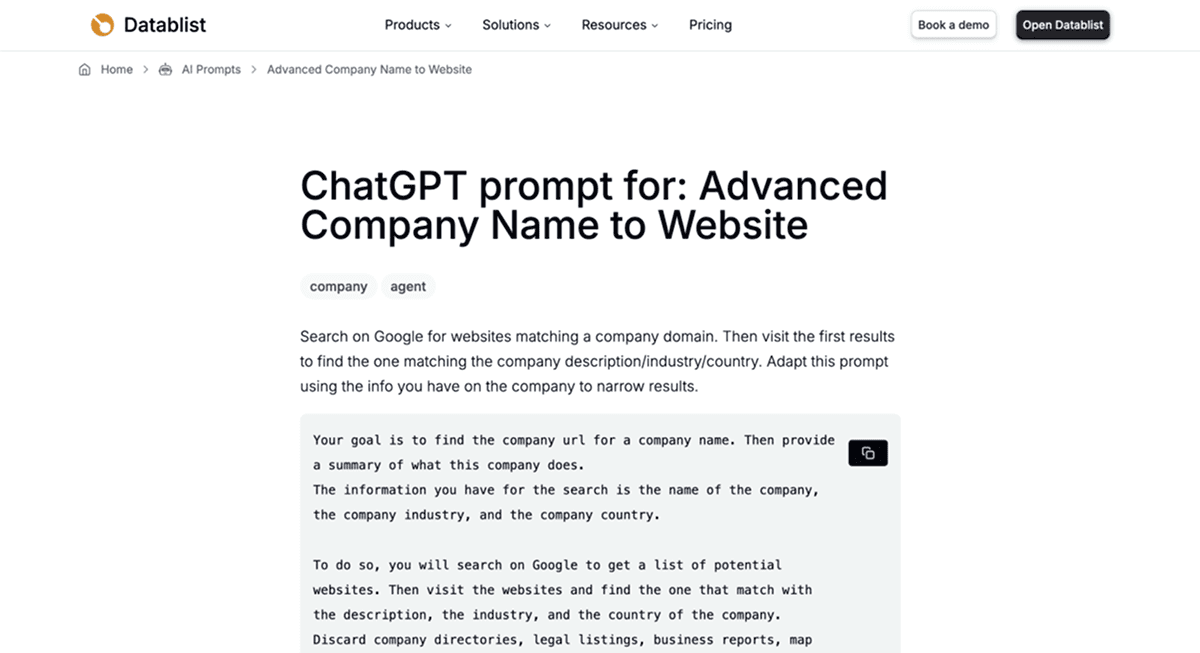
Keep additional context, such as industry or a known location, beside the row for review. When standard lookup remains ambiguous, a separate AI Research Agent workflow can investigate the company. Its requested evidence and confidence outputs are separate from the standard domain enrichment's fields. Review sources rather than assuming an AI answer resolves the ambiguity.
Excluded domains and hosted websites
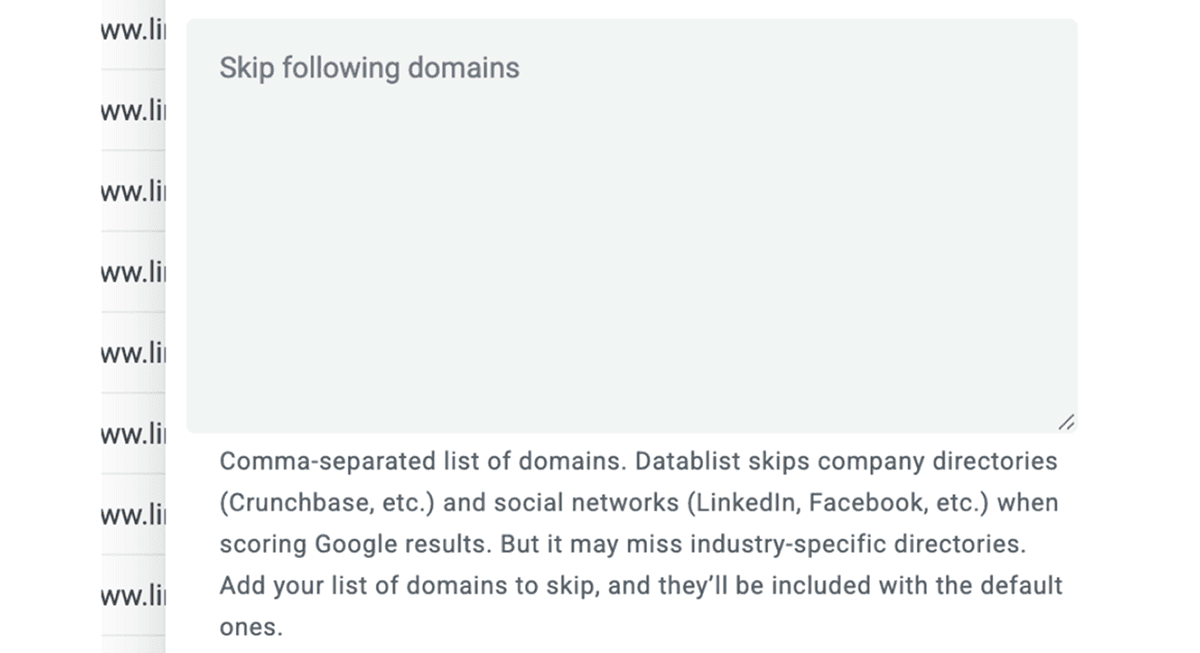
Use Skip following domains for unsuitable directories or other domains in Google matching. Accept non root websites is a separate choice for companies hosted at a page below a shared platform. When accepting that kind of site, retain the full URL: the platform's root domain alone may not identify the company.
Review returned confidence and run status
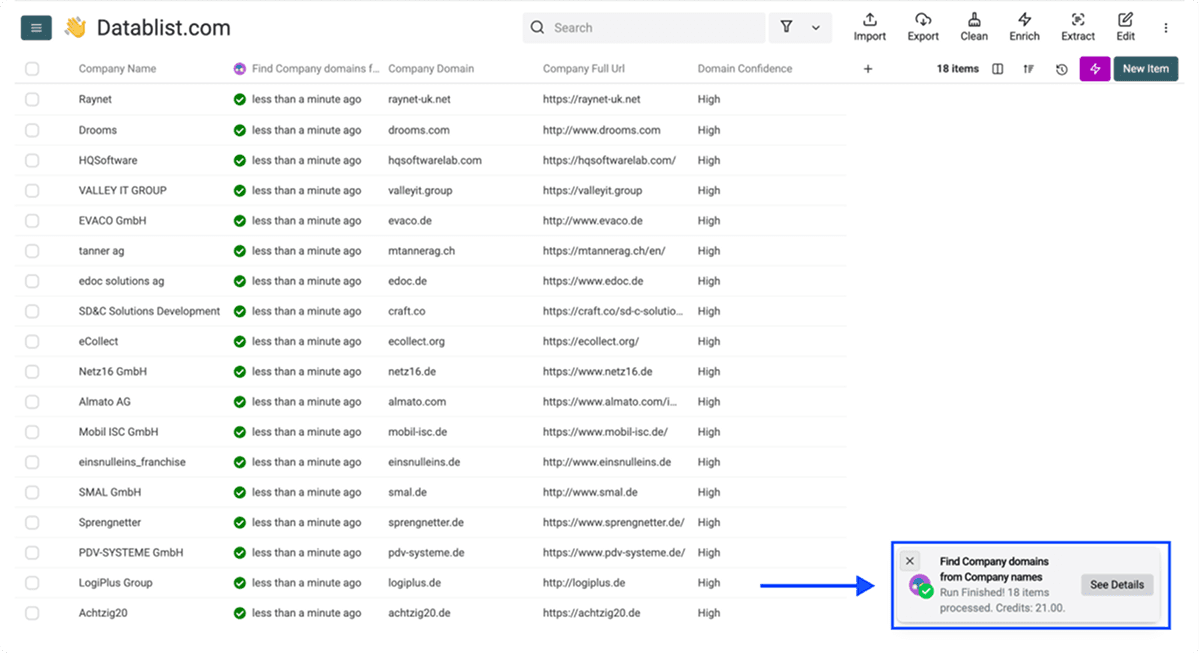
Map Company Domain, Company Full Url and Domain Confidence. The current standard confidence labels are High, Medium, Low and Very Low. They differ from a model-generated numeric confidence score in a separate agent workflow.
Check the returned site and the run outcome. A completed no-result row, a pending job and an execution error require different follow-up actions. Do not accept every High label automatically without first evaluating how it behaves on your sample.
Company Name to Domain API
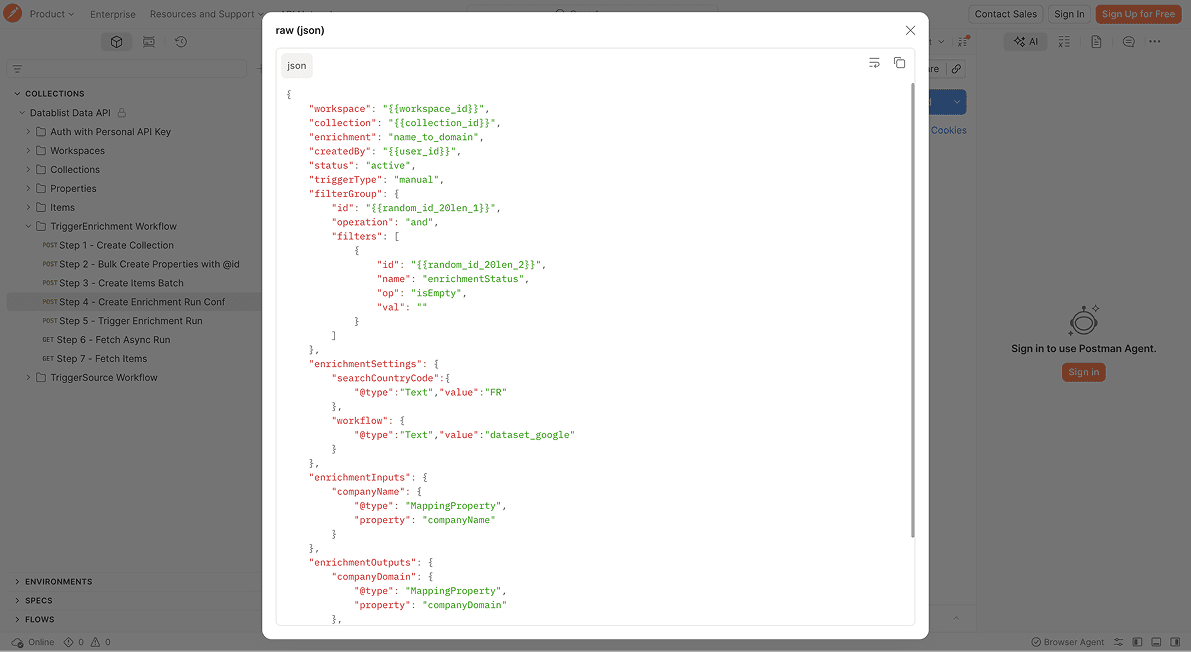
The Company Name to Domain API exposes the company-domain enrichment. API access and ordinary collection enrichment have different setup requirements; confirm the current plan, supported request and result status handling before integrating. Keep your Account ID through submission and completion so results cannot shift onto the wrong record.
The Python company website lookup guide shows the complete request, task polling, and result-matching workflow.
Pricing
The dataset route costs 1 credit per successful lookup; the Google route costs 2.5 credits per lookup. Starter's $25 monthly plan includes 5,000 credits, while Growth's $50 plan includes 20,000. A $20 top-up adds 20,000 credits to an active subscription. The default can use both lookup stages, so use the charged route for each row when calculating the total.
Import capacity, cloud synchronization and enrichment usage are separate limits. There is no universal requirement to create a new collection after 100,000 domain lookups. Check current plan access and the intended run scope instead of treating a cloud-sync limit as an enrichment cap.
Strengths to evaluate
The practical benefit is keeping inputs, candidate websites and review decisions together before continuing to contact enrichment or a CRM handoff. Use the same acceptance rules when comparing it with another tool.
Limitation
Names can remain ambiguous or produce no result. Research, email finding and scheduling are separate workflow choices with their own requirements. None establishes a guaranteed finding rate, speed advantage or universal lowest cost.
Company URL Finder
Company URL Finder describes bulk name-to-website matching, country context, a Google Sheets add-on and an API. Consider it when keeping the lookup in Sheets or using its API is central to your process. Test the returned domain against the intended company rather than accepting the vendor's accuracy marketing as a shared benchmark.
Key Features
Native Google Sheets Add-on
Check the add-on's input columns and output placement on a copy of a small Sheet.
Country-Code Filtering
Supply known country context and test similarly named companies in different markets.
Multi-Service Plan
Verify which services share the allowance and what a charged request represents.
Pricing
Company URL Finder's monthly plans are Starter $49 for 1,000 credits, Growth $129 for 3,000 and Scale $299 for 10,000. Full-allowance costs work out to $0.049, $0.043 and $0.0299 per lookup. Its free plan includes 15 monthly credits for an initial test.
For a CSV workflow, compare the actual subscription and credits you would purchase:
| Lookup Job | Datablist | Company URL Finder | CUFinder |
|---|---|---|---|
| 1,000 dataset/domain lookups | $25 Starter | $49 Starter | $49 Lite |
| 5,000 dataset/domain lookups | $25 Starter | $299 Scale | $299 Pro |
| 5,000 Datablist Google lookups | $45: Starter + $20 top-up | Different lookup engine | Different lookup engine |
These are the listed monthly plans with enough included capacity, excluding custom packages and additional-credit offers. The 10,000-credit Company URL Finder and CUFinder plans leave unused capacity on a 5,000-lookup job. Datablist's last example needs 5,000 × 2.5 = 12,500 credits; Starter plus the top-up supplies 25,000 credits for $45. Other enrichments use the same balance.
Datablist is cheaper for these stated CSV budgets, but the table does not measure which vendor finds more correct websites. For an API integration, Datablist requires Growth at $50/month rather than Starter, so include that plan requirement in an API comparison.
Limitation
Check which output fields and access route the selected package includes; a Sheets workflow and a separate API integration are different requirements.
CUFinder
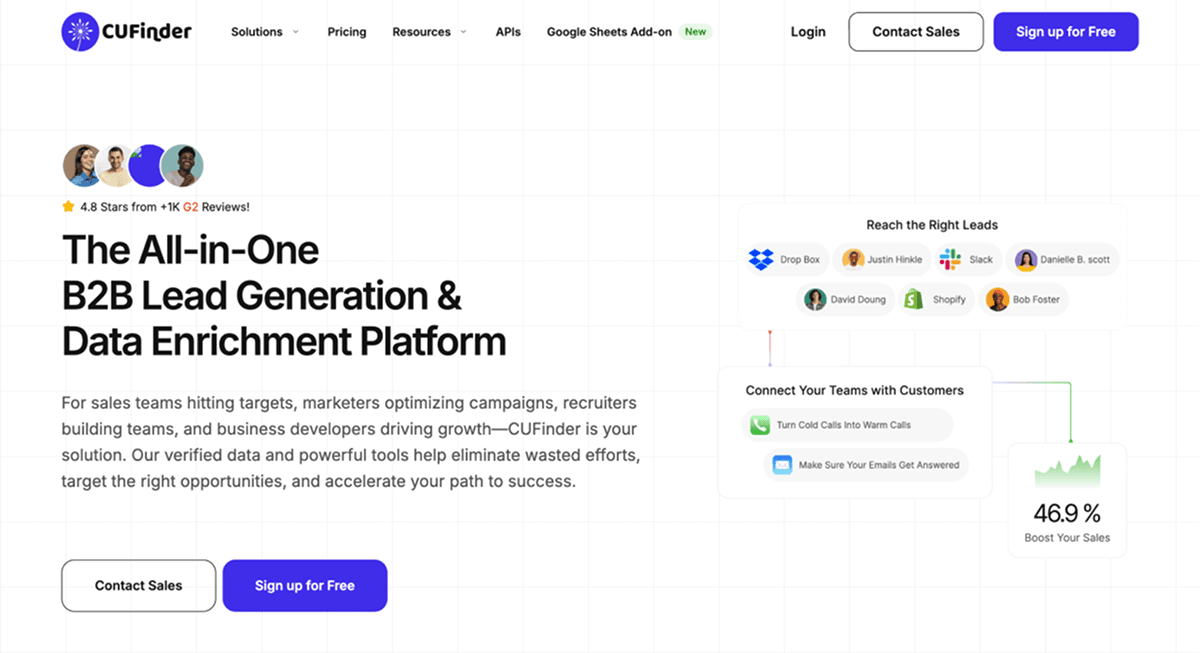
CUFinder offers company-name-to-domain lookup alongside broader company and contact services. Consider whether you need the individual lookup or a larger enrichment workflow. Check the current endpoint, supported inputs and plan before committing a full file. For a closer choice between these two platforms, the Datablist vs. CUFinder website-finder comparison covers country context, accepted matches and the cost of the selected workflow.
Key Features
Test country context, output identity, no-match handling and how returned records enter your next system. An advertised confidence or accuracy figure is not evidence that all vendors perform within the same narrow range.
Pricing
Lite costs $49/month for 1,000 credits, Standard $129 for 3,000 and Pro $299 for 10,000. CUFinder's API guide lists name-to-domain matching at 1 credit per record found, with failed lookups free. Other enrichment endpoints can cost more, so check whether your job stops at the domain or also requests contact data.
Limitation
The one-credit rule applies to this domain endpoint; requesting other enrichment fields can change the budget.
Clay
Key Features
Clay is relevant for multi-step enrichment and research. Its current pricing distinguishes Actions and Data Credits, so dividing a plan price by one generic credit allowance does not describe every domain-lookup workflow. Define the exact provider sequence and required fields before estimating cost.
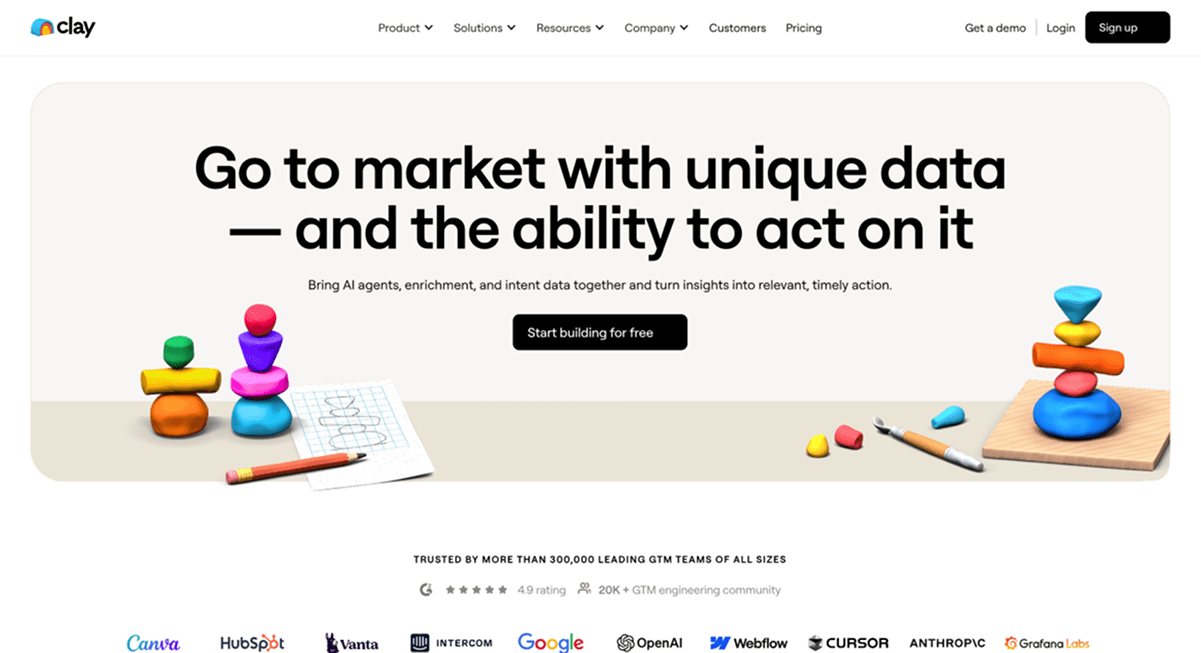
A workflow can return a website and then research people or contact data. Count those as separate operations and inspect how failed or unresolved steps affect both the result and the bill.
Pricing
Launch starts at $185/month with 2,500 Data Credits and 15,000 Actions; Growth starts at $495. A provider's charge, a subsequent website-research task and the Actions they use all belong in the budget. The Claygent alternatives comparison breaks down the Action tiers and complete subscription payment. Use Clay when those later workflow steps matter, rather than assuming all 2,500 Data Credits buy 2,500 domains.
If you are replacing Clearbit, the Clearbit alternative comparison separates legacy access, HubSpot record enrichment and name-only domain lookup, with budgets for four list sizes.
Limitation
Data Credits and Actions pay for different parts of the workflow. A starting allowance is not a one-credit-per-domain promise.
PhantomBuster
Key Features
PhantomBuster offers prospecting automations across data sources. Check the current automation's documentation and sample output for your specific task. A general company-intelligence capability does not prove a particular automation accepts a plain company-name CSV or returns the official company website.
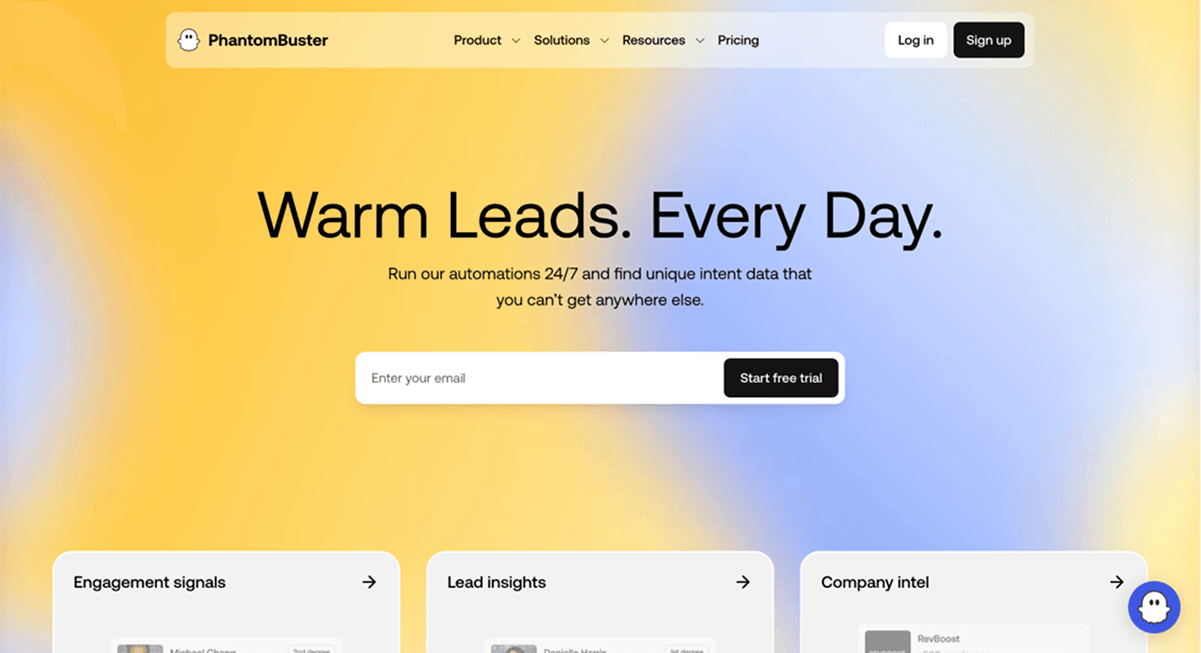
Evaluate its required source access, execution allowance and export mapping. Measure completion time on the same sample rather than inferring speed from an execution allowance.
Pricing
PhantomBuster's official plan guide lists Start at $69/month, Grow at $159 and Scale at $439 on monthly billing. Start includes 20 execution hours, 500 email credits and 1,000 URL-finder credits. The $56 Start rate shown with annual billing is excluded from the comparison above. Measure your chosen automation's runtime and credit use before estimating a cost per company.
Limitation
Runtime and the selected automation determine practical capacity; a URL-finder allowance is not a guaranteed number of accepted company domains.
Marcom Robot
Key Features
Marcom Robot describes AI-driven name-to-domain matching through an online portal and API. Test its actual matches and input context before assessing whether it fits your list.
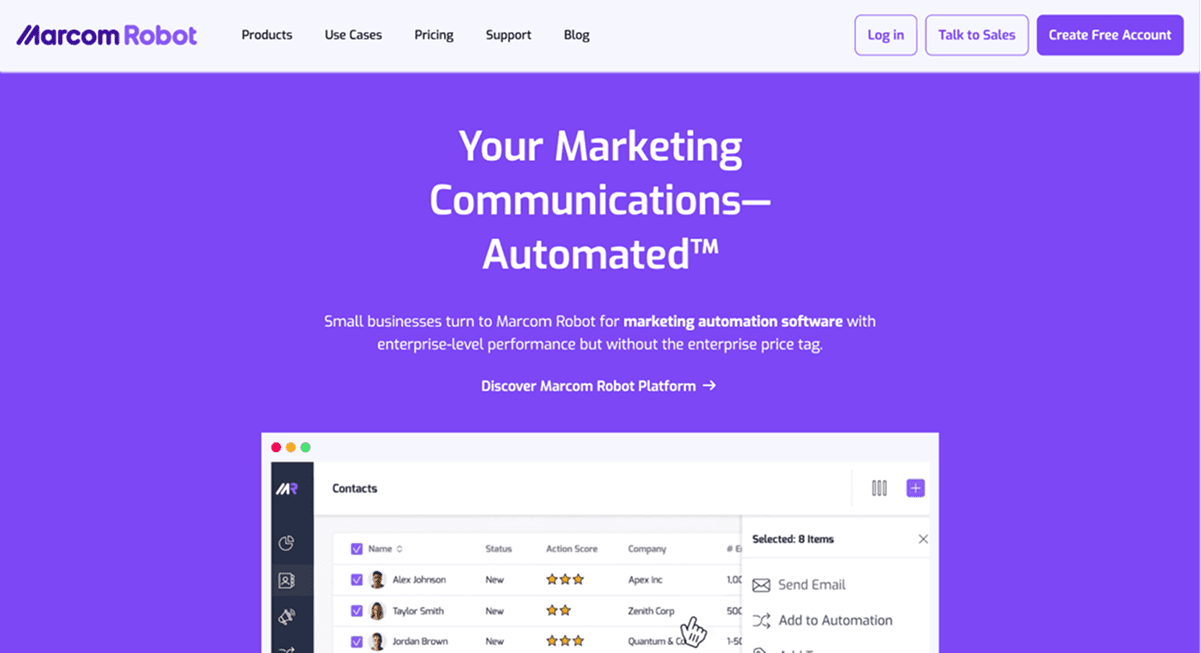
Confirm current product access and billing separately from its landing-page and other products. Missing documentation about a feature does not establish that the feature is absent.
Pricing
Its ProspectingAI pricing page lists the monthly Small plan at $69 for 1,000 credits, Medium at $129 for 3,000, and Large at $249 for 10,000. The $59 entry rate belongs to annual billing. For Small, $69 ÷ 1,000 is $0.069 per lookup. Check the ProspectingAI plan rather than a separate Marcom Robot landing-page or CRM-enrichment subscription.
Limitation
Use the name-to-domain package and its lookup unit rather than borrowing a price from another Marcom Robot product.
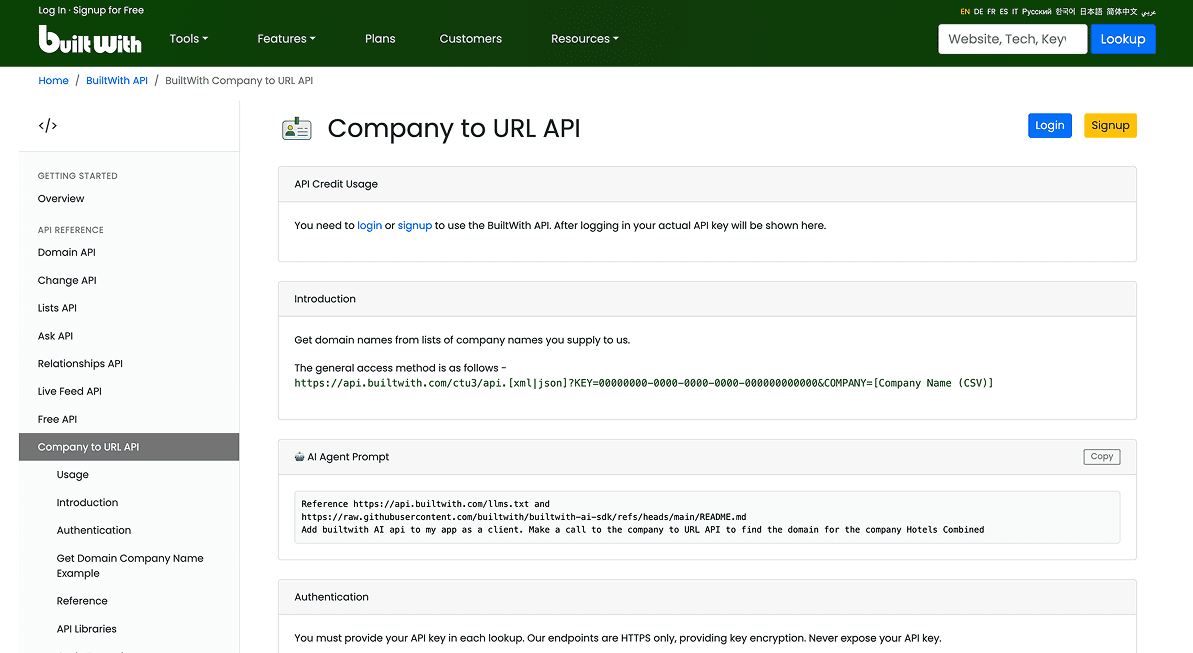
BuiltWith
Key Features
BuiltWith focuses on website technology intelligence and technology-based lead lists. Consider it when the research question starts with the technologies websites use. That differs from resolving an existing list of ambiguous company names, so check the intended lookup direction before comparing costs.
Pricing
Basic costs $295/month; Pro $495; Team $995. Individual website lookups are free. Paid plans buy reporting and prospecting capabilities, so dividing $295 by a domain-lookup allowance would invent a unit BuiltWith does not advertise here. Choose it for technology intelligence rather than as a like-for-like replacement for resolving a list of company names.
Limitation
Technology intelligence and list reporting are not a like-for-like company-name-to-domain lookup allowance.
Choose a Domain Workflow by Accepted Results
Start with a checked sample, preserve identifiers and review difficult names. Use the same inputs and acceptance rule before comparing coverage, cost or automation. Expand the workflow after you understand wrong matches and unresolved rows.
From company domain to leadership research
Finding a website does not identify the company's leadership. Once the domain is accepted, run a separate person or role-research step using the company's official team pages and current evidence. Keep Account ID on each stakeholder record; several people can legitimately share one company domain. The AI sales workflow example shows this handoff.
Neither a company website nor a senior job title proves buying authority, budget or interest. Keep those judgments separate from the lookup result.
Frequently Asked Questions About Domain Finding Tools
Which tool is most affordable?
Compare the full workflow and accepted results. Plan minimums, lookup mode, unresolved cases and review time can change the answer; this article has no measured universal price winner.
What helps with complex company names?
Known country, location and organization context help review namesakes. When a lookup remains ambiguous, preserve Unknown and research it rather than guessing.
Can I find domains and emails in the same workspace?
Yes, Datablist supports separate company-domain and email enrichments. Accept the company match first; finding its domain does not reveal a specific person's email.
How do Datablist and Company URL Finder differ?
Compare your required workspace, input context, result fields and accepted-result cost. Company URL Finder describes Sheets and API workflows; Datablist keeps lookup and later list preparation in a collection.
How do Datablist and Clay differ?
Compare a defined lookup with the complete sequence of provider and research operations. Nominal credits across the platforms are different units.
Can tools find existing company websites from names?
Yes. A name-to-domain lookup proposes a website for an existing business. It is different from checking whether a domain is available to register.
Is there an alternative to the CUFinder API?
Compare the reviewed Datablist company-domain API with the CUFinder endpoint using the same supported inputs and completion criteria. Confirm current access and pricing; do not assume a fixed cost ratio or feature gap.
Which tools should I test first?
Shortlist tools matching your input and destination. Test a representative sample and keep returned, accepted, wrong-company, no-result and failed rows separate.
Citations
Monthly pricing checked October 28, 2026. Cost examples assume the stated lookup routes and allowance use; they are not measured match-rate benchmarks.
- [1] Datablist. Monthly Starter/Growth prices and included credits.
- [2] Datablist. Credit usage and current top-up packages.
- [3] Company URL Finder. Monthly plans, credits and free lookup allowance.
- [4] CUFinder. Monthly Lite, Standard and Pro plans and no-match charging policy.
- [5] CUFinder. Company Name to Domain uses one credit per record found.
- [6] Clay. Launch and Growth pricing and separate Actions/Data Credits.
- [7] PhantomBuster. Official monthly plan prices and included resources.
- [8] Marcom Robot. ProspectingAI monthly and annual price schedules.
- [9] BuiltWith. Monthly reporting plans and free individual-site lookup.