
There are thousands of lead scraping tools on the market, and from the outside they look similar: a pricing table, a demo video, and a promise of clean B2B contact data.
Finding one is easy; spotting a weak one before you pay for it is not, so we scored seven tools on six benchmarks: how many ways they pull leads, how easy they are to run, and what they do with the data once the scrape finishes.
📌 Summary For Those In a Rush
The pick: Datablist.com is the best choice for teams that want scraping, cleaning, and enrichment on one platform.
If you want lead lists that arrive usable instead of raw, Datablist.com is the clearest fit among lead scraping tools because it scored 7 out of 8, the only one covering all six benchmarks at depth.
Also evaluated: Clay, Phantombuster, Evaboot, Outscraper, Lead Scrape, and Apify, each with its own trade-offs.
Bottom line: Every tool wins one lane; Datablist wins the whole workflow.
What This Comparison Covers
- The three categories of lead scraping tools you are choosing between
- The six benchmarks behind every score, plus the price bonus
- The master comparison table with all seven tools scored
- The seven best lead scraping tools, ranked and reviewed
- Why the winner is a cleaning and enrichment platform, not just a scraper
- Frequently asked questions
The Three Lead Scraping Tool Categories
Nobody wants a scraper; you want a finished lead list. The category you buy from decides how much of that list you build by hand, and how many separate subscriptions it takes before the list is ready to use.
The Three Categories of Lead Scraping Tools
Three groups split the market, and each one stops at a different point, which sets both numbers in advance: the hours you spend fixing the list yourself, and the tools you pay for to finish it.
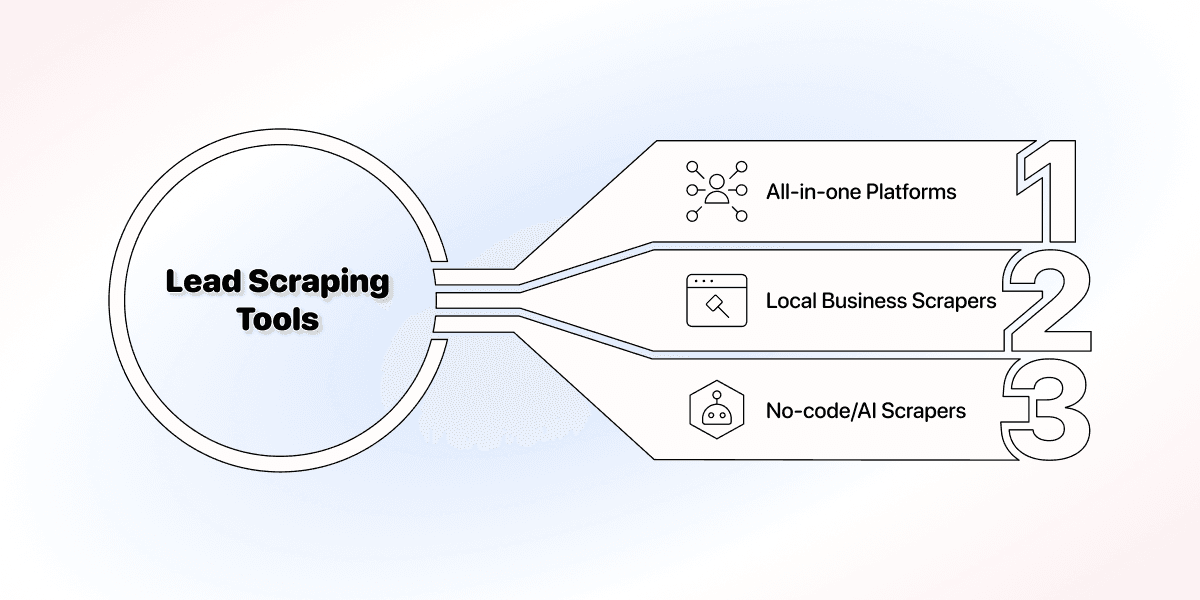
- All-in-one lead scraping and enrichment platforms scrape, clean, and enrich the same list. Datablist.com is the only tool in this ranking that covers all three stages.
- Local business and Google Maps scrapers pull addresses, categories, and ratings at volume, which is Outscraper's specialty.
- No-code and AI web scrapers point at a page and extract whatever it publishes; the group Apify and Phantombuster belong to.
Match the category to the list you need, and the shortlist shrinks fast. Miss it, and you pay twice, once for the scrape and again for whatever finishes it.
The Difference Between a Lead Scraper and a Lead Generation Platform
Single-purpose lead scraper tools finish their job when the export is ready. The records are yours, and so is everything after: duplicates, formatting, missing fields, and the call on who is worth contacting.
A platform keeps working past that point, cleaning the list, filling the gaps, and handing the result to the next step, which is why the useful question is not how fast a tool scrapes, but how much of the work it does for you.
Two questions separate the two kinds:
- What can it pull? The number of sources and methods available without a workaround.
- What can it fix? Whether cleaning, verification, and enrichment happen inside the tool, or inside the next one you pay for.
How We Scored the Best Lead Scraping Tools: The Six-Benchmark Method
Scores are only worth reading when the method behind them is visible, so the six dimensions below were fixed before testing, and every tool was scored the same way on each one.
The Six Scoring Dimensions Behind the Ranking
Seven points are available before the bonus, weighted toward the thing that varies most between these tools: how many ways they can pull leads.
- Lead sources (2 points): how many scraping methods and sources the tool supports, from a single platform to a library of them.
- Ease of use (1 point): whether a non-technical person can run a scrape without setup work.
- Data enrichment (1 point): whether the tool adds fields the scrape never returned, like verified emails or firmographics.
- Automations (1 point): whether the work repeats on a schedule or a trigger instead of by hand.
- API access (1 point): whether the scrape and its output can be called from your own stack.
- Data cleaning (1 point): whether duplicates, formatting, and broken records get fixed inside the tool.
📘 The Low Entry Price Bonus
One extra point goes to any tool whose cheapest paid monthly plan is notably below the group median of about $25 per month, which lifts the maximum score to 8.
Price is a bonus rather than a dimension on purpose: cheap access is worth something, and it never makes up for a capability the tool does not have.
The Master Comparison Table: All Seven Lead Scraper Tools Scored
Rows follow the total score, and every price is the cheapest paid plan on monthly billing, which is also the number the bonus point is calculated from.
| Tool | Category | Cheapest paid plan | Score |
|---|---|---|---|
| Datablist | All-in-one scraping and enrichment | $25/mo (Starter, 5,000 credits) | 7/8 |
| Clay | Enrichment and orchestration | $185/mo (Launch) | 6/8 |
| Phantombuster | Social automation | ~$69/mo (Starter, 20 execution hours) | 6/8 |
| Evaboot | Sales Navigator exports | $9/mo (100 credits) | 6/8 |
| Outscraper | Local and Google Maps | $3 per 1,000 results, pay as you go | 6/8 |
| Lead Scrape | Desktop directory scraper | $97/yr (Standard, 3 sources) | 5/8 |
| Apify | Developer platform | $29/mo (Starter) plus per-actor fees | 4/8 |
The 7 Best Lead Scraping Tools, Ranked and Scored
1. Datablist: The Best All-in-One Lead Scraping and Enrichment Platform (7/8)
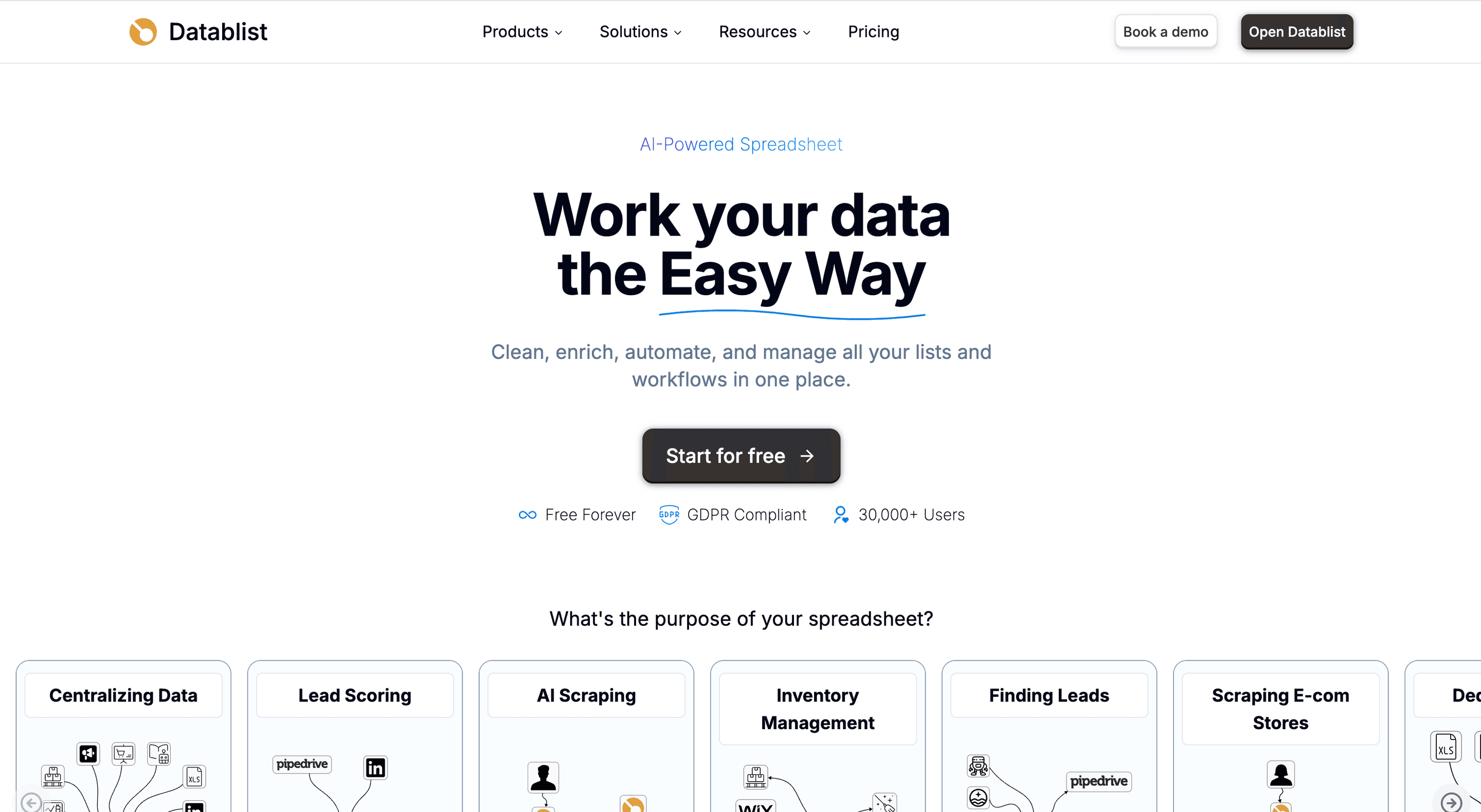
Datablist scores 7 out of 8, the highest result in this comparison, and it holds the all-in-one category alone because no other tool covers scraping, cleaning, enrichment, automations, and API access in depth instead of picking one of them.
💡 What Datablist Is
Datablist.com is the AI spreadsheet where you scrape, clean, and enrich lead data in one place, without code. Scrapers, 60+ enrichments, and AI agents run on the list in front of you, so no step needs an export.
The sourcing side bundles four tools most teams buy separately: the Sales Navigator Scraper for B2B roles, the Google Maps Scraper for local businesses, the Email Finder for contact data, and the AI Research Agent for sources without a ready template.
The second half of the platform is what earns the top score. Cleaning and enrichment run on the same list the scrape wrote into, automations repeat the job on a schedule, and the API exposes both to whatever you build around them.
For a small Instagram audience-research task, start with the free Instagram Follower Scraper. It retrieves up to 100 followers from one account, so you can inspect a niche brand’s follower list and download a CSV before planning a larger scraping workflow.
Where the points came from:
- Lead sources (2/2): four built-in scrapers plus AI agents for sources nobody built a template for.
- Cleaning and enrichment (2/2): deduplication, formatting, and 60+ enrichments on the list itself.
- Automations and API (2/2): scheduled runs, plus API access when the workflow starts somewhere else.
- Ease of use (1/1): a spreadsheet interface, with no scripts to maintain.
The one point it does not collect is the price bonus. At $25 per month for the Starter plan with 5,000 credits, Datablist.com prices at the group median rather than below it, which is the honest reason the score stops at 7.
The verdict: the clear winner when one tool has to carry the path from raw scrape to usable list, since nothing else in this ranking covers the whole path.
2. Clay: Best for AI-Driven Enrichment and Orchestration (6/8)
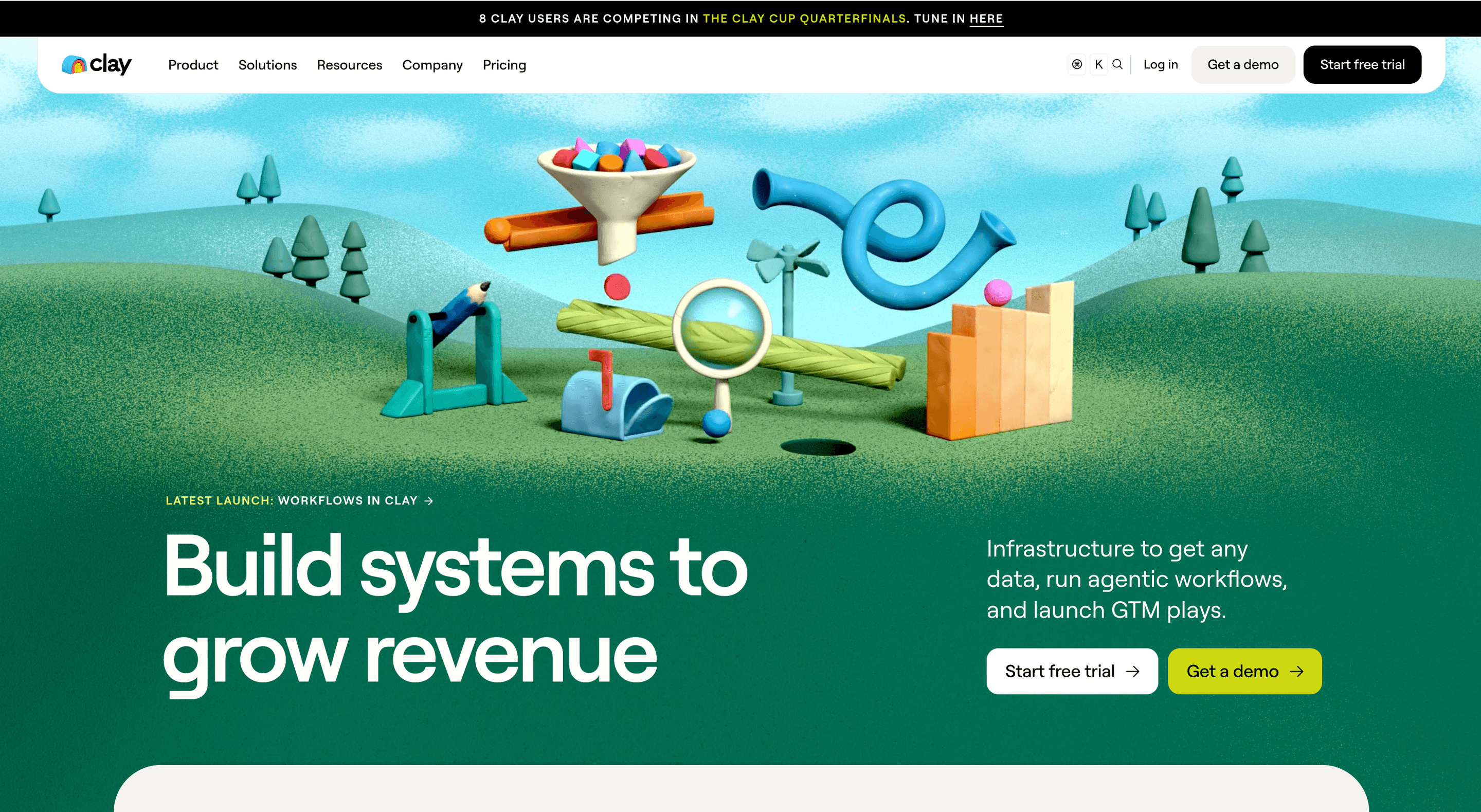
Clay scores 6 out of 8, and almost all of it comes from what happens after the scrape: 150+ data partners, waterfall enrichment that keeps trying vendors until a field fills, and AI research steps that read a page and write the answer into a column.
The fit question is blunt:
- Good fit: a team with an existing list, a defined ICP, and the budget to pay for depth on every record.
- Poor fit: anyone whose actual problem is finding the accounts, since sourcing stays thin next to the enrichment layer.
Price is the other filter. The cheapest paid plan starts at $185 per month since the March 2026 overhaul, more than seven times the group median in this comparison, which prices out most small outbound teams before they test anything.
The verdict: the strongest enrichment engine in this ranking, and no substitute for Datablist.com, which scrapes, cleans, and enriches for a fraction of the price; Clay earns its cost only when enrichment is the whole job.
3. Phantombuster: Best for Multi-Platform Social Automation at Scale (6/8)
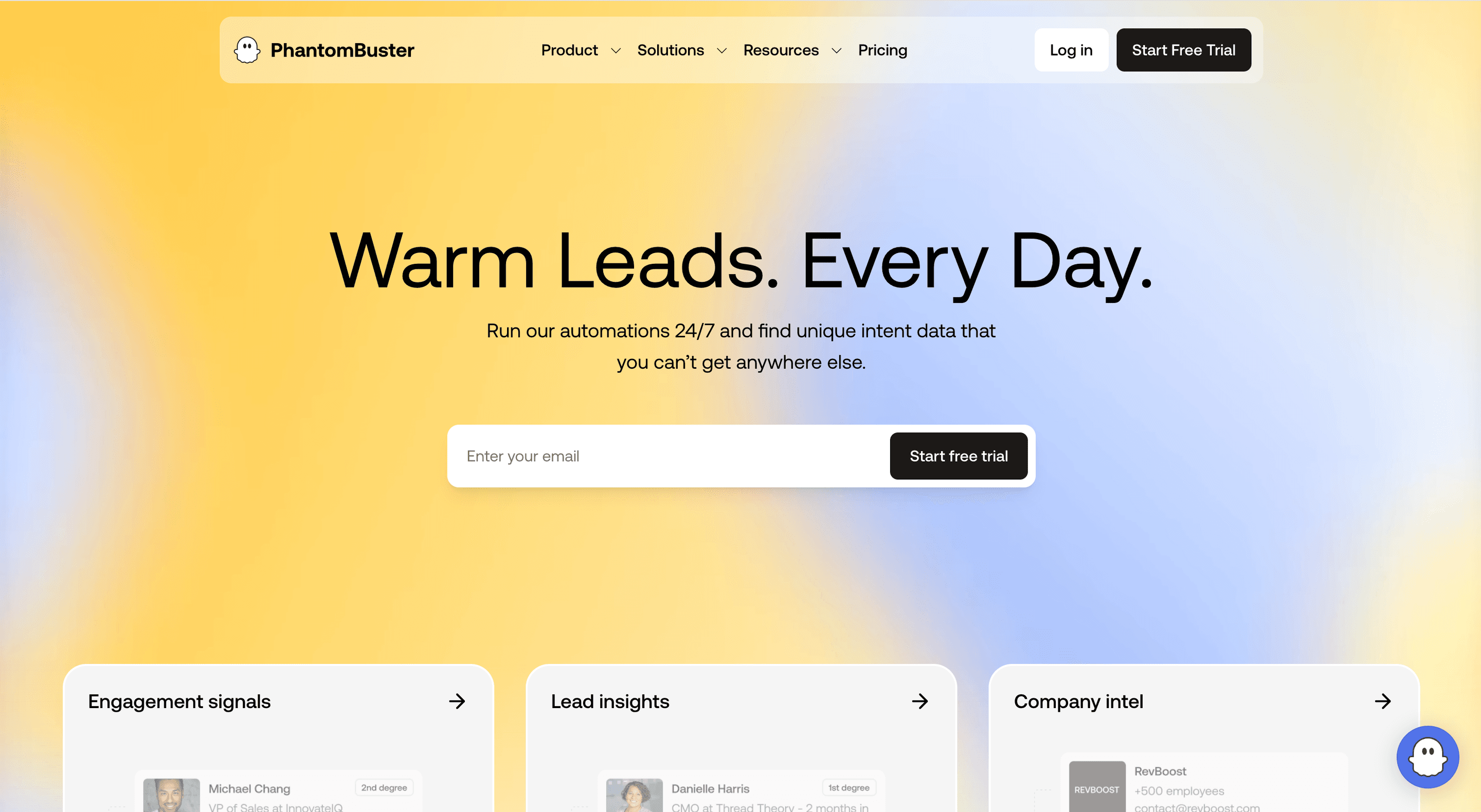
Phantombuster also scores 6 out of 8, built around automation rather than one-off exports, and its reach across social platforms is the widest of any tool in this comparison:
- LinkedIn and Sales Navigator searches, profile data, and connection flows
- Twitter and Instagram audience extraction
- Chained sequences that run a scrape, an action, and an export on a schedule
The billing model is the part that surprises people. The Starter plan costs around $69 per month for 20 execution hours, so cost tracks how long a job runs rather than how many rows it returns, and a slow scrape burns budget faster than a fast one on the same list.
That pricing rewards repetition. Running the same LinkedIn motion every week turns execution hours into a fair trade, while an occasional export means paying a subscription that mostly idles between campaigns.
4. Evaboot: Best for Quick, No-Frills Sales Navigator Exports (6/8)
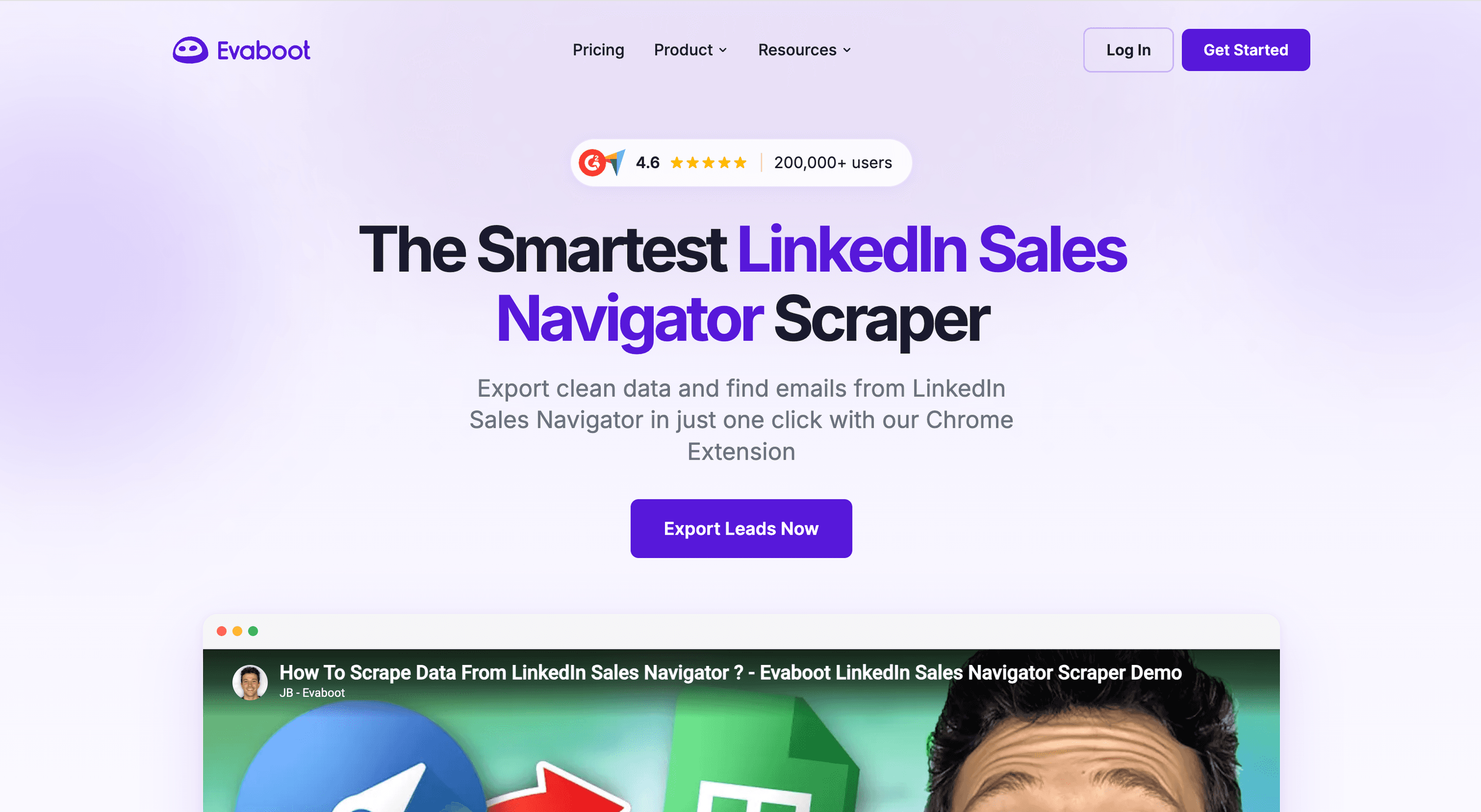
Evaboot scores 6 out of 8 for doing one thing properly: it takes a Sales Navigator search, cleans the export, and finds and verifies emails, which covers most of what a first outbound list needs.
Two numbers decide whether it fits:
- $9 per month for 100 credits, the cheapest entry in this comparison and enough to earn the Low Entry Price bonus.
- One Sales Navigator subscription, required underneath, which is where the real spend goes and why free lead scraping tools stay a myth at this end of the market.
The scope is narrow by design. Everything outside LinkedIn is out of reach, no second source exists to fall back on, and the cleaning is tuned for one export format rather than for a list you assembled from several places.
Note: Scraping Sales Navigator with a browser extension may get you banned from LinkedIn. Learn here how to scrape Sales Navigator without risking your account 👈🏽
5. Outscraper: Best Cheap Google Maps and Local Lead Scraper (6/8)
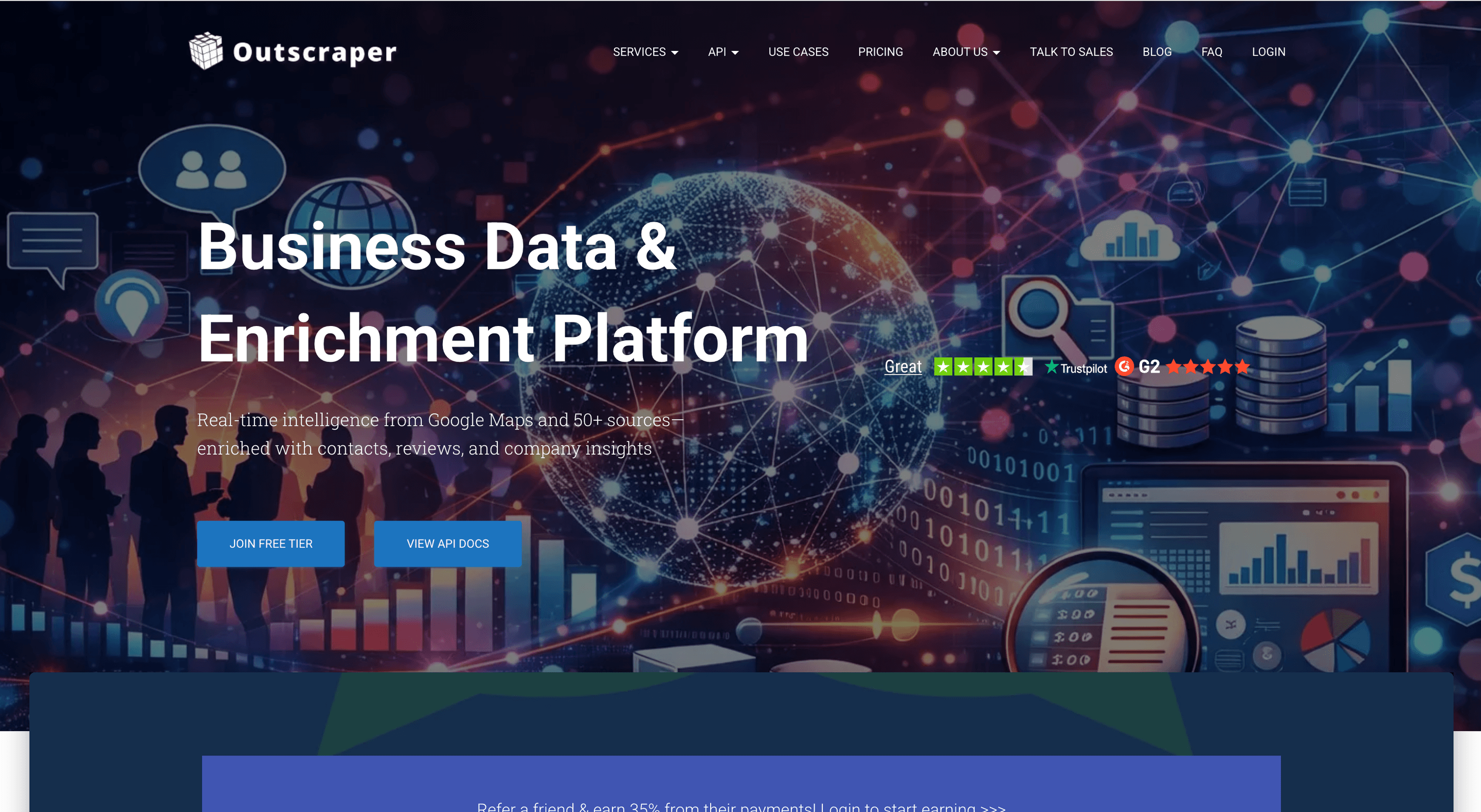
Outscraper scores 6 out of 8 and wins the local category on price: $3 per 1,000 results on pay-as-you-go, with the first 500 results free, which is as close to free lead scraping tools as local business data gets.
Pay as you go also changes how the tool feels in practice. No subscription decides your volume, so a one-off project of 50,000 places costs $150 and nothing afterwards, which suits agencies and seasonal campaigns better than a monthly plan ever does.
What the price does not include:
- Enrichment: no emails, phones, or firmographics beyond what the listing already shows.
- Cleaning: duplicates from overlapping searches stay in the file.
- Automation: every run starts by hand, or through the API you build against.
The verdict: unbeatable for volume local data at low cost, on the condition that another tool finishes the list.
6. Lead Scrape: Best Flat-Rate B2B Lead Scraping Tool for Desktop (5/8)
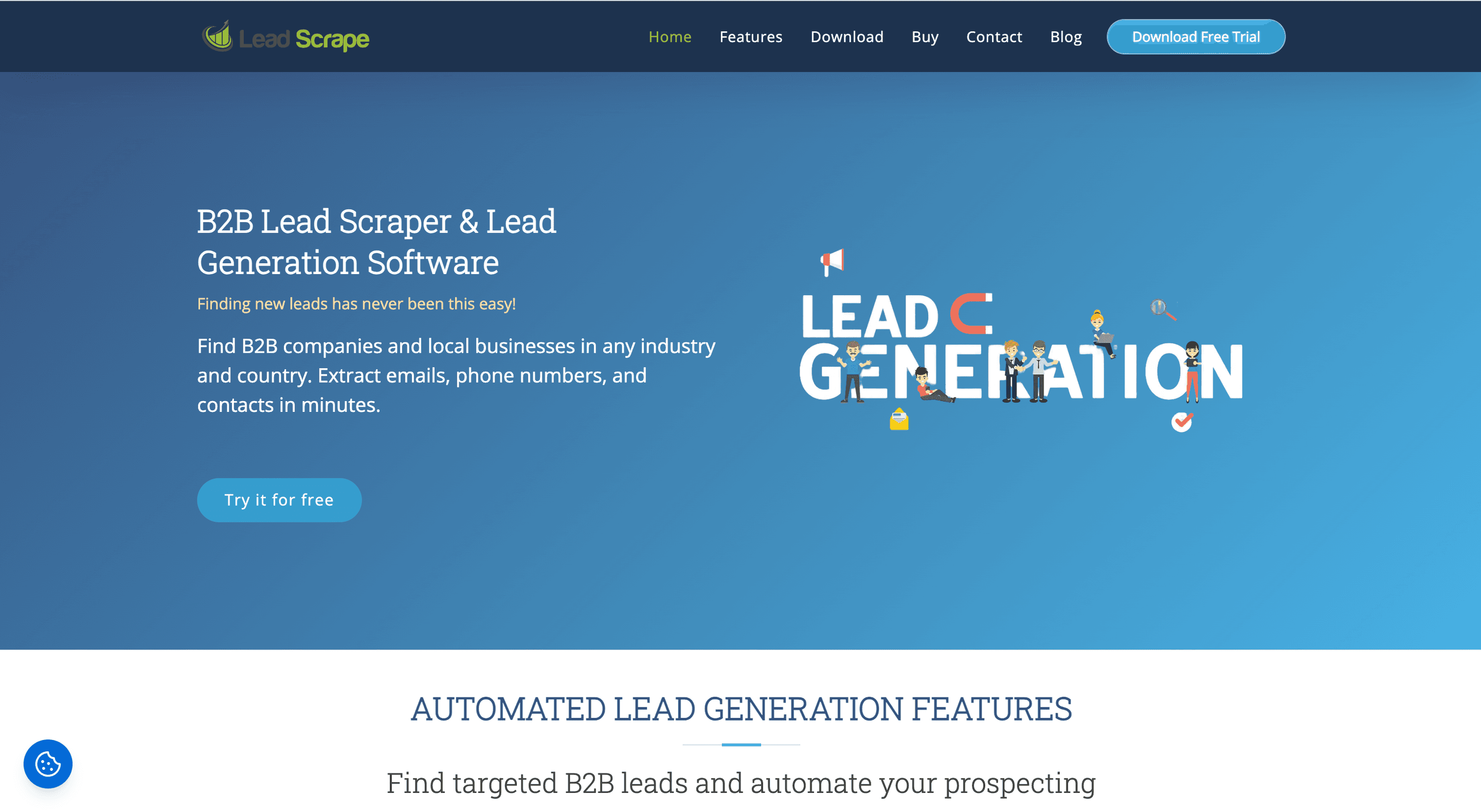
Lead Scrape scores 5 out of 8 and is the only tool in this comparison without a subscription: a one-time annual license at $97 for Standard with three sources, or $247 for Business with seven, then unlimited scraping from your own machine.
The math is what recommends it. A flat license removes the per-record anxiety that credit pricing creates, so a team that scrapes directories every week knows the yearly cost on day one and never watches a counter while a job runs.
The trade-offs are just as fixed:
- Desktop-only: nothing runs while the machine is off, and no cloud queue or API exists to call.
- Extraction-only: no enrichment and no cleaning, so the license buys volume rather than capability.
The verdict: among b2b lead scraping tools, this is the most predictable buy, made for a small team that scrapes directories constantly and cleans the data elsewhere.
7. Apify: Best for Developer and API-First Custom Scraping (4/8)
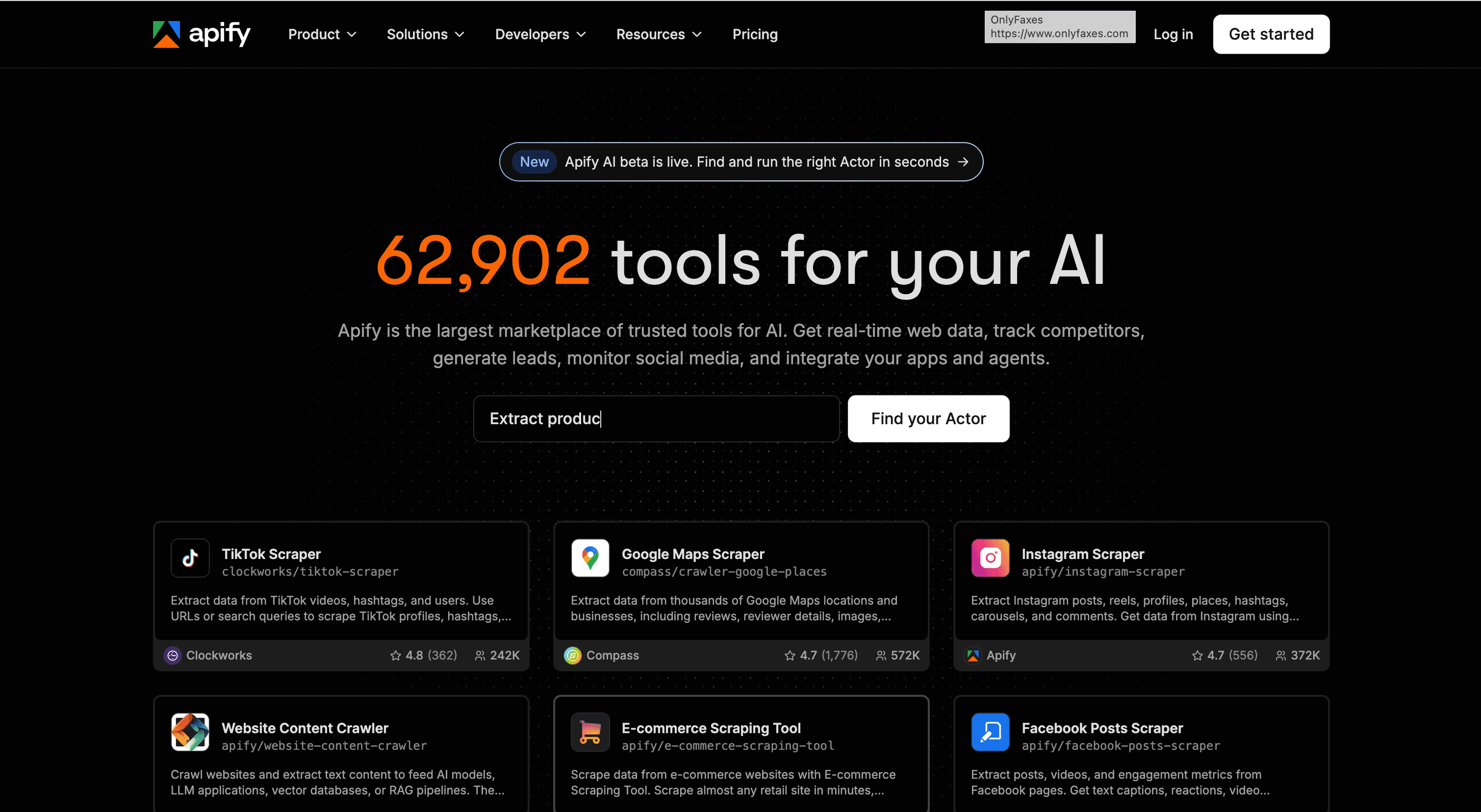
Apify scores 4 out of 8, which says more about who built it than about how well it works. Thousands of ready-made actors and a full API make it the most flexible option in this comparison, and the least turnkey.
The pricing follows the same logic:
- $29 per month for the Starter plan, plus per-actor fees on top.
- $5 in free monthly credits, enough to test an actor before committing to it.
The reason it ranks last for lead generation is scope, not quality. Running a scrape means choosing an actor, configuring its input, and handling the output yourself, and nothing in the platform cleans a contact list, verifies an email, or qualifies an account once the data arrives.
Why the Best Lead Scraping Tools Should Also Clean and Enrich
The scores make one pattern hard to miss: the tools at the top are not the fastest extractors; they are the ones that keep working after the export finishes.
Scraping Is the Input, Not the Outcome
A raw scrape is a starting position. Duplicates repeat across overlapping searches, formats clash between sources, half the rows miss the field your sequence needs, and the data starts decaying the day it was pulled.
Data enrichment closes that gap: verified emails, firmographics, technographics, and the context that decides whether an account is worth contacting at all. Scraping tells you a company exists; enrichment tells you whether to call it.
Which is why the benchmark ranks the way it does. Every tool in the top half of the table does something with the data after the scrape, and the tool at the top does all of it on one list.
Getting Started With Datablist, the All-in-One Lead Scraping Tool
Datablist.com is the AI spreadsheet where lead scraping, data cleaning, and enrichment run on the same list, which is why it stands in for about five single-purpose tools: a scraper, a cleaner, an enricher, an email finder, and an automation layer.
The first run takes three steps:
- Scrape or import a list. Pick one of the built-in scrapers, or drop in a CSV you already own.
- Clean and enrich it. Deduplicate, fix the formatting, then fill the missing fields with the enrichments your workflow needs.
- Automate the repeat. Schedule the run so the list refreshes without anyone opening the app.
Plans start at $25 per month with 5,000 credits, and starting is free, so a first list runs before any payment. Sign up for free, push one source through all three steps, and score the workflow against the six benchmarks yourself.
Bottom Line: Choose Datablist to Get the Job Done
If you want lead lists that are usable rather than merely large, Datablist.com is the clearest pick among lead scraping tools, because it scored 7 out of 8 by covering scraping, cleaning, and enrichment in one place, while every other tool covers one stretch of that path.
Frequently Asked Questions About Lead Scraping Tools
How Much Do Lead Scraping Tools Cost?
Entry pricing runs from about $3 per 1,000 results on pay-as-you-go to $185 per month for enrichment-heavy platforms. Across the seven tools scored here, the median cheapest paid plan is around $25 per month, and credit pricing means your real cost tracks volume instead of seats.
Are There Free Lead Scraping Tools?
Free tiers exist; fully free tools mostly do not. Outscraper gives you the first 500 results free, Apify includes $5 in monthly credits, and Datablist also offers a free trial. Anything past a test run moves you onto a paid plan or a credit pack.
How Fast Can You Scrape a Lead List?
Minutes for a few hundred rows, hours for tens of thousands, depending on the source and the tool's rate limits. Cloud tools queue the job and keep running without your machine, while a desktop scraper only progresses while the app stays open.
How Many Leads Can You Scrape per Month?
No universal cap applies. Credit-based tools tie volume to your plan (5,000 credits on Datablist's $25 Starter plan, for example), pay-as-you-go tools bill per result, and a flat-rate desktop license like Lead Scrape allows unlimited runs. Source rate limits are the practical ceiling.
What Data Do Lead Scraping Tools Give You (Emails, Phones, Company Info)?
Names, roles, company, and whatever the source publishes: addresses, categories, and ratings from Google Maps, seniority and headcount from Sales Navigator, hiring signals from job boards. Verified emails and direct phone numbers usually come from an enrichment step, not from the scrape itself.
Are Lead Scraping Tools Legal and Safe for My Accounts?
Scraping publicly available data is generally defensible, while data behind a login carries platform and privacy risk. GDPR, CCPA, CAN-SPAM, and platform terms all apply, so check the rules for your jurisdiction and prefer tools that pull public data on their own infrastructure.
Can Datablist Scrape Leads and Enrich Them in the Same Place?
Yes, and that is what the 7 out of 8 score rests on. The Sales Navigator Scraper, Google Maps Scraper, Email Finder, and AI Research Agent all write into the same list, and the cleaning and enrichment steps run on that list without an export.
What Is the Difference Between Datablist and a Single-Purpose Scraper Like Evaboot or Outscraper?
Scope. Evaboot exports Sales Navigator searches, Outscraper pulls local business data at low cost, and both stop at extraction. Datablist.com covers several sources plus cleaning, enrichment, automations, and API access, so the list gets finished where it was built.
Does Datablist Work Without Handing Over My LinkedIn Login or Credentials?
Datablist runs its scrapers on its own infrastructure and pulls publicly available data, so sourcing does not depend on a browser extension working inside your session. That keeps your own account out of the scraping job.