
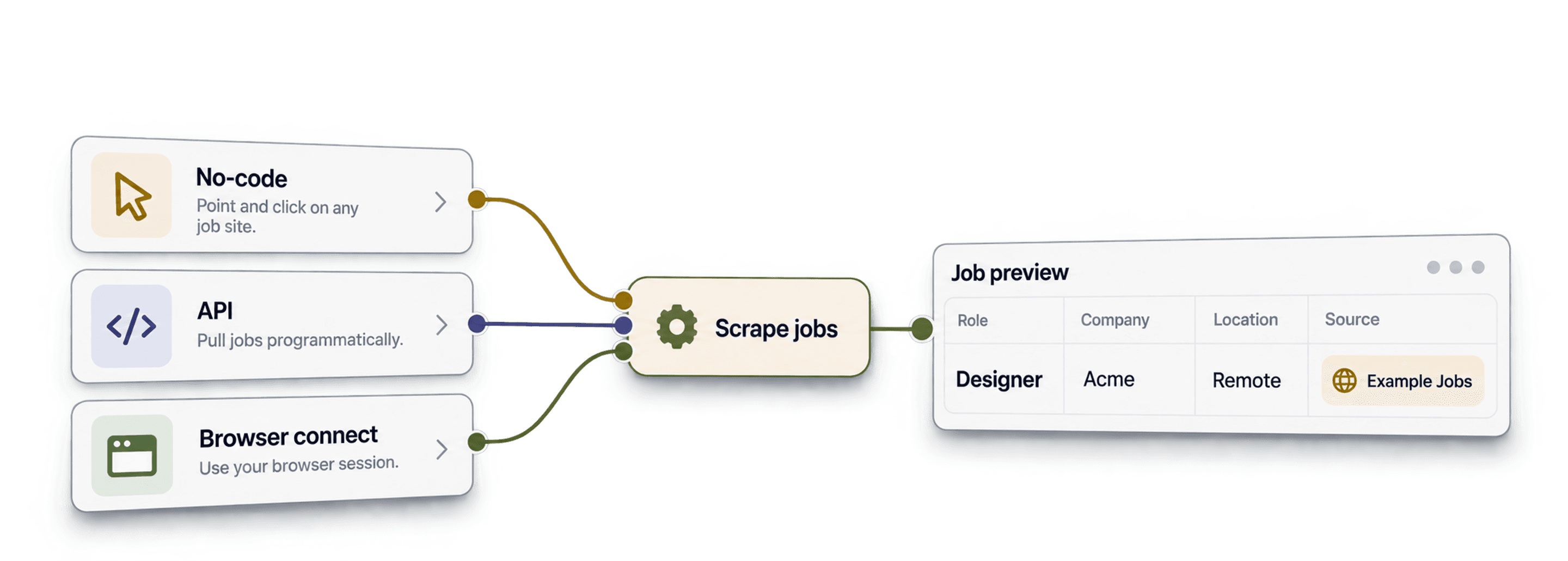
Job scraping tools turn job postings into rows you can filter, compare, and export. Choose a ready-made job data source when you need recurring searches across boards, a visual scraper when you need one site's specific fields, or an API when you are building a data pipeline.
For lead generation, the useful output is a relevant hiring signal tied to the right company. A job posting is not a candidate profile or a verified contact record. This guide compares seven tools by workflow and shows what to check before choosing one.
Paid monthly entry points range from $19 for ScrapingBee's API to $189 for ParseHub's visual scraping plan. Datablist starts at $25/month, enough for 500 imported Job Postings Search results at the current ten-credit rate. The table below separates posting, page and request allowances, with purchase examples for larger lists.
What This Guide Will Cover
- Key Factors to Consider When Selecting Job Scraping Tools
- The Best No-Code Job Scrapers for Non-Technical Users
- Top Job Scraping Tools for Semi-Technical Professionals
- Powerful Job Scraping Solutions for Technical Experts
Choose a Job Scraper by the Output You Need
| Tool | Primary Use Case | Paid Starting Price | Included Allowance / Billing Unit |
|---|---|---|---|
| Datablist | Search postings and review spreadsheet rows | $25/month | 5,000 credits; 10 per imported posting |
| PhantomBuster | Extract LinkedIn job URLs | $69/month | 20 execution hours |
| Octoparse | Visual tasks and job-board templates | $83–$119/month* | Standard plan; optional add-ons |
| ParseHub | Build visual extraction projects | $189/month | 10,000 pages per run; 20 projects |
| ScrapingBee | Integrate a scraping API | $19/month | 75,000 API credits |
| Bright Data | Managed scraper APIs | $1.50/1,000 delivered records | Pay as you go; no monthly commitment |
| Oxylabs | Build a web-API pipeline | $30/month | Unified plan; target-dependent result rates |
USD prices checked October 28, 2026. Subscription figures use monthly billing; Bright Data's row is a usage rate. *Octoparse's official guide lists Standard monthly options at $83/$119; confirm the selected configuration. Pages, API credits and imported postings are different quantities, so the allowances do not imply the same number of usable jobs.
Things to Consider When Choosing Job Scraping Tools
Start with a small query and inspect the returned rows. A tool can return valid job records that are irrelevant to your target companies.
1. Source coverage and freshness
A search across indexed job data and a scrape of a live career page answer different questions. Check which boards or sites are represented, when a posting was collected, and whether it is still open. No tool's result count proves it has found every vacancy.
2. Job filters versus company filters
Job location tells you where the role is based; company headquarters tells you where the employer is based. Keep those filters separate. Decide whether you want direct employers, recruiting agencies, or both, and inspect records with missing company information.
For a worked LinkedIn-specific example, see how to scrape LinkedIn jobs, including the difference between a per-search ceiling and distinct returned vacancies.
The Boston tech-job walkthrough applies those checks to local-office and remote segments, with posting IDs and source URLs retained for review.
3. Posting identifiers and source URLs
Keep a posting ID and the source URL. The same employer can advertise several roles, and one role can appear on multiple boards. Deduplicating on Company Name alone can delete useful postings.
4. Excluding existing accounts
For sales prospecting, check whether you can exclude customers by company domain. A name-only comparison can confuse similarly named businesses. A generic scraper may require you to do this filtering after export rather than inside its search.
5. Repeat runs and the price unit
Compare the cost of the same output: requests, pages, imported job rows, or execution time. Check scheduling separately from a one-off scrape. A recurring workflow also needs a rule for retaining, updating, or consolidating repeated postings.
Job Scrapers for Non-Technical Heroes
These options let you configure the workflow without writing a scraper. Their setup differs: a ready-made search source accepts filters, while a visual task requires you to select the fields and page navigation.
1. Datablist
Key Features
Datablist At-a-Glance
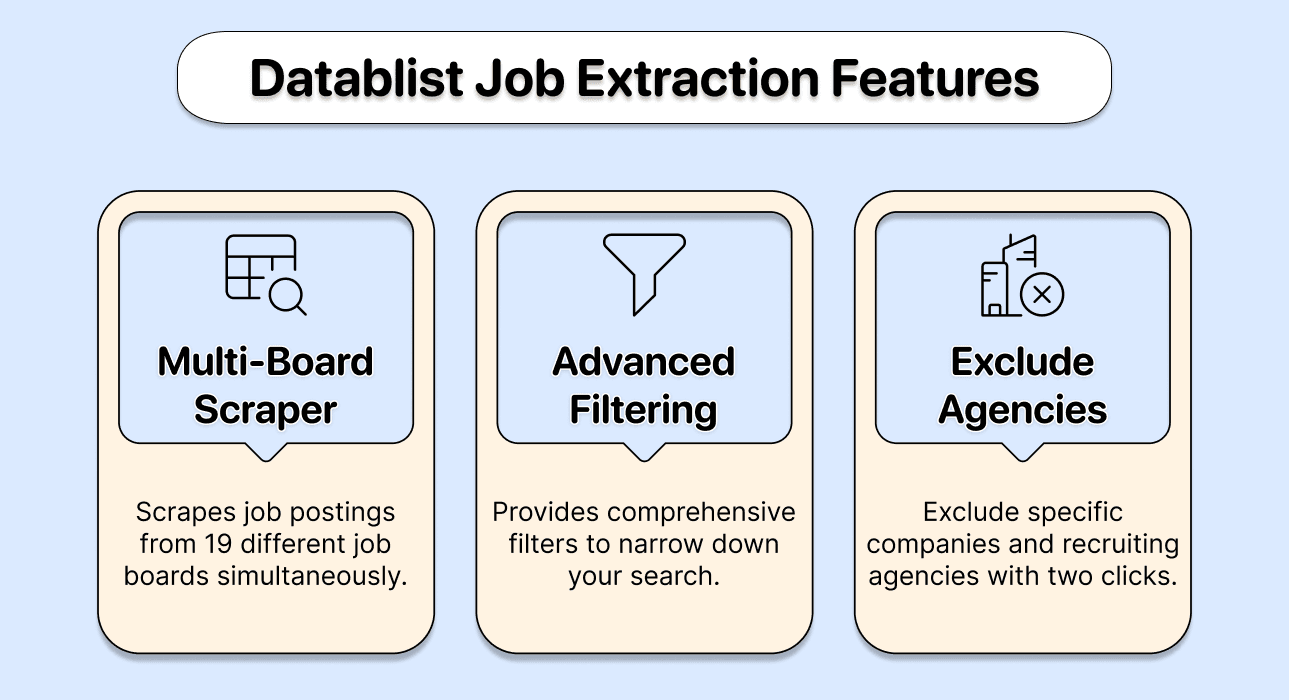
Datablist's Job Postings Search searches job data across multiple boards and creates rows in a collection. Use it when you want to inspect hiring signals, filter employers, and continue the list-cleaning or enrichment workflow in one spreadsheet.
A Small Job Search You Can Review
For an illustrative search for data-engineering roles:
- Choose Job Postings Search from Import From Data Sources. Set Job Title Keywords to
data engineer. Title phrases match their words regardless of order, so inspect the results rather than expecting exact title equality. - Set Countries for job location. If you need employers headquartered in that country, configure Company HQ Countries separately.
- Choose Direct Employer under Company Type if agency listings are outside your target. Use a short Max Age appropriate to your research.
- Map Job Posting Id, Job Title, Job Posting URL, Job Posting Source URL, Company Name, Company Website, and Date Posted to output columns.
- Open several source URLs. Check the employer, role, location, and whether the vacancy is still open. Keep missing values visible instead of filling them with assumptions.
If you use description keywords, the default matches complete words. sales therefore differs from Salesforce; regex mode is a separate setting. For a complete walkthrough, see how to search multiple job boards.
For a city-specific technical-role list, the San Francisco tech-job workflow separates city vacancies, nearby cities and remote eligibility.
What to Keep in the Dataset
A company hiring two data engineers should remain two job rows when the postings are different. Keep Job Posting Id to review repeats from the same source workflow, and use source URLs and role details when comparing postings across providers. Create a separate company list if your next step needs one account per employer.
The returned rows describe jobs and employers. Finding a recruiter or another contact is a separate enrichment step; a job description does not supply a complete candidate database.
Pricing
The current Job Postings Search cost is 10 credits per imported job posting. A 5,000-credit balance covers 500 imported postings if you spend it entirely on that source. AI scraping, contact enrichment, and other sources use their own pricing.
Datablist's Starter plan starts at $25 or EUR25 per month with 5,000 included credits. Growth has a larger credit allowance and API/automation features for supported workflows, but Job Postings Search is not currently in the public source API catalog. Run this source in the app; do not assume an API plan exposes every source. Its filters and provider coverage do not guarantee every job on every board.
For Job Postings Search, the actual subscription-plus-top-up budgets are:
| Imported Postings | Credits Needed | What to Buy | Cash Payment |
|---|---|---|---|
| 500 | 5,000 | Starter | $25 |
| 2,500 | 25,000 | Starter + 20,000-credit top-up | $45 |
| 10,000, manual processing | 100,000 | Starter + 100,000-credit top-up | $113 |
| 10,000, Growth plan | 100,000 | Growth + 80,000-credit top-up | $121 |
The 2,500-posting example is $25 + $20 = $45, supplying exactly 25,000 credits. For 10,000 postings, Starter's 5,000 credits plus an $88/100,000-credit package supply 105,000 credits for $113, leaving 5,000. Growth is $50/month with 20,000 credits; an $71/80,000-credit top-up supplies the remaining capacity for $121 total. These calculations assume the source imports the stated number of postings and exclude additional AI or contact enrichment. A duplicate posting from another run still needs review before counting unique jobs or hiring companies.
Limitation
Imported postings are not the same as distinct hiring companies. Review identifiers, repeated posts and any later contact-enrichment usage.
2. PhantomBuster
Key Features
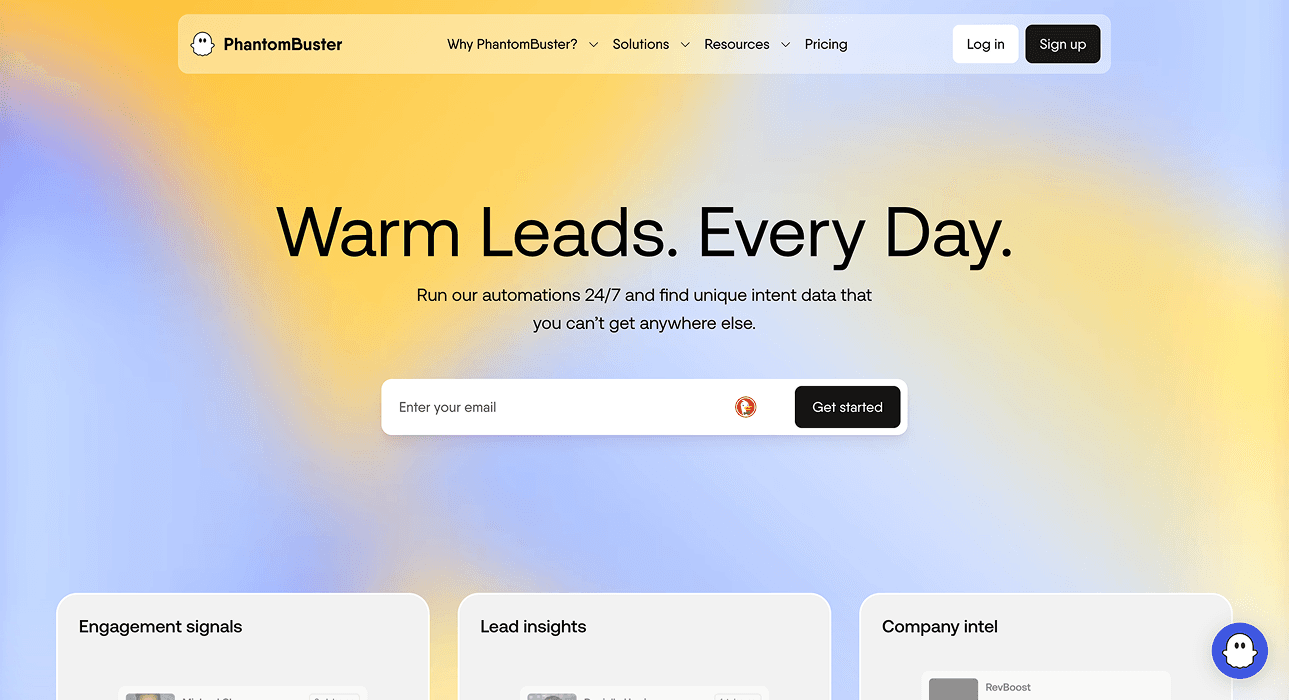
PhantomBuster's LinkedIn Job Scraper extracts details from specific LinkedIn job URLs. Its documented workflow requires a connected LinkedIn session and those URLs as input. To collect job URLs from a search, its tutorial describes a separate search-export step.
Choose it for a LinkedIn-focused workflow. Check the launch limits and which export formats your plan permits before feeding it a large list. A connected session is a workflow dependency; this tool is not a general search across all job boards. For workflows that also need company or contact data, compare the PhantomBuster alternatives by source, output and enrichment requirements before choosing a replacement.
Pricing
The monthly Start plan is $69 with 20 execution hours and five automation slots. Grow is $159 with 80 hours; Scale is $439 with 300 hours. A search-export step followed by job-detail extraction shares the plan's resources. Do not treat the execution allowance as a fixed price per extracted job.
Limitation
The chosen automation determines source coverage and session requirements; execution allowance is not a fixed number of unique jobs.
3. Octoparse
Key Features
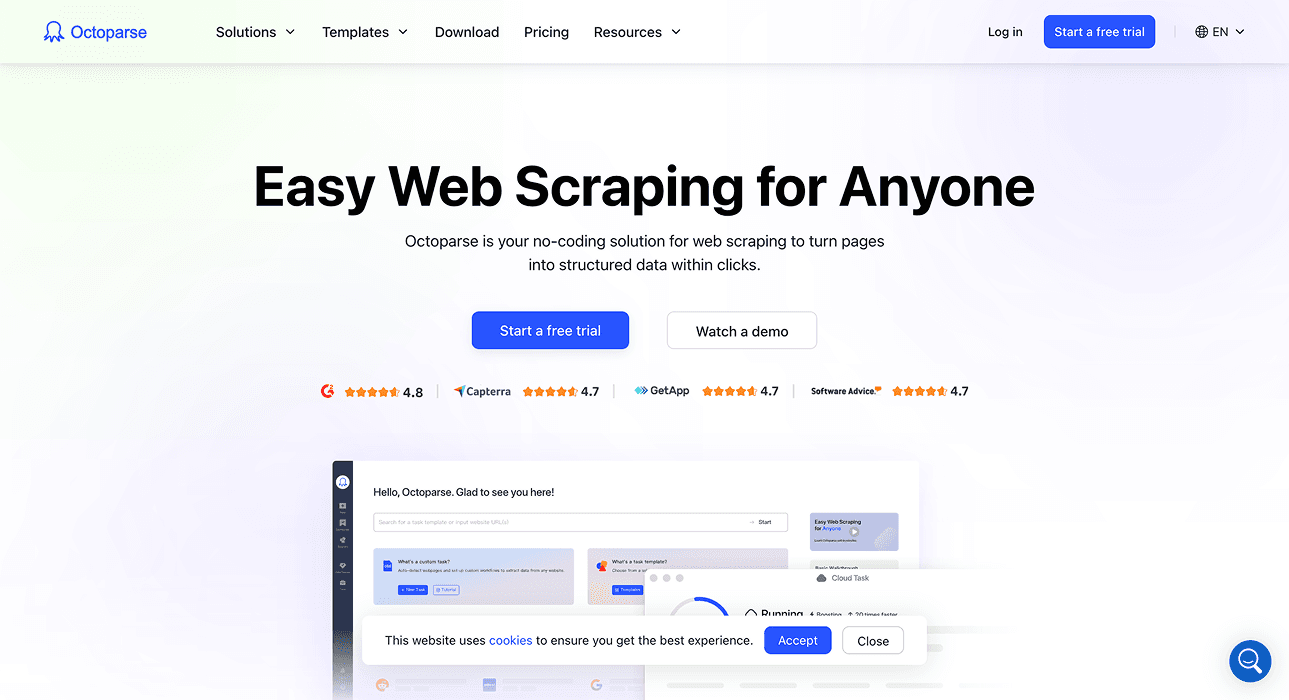
Octoparse offers ready-made templates, a visual desktop task builder, and managed cloud runs. It is useful when you need to select particular listing fields or navigate a site's pages without writing code.
Check whether an existing template covers your target job board and output fields. When building a custom task, test listing pages, detail pages, and pagination separately. Cloud execution and a visual interface do not remove the need to inspect extracted rows when the site changes.
Pricing
The official upgrade guide lists Standard at $83/$119 monthly and Professional at $299 monthly. A free local plan is available for evaluation. Include premium-template, proxy and CAPTCHA charges where the selected task uses them; an annual $69 headline is not the monthly subscription price used here.
Limitation
Pagination, detail-page visits and optional services affect the task. Test the required job fields on the actual site.
4. ParseHub
Key Features
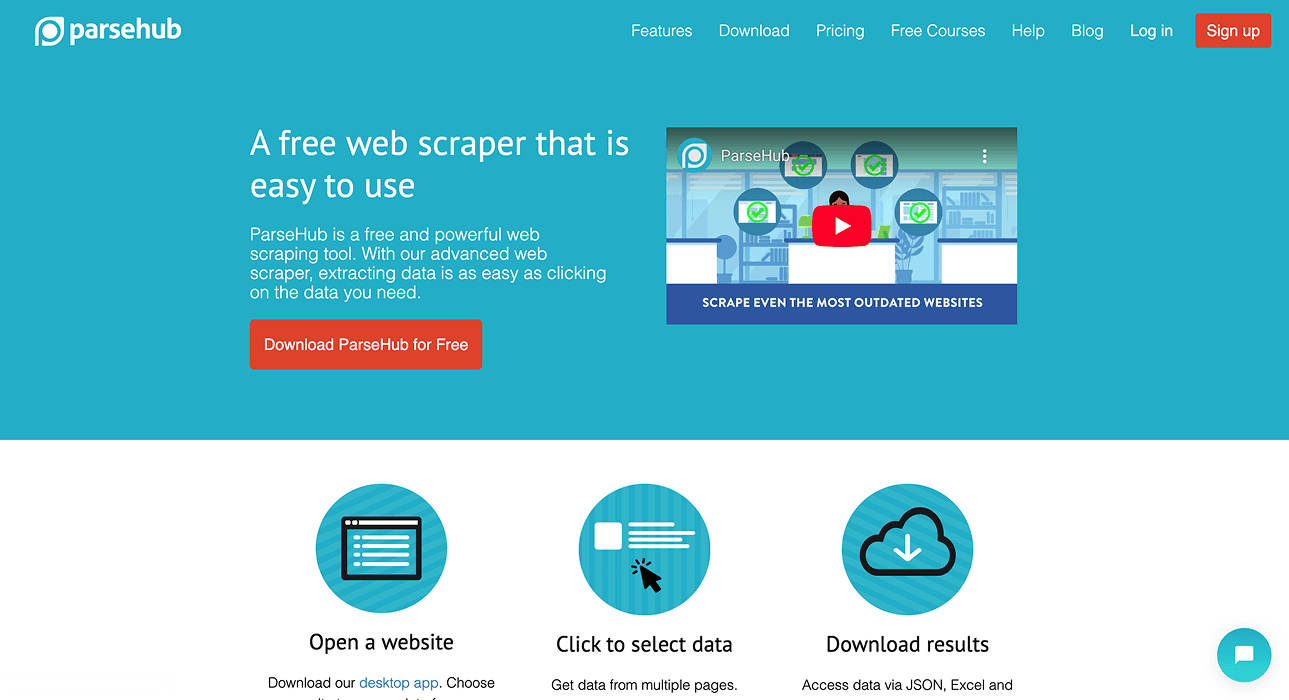
ParseHub lets you build a visual extraction project. It fits a workflow where you define which elements to extract and how to navigate the target site.
Its plan documentation explains that scrolling or clicking to load more content can count toward pages per run. Compare those limits with the site's navigation rather than assuming one search URL means one billable page. Inspect the project on several listings before scheduling repeated collection.
Pricing
Standard is $189/month with 10,000 pages per run and 20 private projects. Professional is $599/month with 120 private projects and unlimited pages per run. Free allows 200 pages per run and five public projects. These are page/project limits, not a guarantee of 10,000 complete job records from one search.
Limitation
Scrolling and clicking can count toward page limits; a search URL does not necessarily equal one billable page.
Job Scrapers for Semi-Technical Users
A scraping API can fetch pages or return parsed fields, but you still need to connect requests, store results, and decide what counts as a complete record.
5. ScrapingBee
Key Features
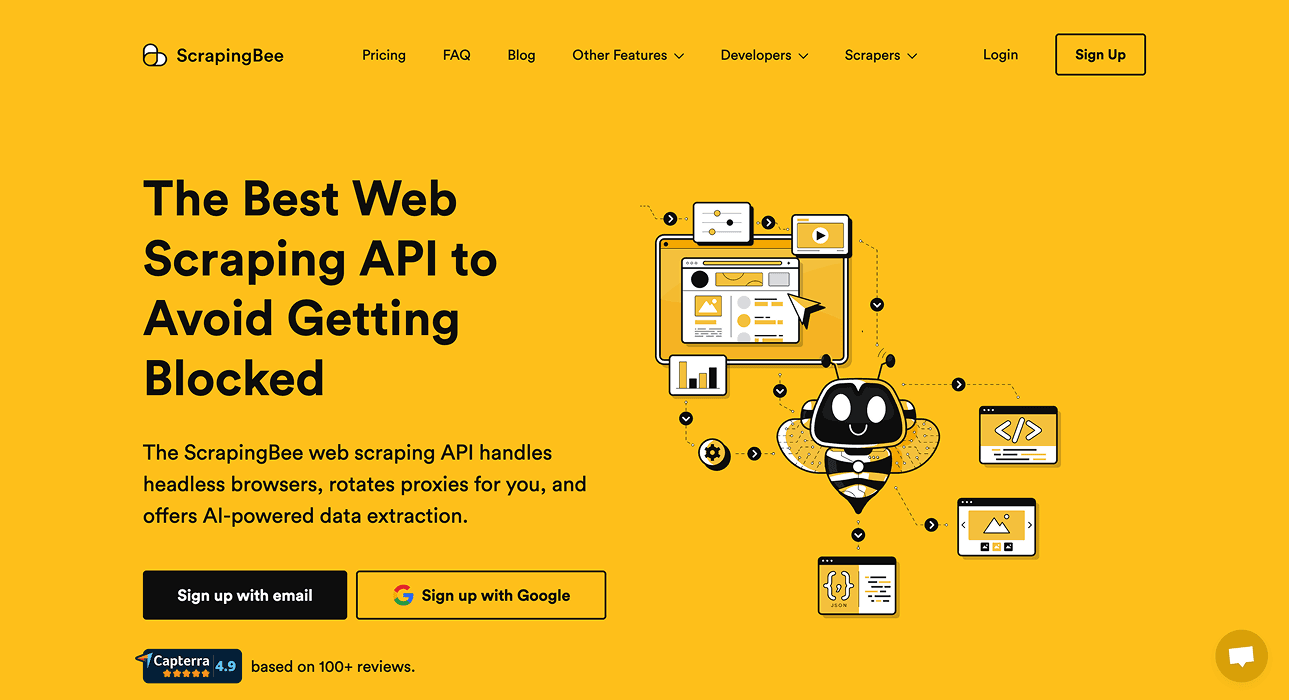
ScrapingBee provides a scraping API with browser rendering and extraction options. It is a fit when you want managed page access while keeping your own application workflow.
Check whether the endpoint you choose returns HTML or the structured fields you need. A successful page response is not the same as a parsed job row. Test job titles, employer fields, source URLs, and pagination, then compare the credits used by those requests.
Pricing
Hobby is $19/month for 75,000 API credits; Freelance $49 for 250,000; Startup $99 for 1,000,000. Standard requests start at one credit, JavaScript-rendered requests use five, and premium-proxy requests use 10 or 25 depending on rendering. Thus 10,000 successful five-credit rendered requests consume 50,000 credits, within Hobby's allowance. They still need parsing, and each request is not necessarily one job posting. At 25 credits per request, the same request count needs 250,000 credits and the $49 tier.
Limitation
API requests return page data that still needs parsing; a request count does not establish the number of job postings.
6. Bright Data
Key Features
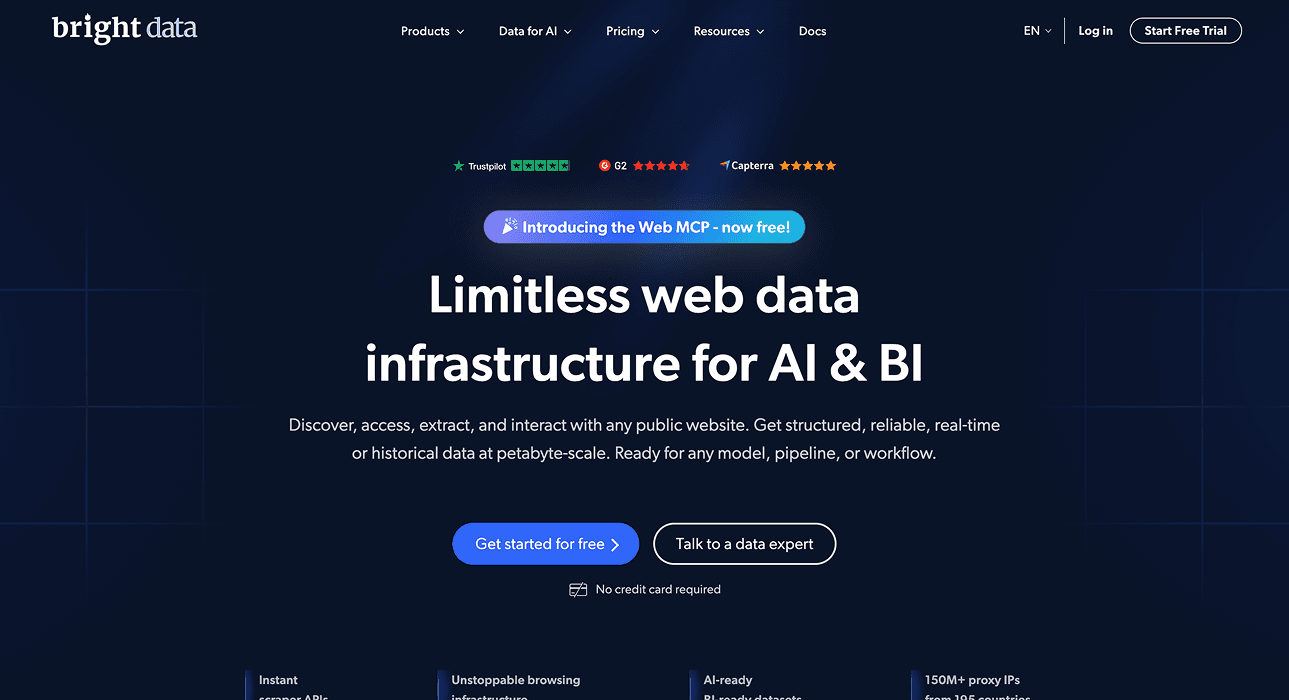
Bright Data offers managed scraper APIs and datasets. Start by choosing the relevant source and checking its output schema rather than comparing the platform's total number of scrapers.
It suits teams integrating collected data into another system. Confirm how results are delivered, which fields are present, and the timing of collection. Dataset snapshots and on-demand collection can serve different freshness requirements.
Pricing
Web Scraper API lists pay-as-you-go at $1.50 per 1,000 delivered records, plus a free 5,000-record monthly tier. Scale costs $499/month with 384,000 records, then $1.30 per 1,000 additional records. Proxies, unblocking and parsing are included in this product's stated price. Buying a pre-collected dataset is a separate product; confirm the job source and schema before applying either rate to your project.
Limitation
A dataset purchase and the Web Scraper API have different pricing and schemas. Match the quoted product to your job source.
Job Scrapers for Technical Folks
Technical teams can use a managed web API as part of their own pipeline. They remain responsible for identifiers, storage, joins, and the meaning of a missing result.
7. Oxylabs
Key Features
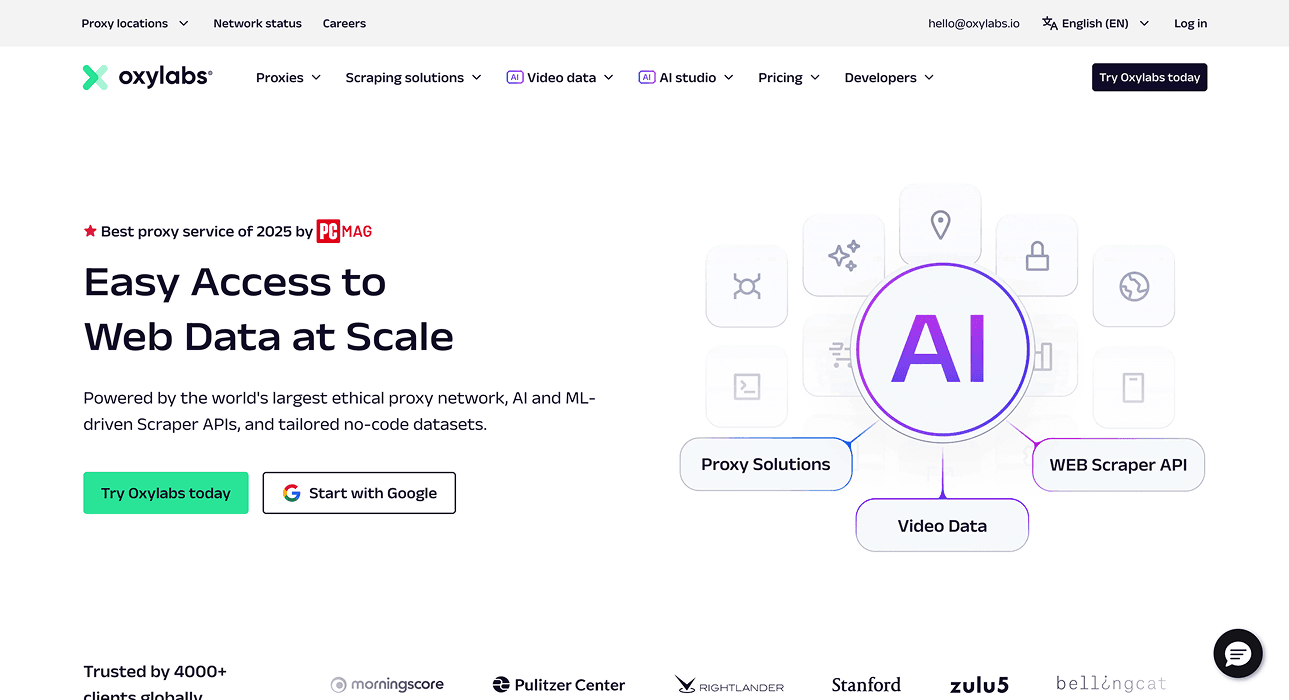
Oxylabs' web API provides managed web scraping capabilities for application workflows. Check target support and parsing options for the job sites you need.
It is useful when your team wants to control how requests and results fit the rest of its data pipeline. Budget against the actual target and request configuration. Avoid comparing proxy plans with parsed job-data pricing as if they were the same product.
Pricing
The current Web API /scrape pricing page lists a unified Starter subscription at $30/month, Basic at $100 and Flexible at $500. Result prices depend on the target and rendering: the advertised minimum starts at $0.50/1,000, while LLM scrapers list $1.50/1,000 at Starter. Do not apply the cheapest target rate to every job board.
The earlier $49 Micro Web Scraper API price belongs to the older product plan. Check the current /scrape offer for a new purchase. Proxy bandwidth is also a different billing unit from returned API results and should be quoted separately if your implementation uses it.
Limitation
Target and rendering choices change record prices. The cheapest advertised rate is not a universal job-board price.
Conclusion
Choose the method that returns the fields you can use: a search source for recurring hiring signals, a visual task for a site's specific layout, or an API for your own pipeline. Review relevance and source evidence before scaling.
For broader account prospecting, compare lead scraping tools. Keep job rows separate from company and contact records so you do not lose distinct roles while building an outreach list. The lead-scraping overview explains how to choose company or person records for the next sourcing step.
Frequently Asked Questions (FAQ) About Job Scraping Tools
How Can I Scrape Multiple Job Boards At Once?
Use a source that searches job data across boards, such as Datablist's Job Postings Search. Review source URLs and coverage; an aggregated search is not a complete census of all live postings.
Is AI Scraping Illegal?
Using AI does not decide whether a collection or reuse is lawful. The answer depends on access, the data, the site's terms, and the applicable law. For personal data covered by the GDPR, the CNIL's reuse guidance explains why public availability alone is insufficient.
What Is the Easiest-To-Use Job Scraper?
A ready-made source is a sensible starting point when its filters and fields fit your need. A visual task gives you more control over one site, while an API fits an existing application. Try a small result set before choosing.
Can ChatGPT Scrape Job Postings?
For a repeatable job dataset, check source discovery, pagination, the required fields, and export or storage. A conversational answer about available jobs should not be treated as evidence of a complete job inventory. Use a dedicated source workflow when you need rows you can audit and rerun.
What Is a Job Scraper?
A job scraper extracts posting details such as title, employer, location, and source URL into structured data. It may fetch live pages or provide a search over previously collected job data; check which model the tool uses.
What Are the Risks of Using Job Scraping Tools?
Missing fields, duplicated postings, stale vacancies, and access failures can distort a dataset. Preserve source URLs and inspect samples so you can distinguish a genuine empty result from a failed collection.
How Much Do Job Scraping Tools Typically Cost?
Published monthly starting prices here include Datablist $25, PhantomBuster $69, Octoparse Standard $83/$119, ParseHub $189, ScrapingBee $19 and Oxylabs Web API $30. Bright Data also offers pay-as-you-go at $1.50/1,000 delivered records. Compare the same job: Datablist's 2,500 imported postings need a $45 Starter-plus-top-up purchase, while an API's request allowance still requires extraction and validation of the job fields.
Can I Use Job Scraping Tools for Recruiting?
Yes, job data can help you research employer hiring activity and role requirements. A vacancy record describes a job; it does not identify candidates or guarantee recruiter contact details.
Citations
Prices checked October 28, 2026. Posting and request counts in the examples are assumed billing quantities, not measured coverage.
- [1] Datablist. Starter/Growth plans and included credits.
- [2] Datablist. Credit usage and top-up packages.
- [3] PhantomBuster. Monthly plan prices and execution resources.
- [4] Octoparse. Standard/Professional monthly subscription options.
- [5] ParseHub. Standard/Professional prices and project/page limits.
- [6] ParseHub. Page counting, project speed and paid-plan scope.
- [7] ScrapingBee. Monthly plans, API credits and rendering/proxy multipliers.
- [8] Bright Data. Web Scraper API pay-as-you-go and Scale rates.
- [9] Oxylabs. Current Web API /scrape subscriptions and target-specific result prices.