
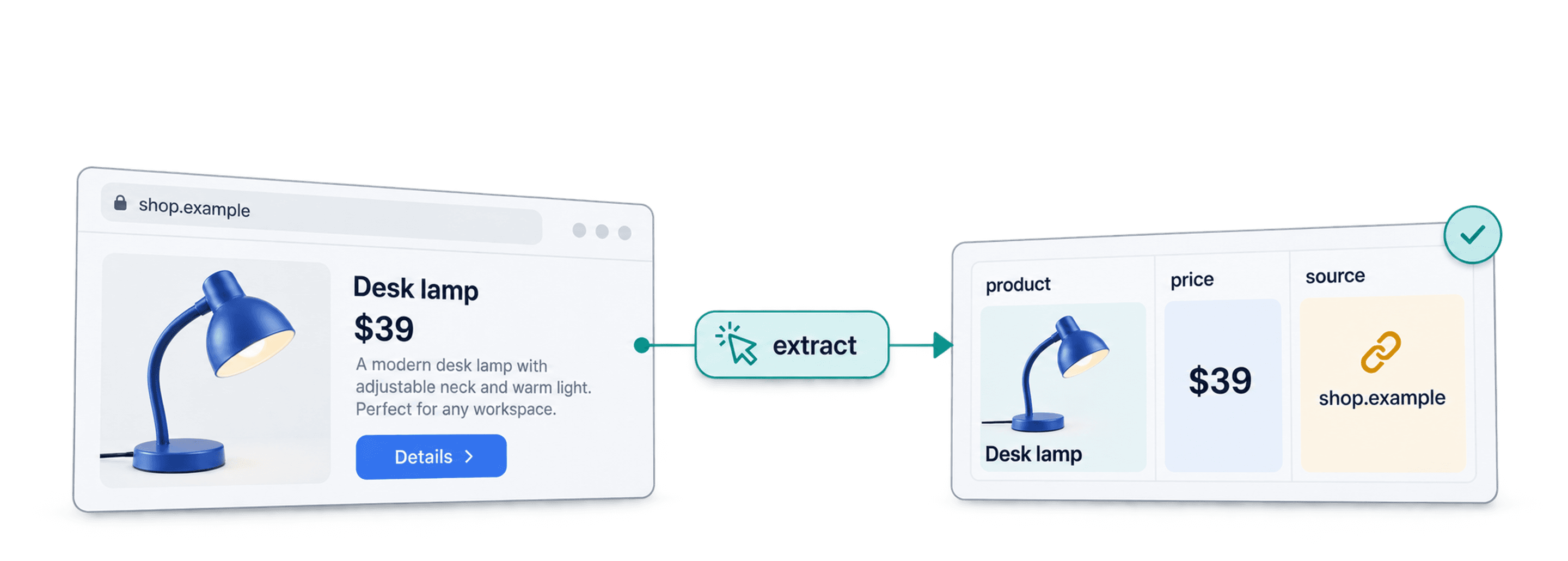
AI web scraping uses an AI model to read website content and return specified fields, such as a product name, price, and source URL. Instead of writing a CSS selector for each field, you describe the information you need and map the output to columns. You still need to check the result: a model can miss a field, confuse two pages, or return an unsupported value.
For example, give an agent a product page and request Product name, Current price, and Product URL. A useful output is one row with those three fields, with the price checked against the source page. If the page has no visible price, leave that field empty rather than guessing. This guide explains how AI extraction differs from rule-based scraping, which workflow to choose, and what to verify before using the data.
What This Guide Covers
- Explanation of the Concept of AI Web Scraping
- The Main Benefits of Using AI for Scraping
- Practical Use Cases for AI Scraping
- Different Methods for AI Data Scraping
- The Best AI Scraping Products on the Market
What is AI Web Scraping Anyway?
The terms below describe the same broad approach. The tool still needs accessible source content and clear output fields.
AI Web Scraping, AI Scraping, and AI Data Scraping
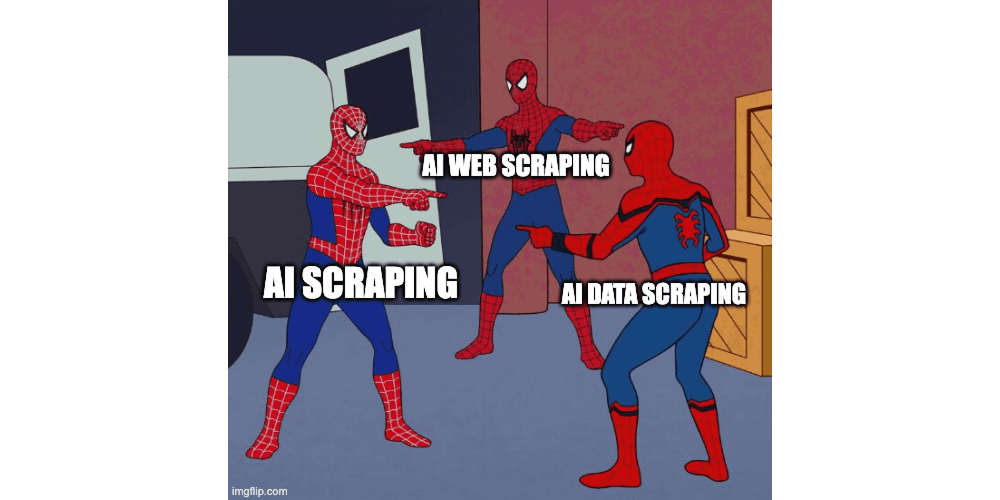
AI web scraping = AI scraping = AI data scraping
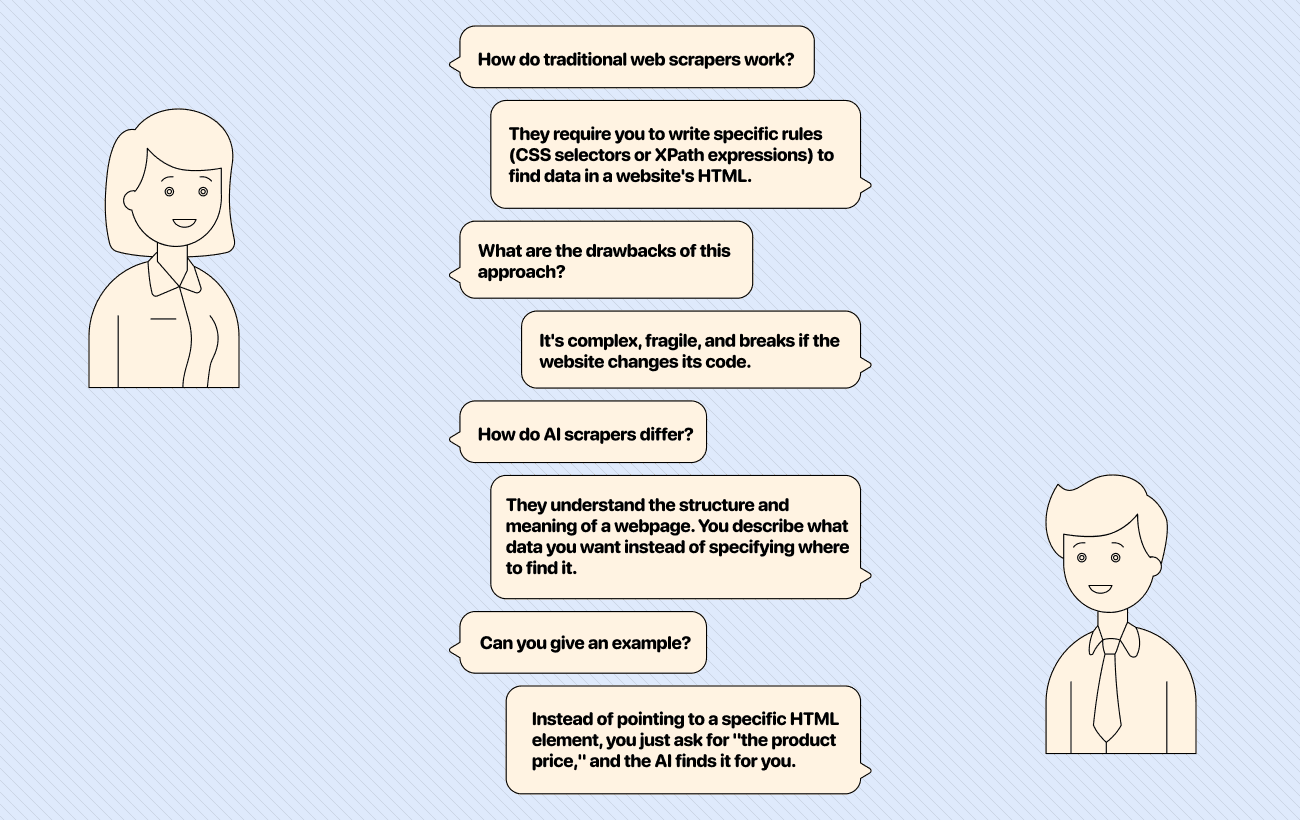
All these terms refer to using an AI model to identify and structure information from web content. A conventional scraper often selects elements by CSS selector or XPath. An AI extraction workflow instead uses a prompt or schema to identify fields by their meaning. This can help when pages vary in layout, but it does not remove the need to handle inaccessible pages, changed content, or incorrect outputs.
Why You Should Use AI for Scraping
AI extraction is useful when the same fact appears in different places on different pages, or when you need to turn unstructured text into columns. Rule-based scraping can be simpler and cheaper for a stable, uniform page layout. Choose based on the source and the output you need.
No Coding, No APIs
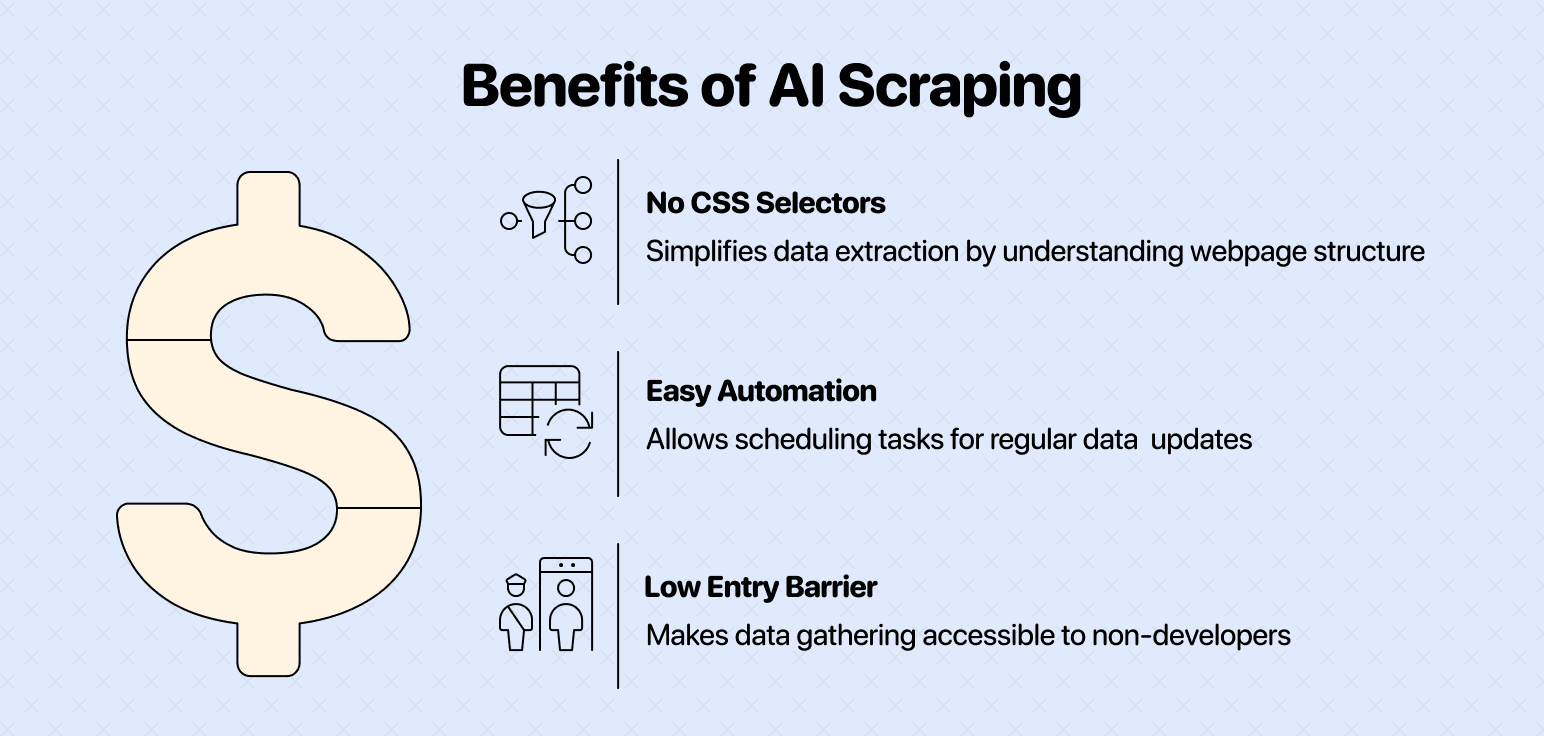
Some AI scraping tools accept a natural-language prompt in a user interface. Others require an API or code. A clear request should name each output field and say what to do when the page does not provide a value.
No CSS Selectors, No XPath Expressions, No Complexity
With a selector-based scraper, you identify the HTML element that contains a value. With AI extraction, you can request a field such as “current product price” across pages with different layouts. Test both approaches on a few representative pages. A layout change, blocked page, or ambiguous price can still require a prompt change or manual review.
Easy to Automate & Low Entry Barrier
You can run an AI extraction workflow on a list of URLs or start from a site URL. Before repeating a run, check a sample of outputs for blank fields, wrong matches, and changes in the source site's structure. Automation still needs monitoring.
Use Cases for AI Scraping
The applications for AI scraping are nearly limitless, touching almost every part of a business. By automating data collection from the web, teams can gain critical insights and operate more efficiently.
Here are some ideas of what you could do with AI Scraping:
- Scraping E-commerce Stores
- Teams can extract product details like names, prices, descriptions, and images from thousands of listings.
- This is useful for competitive analysis, price monitoring, and building product catalogs.
- Scraping Reviews
- Gathering customer reviews from sites like Yelp, G2, or Amazon helps businesses understand public sentiment.
- AI can analyze this data to identify common themes, product flaws, or customer satisfaction drivers for competitor analysis.
- Monitoring Pricing Pages
- Sales and marketing teams can automatically track competitors' pricing and promotions.
- This allows for dynamic pricing strategies and helps businesses stay competitive in the market.
- Scraping Case Studies
- Marketing teams can collect case studies from competitor websites to understand their positioning and success stories.
- This information is valuable for refining their own marketing messages and sales pitches.
- Researching Data Not Available in Databases
- Some information simply doesn't exist in structured databases.
- AI scrapers can pull unique data from forums, blogs, or niche websites to support market research, academic studies, or investigative journalism
💡 Hands-On Guides to Get Started With AI Scraping
How to scrape case studies 👈🏼
How to scrape products from e-commerce sites 👈🏼
How to scrape user reviews from Trustpilot 👈🏼
2 Methods of AI Scraping
AI scraping tools offer different approaches depending on the task. While the underlying technology is similar, the method you choose will depend on whether you're enriching an existing dataset or exploring a new website from scratch.
Let's look at the two primary methods:
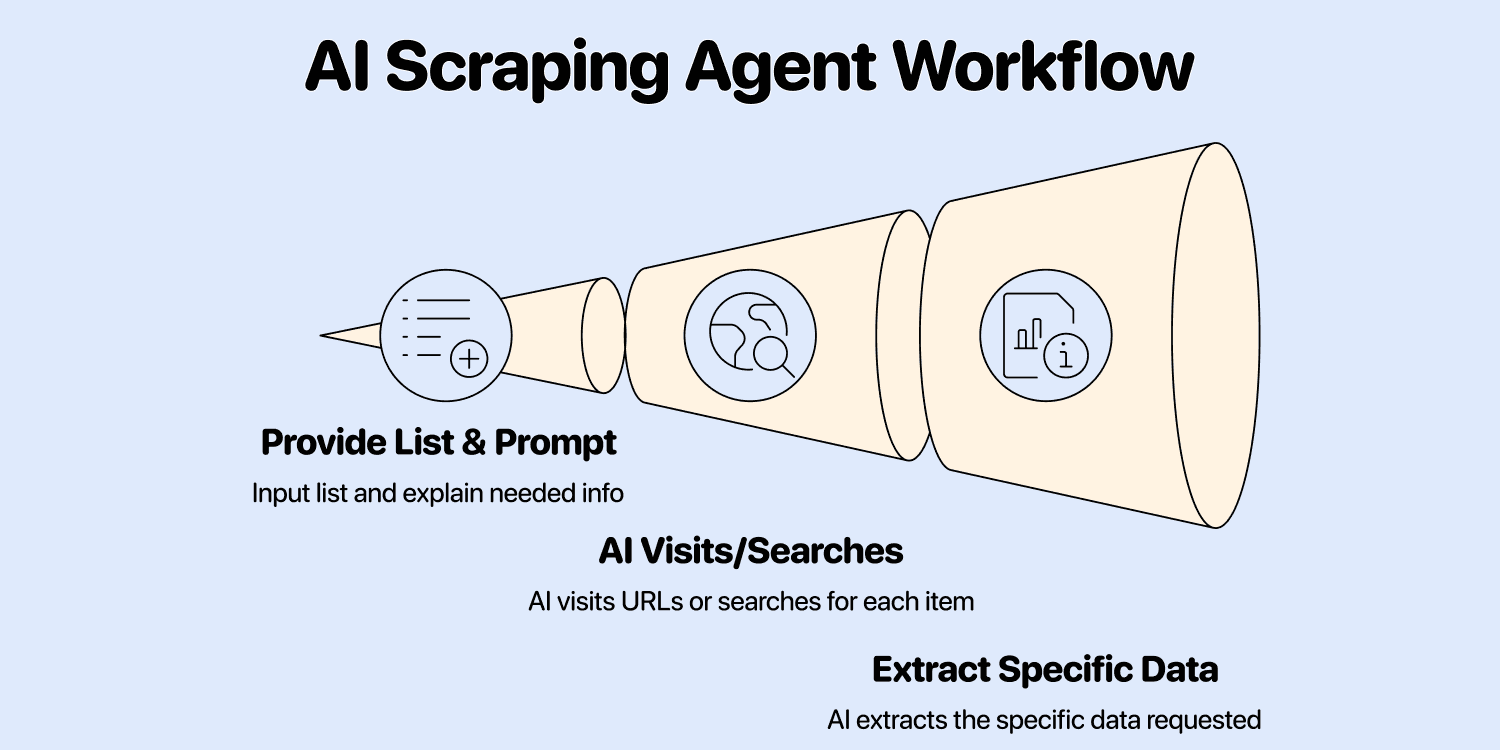
- Running an AI Scraping Agent on a List of Items
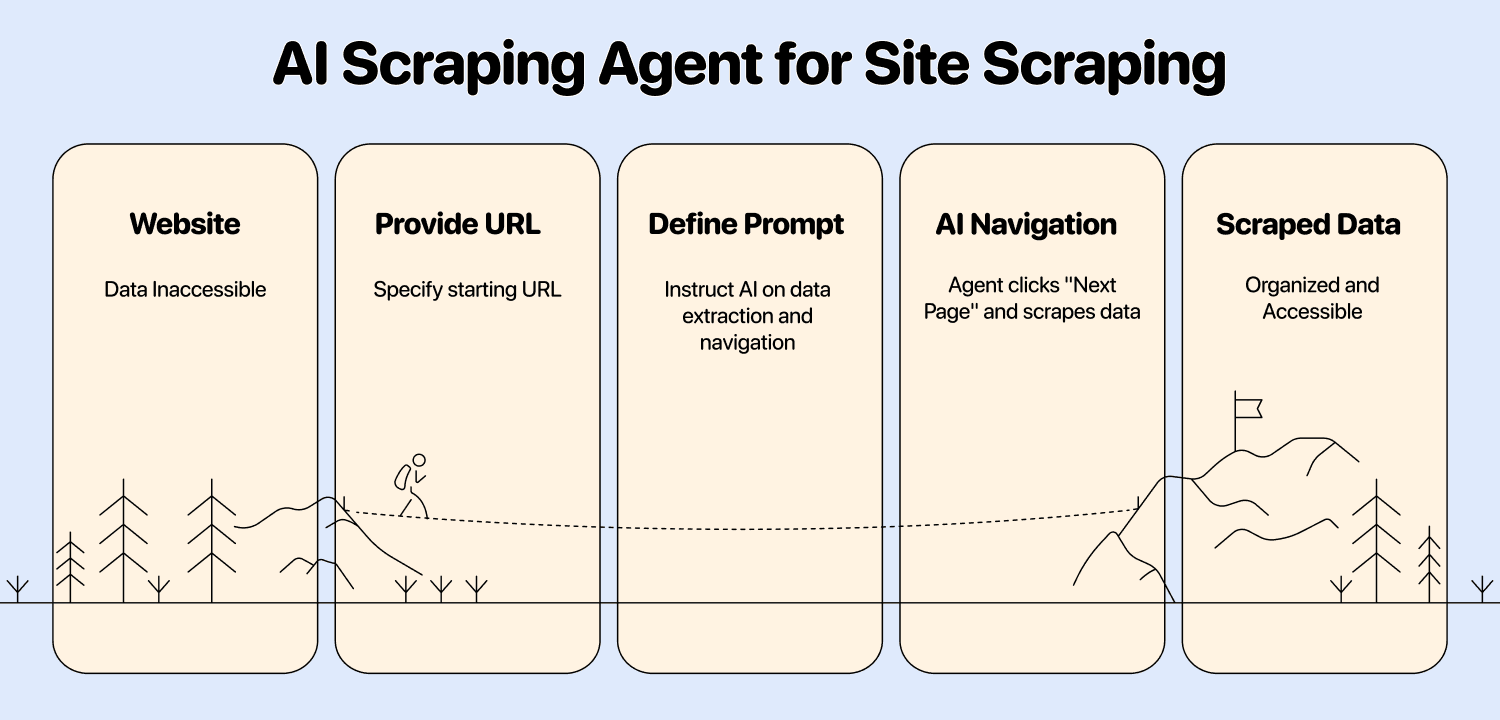
- Using an AI Scraping Agent as a Site Scraper with a URL and Prompt
Running an AI Scraping Agent on a List of Items
This method is perfect when you already have a starting point, like a spreadsheet of company names or product URLs. You provide the AI agent with your list and a prompt explaining what additional information you need for each item.
The AI then visits each URL or performs a search for each item and extracts the specific data you requested.
- Best for: Enriching existing datasets, like finding the industry for a list of companies or the CEO's name for a list of accounts.
- Review: Test a small sample first and inspect source pages for fields that matter.
Using an AI Scraping Agent as a Site Scraper with a URL and Prompt
This method is designed for exploring and extracting data from an entire website or a section of it. You provide a starting URL (like a category page on an e-commerce site) and a prompt that tells the AI what to look for and how to navigate the site.
For Datablist's website scraper, give a start URL and a prompt that describes the items to extract. Pagination is optional; configure it when the source has multiple result pages.
The website scraping setup and sample checks walk through matching outputs to the prompt, testing rendering, and distinguishing a missing field from a blocked page.
- Best for: Scraping product listings from sites like Amazon or eBay, gathering articles from a blog, or extracting listings from any directory.
- Review: Start with a limited page count, then check whether the returned rows come from the intended pages before expanding the run.
AI Scraping Products
The market for AI scraping tools is growing fast. Choosing the right one depends on your technical skill, budget, and specific needs. Here’s a selection of three popular options
Datablist - Built for Sales, Marketing, and Operations Folks
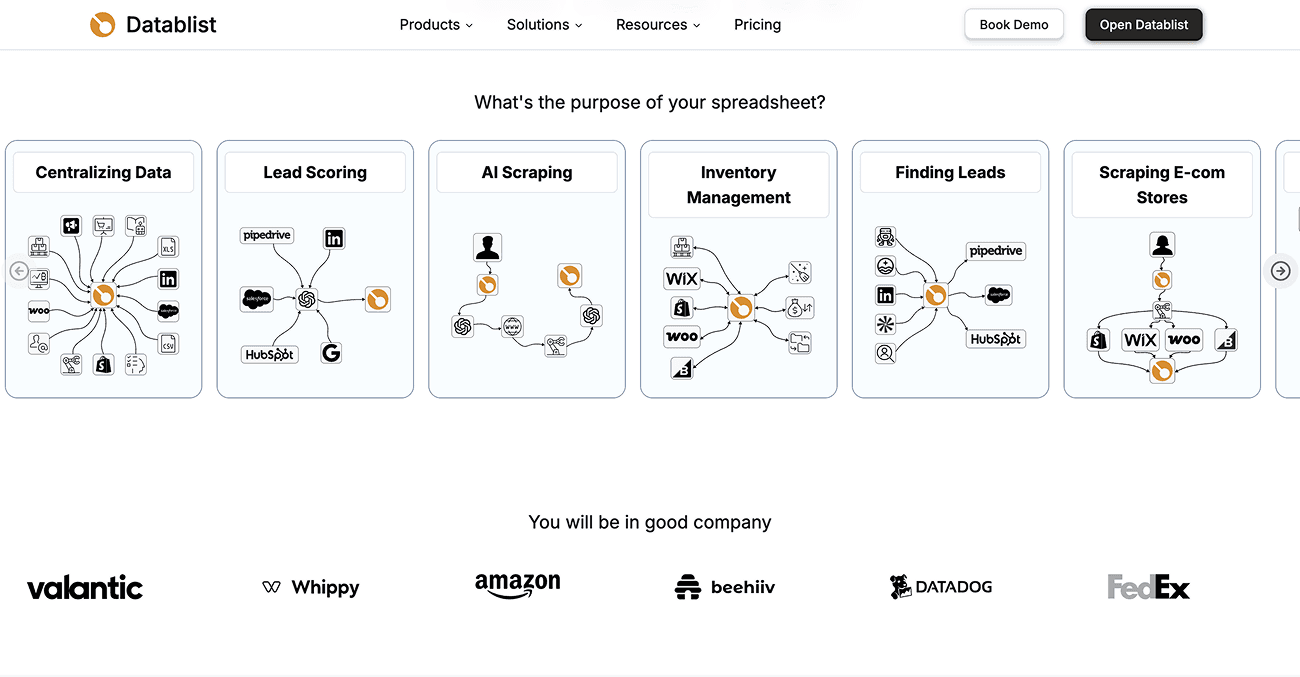
Datablist is a data automation platform that integrates powerful AI scraping capabilities into a user-friendly spreadsheet interface. It's designed for sales, marketing, and operations teams who need to gather and enrich data without writing code or setting up API’s.
Key features:
- Natural Language Prompting: Describe what you need in plain English, and the AI agent gets it for you. No coding or complex API setups are required.
- Two starting points: Run an AI Agent on existing rows, or start from a website URL with a prompt and optional pagination.
- Run settings: The website scraper has a page limit and an optional HTML-rendering setting. Test a small run before increasing the page count.
- Structured output: Map requested fields into collection columns, review the rows, and combine them with other enrichments as needed.
Pricing:
💡 Datablist’s Hidden Strengths
The good thing about Datablist's AI Scraper is that it is actually more than an AI Scraper. It's an AI scraping agent that can go to search Google, visit Google News, call APIs, extract data, paginate websites, and much more.
Firecrawl - Web Data API for AI-Apps
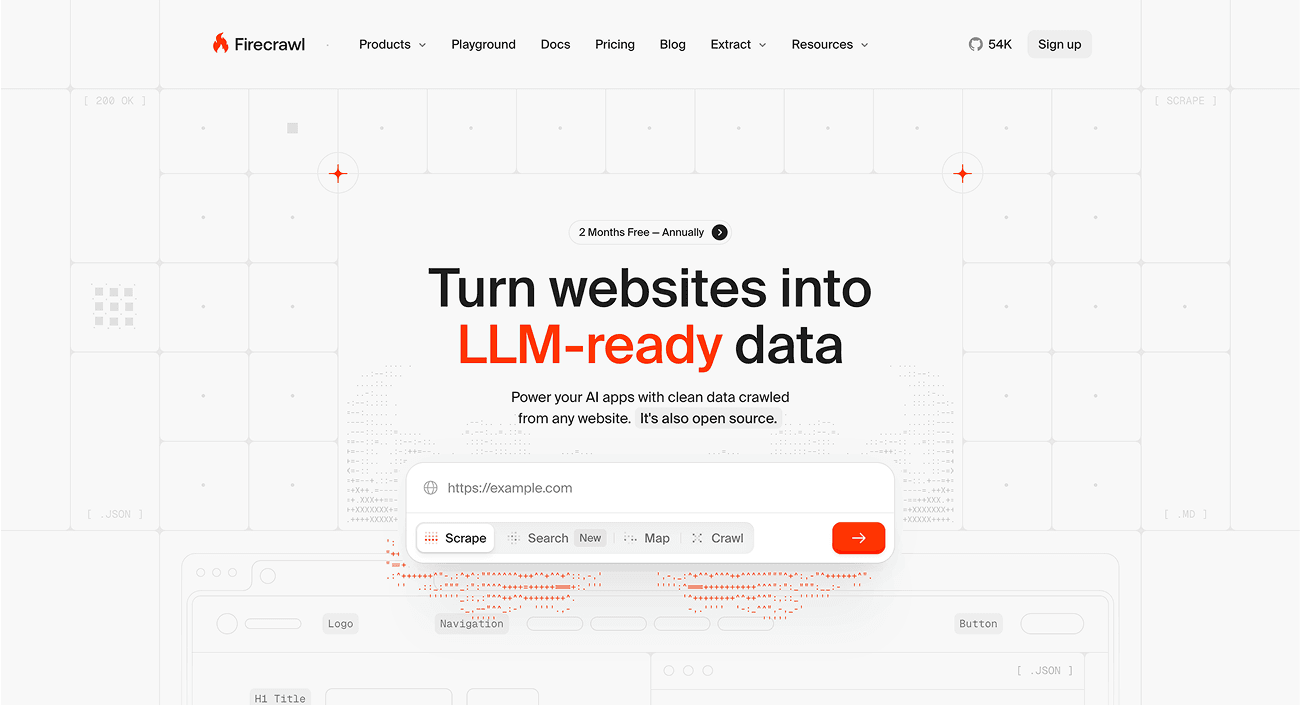
Firecrawl is an open-source web data API designed for developers that turns websites into LLM-ready data to power AI applications.
Key features:
- True AI Scraping: Extract structured data from any website with a simple API call, no manual configuration needed.
- LLM-Ready Output: Get data in multiple formats like JSON, Markdown, and screenshots that are immediately ready for AI processing.
- Developer-First Approach: Built with SDKs for Python and Node.js, with comprehensive documentation and examples.
ScrapingBee - AI Scraper for Developers
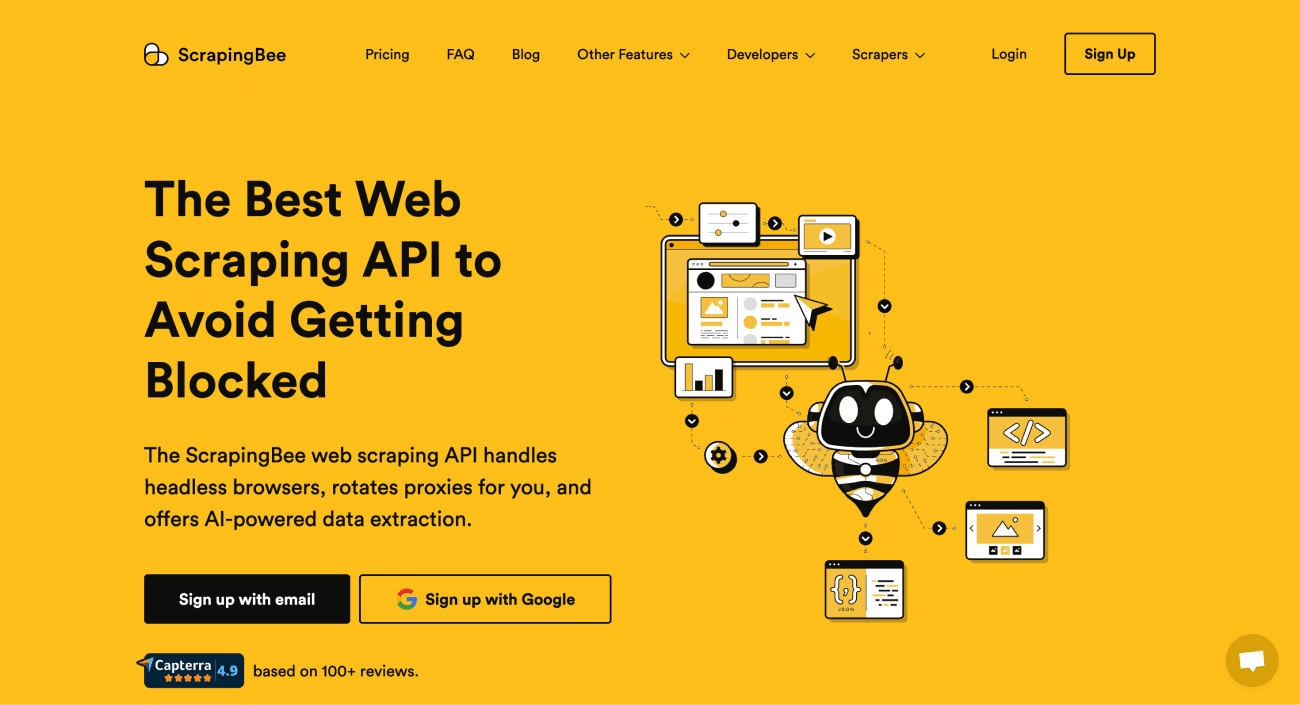
ScrapingBee is a developer-focused tool that offers an API for web scraping. While it simplifies some of the complexities, like handling proxies and browsers, it still requires programming knowledge to use.
Key features:
- AI-Powered Web Scraping: Uses AI to help parse and extract data, making it more resilient to website changes.
- API Access: Designed for developers to integrate into their own applications and workflows.
- JavaScript Rendering: Capable of scraping modern, dynamic websites that rely heavily on JavaScript.
How to Check AI Scraping Results
Check a sample of rows against the source pages before using the dataset. Confirm that each value belongs to the correct item, that units and currencies are preserved, and that missing values remain empty. If the source page is inaccessible or the result is uncertain, revise the prompt or review that row manually. Recheck the sample when the source site changes.
Frequently Asked Questions About AI Scraping
Can ChatGPT Do Web Scraping?
An AI model can extract fields from web content you provide. For repeatable runs across many URLs, use a workflow that records source URLs, maps fields to columns, and lets you review failed or uncertain rows.
What is AI Scraping?
AI scraping uses a model to identify requested fields in website content and return structured results. You can describe the fields in a prompt instead of specifying CSS selectors, but you should verify important results against the source.
Is Scraping Legal?
Rules depend on the website, the data, and the jurisdiction. Check the site's terms and applicable requirements before collecting or using data, especially personal information.
What is Data Scraping?
Data scraping means extracting information from a source such as a website or document. AI scraping uses an AI model to identify or structure the requested information.
How is AI Scraping Different From Traditional Web Scraping?
Selector-based scraping targets specific elements in a page's HTML. AI extraction uses a prompt or schema to identify fields by meaning. Either approach can fail when a site changes or a page is unavailable; compare results on representative pages.
What Skills Do I Need to Start With AI Scraping?
With Datablist, you can provide a URL or list of rows, describe the requested fields, and map the outputs without writing code. You still need to check a sample of the results.
Can AI Scrapers Handle Websites That Change Their Layout?
Sometimes. A prompt may continue to find a field after a layout change, but blocked pages, missing content, and ambiguous labels can still cause errors. Recheck a sample after the source site changes.