 0.05 Credits per Location
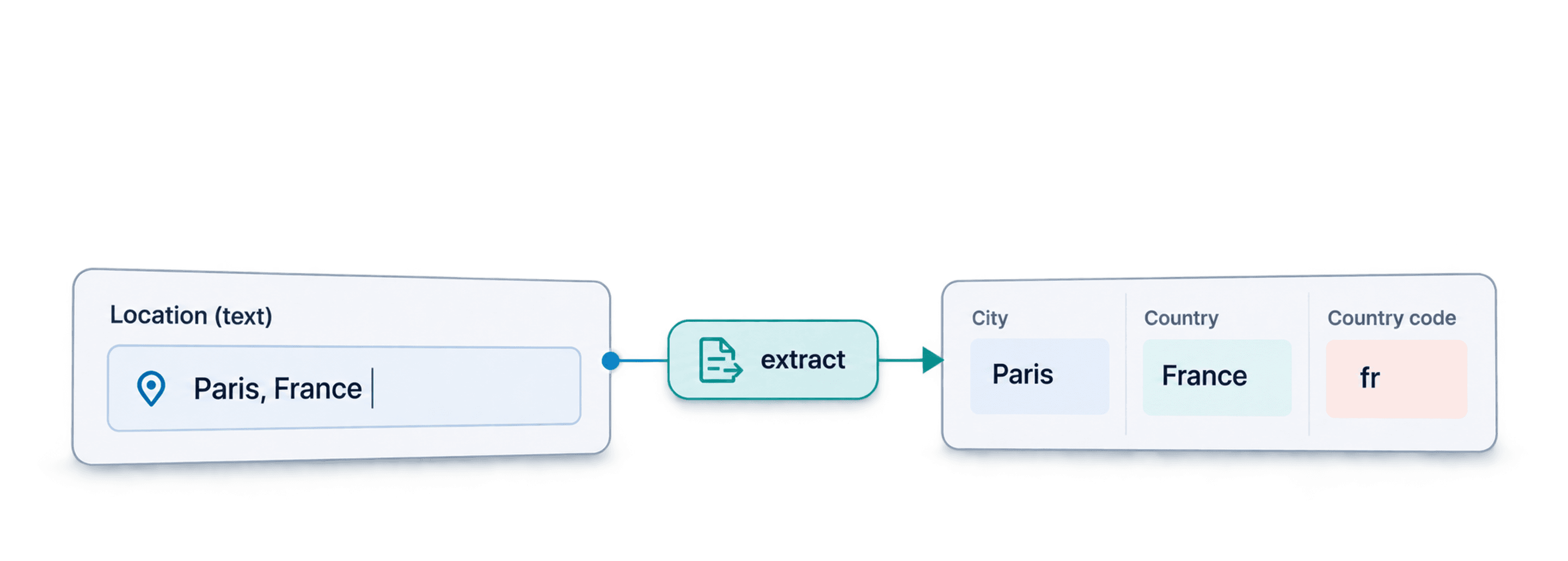
 City, Country and Coordinates
 500 Free Credits to Try
















 Easy to Use
 No Settings to Configure
 Fully No-Code
Step-by-Step Guide
Step 1: Sign Up & Upload Your Data
First, sign up for Datablist.com
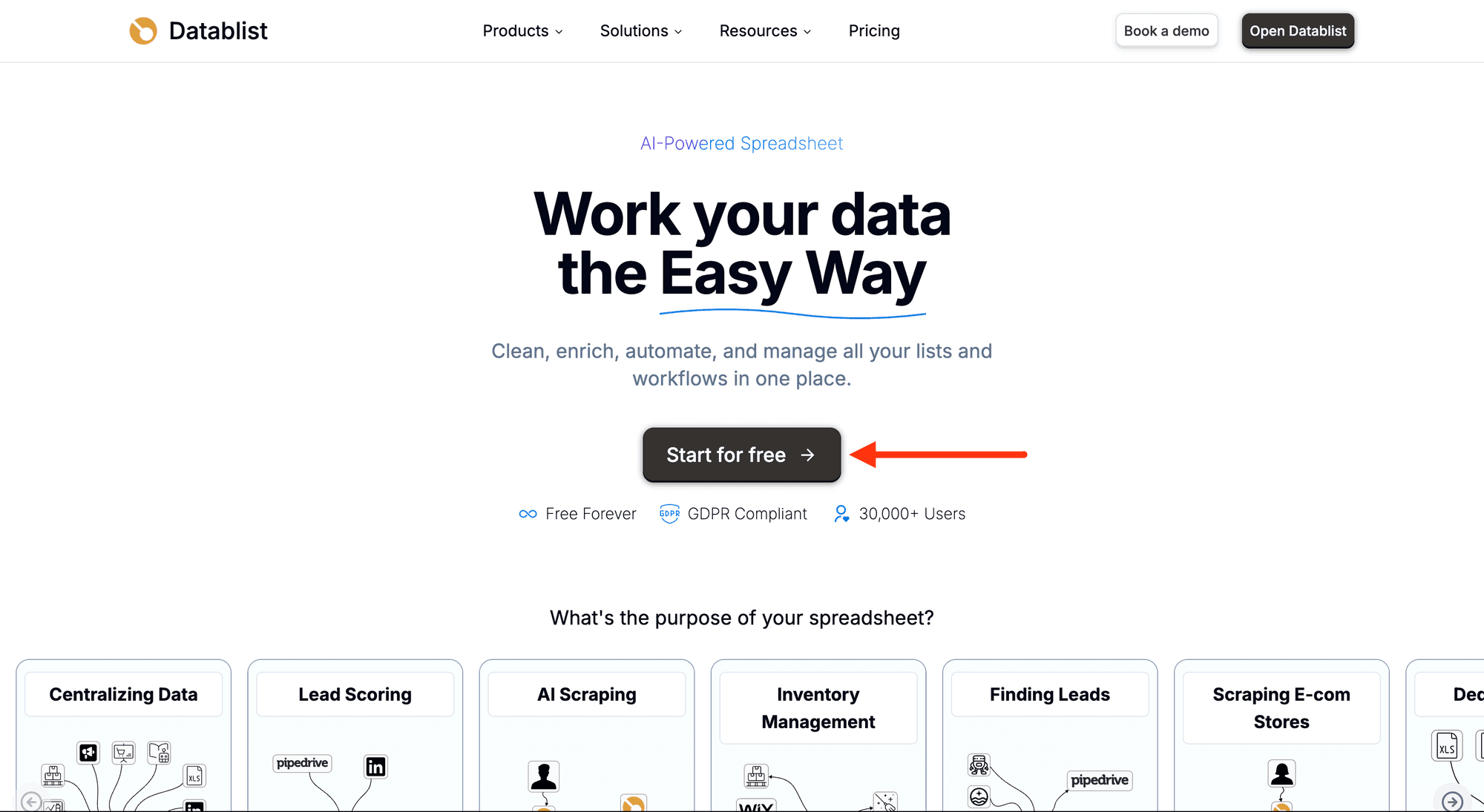
Create a collection with the CSV editor. Then, upload your CSV or Excel file with the addresses or locations.
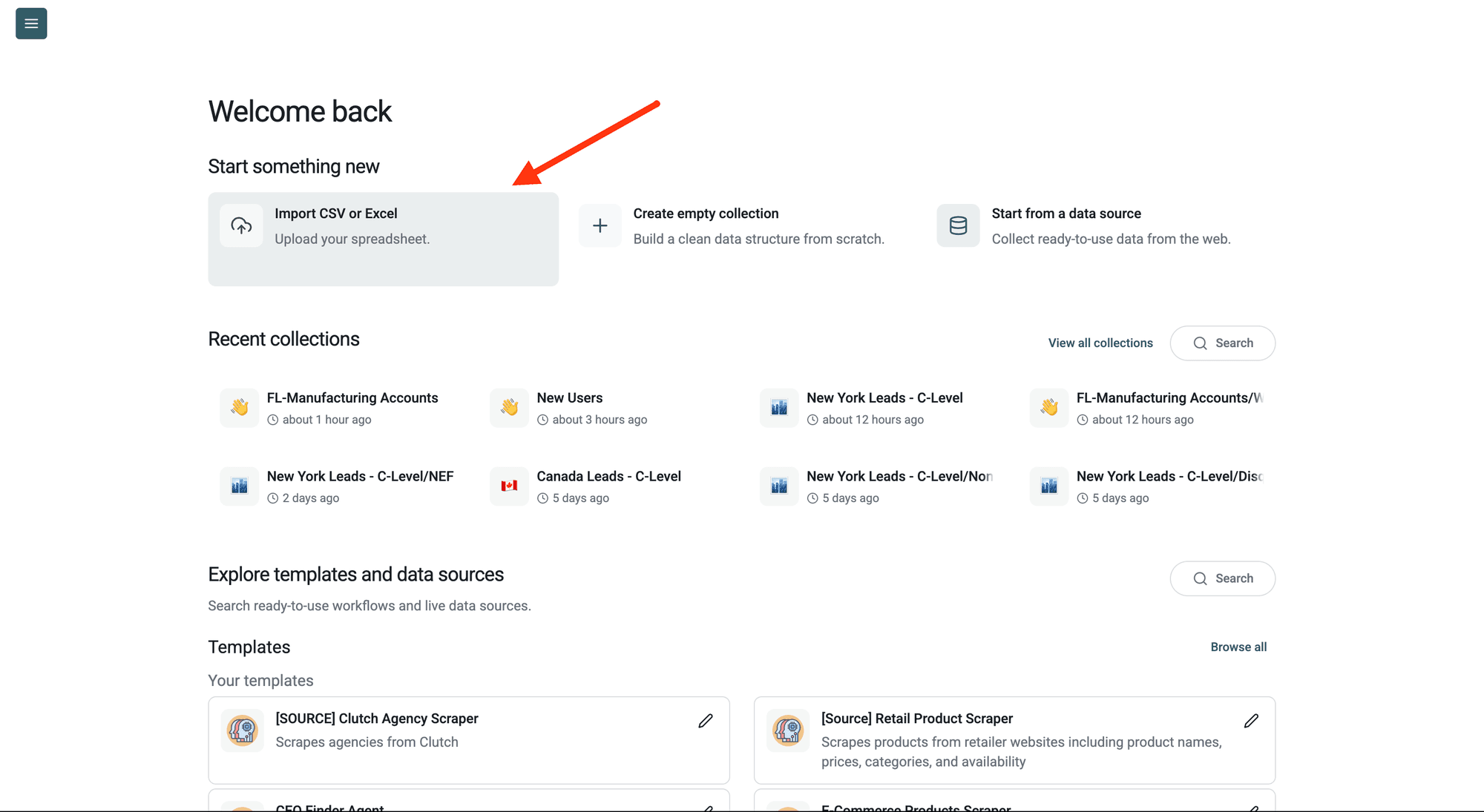
Step 2: Navigate to the Enrichment
Click Enrich in the top menu and search for Location Lookup.
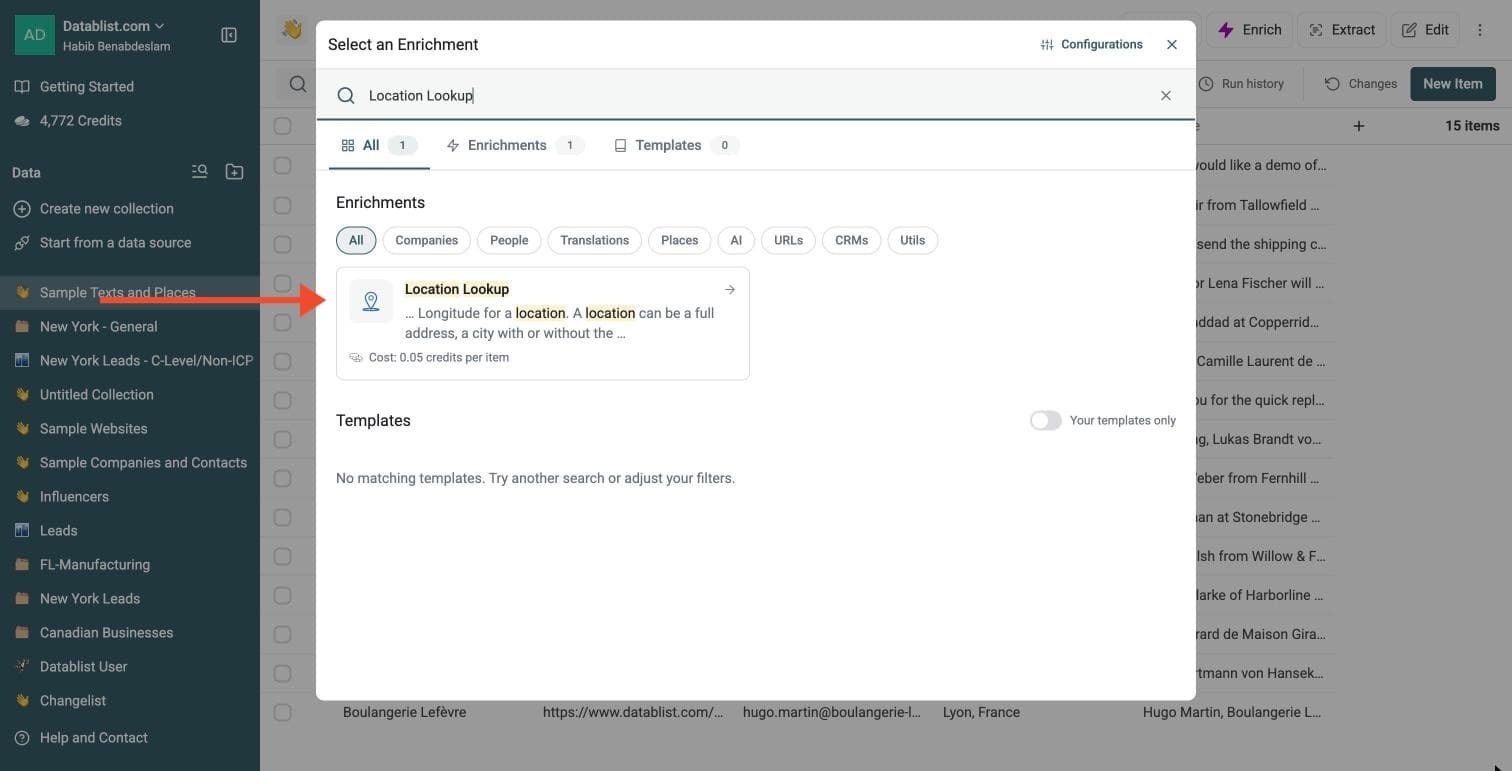
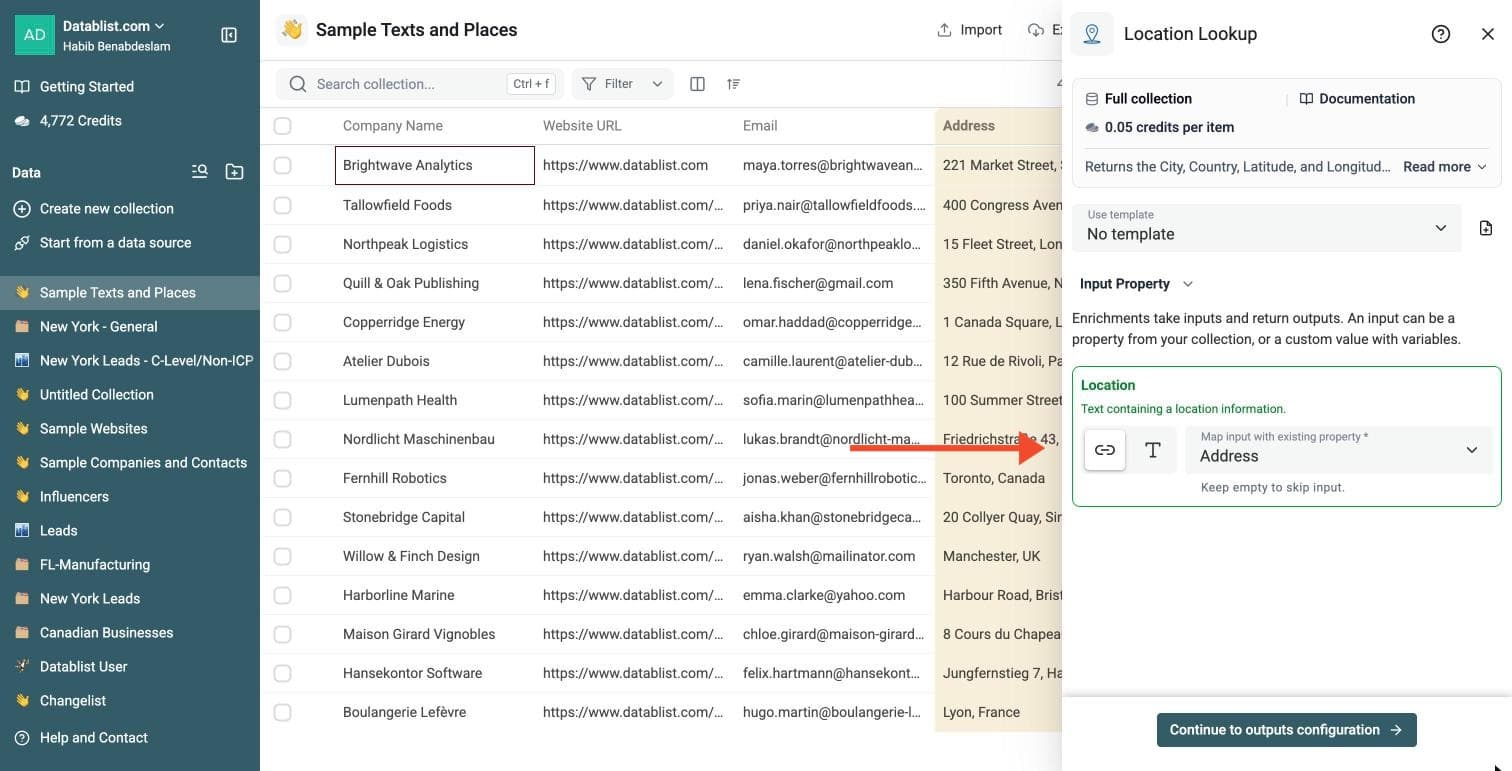
Step 3: Configure Your Inputs
Map the Location input to the column that holds your addresses or locations.
The input can contain a city, city and country, full address, country name, country flag or mixed location string from a profile or CRM field. Keep one location per row and split rows that contain several locations.
Then click Continue to outputs configuration.
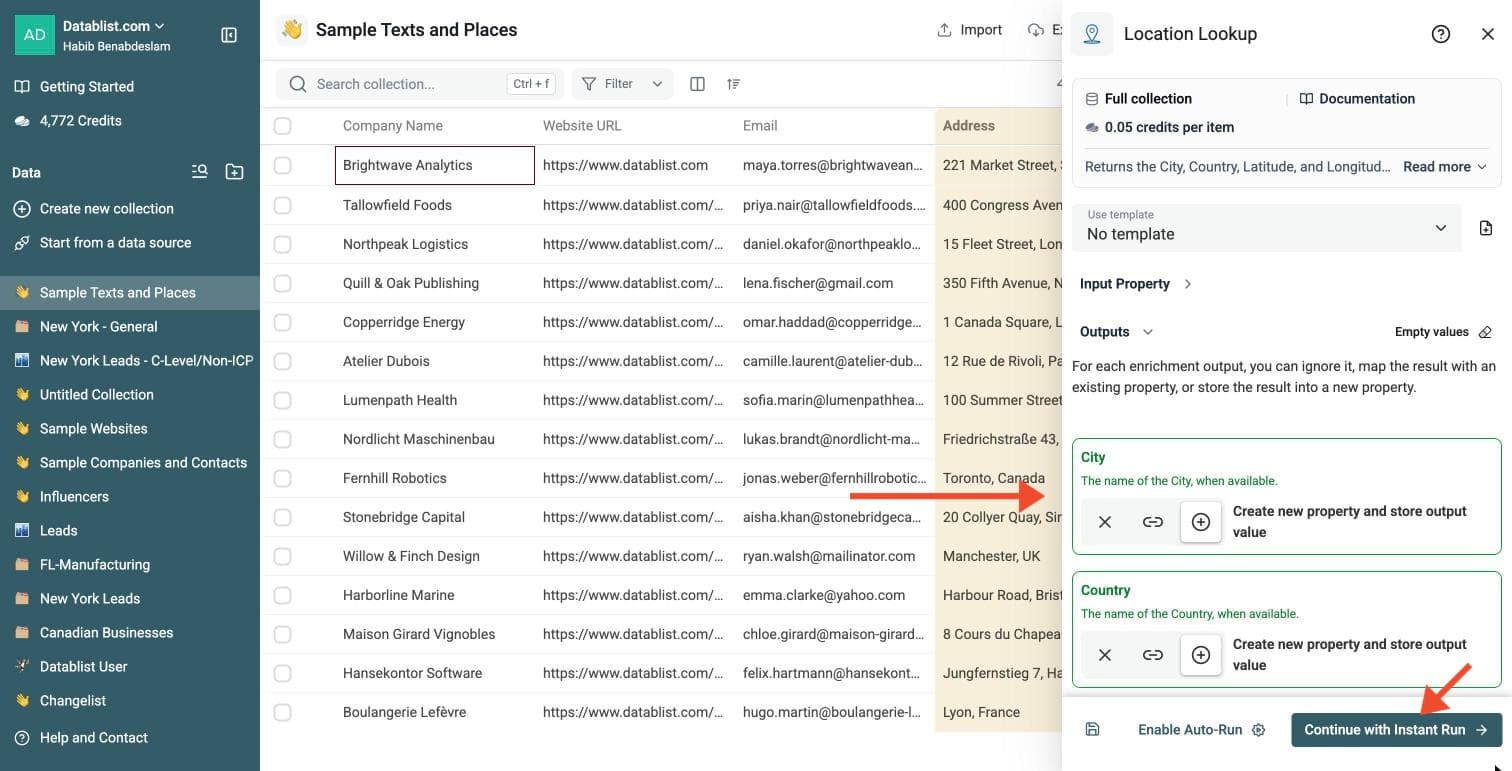
Step 4: Select Outputs
Location Lookup returns:
-
City: the city, when available
-
Country: the country, when available
-
Country Code: the ISO 3166-1 alpha-2 code
-
Latitude and Longitude: the coordinates
Click the ⊕ icons to add them to your collection, then click Continue with Instant Run.
Step 5: Run the Enrichment
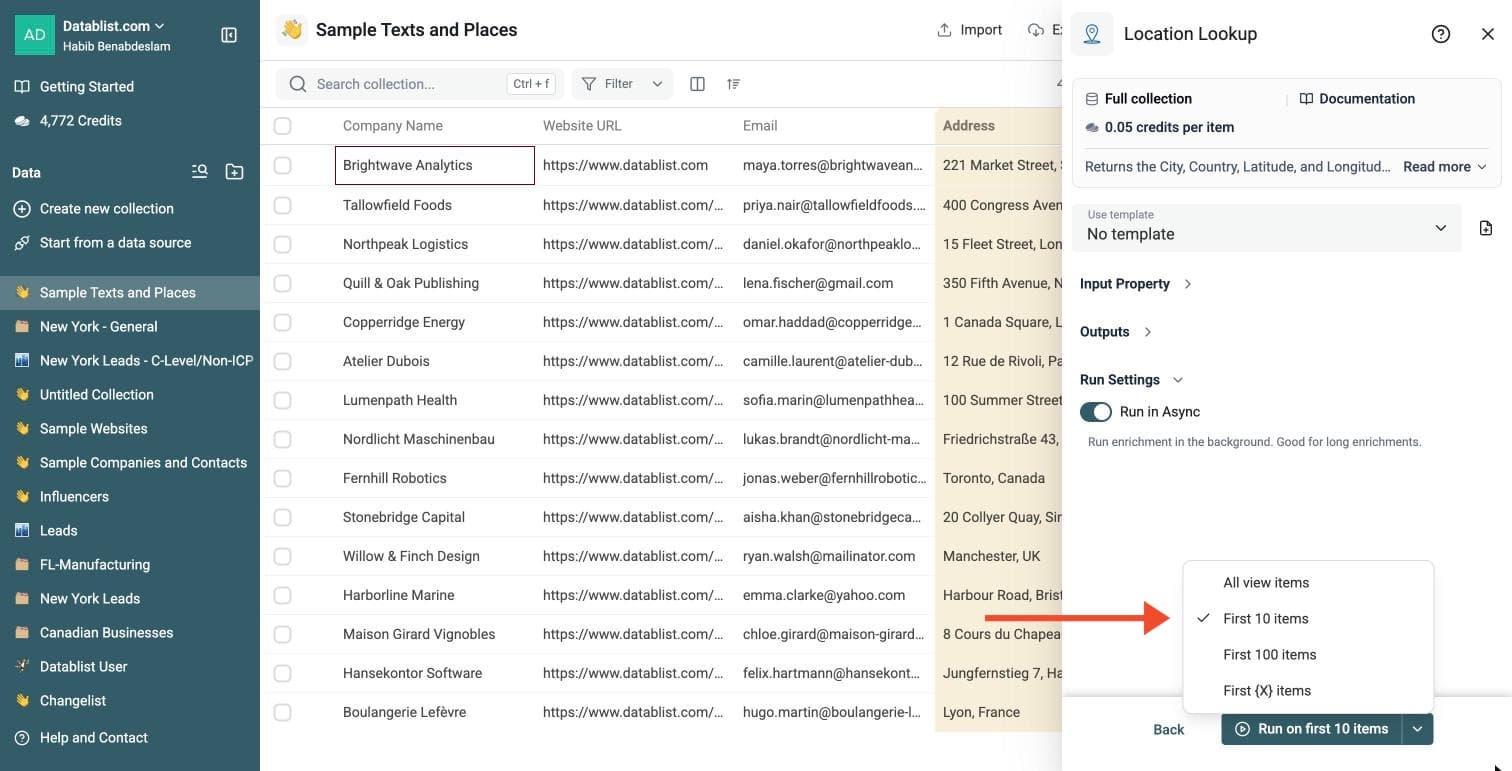
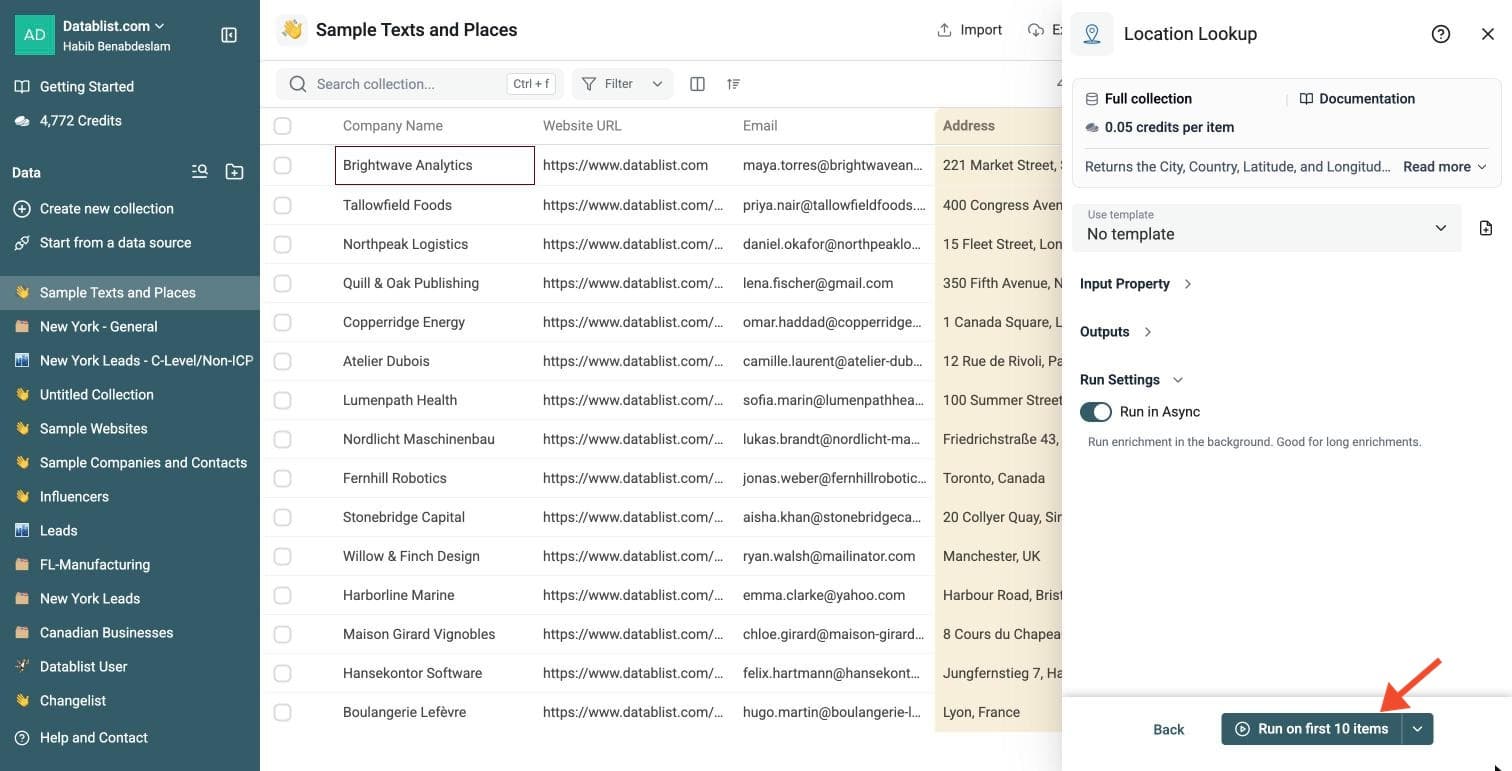
Click the chevron on the right side of the run button to choose how many items to process:
-
Run on first 10 items: Good for checking results before committing
-
Run on first 100 items: Useful for validating larger samples
-
Run on all view items: Process your entire list (or view if you've enabled filters)
Location Lookup costs 0.05 credits per location.
Review a small sample and the run-status column before processing the full list. Filter rows that need attention, fix inputs or settings, and rerun those rows. Export your collection when the results are ready.
What You Get
The Location Lookup enrichment can return:
- City - The matched city name, when available.
- Country - The matched country name.
- Country Code - The ISO 3166-1 alpha-2 country code, such as
fr,gb, orde. - Latitude - The latitude coordinate.
- Longitude - The longitude coordinate.
Use the run-status column to filter unsuccessful rows and review the location text. Coordinates are returned when available and may describe a city or area rather than an exact street address. Review them before distance-based routing or mapping.
Common Use Cases
Segment Leads by Country
Clean free-text location fields from LinkedIn exports, event attendees, or forms. Then filter leads by country before routing them to the right sales team.
Prepare Data for Maps
Add latitude and longitude to cities, stores, offices, suppliers, venues, or customers before importing the data into a map tool.
Normalize CRM Locations
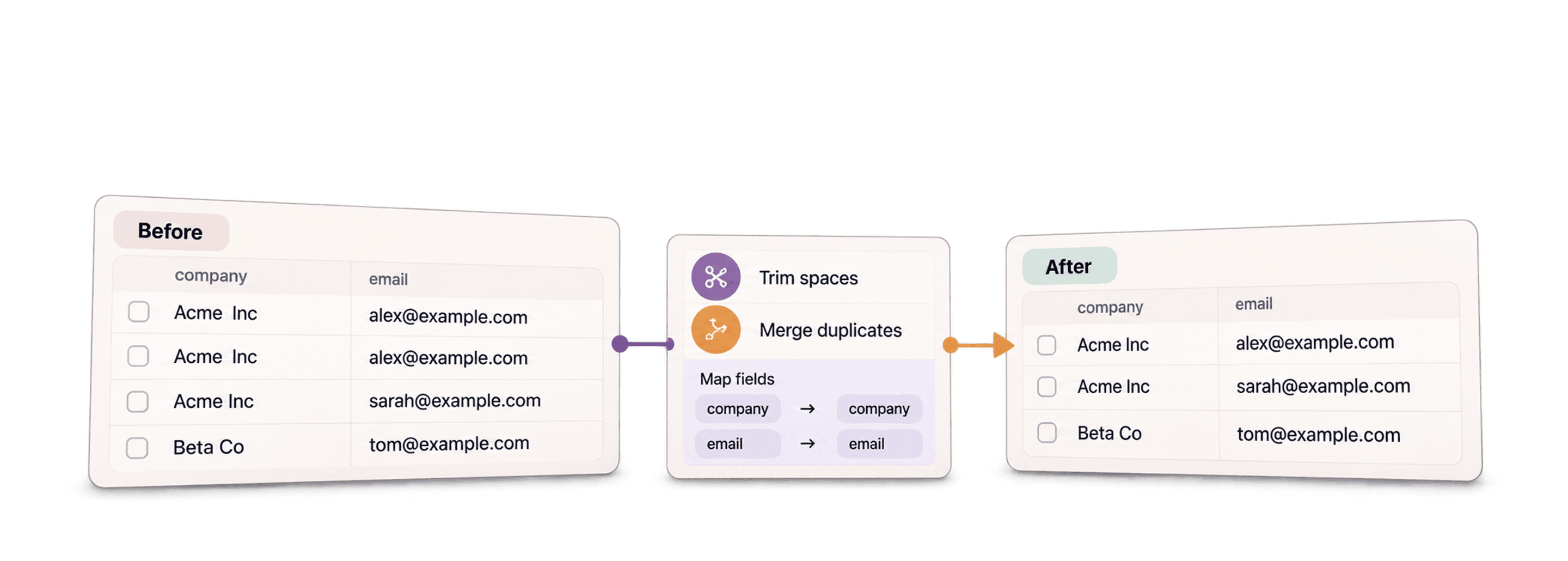
Turn mixed location values into consistent city and country columns. This helps deduplication, reporting, and territory assignment.
Clean Recruiting Data
Normalize candidate locations before filtering by region, remote policy, or office proximity.
Cost Examples
Location Lookup costs 0.05 credits per processed row.
Examples:
- 1,000 rows cost 50 credits.
- 10,000 rows cost 500 credits.
- 100,000 rows cost 5,000 credits.
Rows with empty location data are marked as empty and do not return a location.
Tips for Better Results
- Include the country when city names are ambiguous, such as "Paris, France" or "Paris, Texas".
- Keep raw location text in the original column and save results to new columns.
- Use the country code output when you need stable filters or exports.
- Run a preview on rows from several countries before launching a large job.
- Filter rows with no result and enrich them again after adding more context.
Best Inputs for Location Lookup
Location Lookup is built for messy location text. It can help when your file mixes cities, countries, abbreviations, addresses, and free-text locations.
Examples:
NYCParis, FranceBerlinAustin TXLondon, UK- Full postal addresses
For best results, keep one location per row. If a row contains several locations, split the data before enrichment.
Empty location inputs do not return location fields and cost 0 credits. A non-empty lookup costs 0.05 credits even when it finds no location.