 0.01 Credits per Number
 Local → International Format
 500 Free Credits to Try













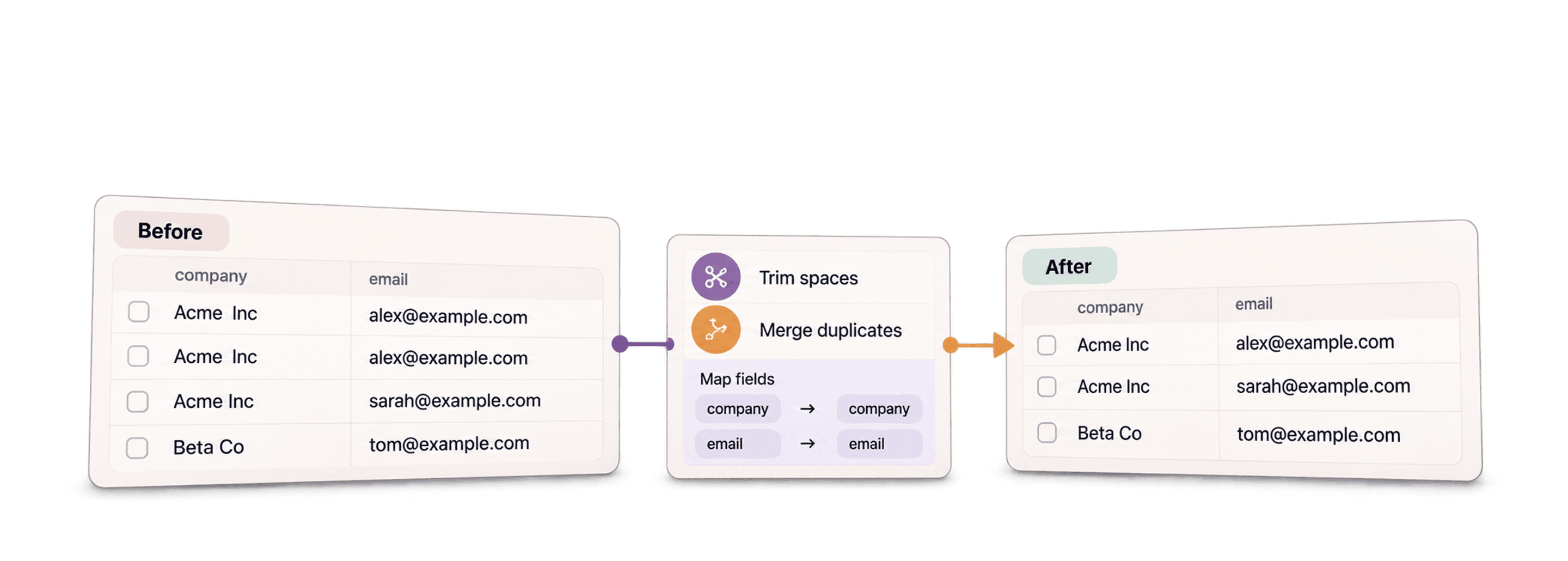
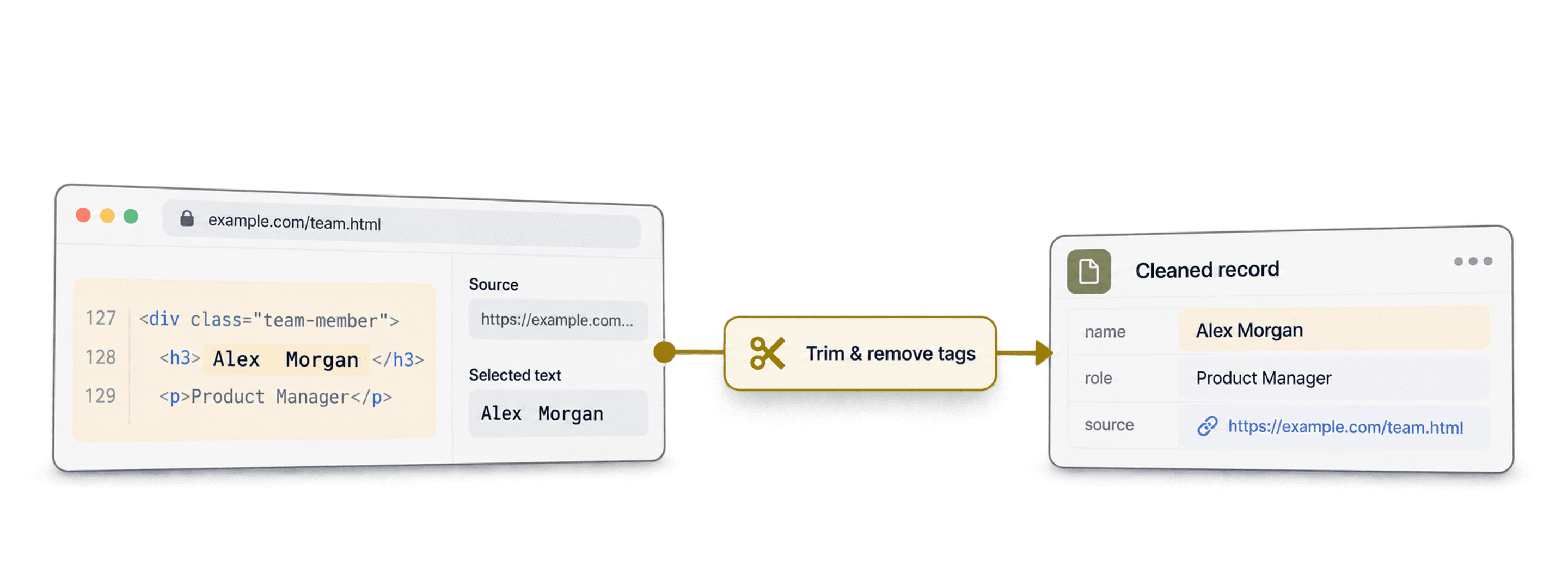
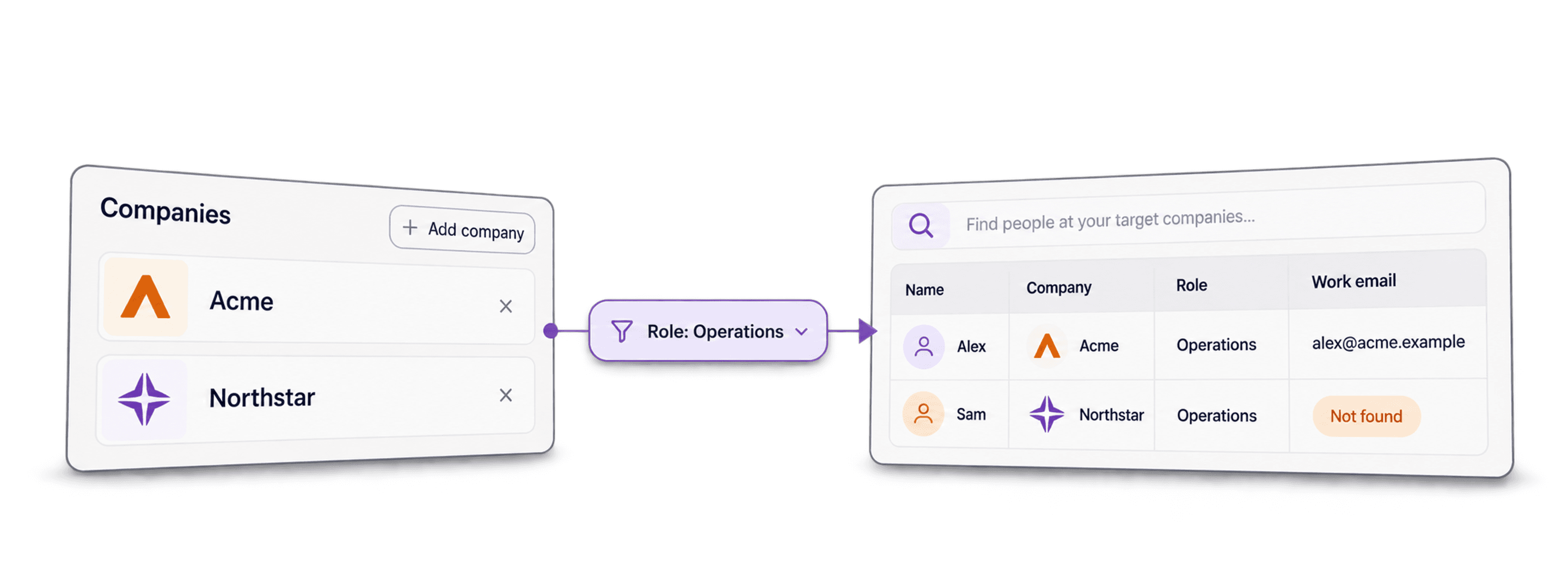


 Easy to Use
 All Settings Are Optional
 Fully No-Code
Step-by-Step Guide
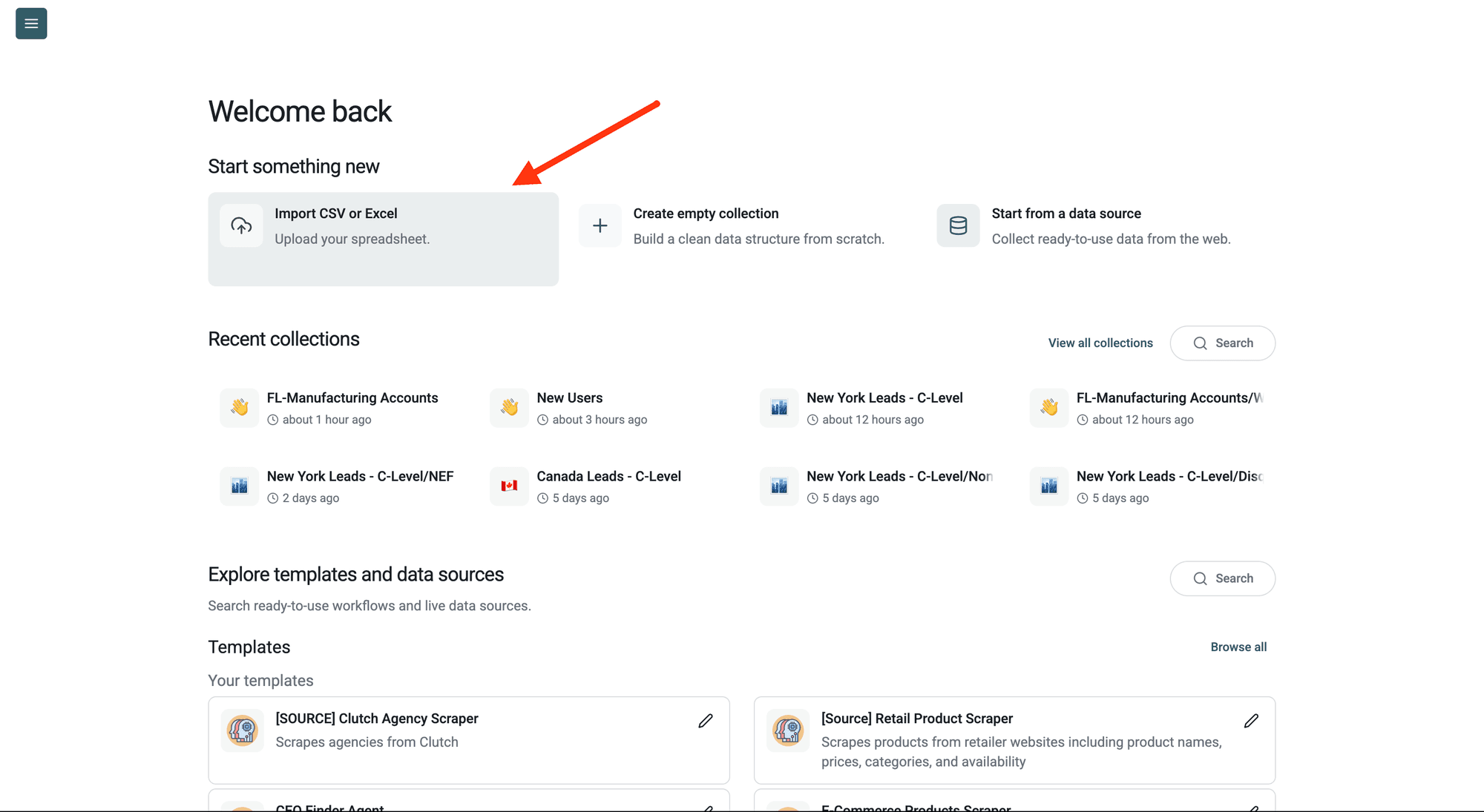
Step 1: Sign Up & Upload Your Data
First, sign up for Datablist.com
Create a collection with the CSV editor. Then, upload your CSV or Excel file with the phone numbers you want to clean. Filter out rows with an empty Phone Number value before running.
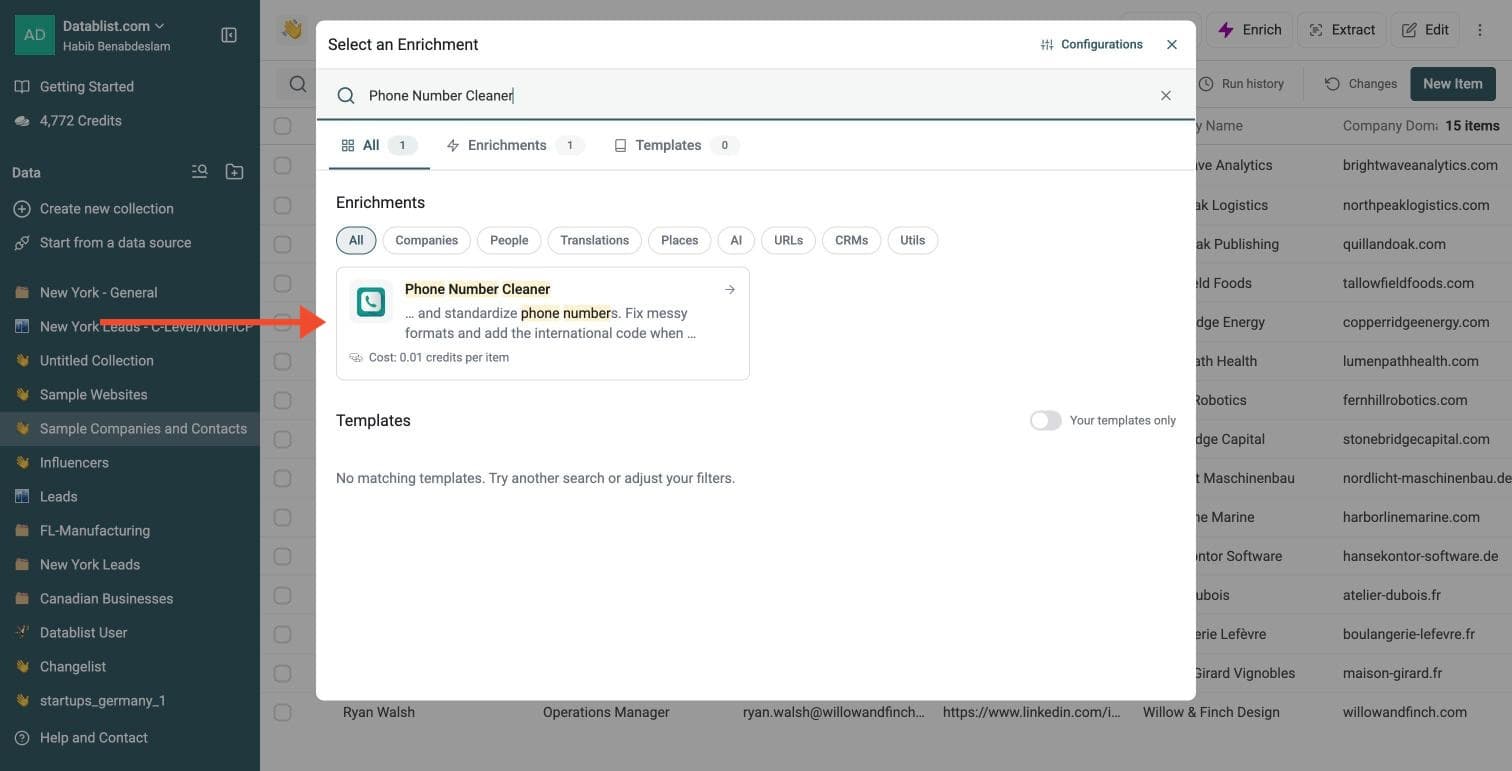
Step 2: Navigate to the Enrichment
Click Enrich in the top menu and search for Phone Number Cleaner.
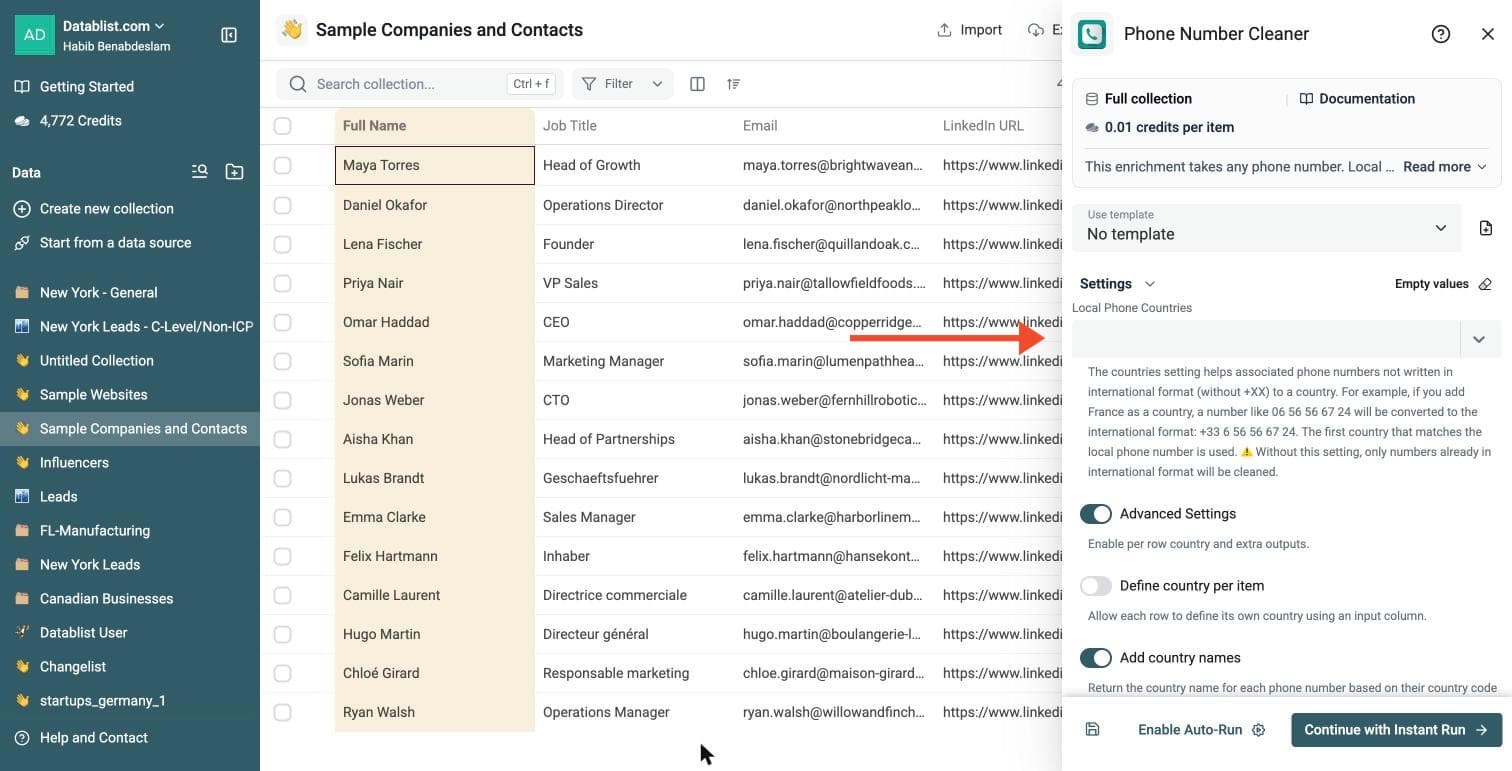
Step 3: Set Up the Enrichment
In the drawer that opens, set the country and the extras:
-
Local Phone Countries: the countries of your contacts. It adds the international code to local numbers, and the first country that matches a local number is used
-
Advanced Settings: switch it on to define the country per item and to add extra outputs
-
Add country names and Add Phone Number type: each one adds an output
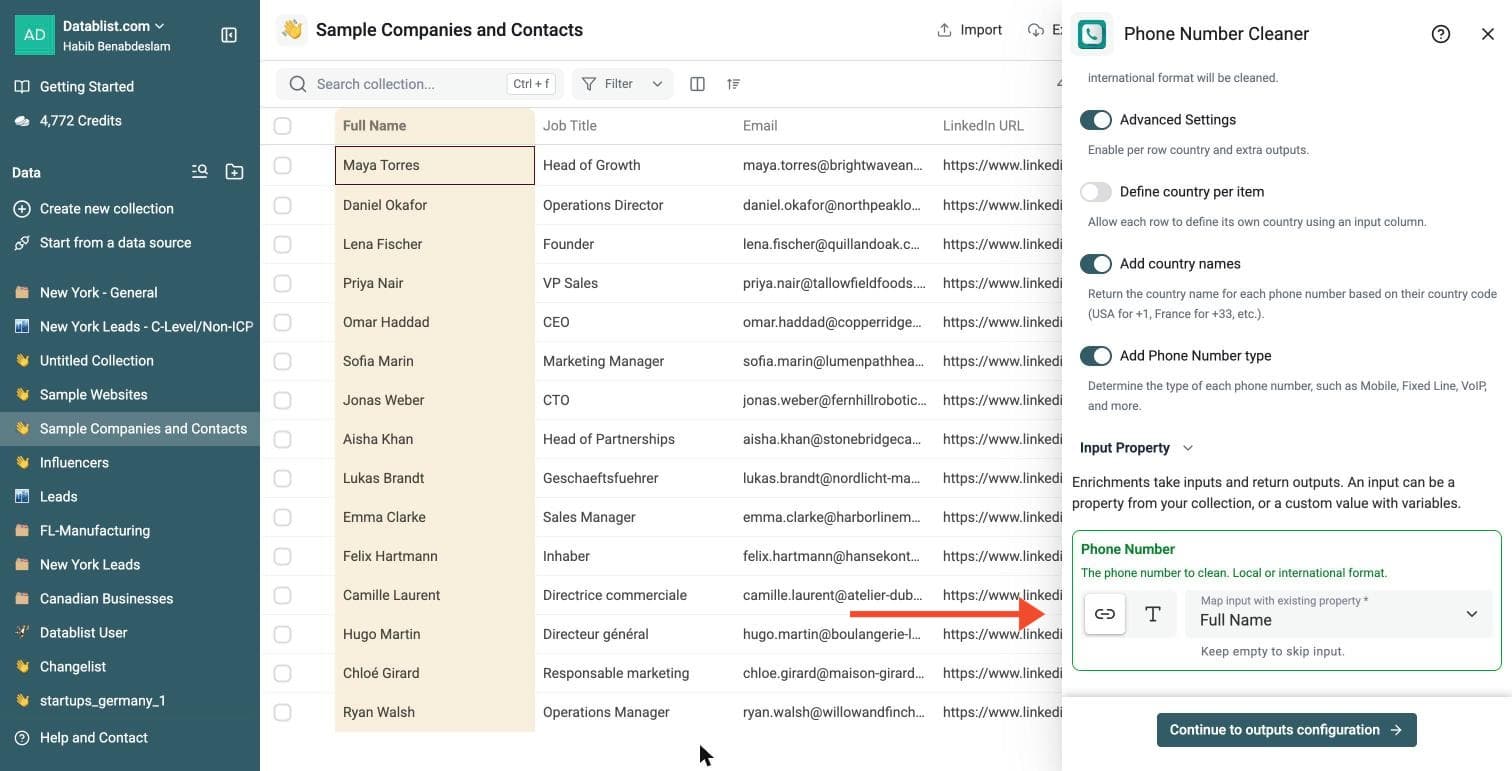
Step 4: Configure Your Inputs
Map the Phone Number input to the column that holds the phone numbers. Local and international formats both work.
Then click Continue to outputs configuration.
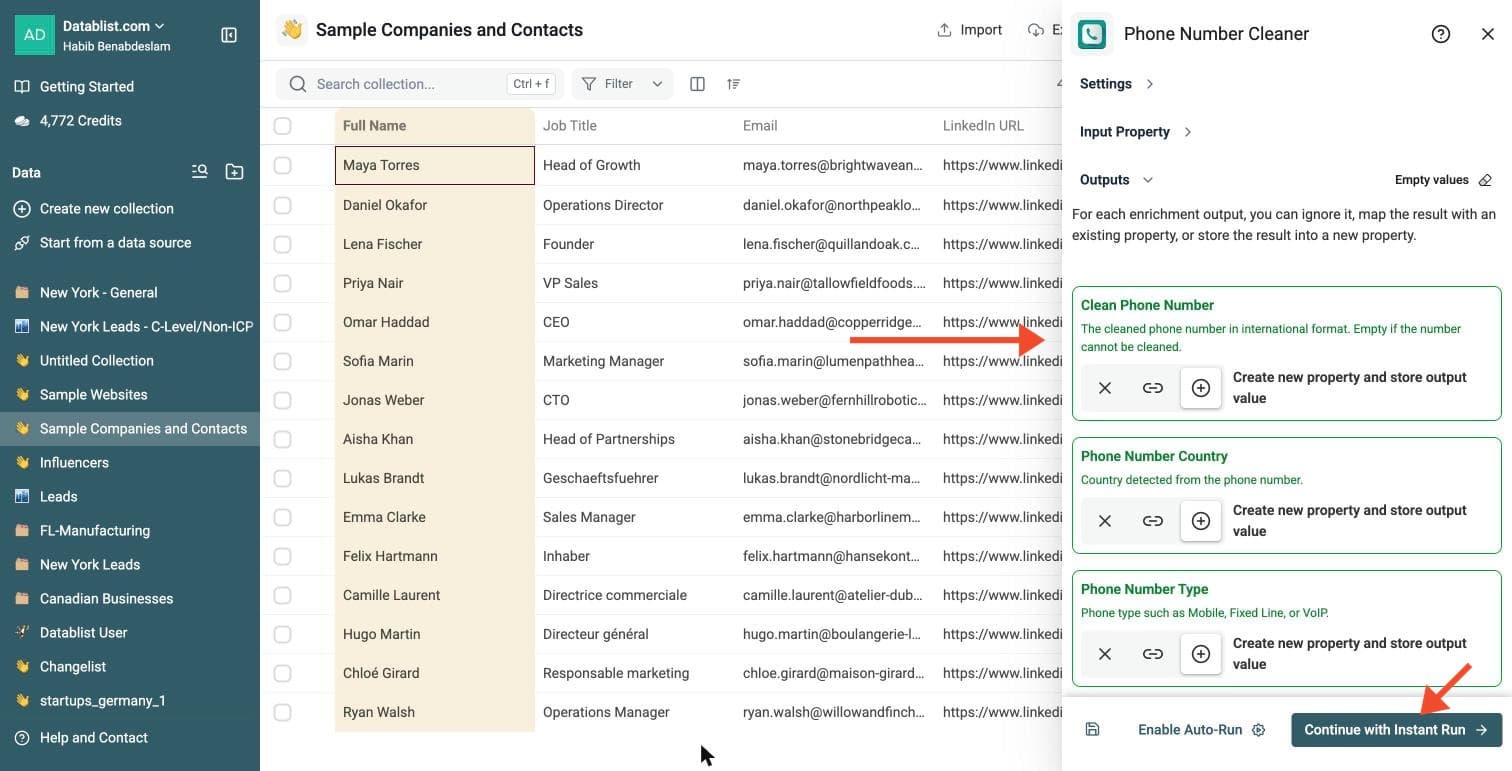
Step 5: Select Outputs
Phone Number Cleaner can return:
-
Clean Phone Number: the number in international format, empty if it cannot be cleaned
-
Phone Number Country: the country detected from the number
-
Phone Number Type: Mobile, Fixed Line, VoIP and more
Click the ⊕ icons to add them to your collection, then click Continue with Instant Run.
Step 6: Run the Enrichment
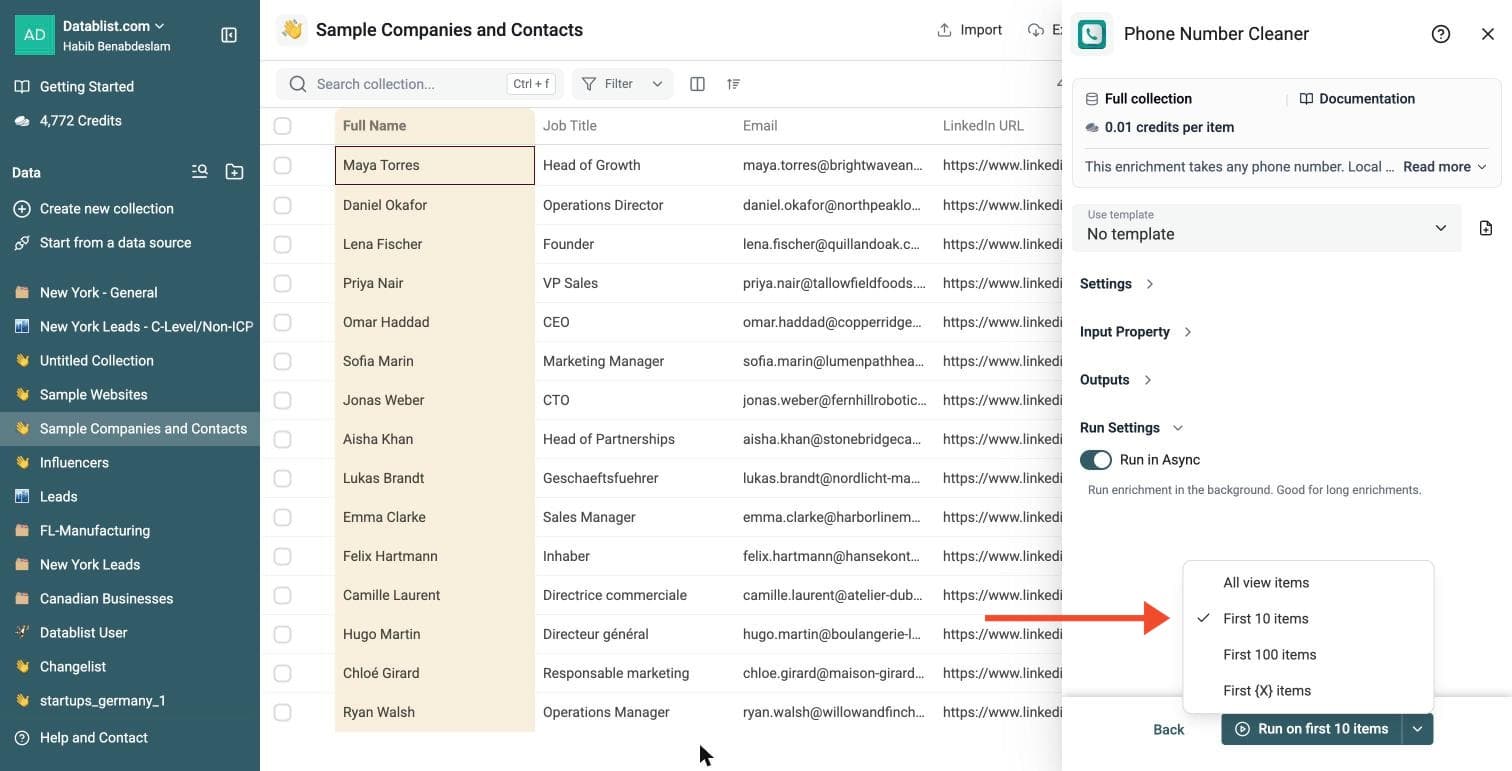
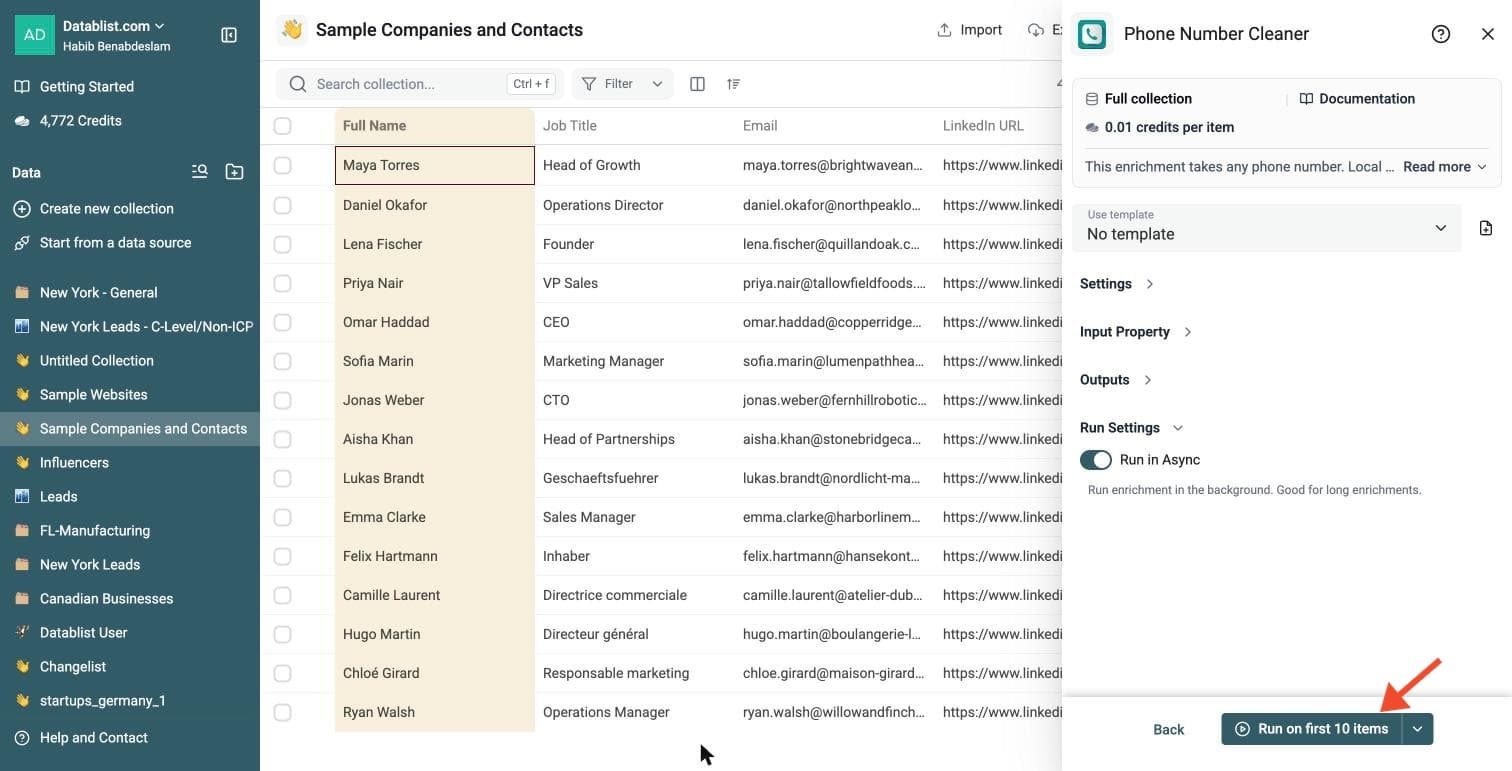
Click the chevron on the right side of the run button to choose how many items to process:
-
Run on first 10 items: Good for checking results before committing
-
Run on first 100 items: Useful for validating larger samples
-
Run on all view items: Process your entire list (or view if you've enabled filters)
Phone Number Cleaner costs 0.01 credits per number.
Review a small sample and the run-status column before processing the full list. Filter rows that need attention, fix inputs or settings, and rerun those rows. Export your collection when the results are ready.
Cost
This enrichment is highly efficient. Cleaning a phone number costs 0.01 credits.
- $20 Package (20,000 credits): Process 2,000,000 phone numbers.
- $165 Package (200,000 credits): Process 20,000,000 phone numbers.
You can clean massive datasets without breaking the budget.
Why use this enrichment?
Dirty data ruins marketing campaigns. This tool fixes common data issues automatically.
- Standardize Formats: Convert numbers to international format, such as +1 415-555-2671. If your dialer or SMS tool requires compact E.164 values, remove the formatting spaces and hyphens before export.
- Local to International: Turn local numbers (e.g., 06 12 34 56 78) into valid international numbers by specifying a target country.
- Identify Line Type: Use available Mobile, Fixed Line, or VoIP metadata to segment your list. Some numbers return ambiguous or unknown types; this is not a live telecom lookup.
- Validate Data: Check possible number formats and lengths. Review empty results and country settings; this does not verify whether a line is connected or active.
- Country Detection: Automatically detect the country origin from the dial code.
Use Cases
Prepare SMS Marketing Lists SMS gateways require numbers in international format. Upload your local customer list, set the "Local Phone Countries" setting to your region, and generate a clean list ready for broadcast.
Clean Web Scraped Data Data scraped from websites often contains inconsistencies: dashes, spaces, dots, or missing codes. The cleaner recognizes phone-number patterns and returns international formatting.
Segment Lists by Line Type Separate mobile numbers from landlines. Send text messages to mobiles and route landlines to your sales team for cold calling.
Fix CRM Data Entry Errors Sales teams often enter numbers hurriedly. Standardize these entries to ensure your CRM integrates correctly with VoIP dialers.
Ideal Workflows
Lead Generation Workflow
- Scrape: Use the Google Maps Scraper to gather business contacts.
- Clean: Run the Phone Numbers Cleaner.
- Input:
Phonecolumn from the scraper. - Settings: Add
France(or your target market) in "Local Phone Countries" to fix numbers missing the prefix.
- Input:
- Filter: Use the
Phone Number Typeoutput to keep only "Mobile" numbers. - Export: Download the list for your outreach tool.
Global Customer Normalization
- Import: Upload a CSV with customer data from multiple regions.
- Map Country: If your data has a "Country" column, enable Advanced Settings and Define country per item, then map it to the Country input. This tells the cleaner which rule to apply for each row individually.
- Process: The tool formats numbers based on their specific row country.
- Verify: Check the
Clean Phone Numberoutput. Review empty fields for missing country settings, typos or numbers that cannot be cleaned before discarding them.