 0.20 Credits per Check
 Detects Parked Domains
 500 Free Credits to Try













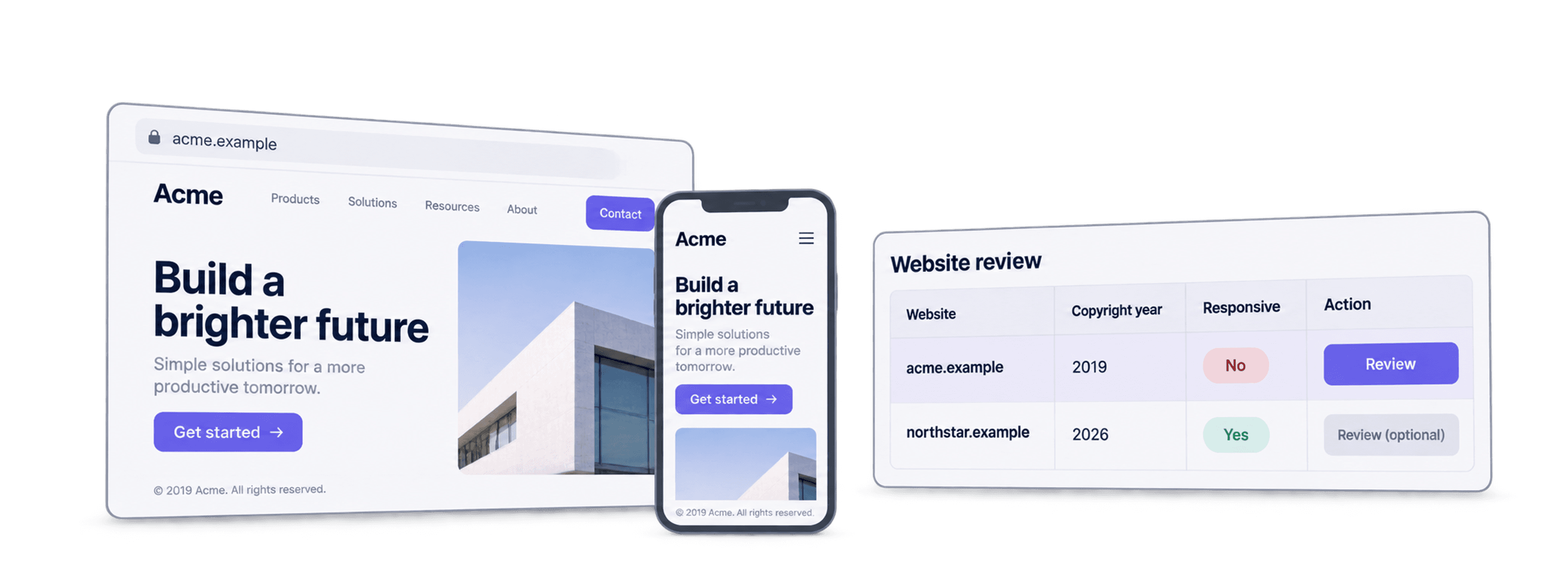
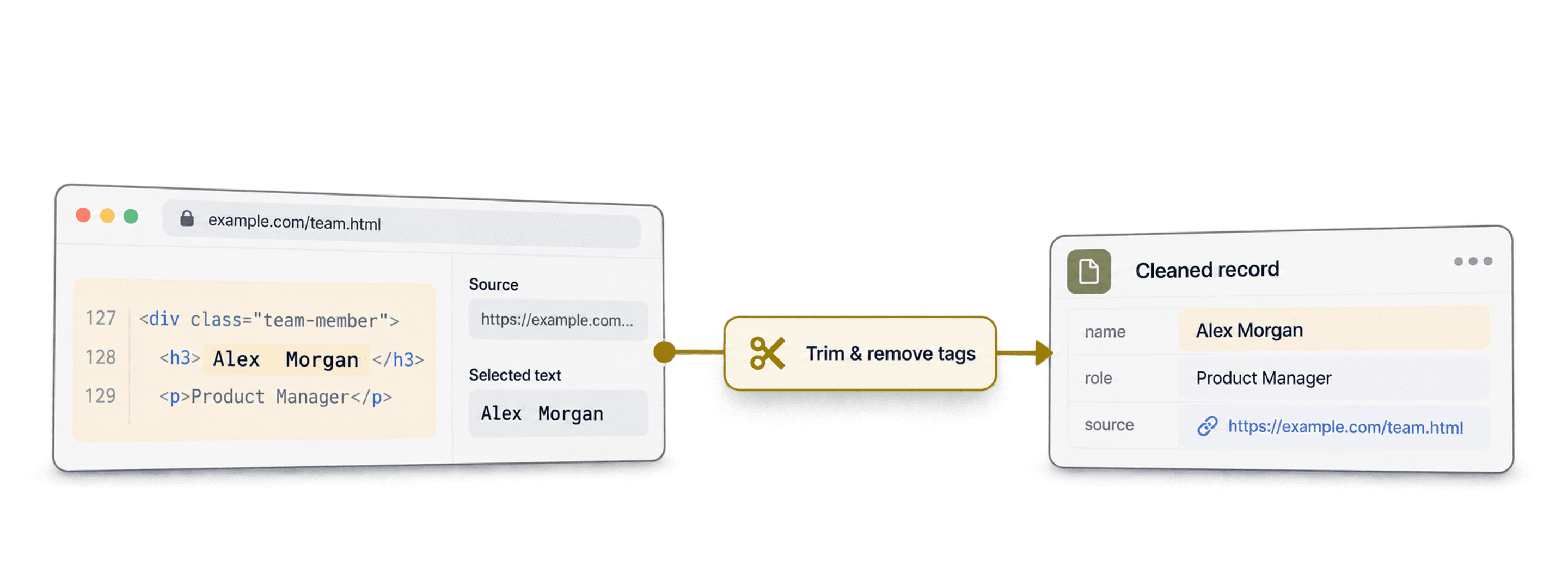
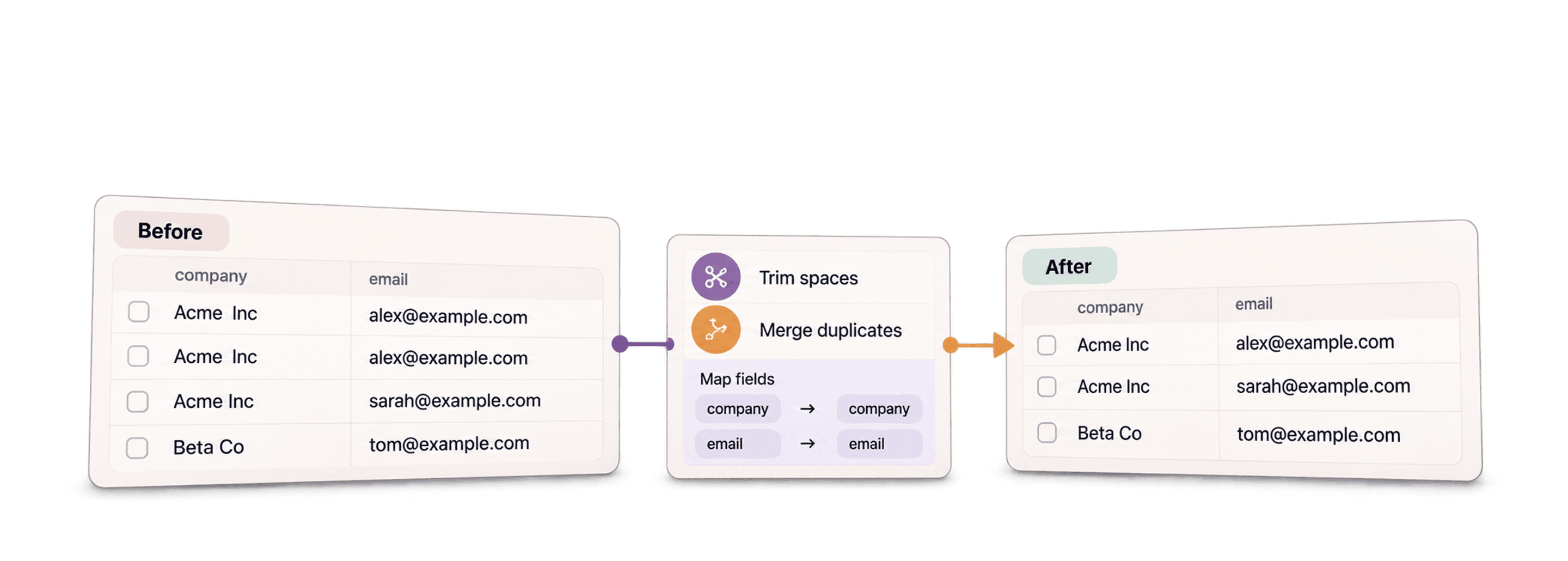


 Easy to Use
 All Settings Are Optional
 Fully No-Code
Step-by-Step Guide
Step 1: Sign Up & Upload Your Data
First, sign up for Datablist.com
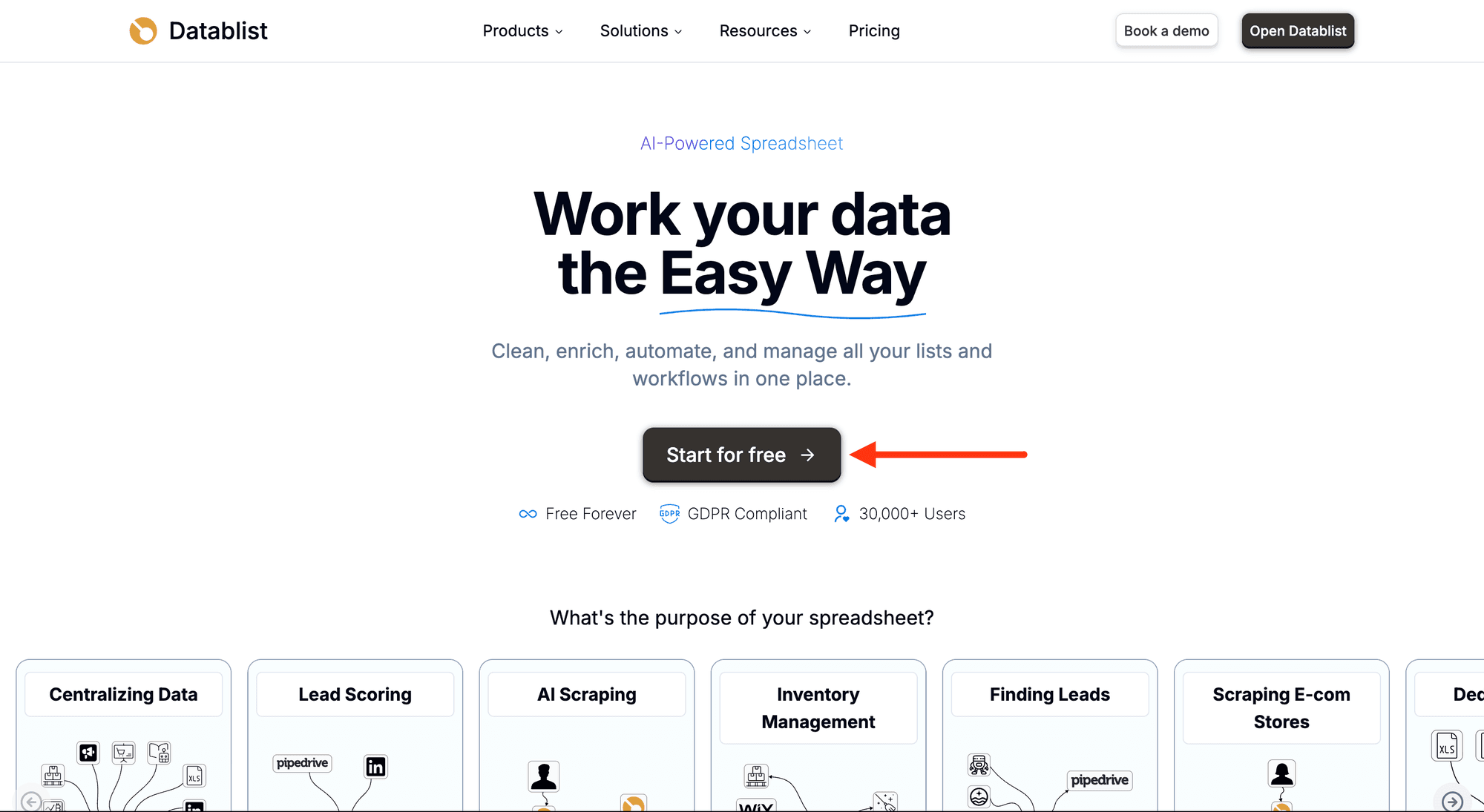
Then, upload your CSV or Excel file with the website URLs you want to check.
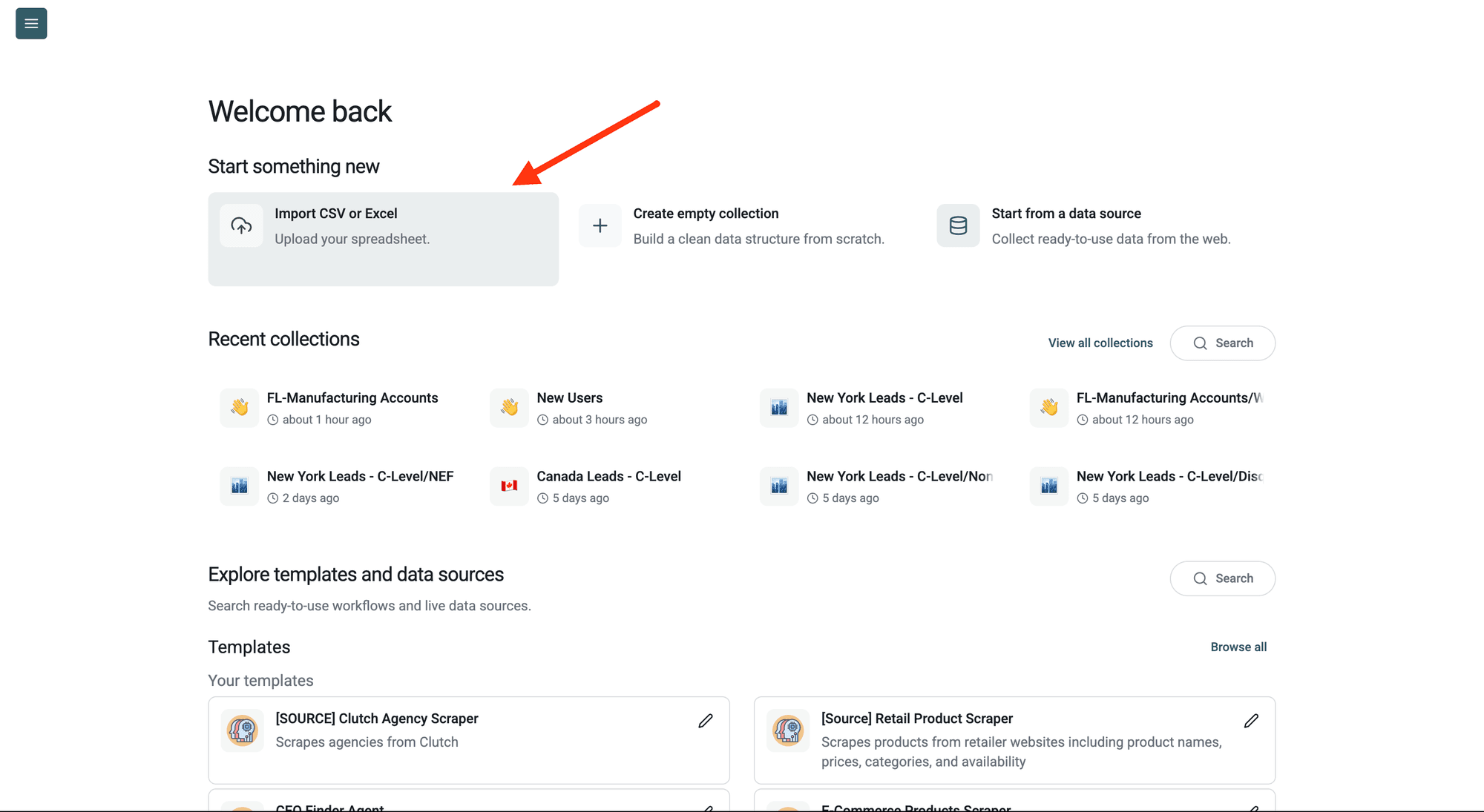
Step 2: Navigate to the Enrichment
Click Enrich in the top menu and search for Website Status & Parked Domain Checker.
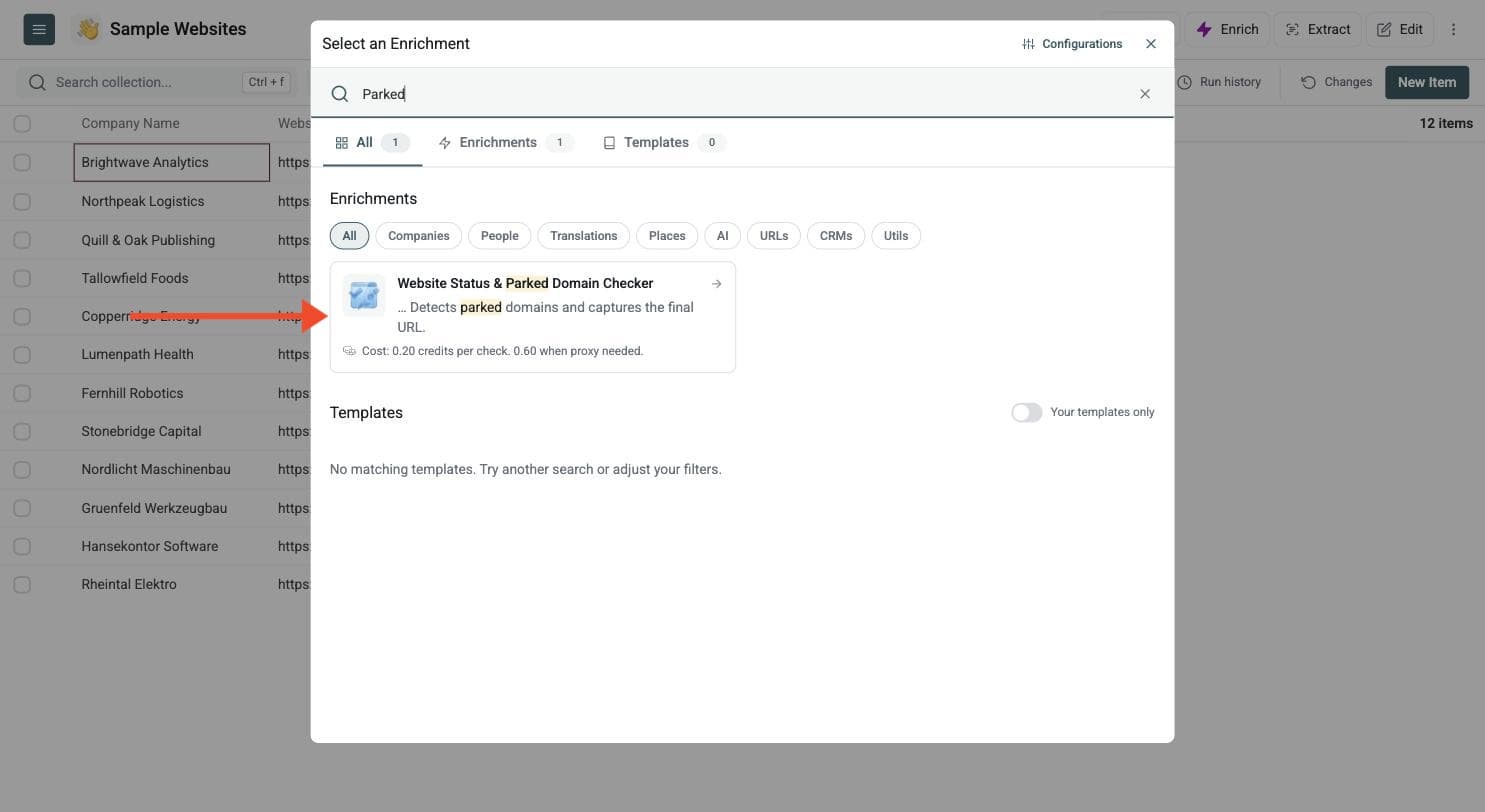
Step 3: Set Up the Enrichment
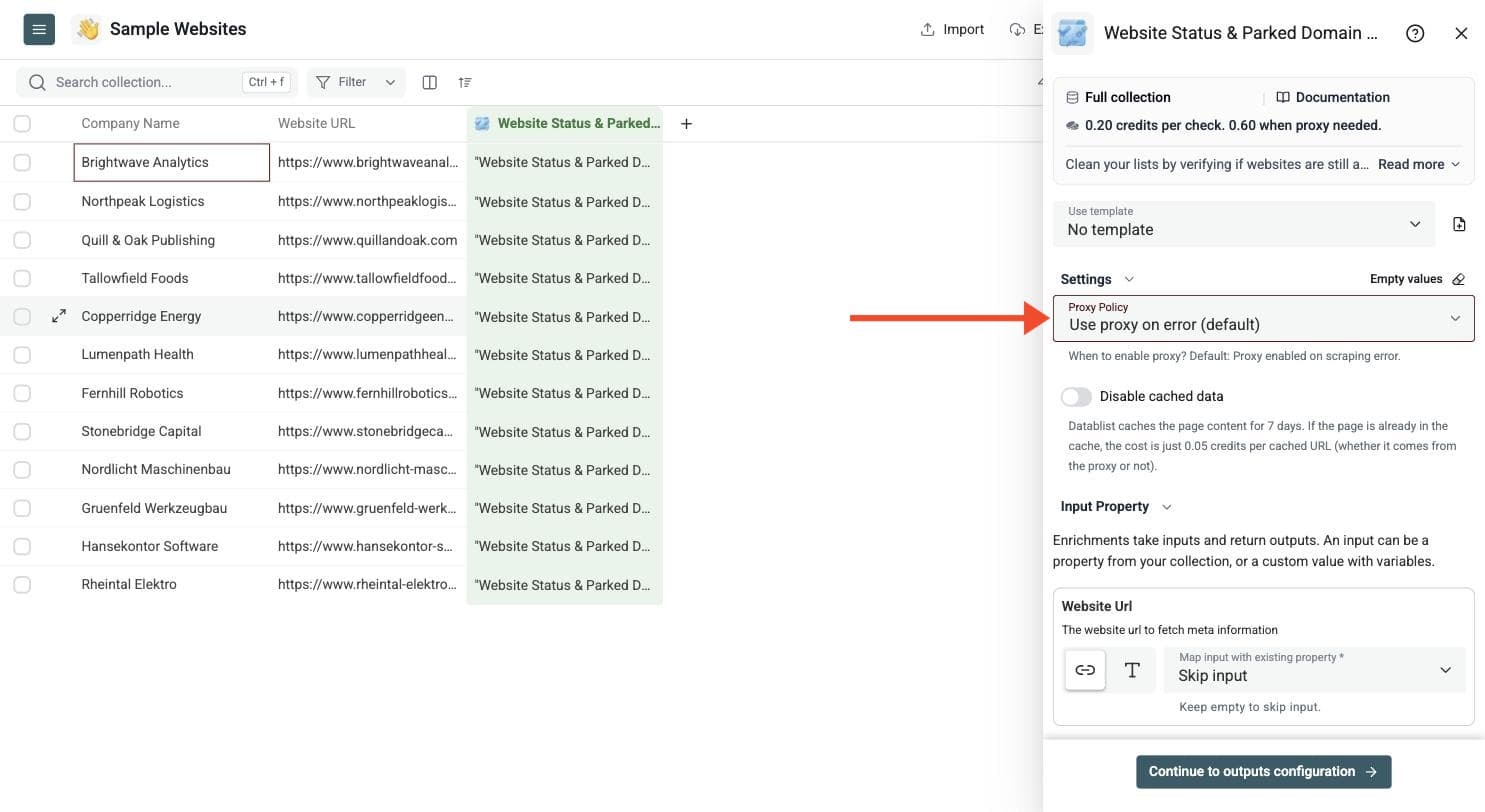
You'll see the following settings:
-
Proxy Policy: When to retry with a proxy. The default is to enable the proxy on a scraping error.
-
Disable cached data: Datablist caches page content for 7 days. A cached URL costs 0.05 credits, and this setting skips the cache for a fresh check.
A standard check costs 0.20 credits. When a site blocks it and the proxy is needed, the check costs 0.60 credits.
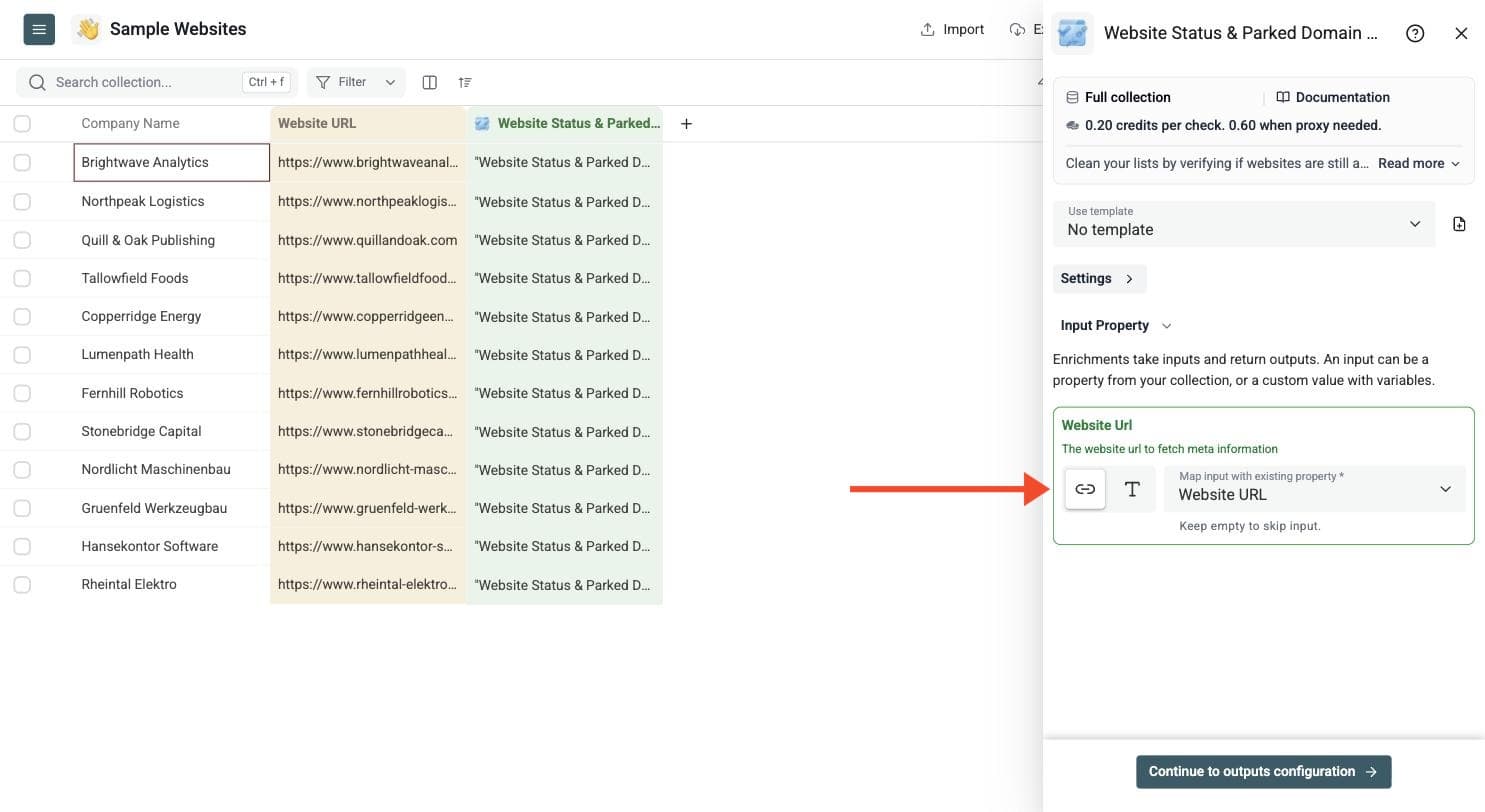
Step 4: Configure Your Inputs
- Map the column containing your website URLs to Website Url.
Then click Continue to outputs configuration.
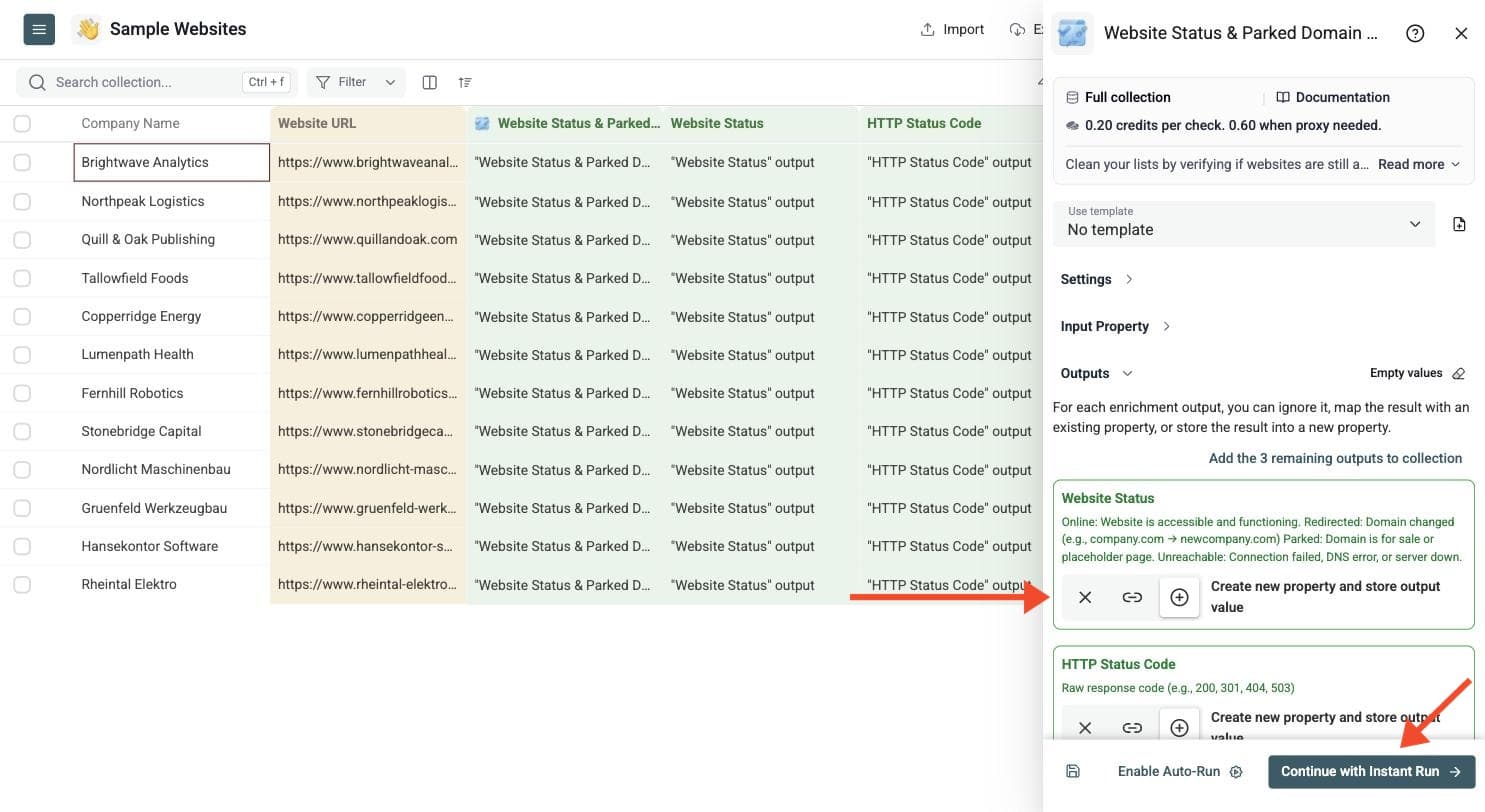
Step 5: Select Outputs
The checker returns five outputs:
-
Website Status: Online, Redirected, Parked or Unreachable
-
HTTP Status Code: The raw response code, such as 200, 301, 404 or 503
-
Final URL: The destination URL after following redirections
-
Page Title: The text inside the HTML title tag
-
Error Message: The technical description when a check fails
Click the ⊕ icons to add them to your collection, then click Instant Run.
Step 6: Run the Enrichment
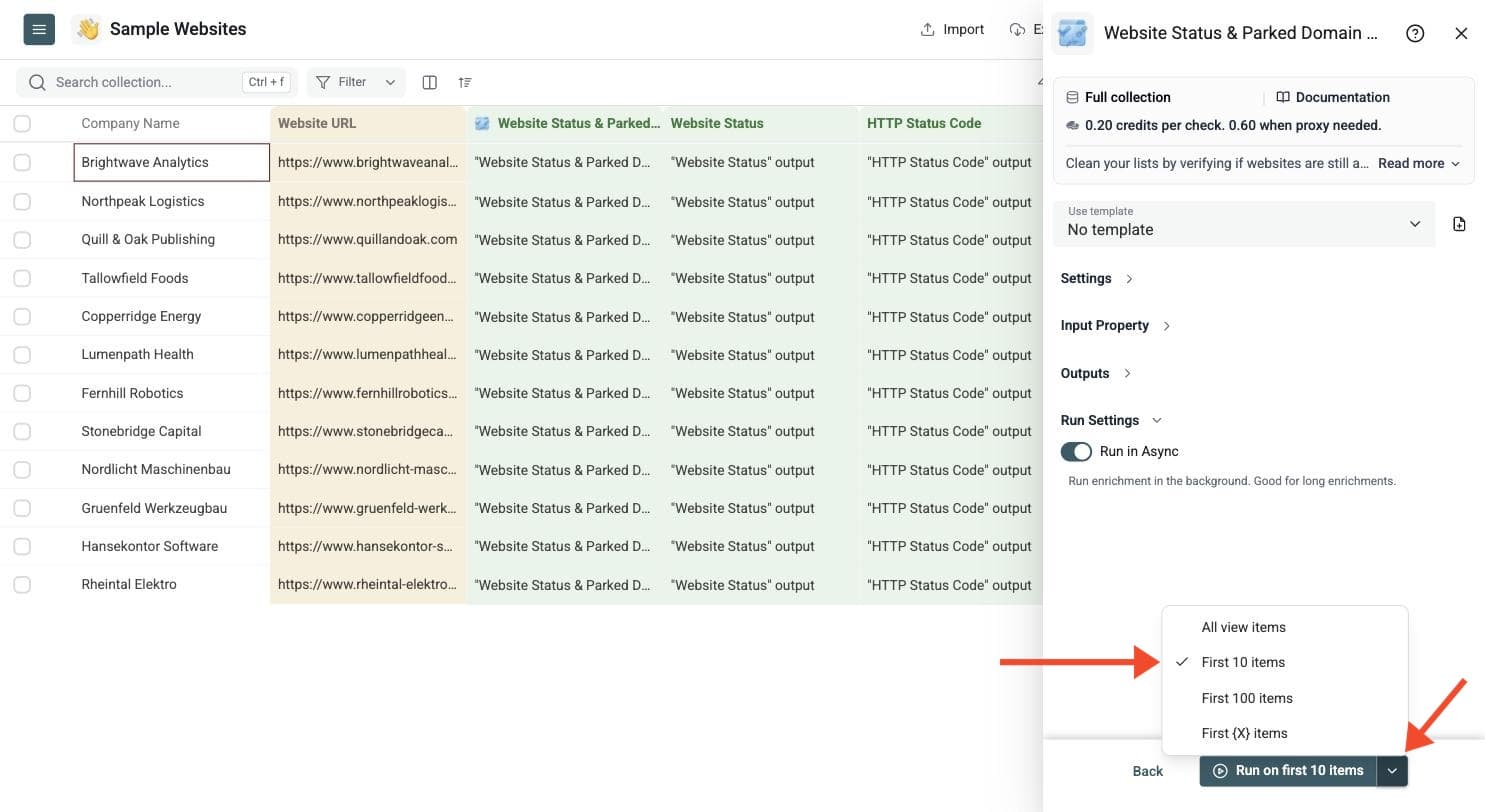
Run a sample first. Click the chevron on the right side of the run button to choose how many items to process:
-
Run on first 10 items: Good for checking results before committing
-
Run on first 100 items: Useful for validating larger samples
-
Run on all view items: Process your entire list (or view if you've enabled filters)
Understand Website Status and HTTP Codes
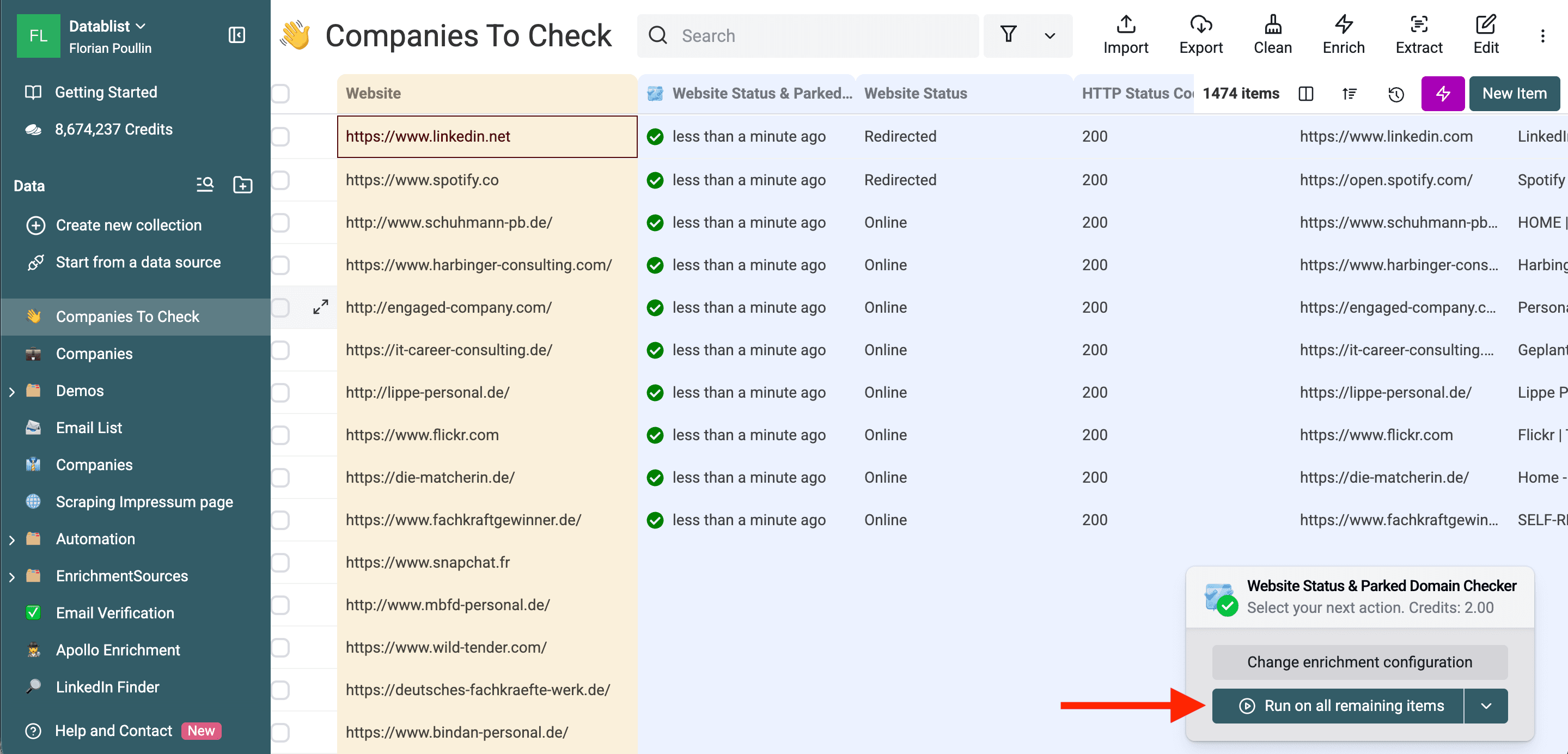
Review Website Status together with HTTP Status Code, Final URL, Page Title and Error Message. A 200 response alone does not prove the page is an active company's website: a parked or placeholder page can also return 200.
- Online: A usable website response was found. Review the page identity if the domain came from an old list.
- Redirected: The domain redirects to another domain. Check the final destination before replacing the original account URL.
- Parked: Page signals suggest a for-sale or placeholder website. This is a review flag, not proof that the business has closed.
- Unreachable: The request could not reach a usable page. Inspect the error before deciding whether the problem is temporary or the URL is obsolete.
For technical review, 403 can indicate a blocked request, 404 a missing page, and 500-series codes a server problem. DNS, timeout and SSL errors can also explain failed checks. The checker follows redirections, so use the final URL rather than expecting the raw HTTP code alone to describe the redirect chain.
You can check a homepage or a deep link such as example.com/blog/article. A broken deep link does not mean the whole domain is offline. Proxy retries can help with protected sites, but do not guarantee access. Use Disable cached data when you need a fresh check rather than a recent cached result.
Use Cases
CRM Data Hygiene and Rebrand Review
Run old account domains through the checker before cleaning CRM data. Separate redirected, parked and unreachable rows for review. Compare a redirect's final URL with the original company before updating records; a domain change can reflect rebranding, an acquisition or an unrelated destination.
Cleaning Web Scraped Lists
Check websites collected from directories or Google Maps Scraper before further enrichment. Keep the original URLs and review failed checks rather than deleting every row that is not Online. See cleaning web-scraped data for a broader cleanup workflow.
Broken Links and Supplier Review
For a backlink or outreach list, inspect missing pages and their final destinations before contacting the website owner. For a supplier list, an offline site is a reason to investigate, not evidence of financial trouble.
Website Checks Do Not Verify Email Mailboxes
An unreachable website does not establish whether name@company.com can receive email. Website hosting and email delivery are separate. Use Waterfall Email Verifier for email validation and deliverability checks.
Credit Examples
At the standard 0.20-credit rate, 100,000 uncached checks use 20,000 credits. Ordinary proxy checks cost 0.60 credits each, while a usable cached URL costs 0.05 credits. Your proxy policy and cache settings affect the total. Use the calculator for current packages and currency rather than the old fixed-dollar package examples.