
The best LinkedIn Sales Navigator scraper for you depends on the search you need to export, whether you want to provide your own LinkedIn session, and which fields must appear in the result. Datablist, Skrapp, Evaboot, PhantomBuster, and Apify take different approaches. Check the account connection and the cost of a sample run before processing a full lead list.
LinkedIn's prohibited software guidance says that third-party tools that scrape or automate activity on LinkedIn violate its User Agreement. A mode that does not ask for your cookie reduces the exposure of your account credentials; it does not guarantee compliance or zero account risk.
📌 Quick choice
Choose by the search you need, whether the tool uses your LinkedIn session, and the output fields you can verify in a sample.
Datablist offers a default mode without your LinkedIn account and an optional mode that uses your
li_atcookie. Other products and Apify actors have their own connection requirements, so check the specific workflow before running it.In Datablist, paste a Sales Navigator search URL, keep Scrape without providing LinkedIn account if you do not want to share a cookie, set a Limit, and review the credit estimate and available outputs before running.
LinkedIn Sales Navigator Scraper Comparison
| Tool | How it connects | What to check before a run | Cost model |
|---|---|---|---|
| Datablist | Default mode uses no user cookie; optional mode uses your li_at cookie | Search type, output fields, result limit, and credit estimate | Credits per returned lead depend on the selected mode |
| Skrapp | Browser extension used with a LinkedIn or Sales Navigator session | Whether the extension supports your search or list | Check the current plan and export allowance |
| Evaboot | Extension passes your Sales Navigator session details to its dashboard | List size and email enrichment options | Check the current export and enrichment charges |
| Phantombuster | LinkedIn connection uses a session cookie and user agent | Automation setup and account connection | Check the current plan and execution limits |
| Apify | Varies by the specific Actor | Actor input, session requirements, maintenance, and sample output | Varies by Actor and platform usage |
How We’ll Compare These Sales Navigator Scraper
The comparison is a starting point. Check the current product page and a small test export for the workflow you plan to use.
Account Safety
Check whether the tool asks for your LinkedIn cookie, credentials, or browser session. A mode without your cookie changes the credential exposure, but it cannot promise that a scraping workflow is approved by LinkedIn.
Lead Generation Usefulness
Start with the output you need: profile URLs, company names, or email addresses. A scraper may return a lead list without verified emails, which would require a separate enrichment step.
Pricing
Compare the cost of your actual run, including the selected search mode, result limit, and any email lookup. Subscription prices and per-lead costs can change; use each tool's current estimate rather than an old dollar figure.
Datablist: Choose How to Connect
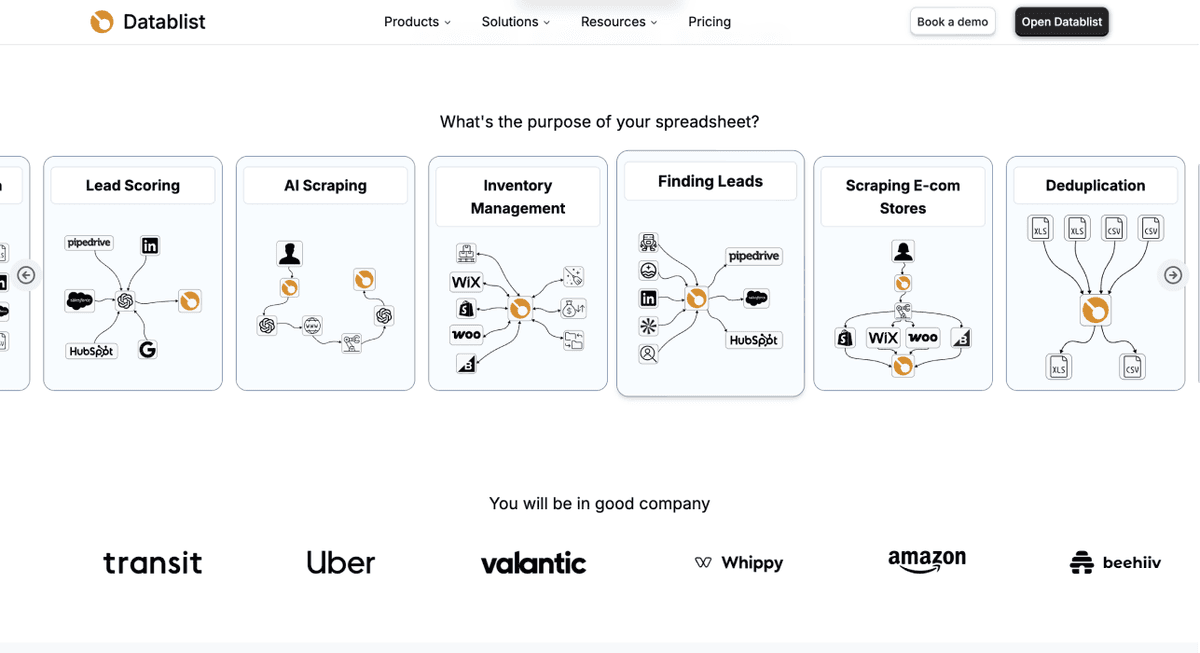
Datablist's LinkedIn Search Scraper accepts a Sales Navigator search URL and creates rows for the returned profiles or companies. The connection mode is a real choice: the default Scrape without providing LinkedIn account mode does not ask for your cookie; Scrape using your LinkedIn account asks for your li_at cookie. The latter connects the run to your session and is not available for Sales Navigator company searches.
Use the default mode if you do not want to provide an account session. If you select the account mode, understand what the cookie grants and review LinkedIn's rules on automated tools before proceeding. Neither mode guarantees that every search will succeed or that a LinkedIn account cannot be restricted.
Run a small Sales Navigator export
- In Sales Navigator, build a people or company search with the filters you need and copy the full search URL. Datablist may reject saved-search links or account-specific filters; a regular search URL is the clearest starting point.
- In Datablist, open the LinkedIn Search Scraper and paste that URL into LinkedIn Search URL. Check the detected search type and any validation message.
- Select Scrape without providing LinkedIn account unless you intentionally want to use your own
li_atcookie. For a Sales Navigator company search, use the mode without your account. - Set a small Limit, such as 25, then inspect the credit estimate shown beside that control. The current action configuration charges 20 credits per lead without your account or 10 credits per lead with your account; optional email finding can add credits. The in-product estimate is the amount to check before a run.
- Select the output fields you need, such as name, LinkedIn URL, company name, and company URL. Run the sample, inspect a few rows and statuses, and only then increase the limit.
A Sales Navigator search is not an email list by default. If email addresses are your goal, check whether email finding is enabled and review the extra cost and returned email fields. The full Sales Navigator workflow covers search setup in more detail.
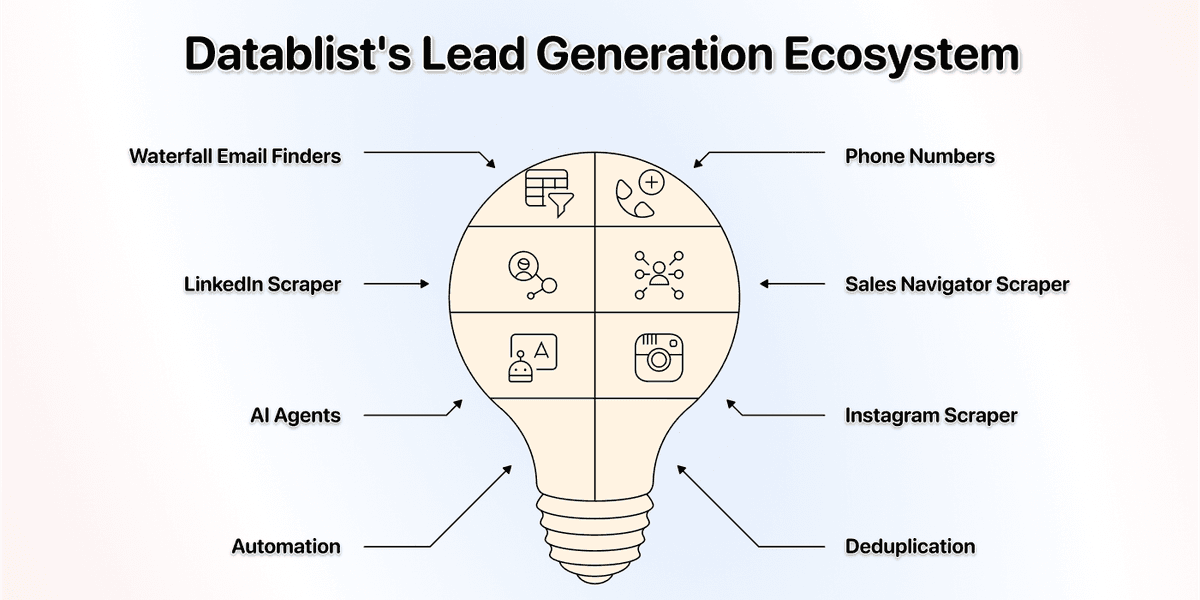
For a lead list, you can clean the returned rows, find duplicates, and enrich missing fields in the same collection. Those are separate steps; do not assume a scraped profile has a verified email or a current phone number.
LinkedIn Sales Navigator Scraper No.2: Skrapp
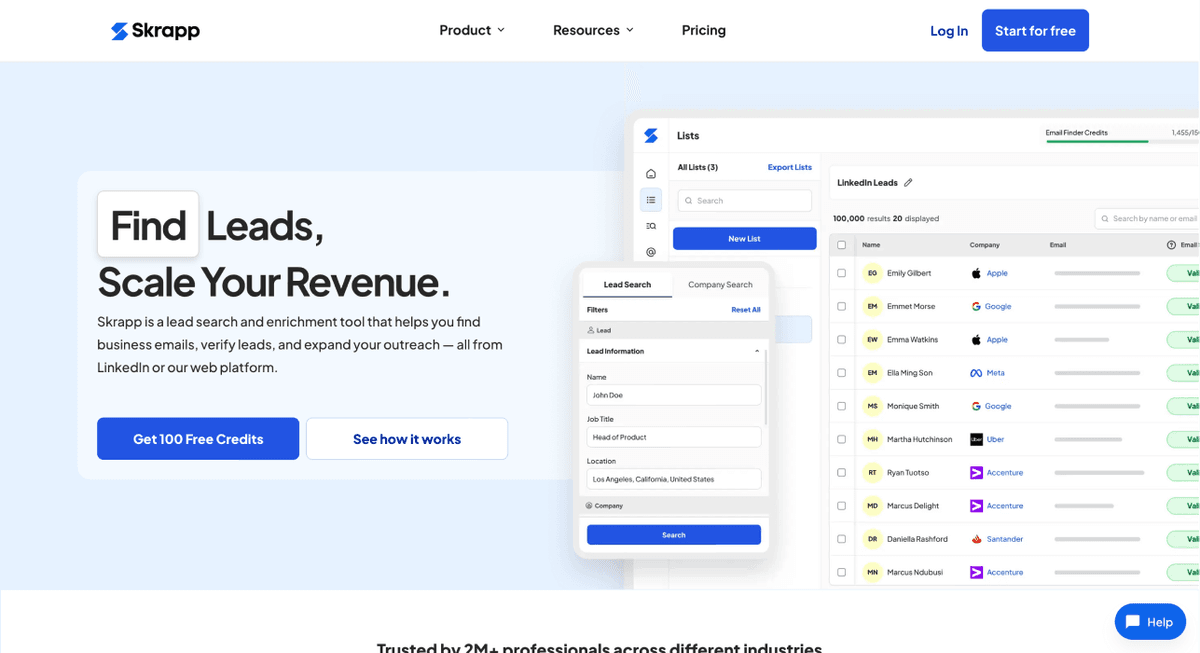
Skrapp's Sales Navigator extension workflow runs in your browser while you use LinkedIn. It is useful to consider when you want to export a Sales Navigator list and look for business emails in one workflow. Check which list or search types it accepts, whether email finding is included in your plan, and what the extension can access in your browser session. Test a small list and inspect the returned emails before treating them as ready for outreach.
LinkedIn Sales Navigator Scraper No.3: Evaboot
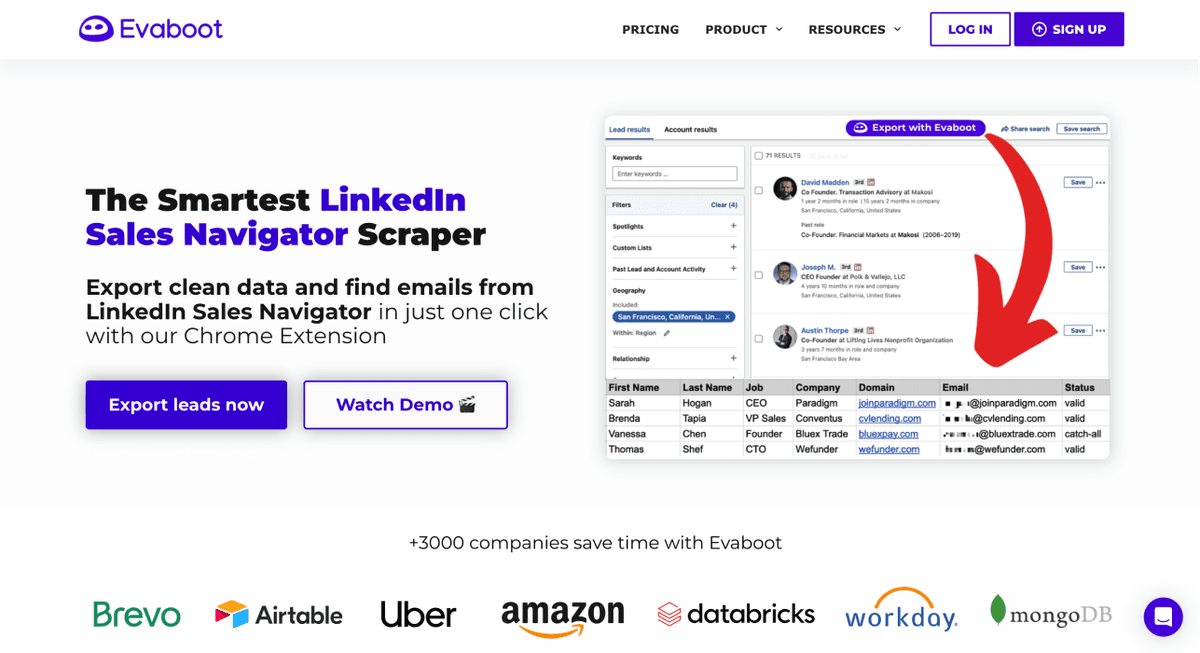
Evaboot's help center says its extension passes the Sales Navigator search URL, search type, and session details to its dashboard. This can suit a team already working inside Sales Navigator, but it means the export is tied to that session. Check the export allowance and whether email finding is a separate charge for your planned list size.
LinkedIn Sales Navigator Scraper No.4: Phantombuster
PhantomBuster offers reusable automations. Its connection instructions say that LinkedIn and Sales Navigator runs require a session cookie and user agent. That matters if your team cannot share account sessions with external tools. Compare the plan's execution allowance with the time your specific automation needs, then run a small test to check output quality.
LinkedIn Sales Navigator Scraper No.5: Apify
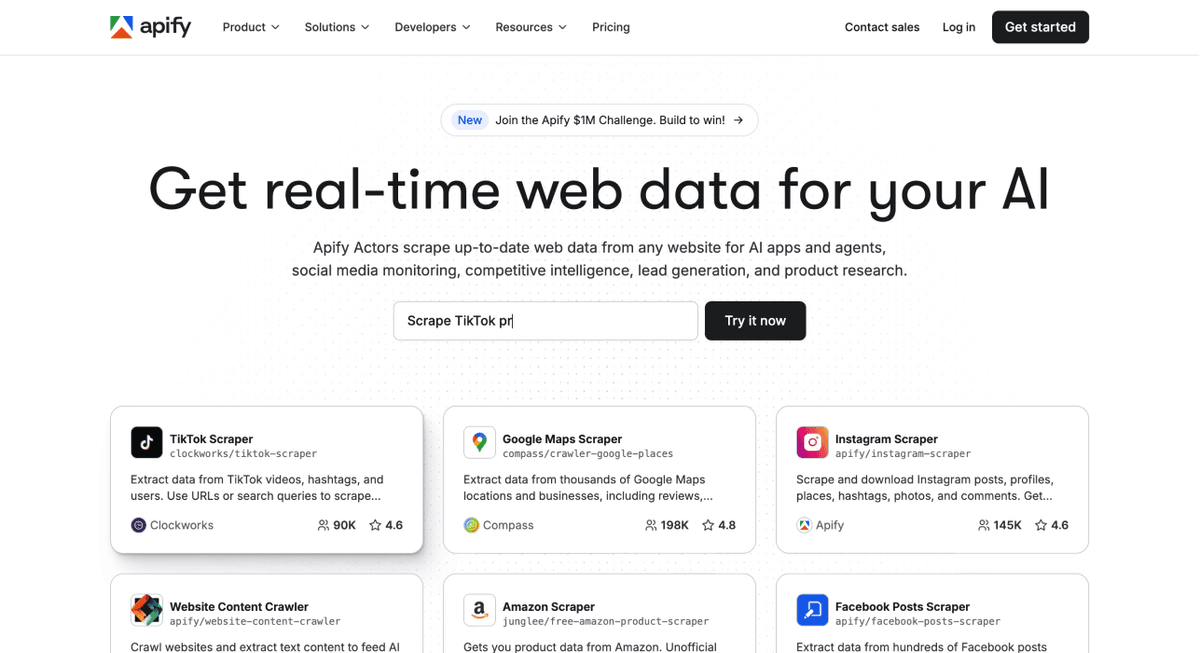
Apify is a marketplace of individual Actors rather than one Sales Navigator scraper. Check the Actor, not just the platform. Inputs, output schema, session requirements, maintenance status, and pricing vary. Some Actors ask for LinkedIn cookies; others advertise a no-cookie workflow. An Actor page can also show that it is under maintenance, so inspect its current status and sample output before committing a large search.
Choose a Scraper for Your Workflow
If you already have a Sales Navigator search URL and want a collection you can clean and enrich, try a small Datablist run in the default mode. If your team works from saved lists or needs a browser-based export, inspect what Skrapp or Evaboot supports. If you need custom automation, compare PhantomBuster and the specific Apify Actor. In every case, verify the connection method, source rules, output fields, and current cost before expanding the run.
Frequently Asked Questions
Do I need a Sales Navigator subscription?
You need access to Sales Navigator to create and inspect its search filters and copy a search URL. Datablist's default scraping mode does not ask you to provide a LinkedIn cookie. If you use a tool or mode that connects to your own Sales Navigator session, that account needs the relevant access.
What's the difference between Datablist and Evaboot?
Datablist offers a default mode without your account cookie plus an optional cookie-based mode. Evaboot's documented extension workflow uses your Sales Navigator session details. Choose based on your search type, account-access policy, output fields, and the estimate for your list.
How much does it cost to scrape Sales Navigator?
In Datablist, the action configuration currently uses 20 credits per lead in the default mode and 10 credits per lead with your account; email finding can add a separate charge. Enter a result Limit to see the current estimate before running. Other tools use plan allowances or Actor-specific charges, so compare costs for the same number of results and fields.
What's the best Sales Navigator scraper?
There is no single choice for every search. Datablist is a practical starting point when you want to use a search URL without providing your cookie and then work on the rows. A browser extension may fit a list-based workflow, while an Actor may fit a custom pipeline. Test the actual search and inspect the results.
Can I scrape without sharing my LinkedIn cookie?
Yes, Datablist's default mode does not ask for your cookie. Some Apify Actors also advertise this approach. Avoid interpreting “no cookie” as a promise that a scraping workflow complies with LinkedIn's rules or that it always returns complete data.
Does a no-cookie mode remove all account risk?
It avoids handing your own session cookie to the tool. It does not change LinkedIn's rules for automated collection, and no provider can promise zero risk or uninterrupted access.
Which tool works for B2B lead generation?
Start from the fields your team needs. Profile and company URLs can support research; verified contact details may require a separate enrichment and review. Test the output against a small group of known leads before building a larger campaign.
Can I use a Chrome extension?
You can find extensions for Sales Navigator, but check what session access they require and read LinkedIn's prohibited-software guidance before using one.
How is Sales Navigator scraping different from regular LinkedIn scraping?
Sales Navigator search URLs can encode its sales filters and return a more targeted set of people or companies. The fields a scraper returns still depend on its provider and the selected outputs; do not assume an email address is included.