
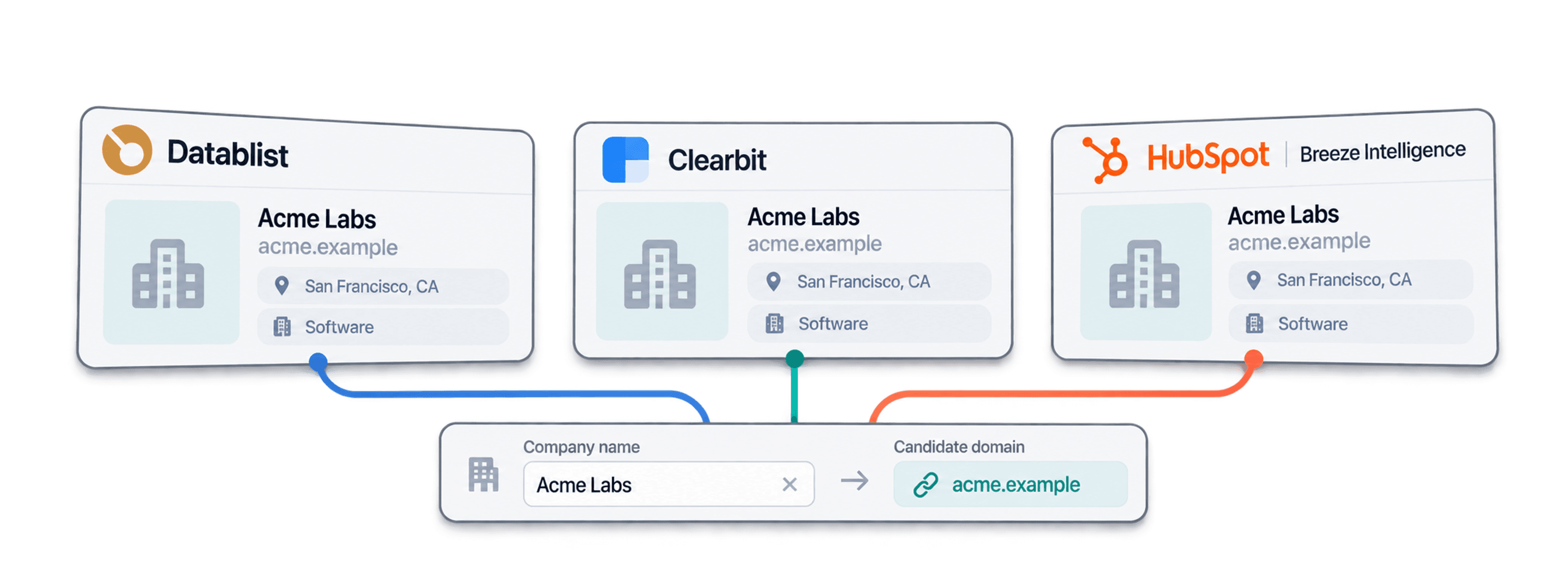
A Clearbit alternative for company name to domain lookup should turn your company-name list into domains you can review and reuse. Datablist does this on CSV and Excel rows: map the company name, add country context, choose a lookup workflow, and save the domain, full URL, confidence, and status beside each original record.
I would start with a small batch containing ambiguous names and companies from several countries. A domain match is useful only when it identifies the company you intended. This guide shows that review process, the differences from HubSpot record enrichment, and how to budget the lookup without confusing credits with a guaranteed result.
You can start that review with the free company website finder. Paste up to ten company names and inspect the domains and confidence levels. Use the bulk enrichment below when you need to process the rest of your CSV.
What This Guide Will Cover
- The current Clearbit and HubSpot distinction
- A company-name-to-domain workflow
- Pricing and credit budgeting
- What to do after reviewing domains
- Choosing a replacement
- Common migration questions
The Three Domain Finding Tools
Clearbit legacy access
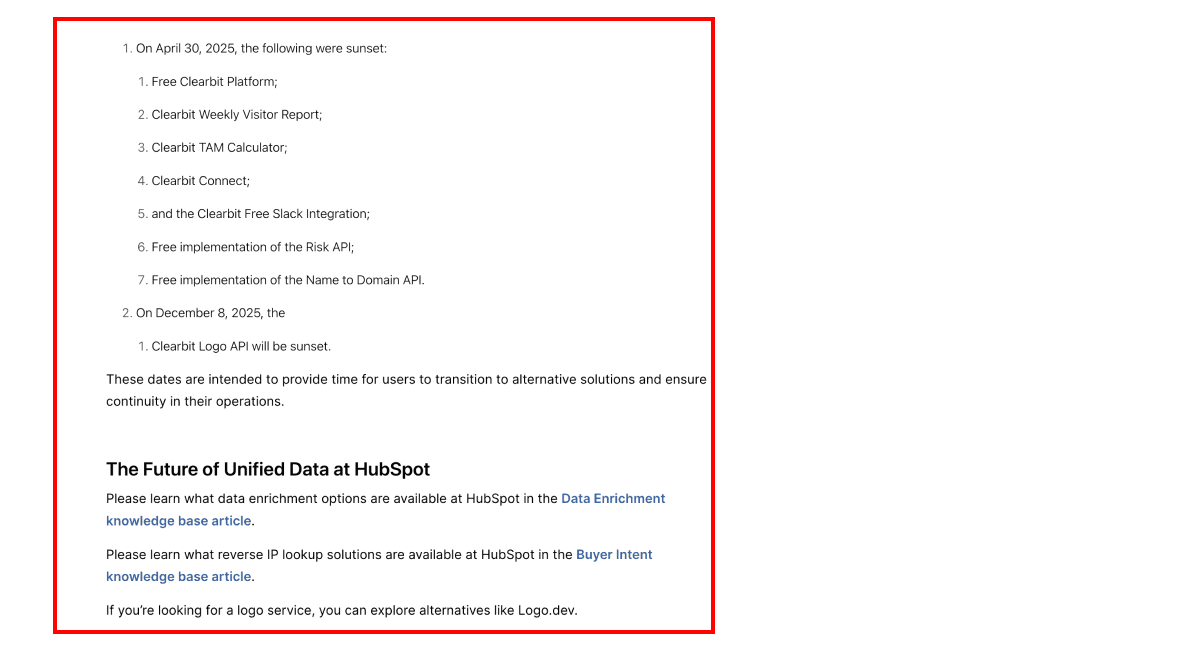
Clearbit's free-tools notice confirms that free Name to Domain access ended on April 30, 2025. Its API FAQ describes the legacy service as unsupported and says new accounts are not being created. Existing customers should confirm their own access rather than infer that every legacy endpoint has the same availability.
HubSpot enrichment works on CRM records
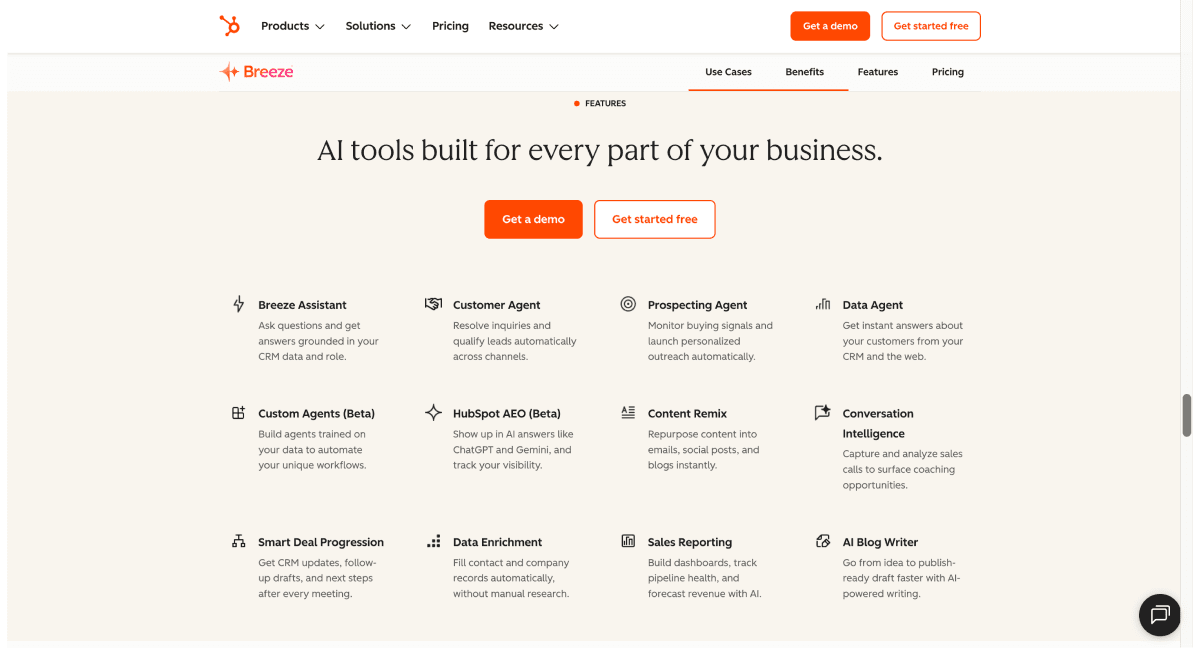
HubSpot's company enrichment documentation requires a company domain before a company record can be enriched. That documented workflow adds company data to a record with a domain; it does not solve the preceding task of finding a domain from a name-only CSV.
If your records already have domains and live in HubSpot, inspect its enrichment options first. If the domains are missing, resolve that input gap before comparing downstream fields.
Datablist resolves company names to websites
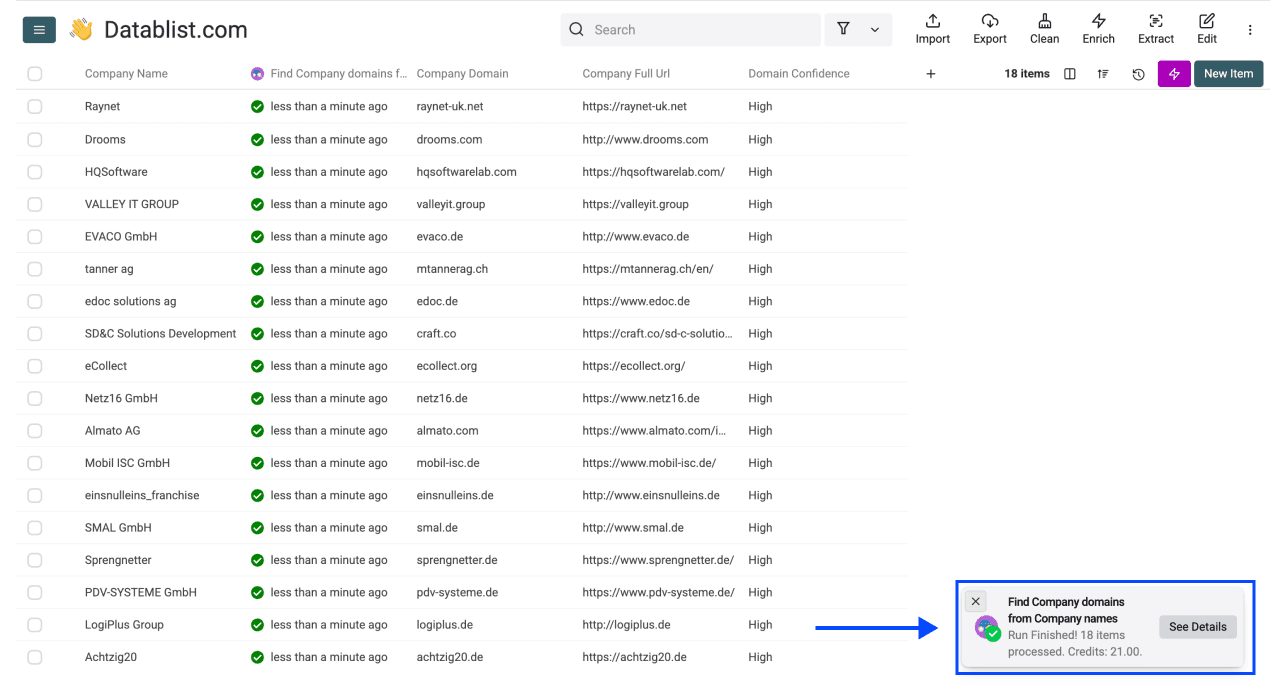
Find Company domains from Company names accepts a Company Name and optional country context. It returns Company Domain, Company Full Url, Domain Confidence, and Status when available. Confidence can be High, Medium, Low, or Very Low.
You can use the returned domain for account matching, company research, or email lookup. Keep the full URL too: a company hosted on another platform may need a path to identify its page.
Clearbit Alternatives for Company Name to Domain: Direct Comparison
Compare the input the tools need before comparing the output they advertise:
| Starting point | Workflow to evaluate | Review question |
|---|---|---|
| An existing Clearbit integration | Confirm legacy access and plan a migration | Which requests and response fields does your integration use? |
| HubSpot company records with domains | HubSpot company enrichment | Which empty or existing fields should be updated? |
| A CSV of company names without domains | Datablist company-name-to-domain enrichment | Does the returned website identify the intended company? |
Prepare your input rows
Import a CSV with Source ID, Company Name, and Country. Keep any known city or source URL for manual review. The following is an illustrative input shape, not a tested lookup dataset:
| Source ID | Company Name | Country | Review note |
|---|---|---|---|
| 001 | Acme Tools | United Kingdom | Check the business activity |
| 002 | Acme Tools | France | Could be a different company with the same name |
| 003 | Acme Tools Europe | France | Check whether this is a subsidiary |
Do not erase the original company name when cleaning it. Keep product names, divisions, and legal entities separate when they represent different records. The company deduplication explanation covers why name similarity alone is insufficient.
Configure the lookup and outputs
Select Find Company domains from Company names and map Company Name to the name column. Set Target Country for a single-country list, or enable Define target country per item. and map the country input for a mixed list.
Under Workflow, choose the company dataset, Google lookup, or the default dataset with Google fallback. Dataset-only lookup suits a first pass when you want to review unresolved rows before broadening the search.
Leave Accept non root websites disabled when you require a company's own root website. Enable it deliberately if hosted business pages are valid for your use case, then inspect Company Full Url rather than treating the hosting platform's domain as the company's identity. Use Skip following domains to exclude irrelevant directories from Google matching.
Map Company Domain, Company Full Url, Domain Confidence, and Status to separate properties. Run your sample and compare the returned site's name, country, and business activity with the input. A High confidence value is a ranking signal from the lookup, not a guarantee that every company with that name is the same entity.
Review unresolved and ambiguous rows
Keep Low and Very Low confidence rows in a review queue. A not_found status means the lookup did not resolve a website; it does not prove the company has no website. Missing names need input correction before another lookup.
For common names, add verified country context or investigate the source record. Avoid accepting a directory page just because it contains the name. After reviewing the sample, process the remaining rows and export the original Source ID with the new columns.
For the detailed walkthrough, read find company websites from names. For a broader tool shortlist, see domain-finding tools.
Pricing Breakdown Side By Side
Use each provider's current billing model. A subscription fee, included credits, purchased credit packs, and the cost of one enrichment are different amounts.
HubSpot billing depends on the selected feature
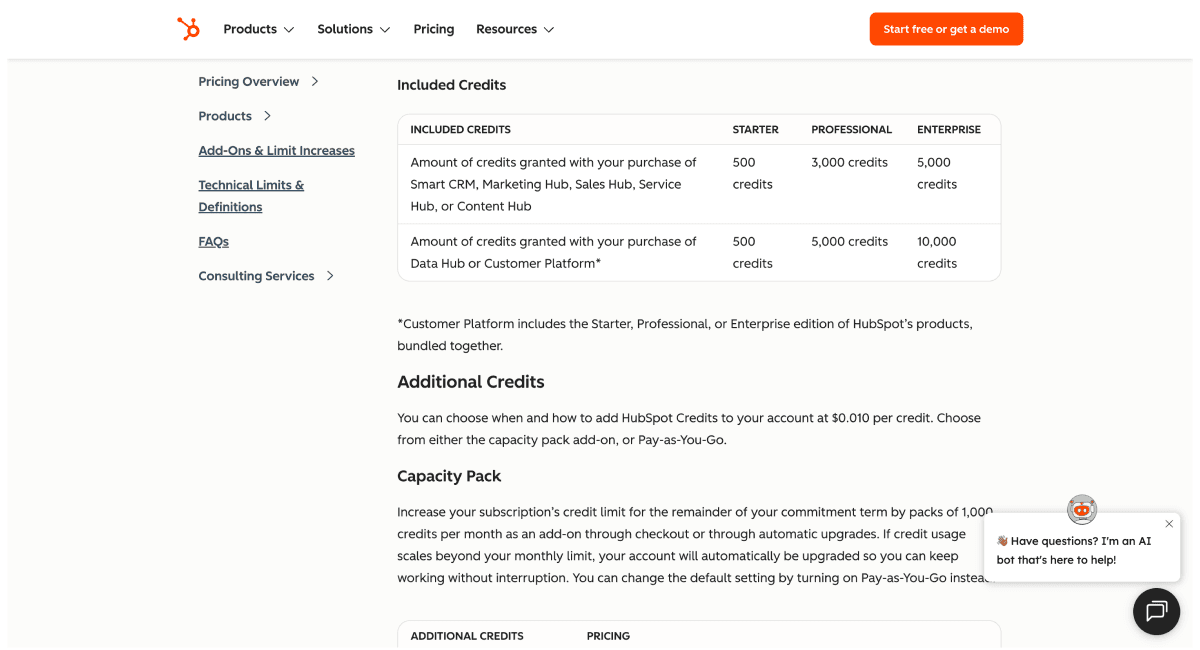
Check HubSpot's current credits documentation and your subscription for the operation you plan to use. Do not assume older Breeze credit rates apply to every current enrichment or agent feature. The screenshot below illustrates the billing interface; use the current documentation for a quote.
Datablist plans and lookup credits
Datablist Starter costs $25/month or EUR25/month and includes 5,000 credits per month. Growth costs $50/month or EUR50/month and includes 20,000 credits per month. The REST API is a Growth feature; a browser CSV workflow does not require an API integration. To replace a programmatic lookup, follow the Python guide to Datablist's company website API. Check pricing for the plan that fits your use.
The dataset workflow costs 1 credit per successful lookup. The Google workflow costs 2.5 credits per lookup. In the default workflow, the path used determines the credit cost. Other enrichments and research are separate usage.
Current top-up examples are:
| Credits | USD package price | EUR package price |
|---|---|---|
| 20,000 | $20 | EUR17.50 |
| 60,000 | $55 | EUR48 |
| 200,000 | $165 | EUR143.50 |
| 1,000,000 | $700 | EUR609 |
Budget for the actual lookup path
For illustration, 5,000 successful dataset lookups consume 5,000 credits. If 5,000 lookups all use Google at 2.5 credits each, the lookup budget is 12,500 credits. A mixed run depends on which rows use each path and the charges reported for that run.
These are credit calculations, not measured success rates or a promise to resolve every input. A package's fractional cost per credit is also not the cash amount you pay at checkout. Include the active plan, the whole package purchased, and any downstream usage in your budget. Read how credits work before scaling.
Beyond Company Name to Domain, Which Clearbit Alternative Supports The Full Enrichment Workflow?
Start downstream enrichment only after reviewing the domains. An incorrect company match propagates into every later field.
For a person whose name you already know, Waterfall Email Finder can use company information to search for a work email. A list of company domains alone is not a list of named contacts. Define the roles you need before starting people research.
For custom account questions, use AI Agent with a prompt that requests a source URL and evidence. Keep answers tied to the company row, and separate unresolved research from negative findings. The demonstration below shows that research workflow; its outputs still need review.
Datablist AI Agent account research demonstration
Use Ask ChatGPT/OpenAI or another LLM enrichment to classify supplied text against explicit criteria. Classification from supplied fields is different from searching the web. Keep those instructions and row inputs in separate prompt sections.
Other workflows after domain lookup
Profile and lead sourcing are separate workflows
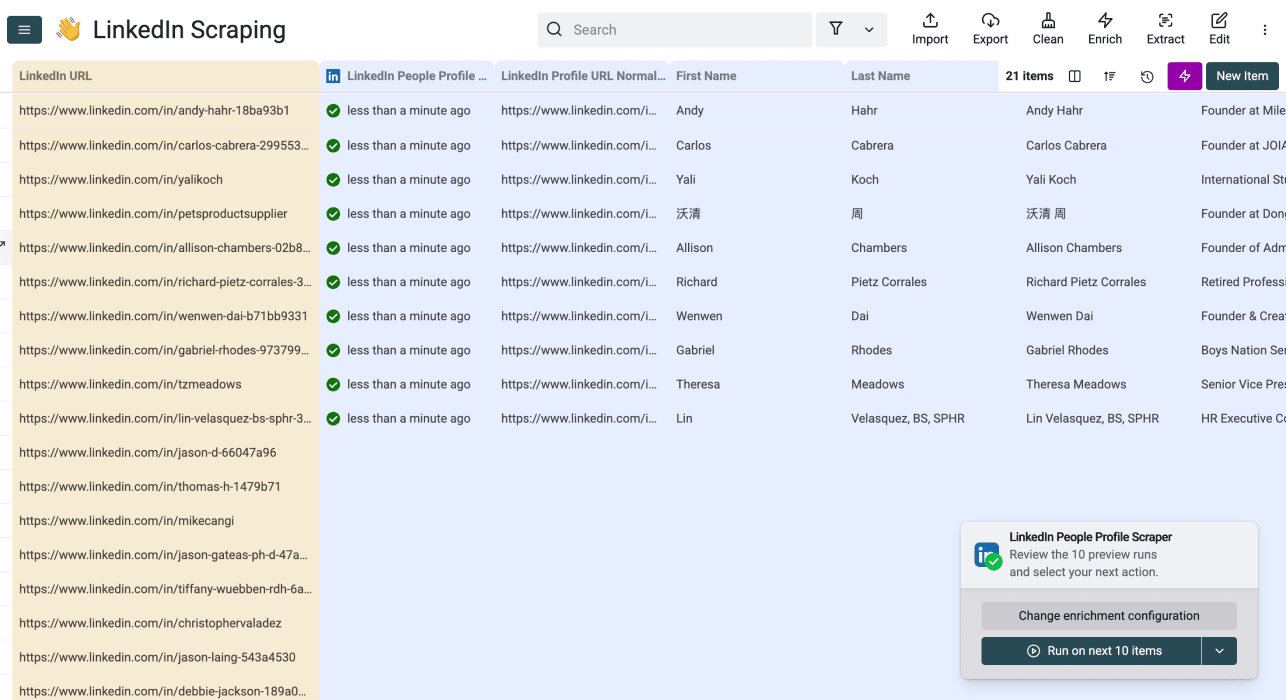
If your input is a person's LinkedIn URL, LinkedIn Profile Scraper is a separate enrichment from company domain lookup. It does not turn a company name directly into a verified email address. Review the returned profile before using it for contact enrichment.
A Sales Navigator sourcing workflow starts from a search, whereas name-to-domain enrichment starts from existing company rows. Choose the workflow by the data you have and the records you want to create.
Which Clearbit Alternative To Pick
I recommend selecting a replacement by its input contract: names without domains, company records with domains, or existing API requests you need to migrate. Then test ambiguous names, missing inputs, and country differences before comparing how many rows returned a value.
A CSV-based domain finder fits a list you want to inspect before CRM import. HubSpot record enrichment fits a CRM workflow after its required identifiers are present. Existing Clearbit customers should verify their current endpoint access and migration options.
Datablist: A Clearbit Alternative That Still Does The Job
Start with company names and source IDs, configure the lookup, review confidence and status, and export approved domains. This gives you a traceable replacement workflow without assuming a returned value is correct simply because the request succeeded.
Try the same sample in Datablist before running your full list. You can keep the lookup, review, and next enrichment steps in one collection.
Frequently Asked Questions About Clearbit Alternatives For Company Name To Domain
Does Datablist have a company name to domain API?
Datablist offers REST API access on Growth. Confirm the enrichment request, inputs, and output mapping when migrating; a replacement provider does not necessarily accept Clearbit's old request shape.
How should I use Domain Confidence?
Keep it beside the domain and use it to prioritize review. Check ambiguous names even when confidence is high, and investigate Low or Very Low results before importing them into a CRM.
Can domain finding identify company leadership?
Domain lookup identifies a website candidate. It does not identify a CEO or other decision maker by itself. After approving the company match, use a people-search or research workflow for the role you need, with separate evidence checks.
Can I find every company website from its name?
No tool should promise that. Similar names, limited source data, subsidiaries, and hosted websites can leave unresolved or ambiguous results. Keep those rows for review rather than forcing a domain into every cell.
How do I avoid losing my original CRM links?
Preserve a Source ID and original name, write outputs into new properties, and export that ID with the approved results. Match back by the original ID instead of relying on row order after sorting or filtering.