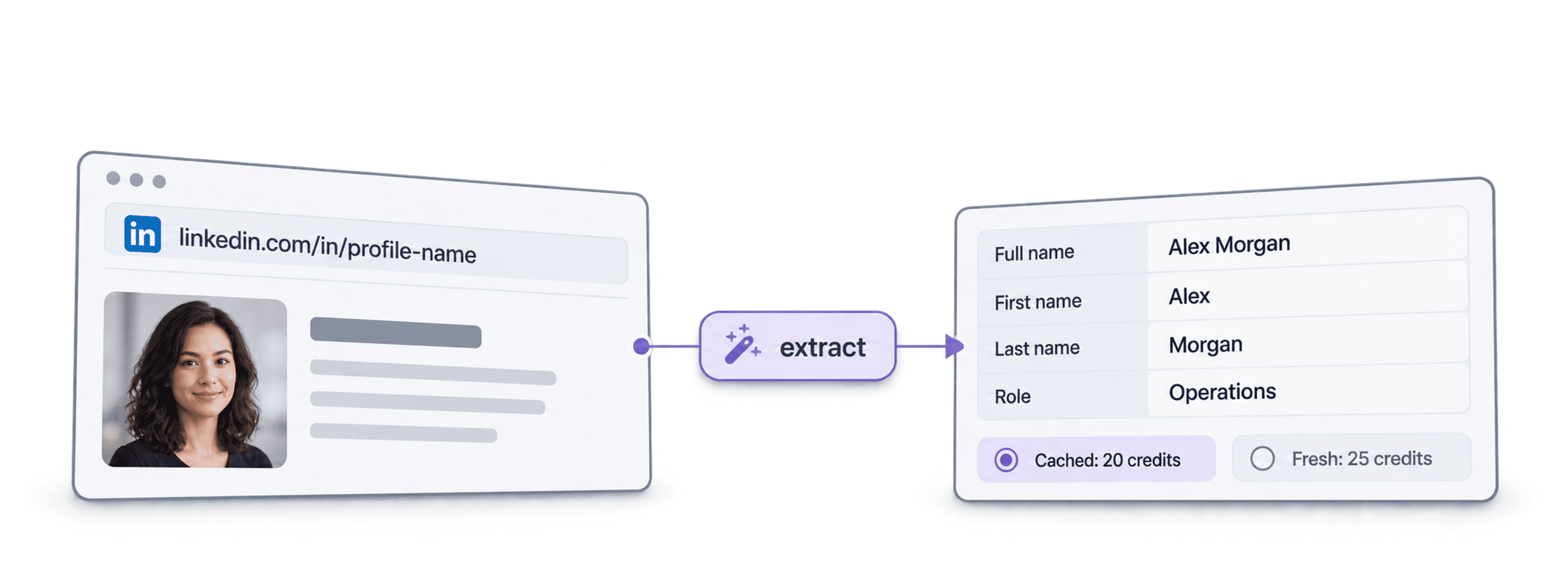
 25 Credits per Company Page
 17 Output Fields per Company
 Scrape 20 Company Pages Free















 Easy to Use
 No Settings to Configure
 Fully No-Code
Step-by-Step Guide
Step 1: Sign Up & Upload Your Data
First, sign up for Datablist.com
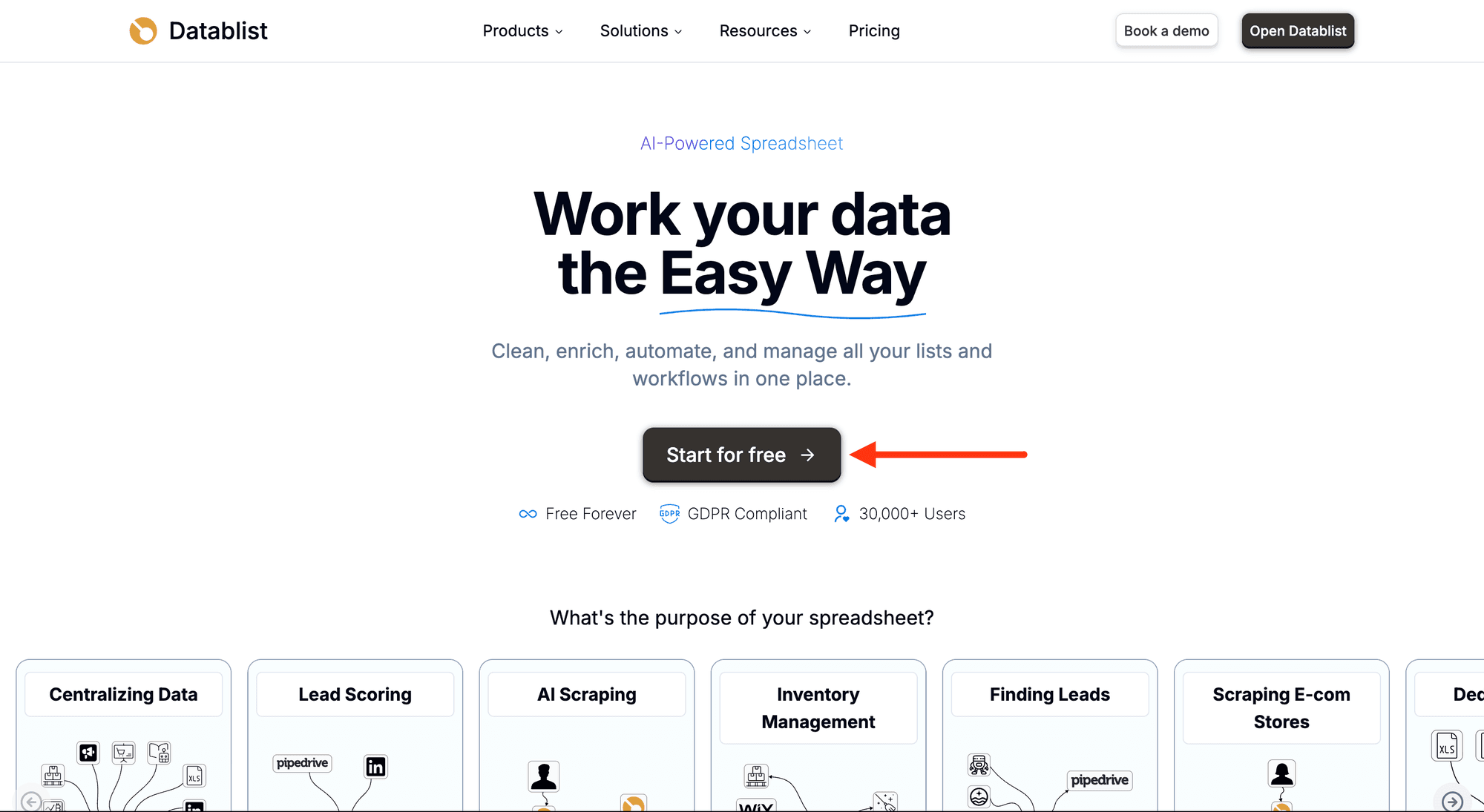
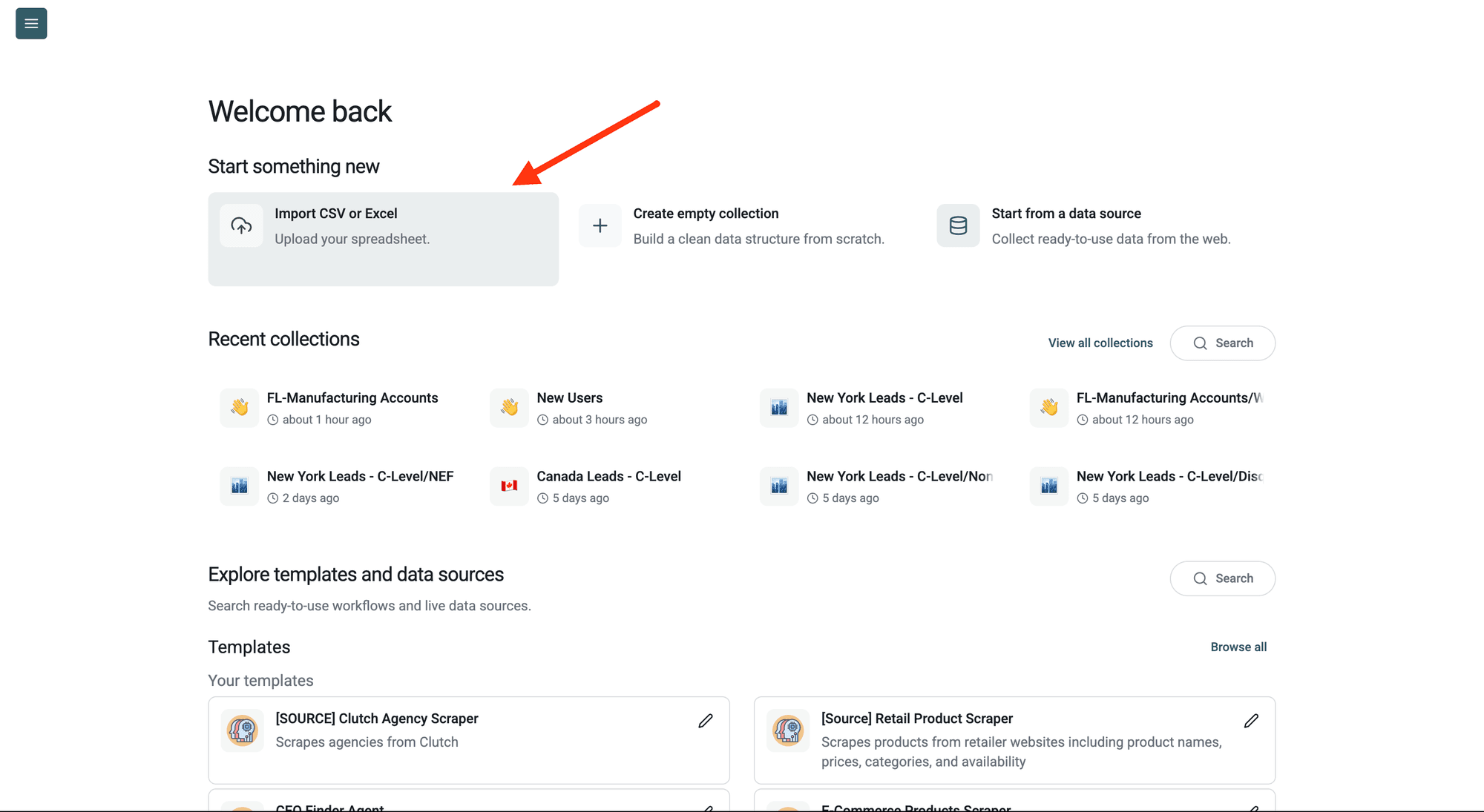
Then, upload your CSV or Excel file with your LinkedIn company page URLs.
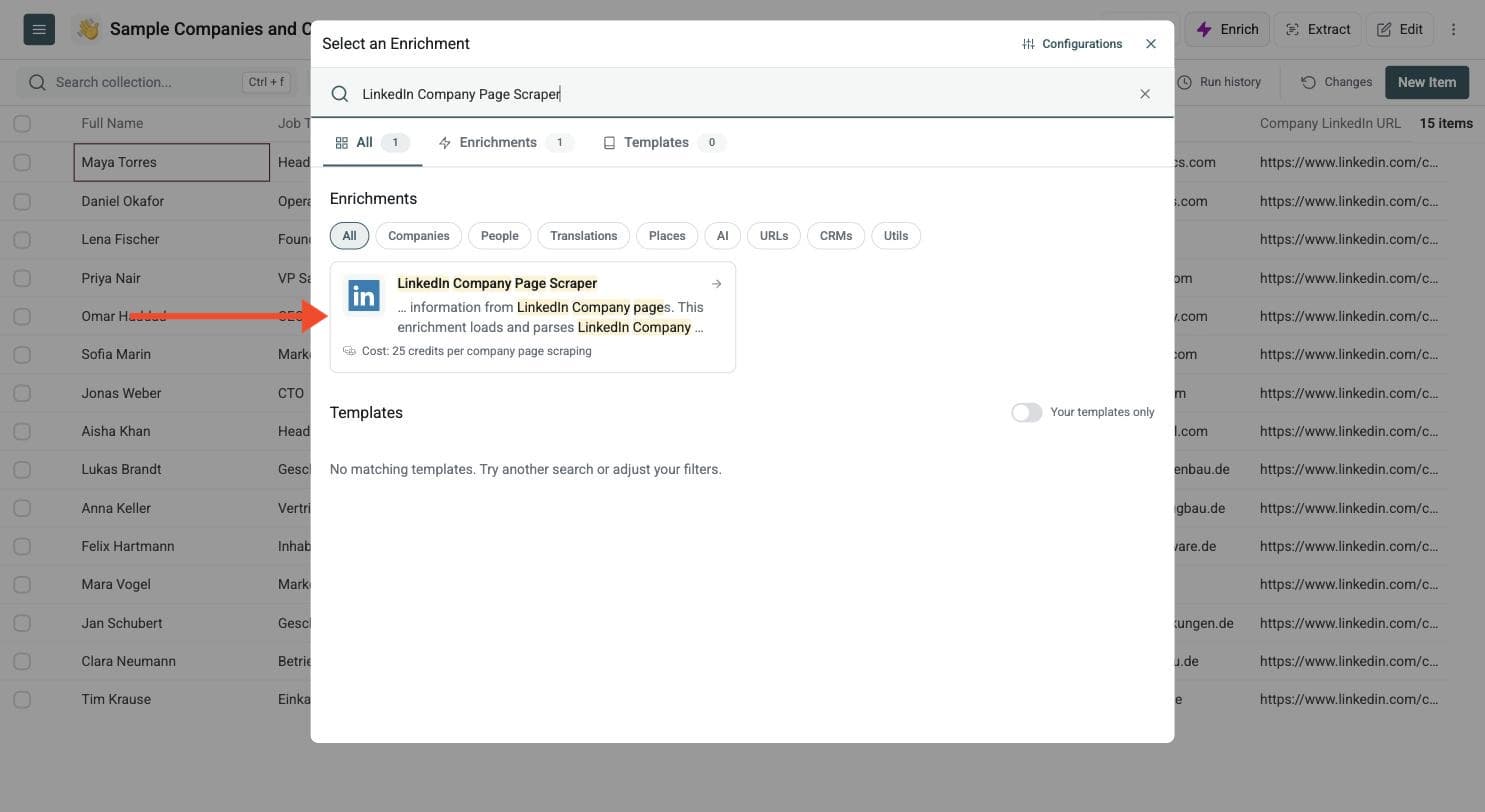
Step 2: Navigate to the Enrichment
Open Enrich and choose the LinkedIn Company Page Scraper.
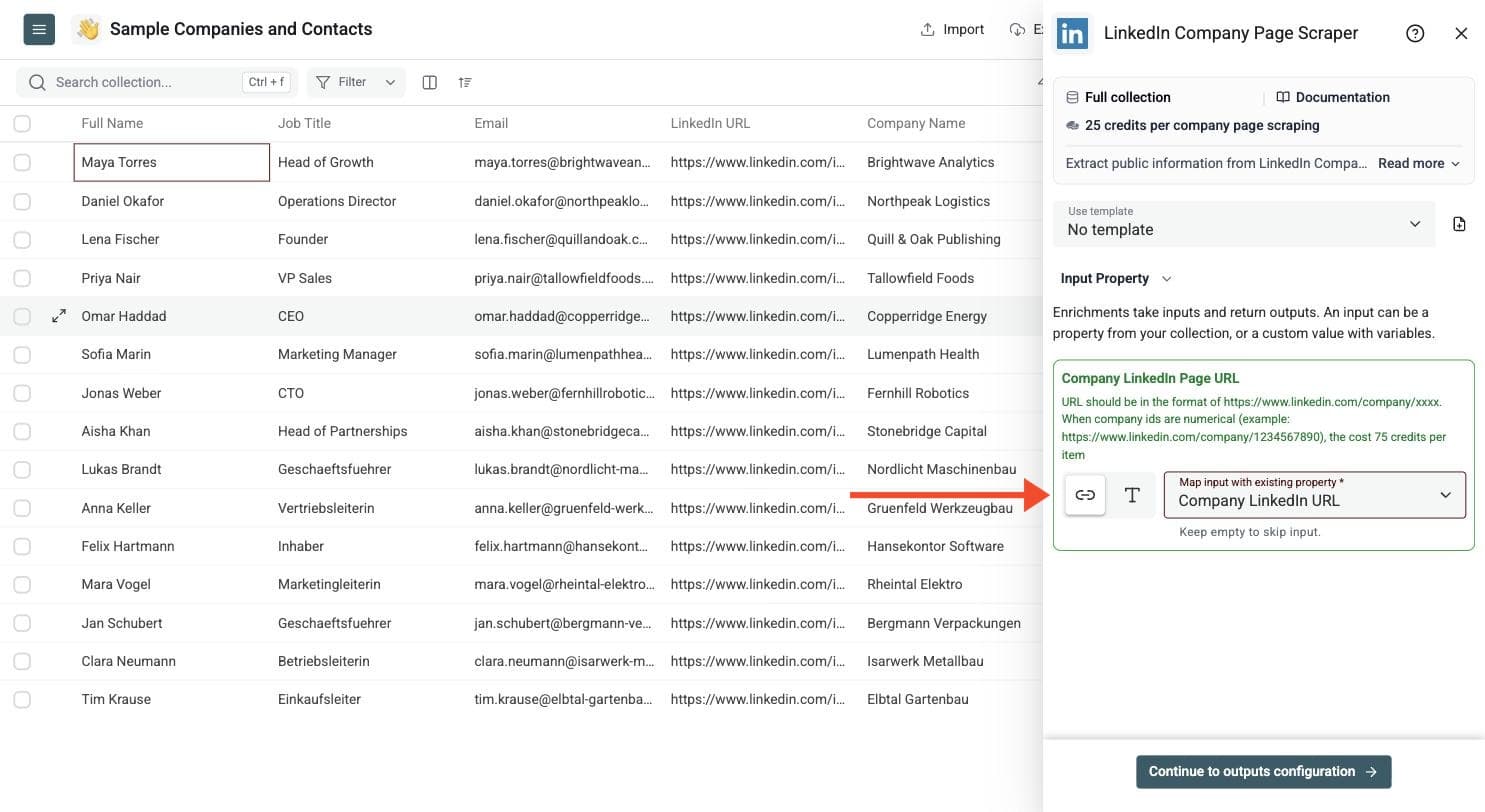
Step 3: Configure Your Inputs
- Map the column with your LinkedIn company page URLs as the Input Property. The URL should be in the format https://www.linkedin.com/company/xxxx.
Then click Continue to outputs configuration.
Step 4: Select Outputs
Choose the company fields you want to store, such as name, website, industry, size, follower count and headquarters. Keep Enrichment Status to track bad URLs.
Click the ⊕ icons to add them to your collection, then click Instant Run.
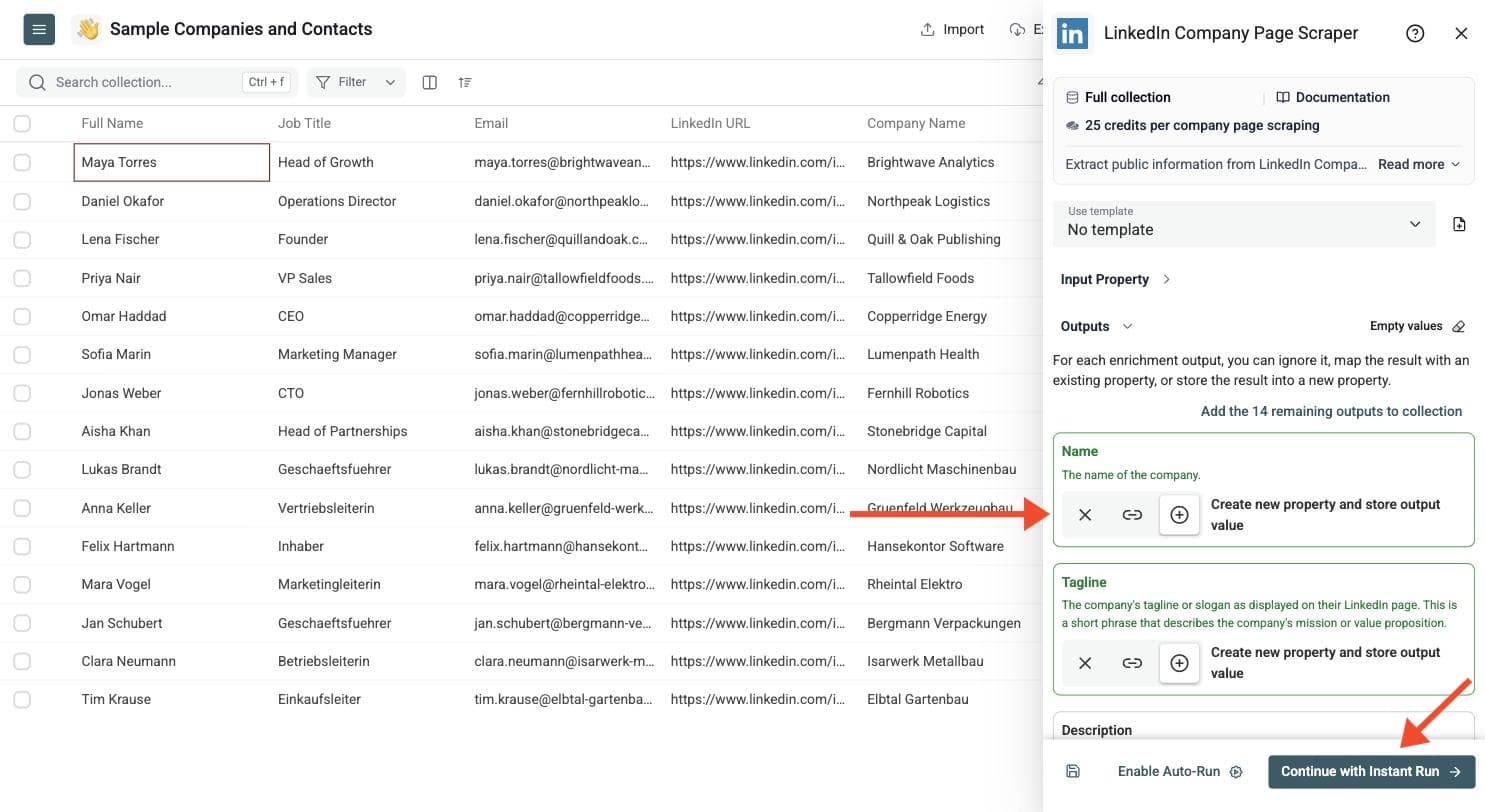
Step 5: Run the Enrichment
Run the enrichment on a sample before you launch the full batch. Click the chevron on the right side of the run button to choose how many items to process:
-
Run on first 10 items: Good for checking results before committing
-
Run on first 100 items: Useful for validating larger samples
-
Run on all view items: Process your entire list (or view if you've enabled filters)
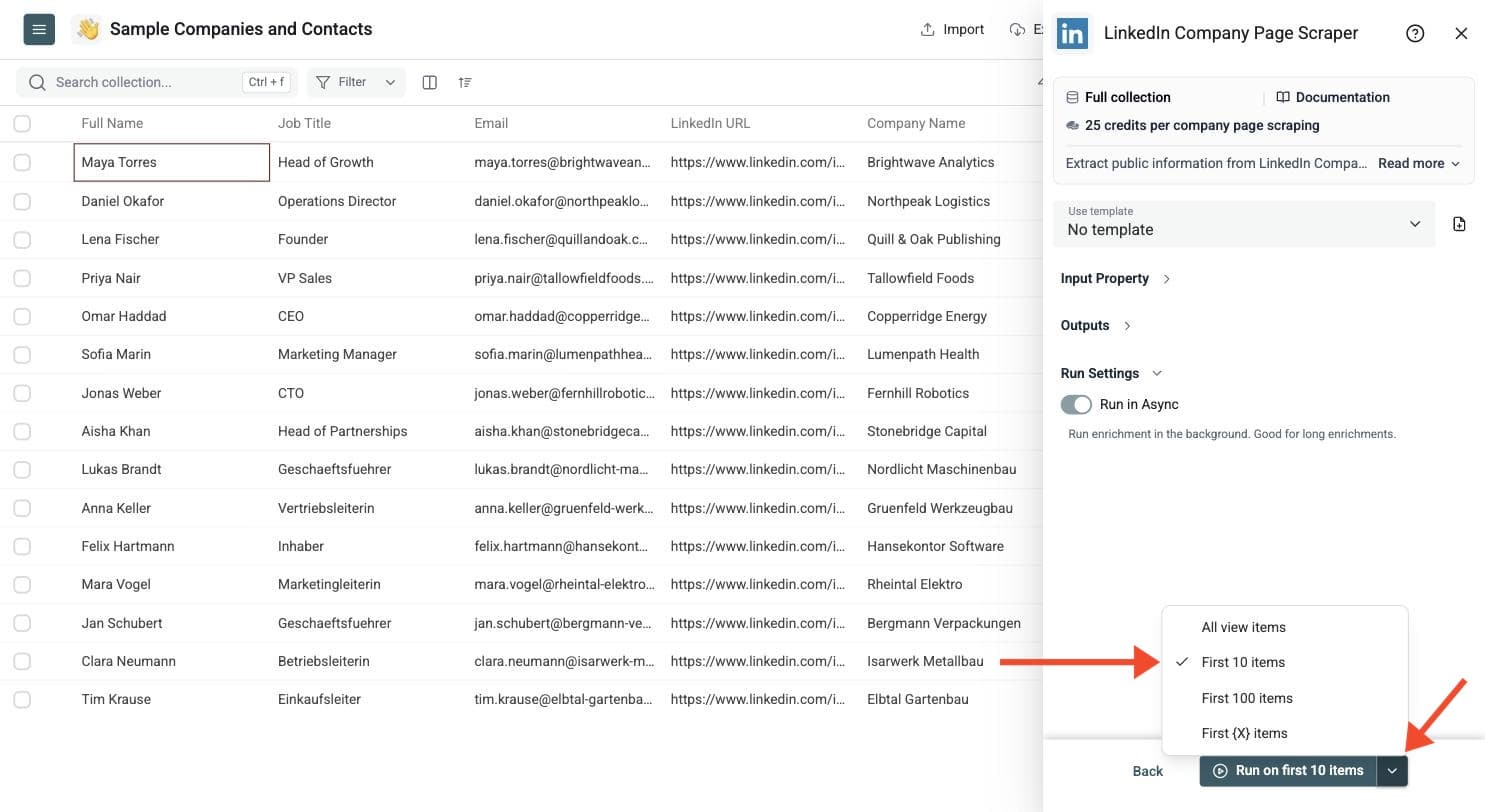
Best Inputs for LinkedIn Company Scraping
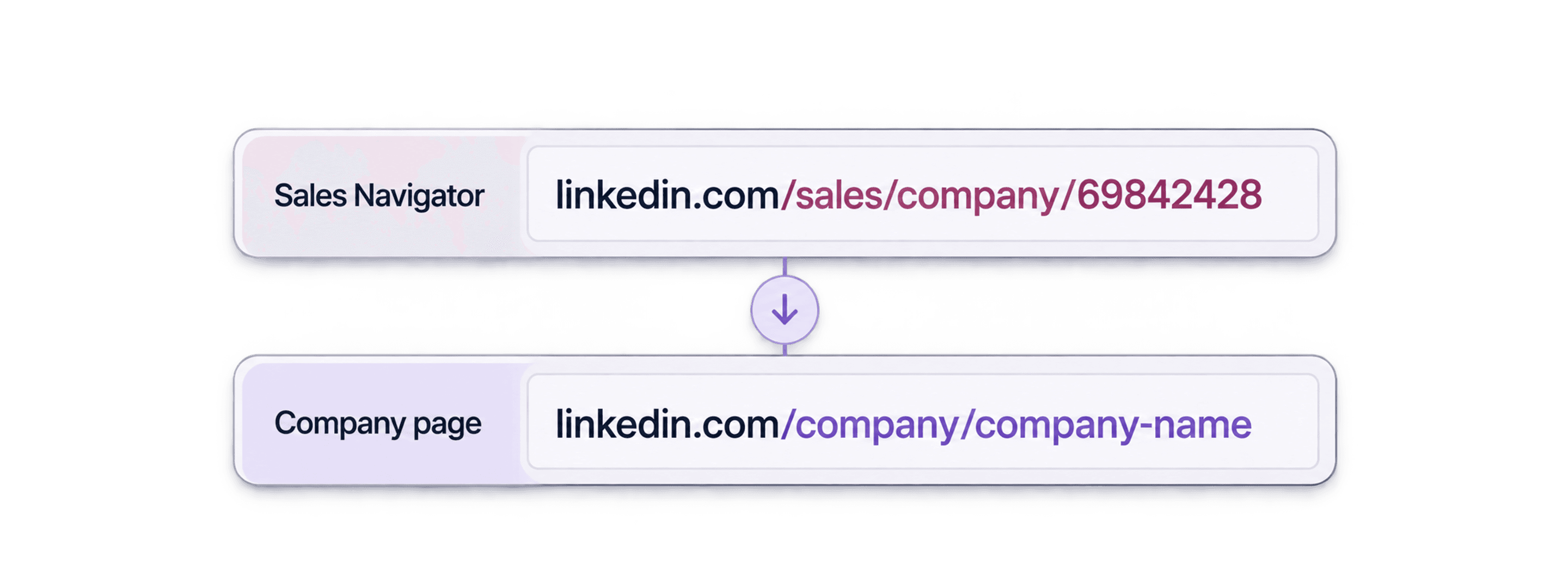
Use public company page URLs such as https://www.linkedin.com/company/datablist. The enrichment accepts common company URL formats, including localized URLs, and can normalize supported school, showcase and Sales Navigator company URLs. Use company URLs, rather than individual LinkedIn profiles or LinkedIn search pages.
URLs with numerical company IDs, such as https://www.linkedin.com/company/1234567890, also work at the same price: 25 credits per company page. You can use them directly without finding the company's named URL first.
Run a sample before the full list. Keep the run status, fix invalid or unrelated URLs, and review missing-data rows separately from successful results. Preserve the source URL so you can compare the returned company with the account you intended to enrich.
What To Do With the Company Data
Use the returned description and tagline to research company positioning. Industry, employee range and headquarters fields help segment accounts. Follower count, website, founded year and specialities can add context before account-based outreach. Public LinkedIn fields can be incomplete, so compare important details with the company's own website before replacing CRM values.
For CRM refreshes, write results into separate columns first. Review a sample, then decide which existing values to update. Keep the original identifiers and status for an audit trail.
LinkedIn Company Page Scraper vs Company Enrichment
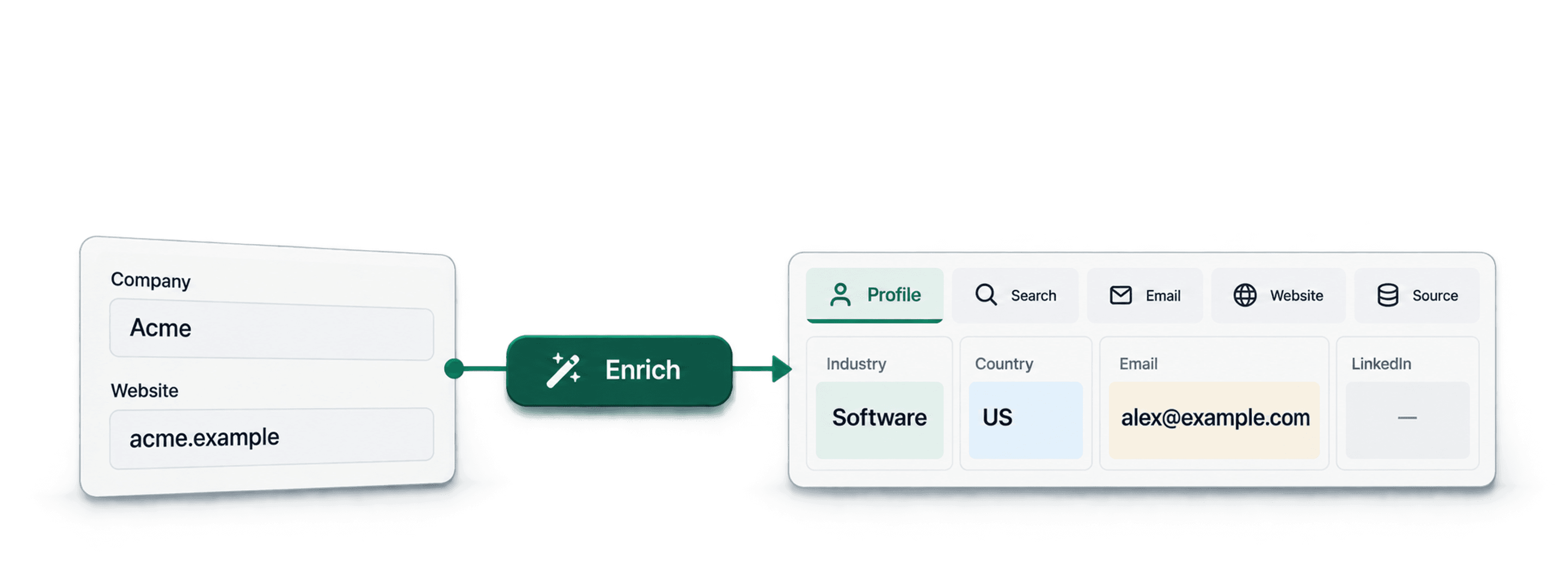
Use this scraper when your starting point is a LinkedIn company page and you need its public profile fields. Use Company Enrichment when you want to start from domains or choose between basic company fields and LinkedIn results.
If your account list only has domains, LinkedIn Company URL/Website Lookup can help find the LinkedIn company URLs first. Review those matches before scraping the profiles.