 Free With Your Own Key
 Answers From Live Web Data
 Bulk AI Without Writing Code















 Easy to Use
 Fully No-Code
 38,000+ Users
Step-by-Step Guide
Part 1: Get your Perplexity API key
Follow Perplexity's own instructions: Projects and billing.
Step 1: Set Up Billing in the API Portal
Sign in at the Perplexity API portal. It is separate from the Perplexity app.
Click Billing in the left sidebar, add a payment method and buy credits. Adding a payment method does not charge your card.
If you run out of credits, your API keys are blocked until you add more. Auto reload prevents that.
Step 2: Generate and Copy Your Key
Click API keys in the left sidebar, then click Generate API Key.
Copy the new key and store it safely. Never share it in public.
Part 2: Run the enrichment in Datablist
Step 3: Sign Up & Upload Your Data
First, sign up for Datablist.com
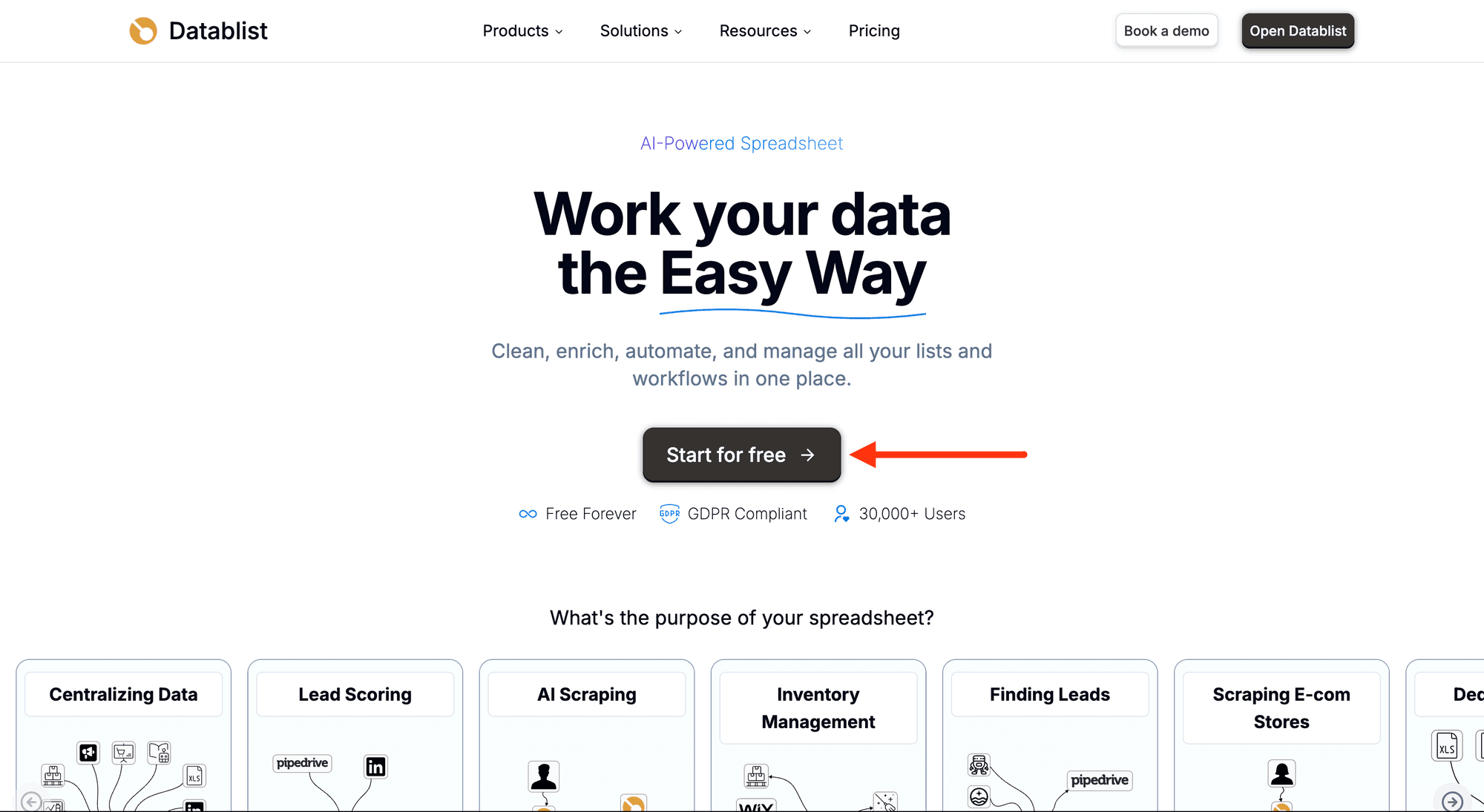
Then, upload your CSV or Excel file with the rows you want to run the prompt on.
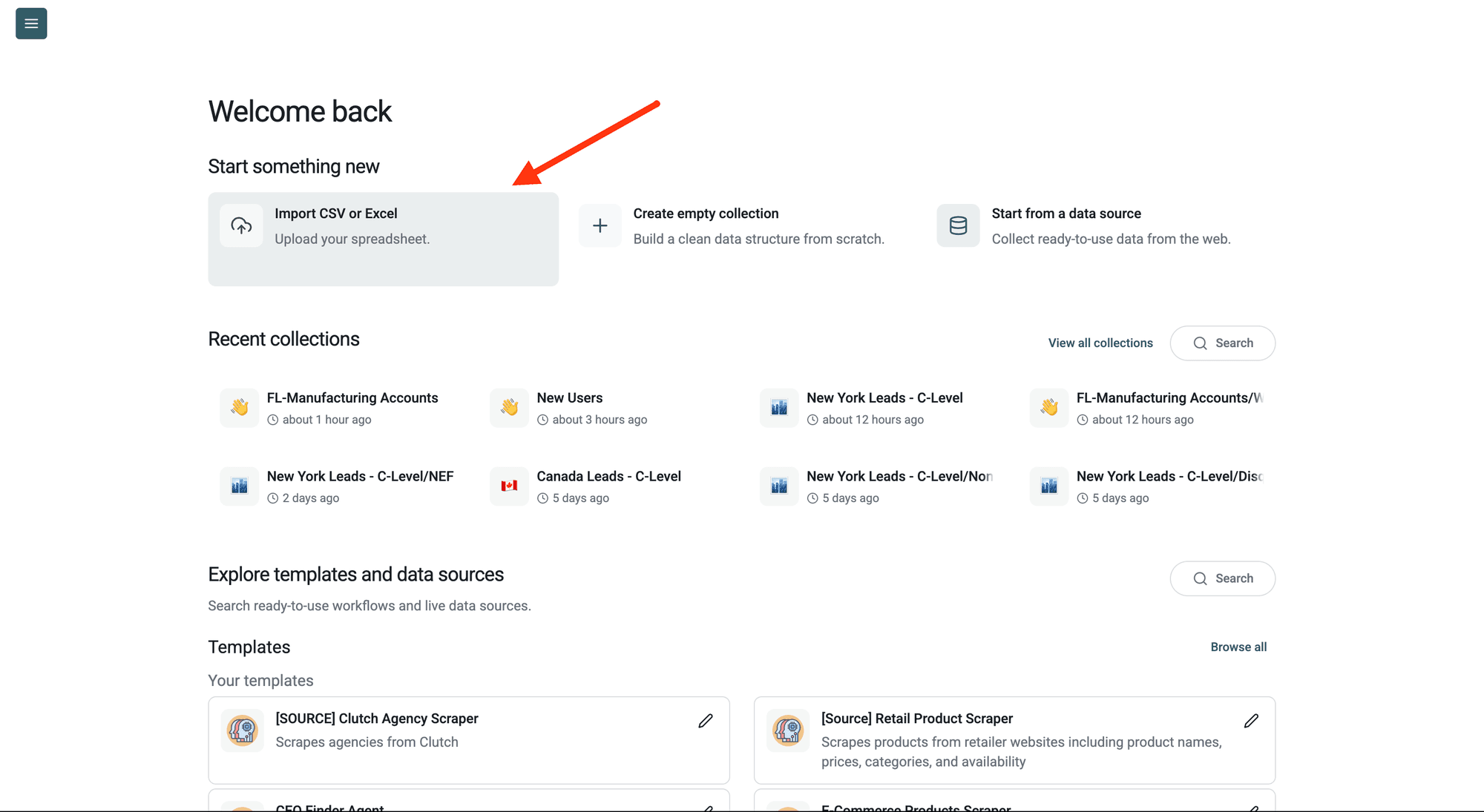
Step 4: Navigate to the Enrichment
Click Enrich in the top menu and search for Ask Perplexity AI.
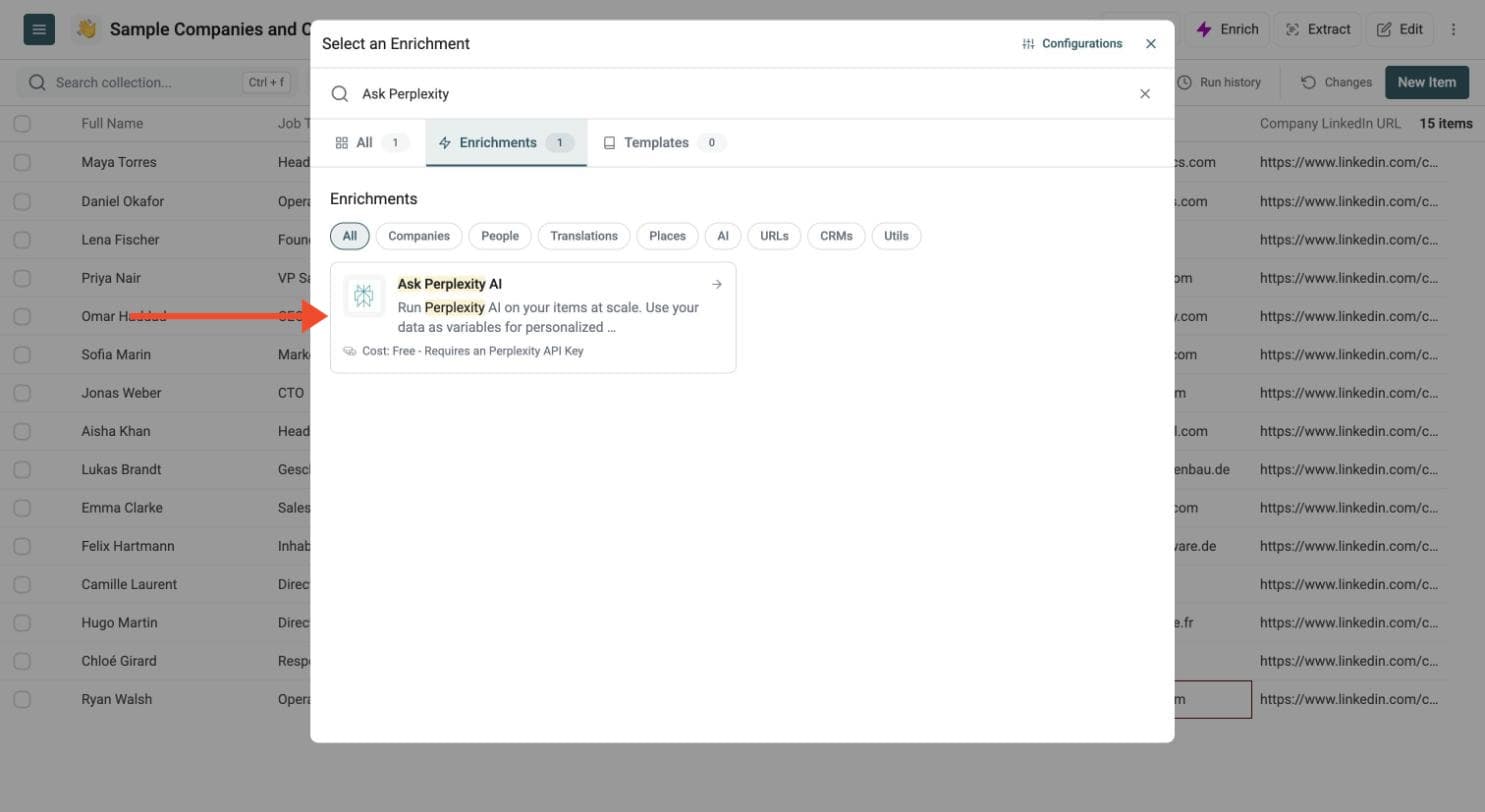
Step 5: Paste Your API Key
In the drawer that opens, paste your Perplexity API key in the Perplexity AI API Key field.
Datablist sends the key with your run to call Perplexity. Do not share it with others.
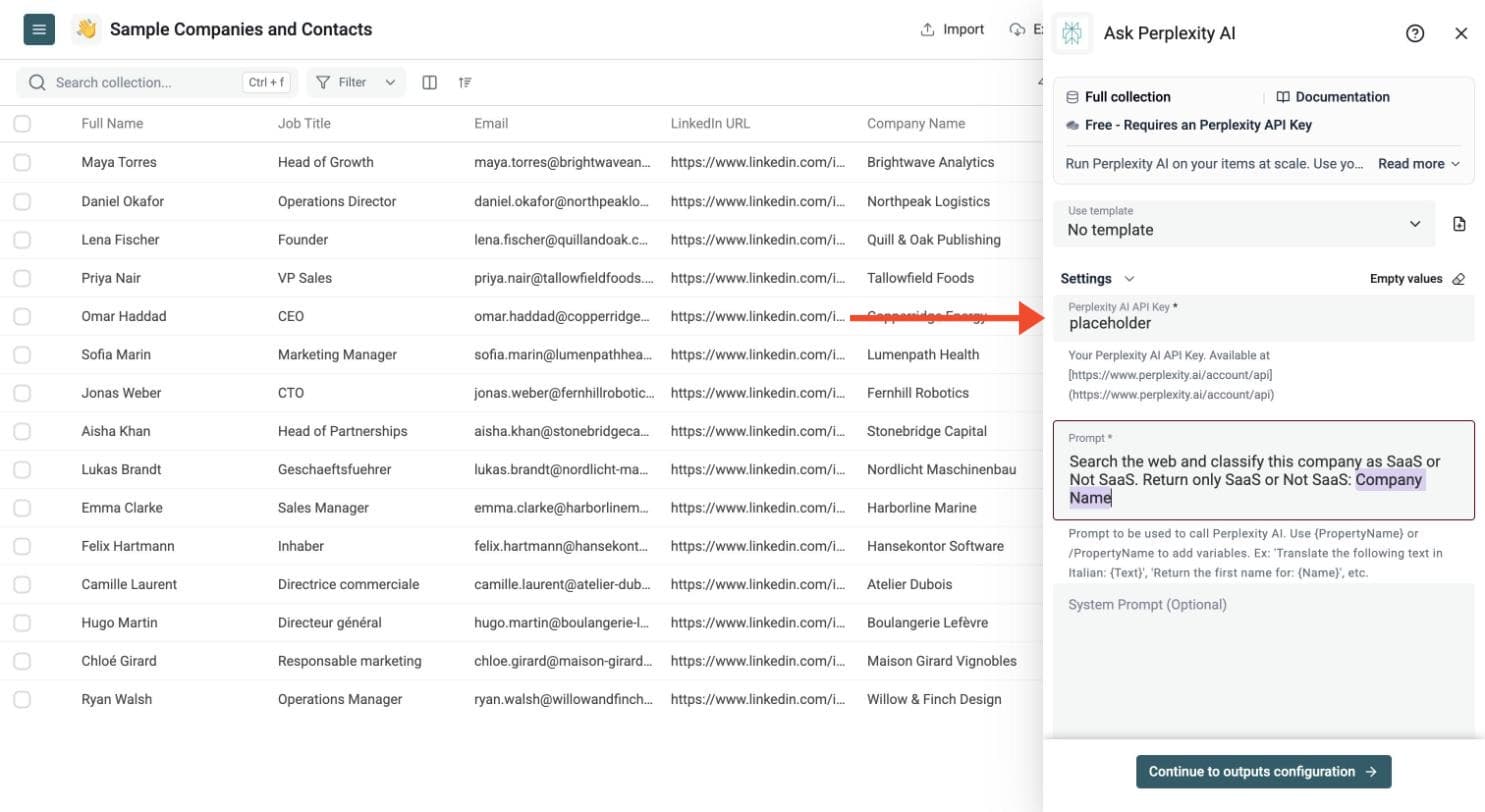
Step 6: Write Your Prompt
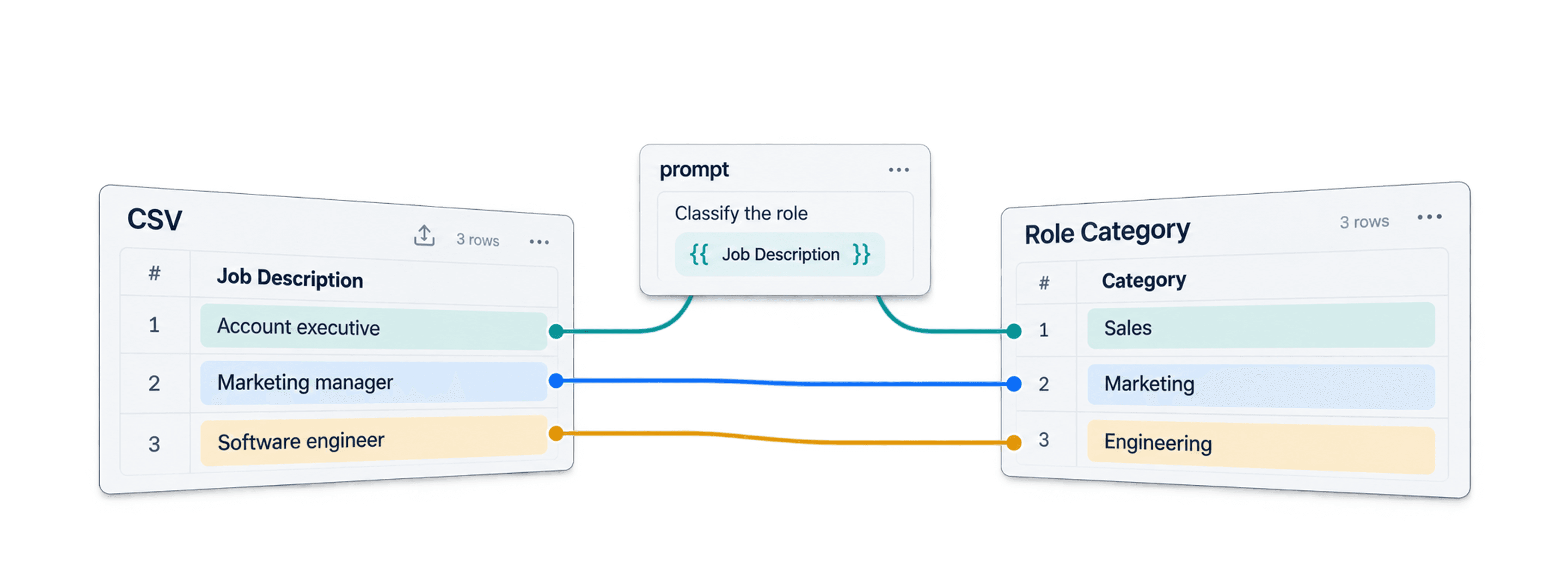
Write one prompt for all your rows. Type a slash and choose a property to insert its value, for example the company name.
Show an example prompt
Search the web and classify this company as SaaS or Not SaaS. Return only SaaS or Not SaaS:
# Company Name
{{Company Name}}
The prompt must include at least one row variable. Type {{ or / and select a property; Datablist inserts its value for each row.
Optionally add a system prompt to guide the answer, for example: Return just the result. No instruction, no comment.
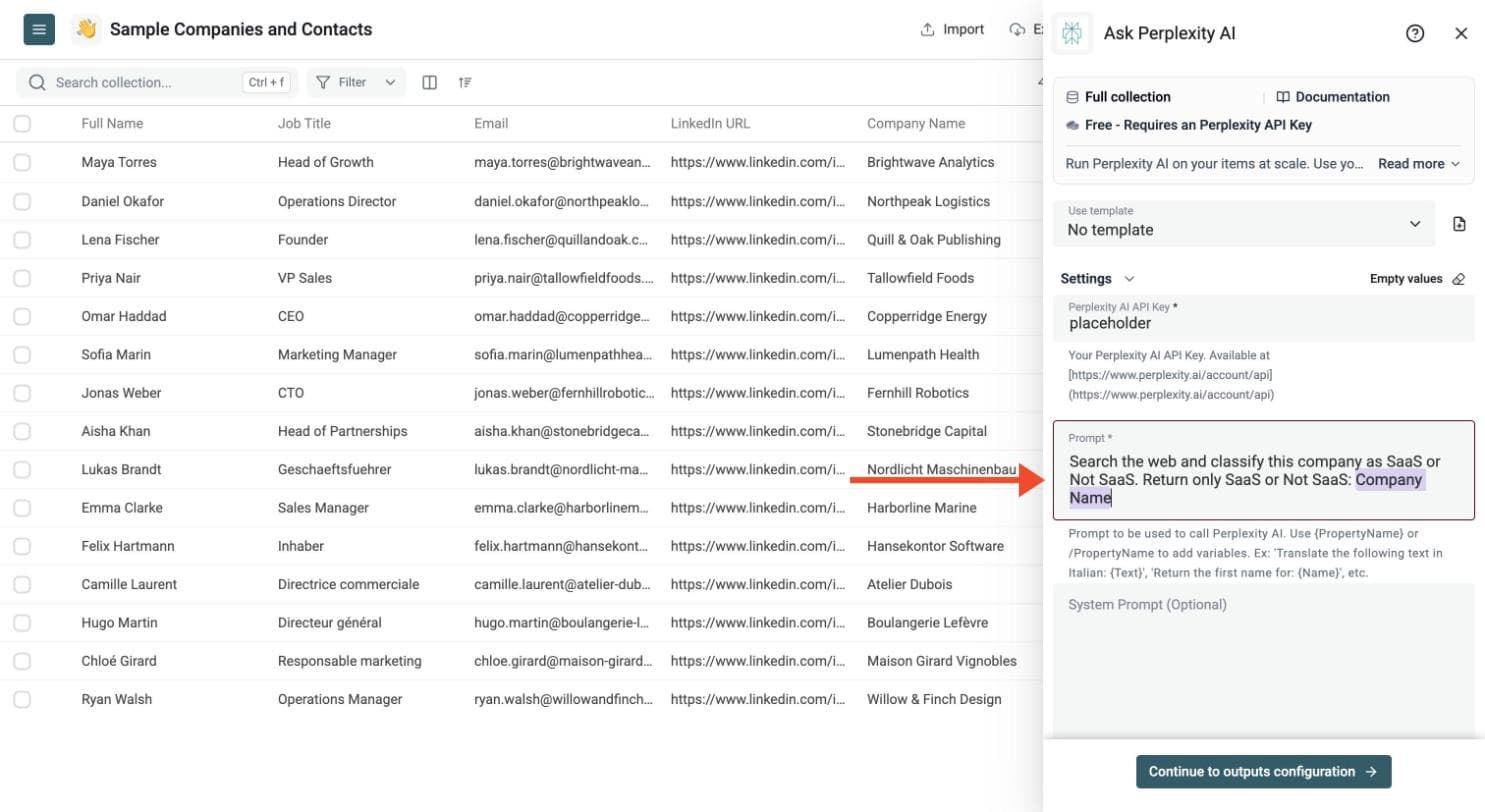
Step 7: Choose the Output Columns
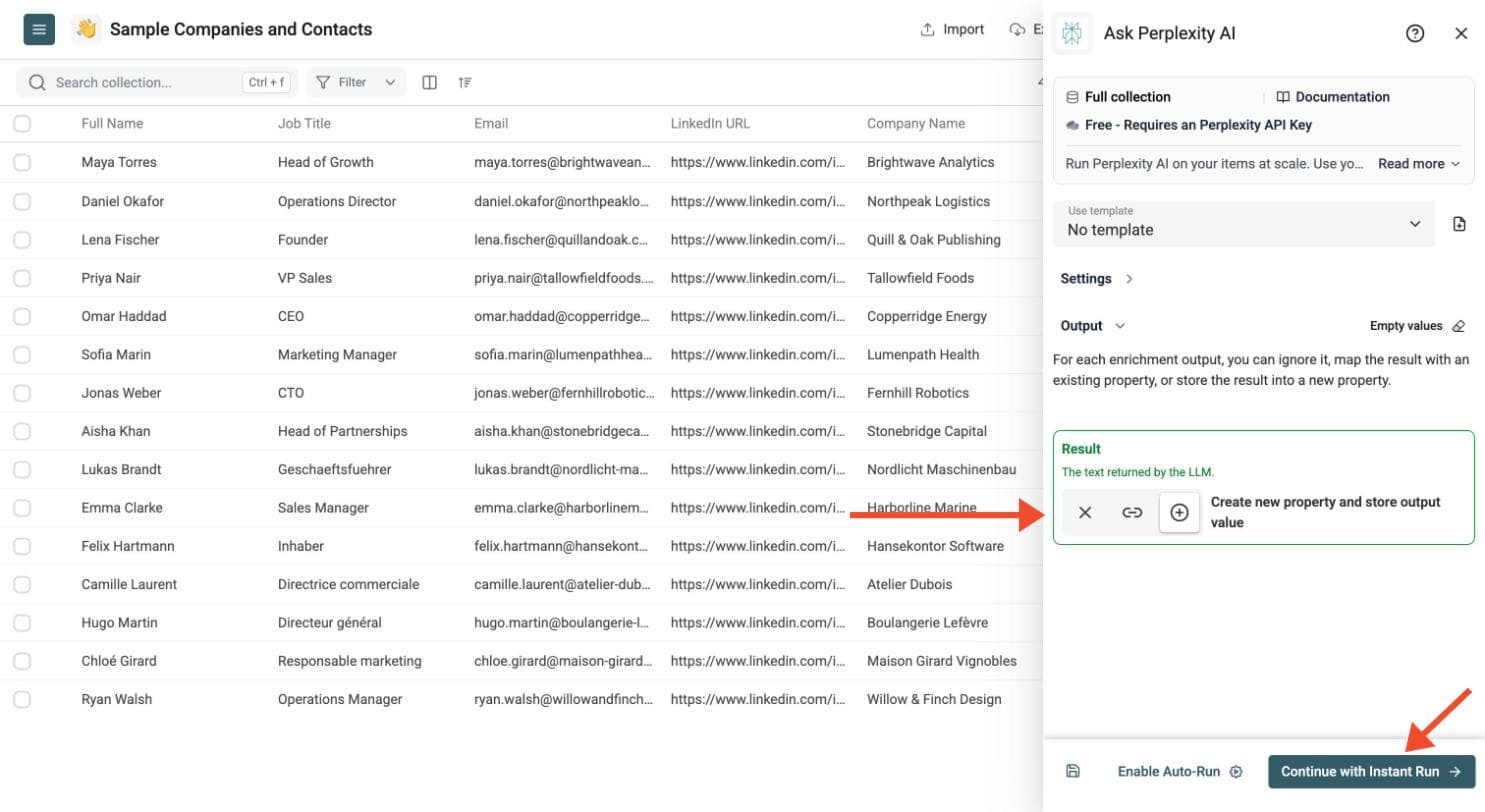
Perplexity returns the answer in one Result column.
Click Continue to outputs configuration, then click the ⊕ icons to add the output properties to your collection.
Step 8: Test on a Few Rows, Then Run
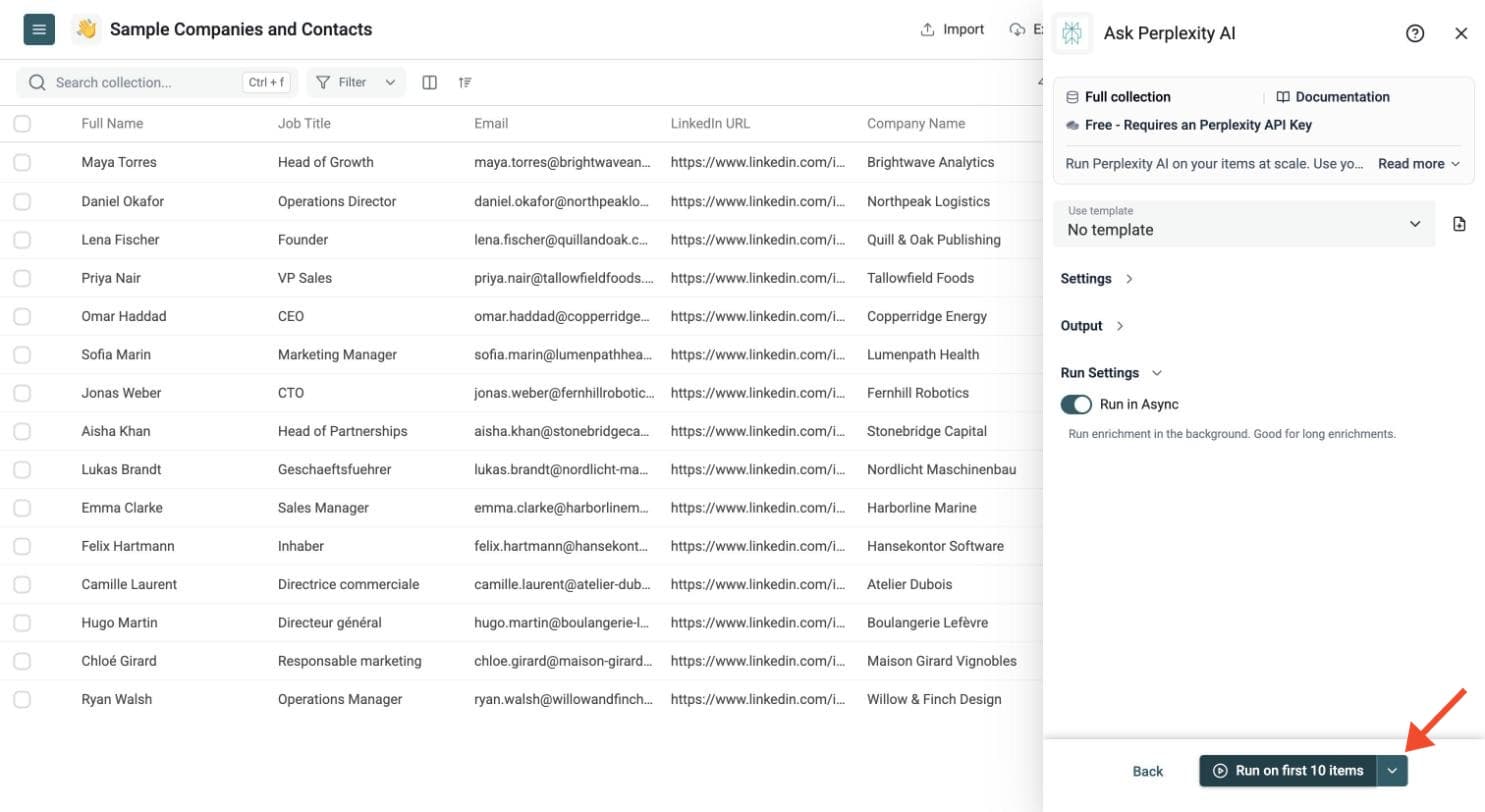
Run a sample first. Click the chevron on the right side of the run button to choose how many items to process:
-
Run on first 10 items: Good for checking results before committing
-
Run on first 100 items: Useful for validating larger samples
-
Run on all view items: Process your entire list (or view if you've enabled filters)
Check the results, adjust your prompt, then run the full list. Switch on Run in Async in the Run Settings to let Datablist handle automatic background retries.
Review the run-status column, filter failed rows, fix the input or settings, and rerun those rows. You can filter and export the resulting collection.
Good fits
- Analyze or rewrite text in large CSV files
- Build repeatable AI workflows from spreadsheet data
- Automate research-style prompts on many rows
- Extract structured answers from semi-structured text
Choosing a Perplexity Model
The default Perplexity model in the enrichment is Sonar, with support for Sonar Pro as well.
Pricing
Datablist does not charge for this enrichment, but it requires a Perplexity API key.
You pay Perplexity directly for model usage.